
このページはアプリまたはその開発者の公式ページではなく、情報提供および論評を目的として作成された独立した編集出版物です。明示的に別段の記載がない限り、アプリおよびその開発者は、MWM、Apple、Google Play、アプリのパブリッシャー、またはアプリの開発者と提携、承認、後援、認可、またはその他の公式的な関係はなく、このページのいかなる内容も、アプリがMWMのサービスを使用して開発されたことを意味するものではありません。すべての商標、ロゴ、スクリーンショット、その他のコンテンツはそれぞれの所有者の財産です。


ダウンロード
10M+ユーザー評価
評価数
123.7K開発元
カテゴリ
Utilities対応言語
33最新バージョン
20260409サイズ
96.8 MBリリース日
2020年1月23日iPhone/iPadユーザーの大画面連携ニーズに応える主要機能の評価
Replica・Screen Mirroring・Cast アプリ機能分析
iPhone/iPad画面の簡単ミラーリング
ユーザーはiPhoneやiPadの画面内容を、複雑な設定なしに大画面ディスプレイへリアルタイムで映し出すことが可能です。
広範なデバイス互換性
Google Chromecast、Amazon Fire TV、Android TV、各種スマートテレビ、Safari/Chrome/Edge搭載デバイスなど、幅広い受信デバイスに映像を送信できます。
AirPlay制約からの解放
本アプリは、Apple AirPlayに限定されず、様々な種類のディスプレイやスマートTVへの接続を可能にし、ユーザーの選択肢を広げます。
多様なコンテンツの共有
プレゼンテーション、写真、ホームビデオ、ウェブブラウザコンテンツ、ソーシャルメディアアプリ、メッセージアプリなど、多岐にわたるデジタルコンテンツを大画面で共有できます。
高品質な映像と低遅延
高いビデオ品質と低い遅延率を維持し、ユーザーにスムーズで快適な大画面視聴体験を提供します。
直感的で簡単な操作性
アプリのダウンロード後、シンプルな画面指示に従うだけで、誰でも簡単にミラーリング接続を開始し、利用できます。
よくある質問
について知っておくべきこと Replica・Screen Mirroring・Cast
What is Replica・Screen Mirroring・Cast?
Replica is an app that allows users to mirror video from their iPhone or iPad to almost any TV or computer. It enables screen mirroring without requiring AirPlay and supports a wide range of smart TVs and streaming devices.
What devices does Replica・Screen Mirroring・Cast support?
Replica supports Google Chromecast, Amazon Fire TV, Android TV, Samsung, LG, TCL, Xiaomi, Sony Bravia, Philips, Hitachi, and Toshiba smart TVs. It also works with any device running Apple Safari, Google Chrome, or Microsoft Edge.
Does Replica・Screen Mirroring・Cast require AirPlay?
No, Replica does not require AirPlay. The app allows users to send video from an iPhone or iPad to a TV or computer without needing AirPlay-compatible hardware.
Can Replica・Screen Mirroring・Cast mirror copyrighted content like Netflix?
No, Replica cannot mirror copyrighted content from apps such as Apple TV, Fitness, Music, Netflix, or Prime Video. These content providers implement features that result in a black screen during mirroring.
Is Replica・Screen Mirroring・Cast compatible with Tesla vehicles?
Yes, Replica can cast video to Tesla's big screen. A Tesla with MCU2 hardware is required for screen mirroring. The app should only be used when the car is parked.
What types of content can Replica・Screen Mirroring・Cast mirror?
Replica can mirror Keynote presentations, vacation photos, home movies, web-based videos, social media apps like Instagram and TikTok, and messaging apps such as Whatsapp and Telegram to a larger screen.
How can I get a discounted annual plan for Replica・Screen Mirroring・Cast?
Replica offers a referral program. By inviting a friend, users can receive an extended free trial and a discounted annual plan for the app.
以下のスクリーンショットと説明は、アプリの公式ストアリスティングから直接取得されたものであり、アプリ開発者の所有物です。
アプリストア
スクリーンショット
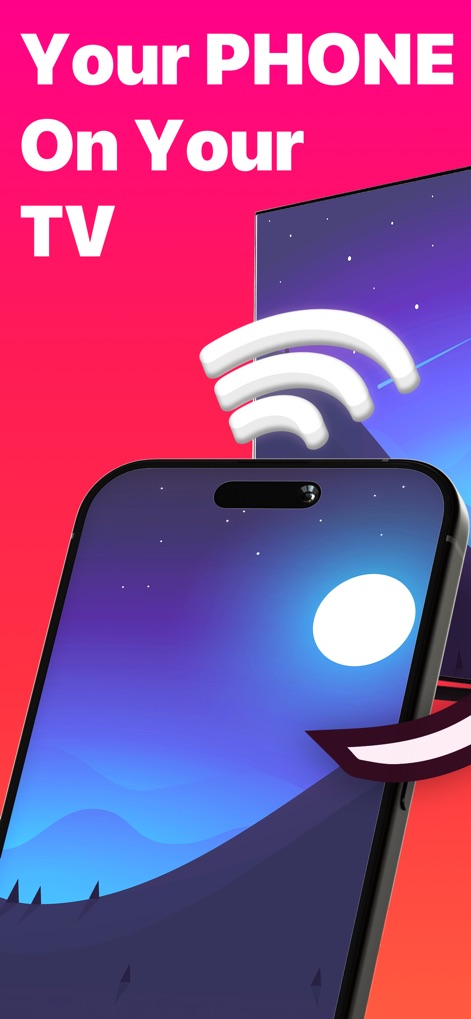
このアプリでは、スマートフォンの画面がテレビに映し出され、Wi-Fi接続を示す視覚的なサインが両デバイス間で同期していることを示しています。
スマホをテレビへ
大きな矢印が画面ミラーリングの直感的な操作を示唆しており、このアプリがいかに簡単にスマートフォンコンテンツを大画面に表示できるかを伝えます。
簡単ミラーリング
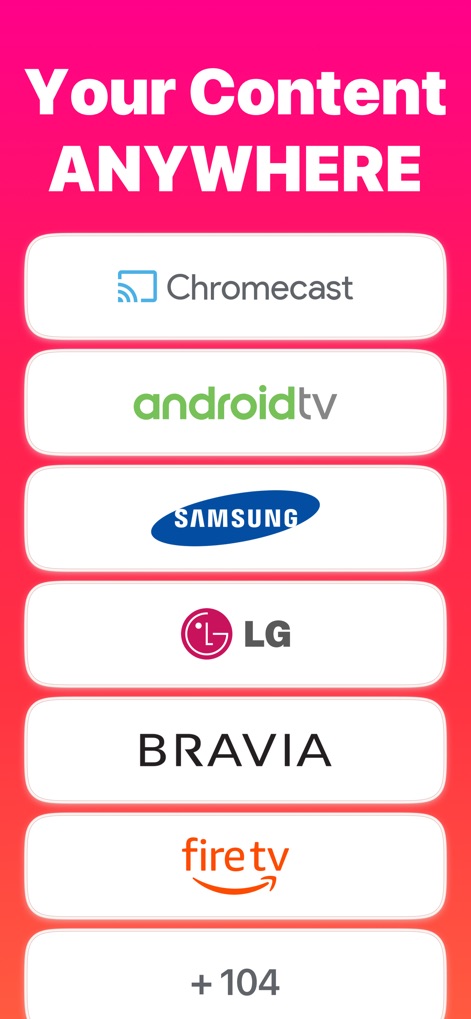
ChromecastやSamsung、LGといった主要デバイスのロゴが表示され、ユーザーは104以上の追加対応デバイスから選択できることが明示されています。
多彩なデバイス対応
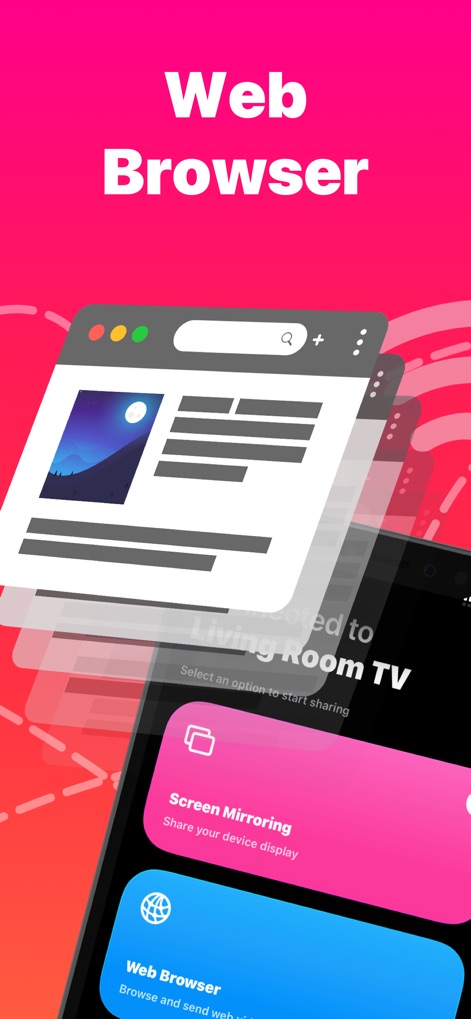
Webブラウザのインターフェースが示されており、ユーザーが「Screen Mirroring」と「Web Browser」の選択肢から、見たいコンテンツを簡単に切り替えられることが分かります。
ウェブを大画面で
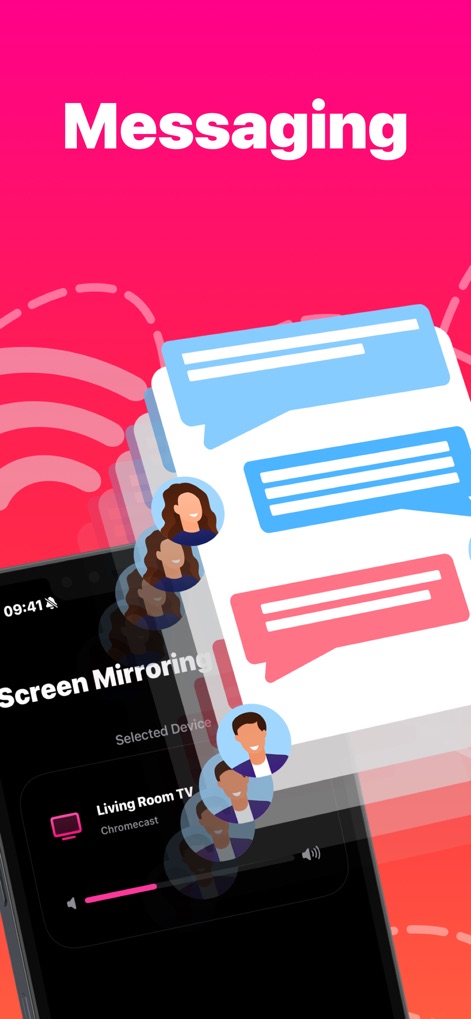
複数のチャットバブルとユーザーのプロフィールアイコンが表示され、このアプリがメッセージングアプリのコンテンツも大画面で共有できることを視覚的に示しています。
メッセージを共有
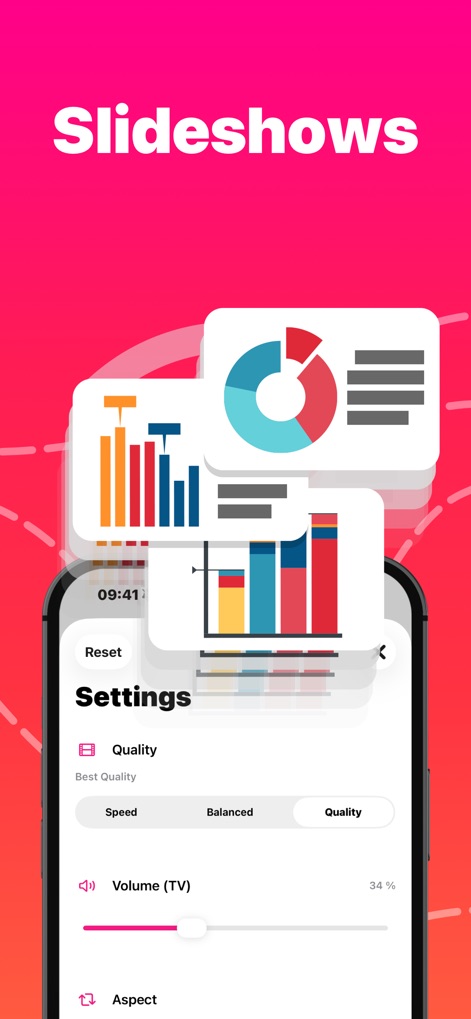
複数のグラフやチャートが画面上を舞い、ユーザーは「Quality(画質)」と「Volume(TV音量)」の設定を調整して、最適なプレゼンテーション体験を実現できます。
プレゼンに最適
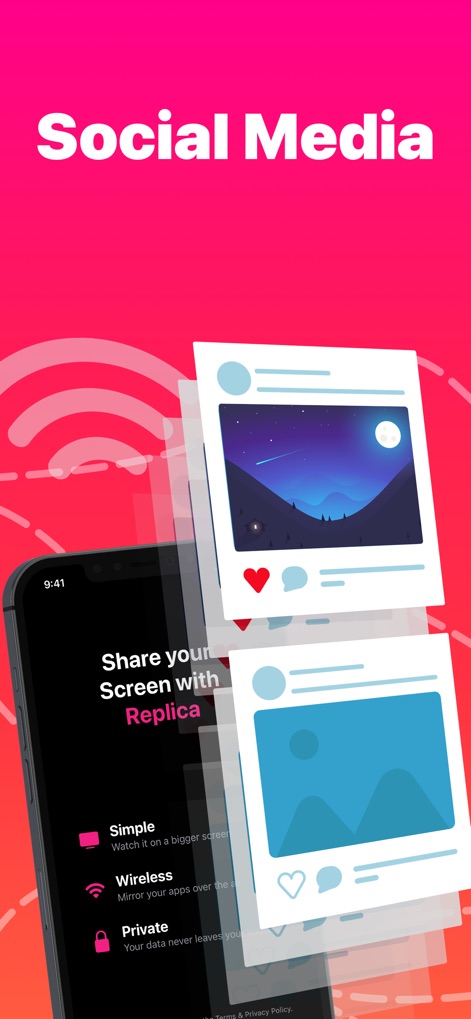
Instagramのようなソーシャルメディア投稿のビジュアルが浮かび上がり、ユーザーは「Simple(簡単)」な操作で画面を共有し、プライバシーも保護されることが示唆されています。
SNSをミラーリング
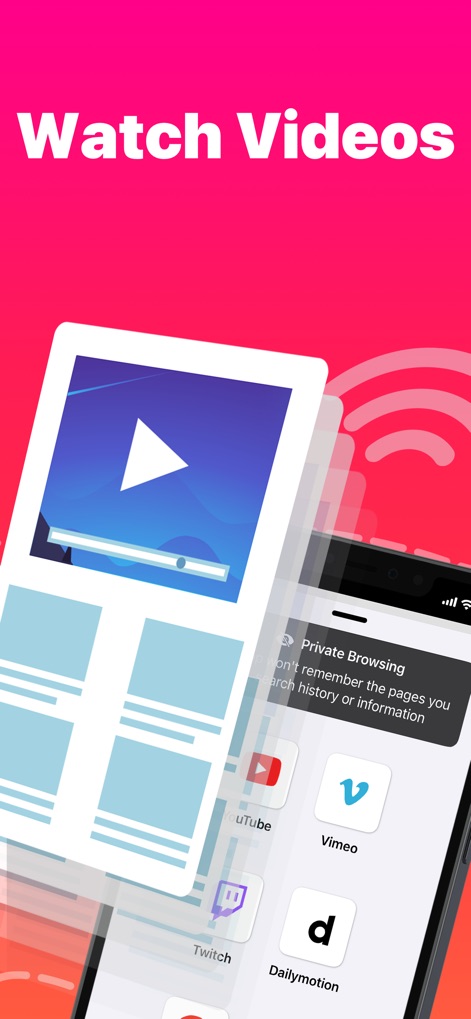
YouTube、Vimeo、Dailymotionなど複数の動画プラットフォームのアイコンが表示されており、このアプリを通して様々なオンラインビデオコンテンツを再生できることが分かります。
あらゆる動画を
説明
Download
類似アプリ
似た機能とユーザー体験を持つアプリ

Web Video Cast | Browser to TV
InstantBits Inc

PigeonCast:Send by Google Cast
Sichuan FalconAI Technology Co., Ltd.

Screen Mirroring • Smart TV
Mihkel Pikk

Screen Mirroring | Cast to TV
Ozuna Limited

Screen Mirroring・Smart View TV
TOGGLE APPS SP Z O O

UbeCast: Music Streamer & PiP
AER SOFTWARE COMPANY LIMITED

AirDroid Cast-screen mirroring
SAND STUDIO CORPORATION LIMITED

Miracast: Screen Mirroring TV
Hainan Delta Software Co., Ltd

Screen Mirroring・Air Cast TV
Dalma Innovation Solutions d.o.o.
このページはアプリまたはその開発者の公式ページではなく、情報提供および論評を目的として作成された独立した編集出版物です。明示的に別段の記載がない限り、アプリおよびその開発者は、MWM、Apple、Google Play、アプリのパブリッシャー、またはアプリの開発者と提携、承認、後援、認可、またはその他の公式的な関係はなく、このページのいかなる内容も、アプリがMWMのサービスを使用して開発されたことを意味するものではありません。すべての商標、ロゴ、スクリーンショット、その他のコンテンツはそれぞれの所有者の財産です。