ReSound Smart
ReSound Smart
ダウンロード: App Store

このページはアプリまたはその開発者の公式ページではなく、情報提供および論評を目的として作成された独立した編集出版物です。明示的に別段の記載がない限り、アプリおよびその開発者は、MWM、Apple、Google Play、アプリのパブリッシャー、またはアプリの開発者と提携、承認、後援、認可、またはその他の公式的な関係はなく、このページのいかなる内容も、アプリがMWMのサービスを使用して開発されたことを意味するものではありません。すべての商標、ロゴ、スクリーンショット、その他のコンテンツはそれぞれの所有者の財産です。

ロゴ: ReSound Smart
ダウンロード: App Store

ReSound Smart

iPhoneから目立たずに調整、パーソナライズされたサウンド設定、そしてデバイスを直接見つけられる安心感で、あなたの聴覚体験をコントロールしましょう。

主要数値

ダウンロード

433K+

ユーザー評価

2.6/5

評価数

2K+

開発元

GN Resound A/S

カテゴリ

Medical

対応言語

38

最新バージョン

4.37.0

サイズ

254.6 MB

リリース日

2014年2月24日
機能

指先で完全なコントロール

ReSound Smartアプリは、あなたが好きなサウンドとのつながりを保つ、目立たない調整とスマートな機能を提供し、人生を最大限に生きることを可能にします。

目立たない調整

誰にも気づかれずにスマートフォンで音量やプログラムをシームレスに変更し、会話に集中できます。

ファインダー&スマートロケーション

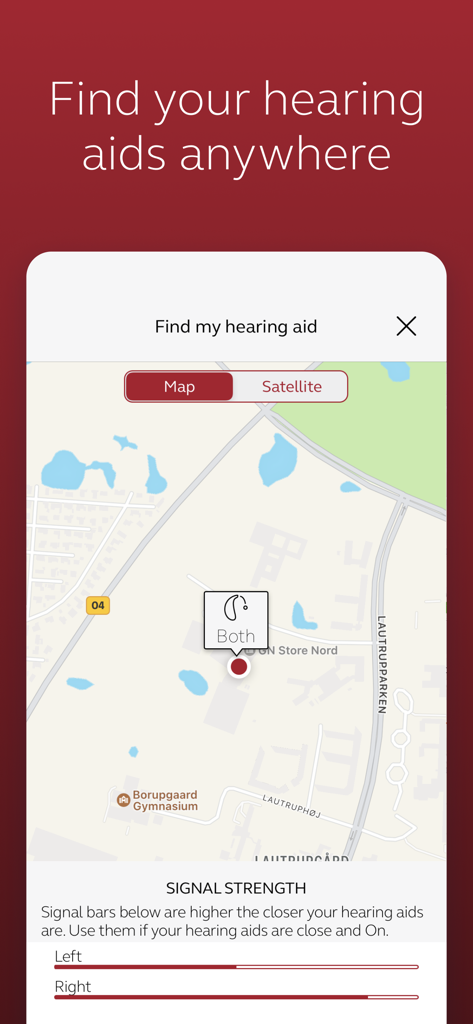
デバイスを紛失する心配はもうありません。アプリを使用して紛失した補聴器を追跡し、お気に入りの場所の設定を自動トリガーします。

以下のスクリーンショットと説明は、アプリの公式ストアリスティングから直接取得されたものであり、アプリ開発者の所有物です。

アプリストア

スクリーンショット
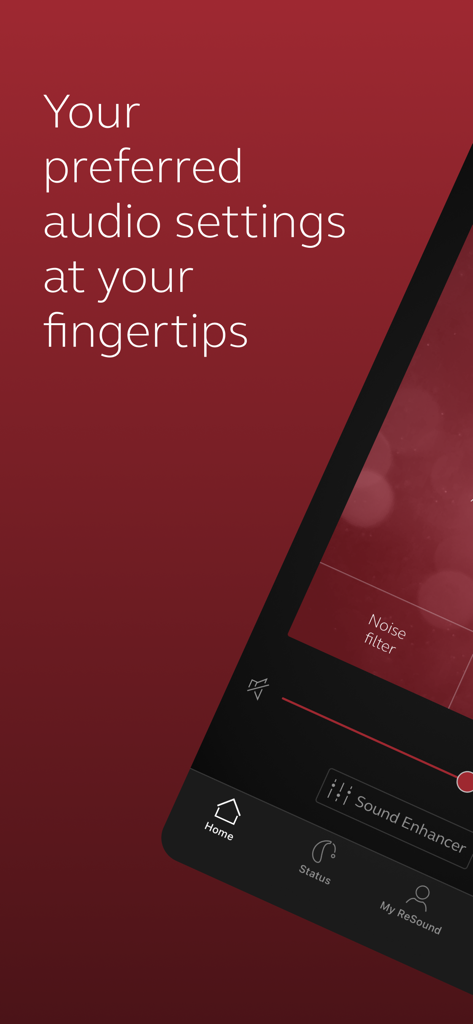
ReSound Smart - ReSound Smartアプリのパーソナルオーディオ設定用インターフェース
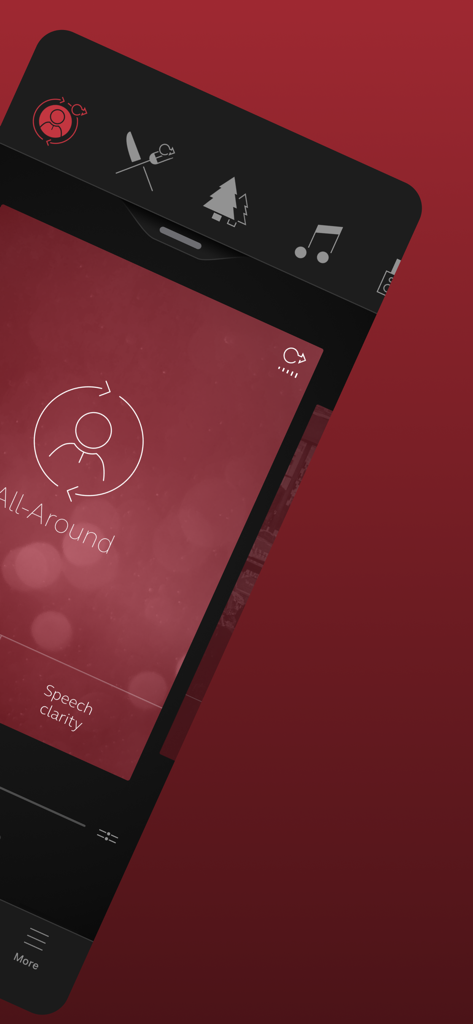
ReSound Smartアプリのパーソナルオーディオ設定用インターフェース

ReSound Smart - ReSound Smartアプリが、オールアラウンド聴取モードとスピーチ明瞭度設定を表示
ReSound Smartアプリが、オールアラウンド聴取モードとスピーチ明瞭度設定を表示

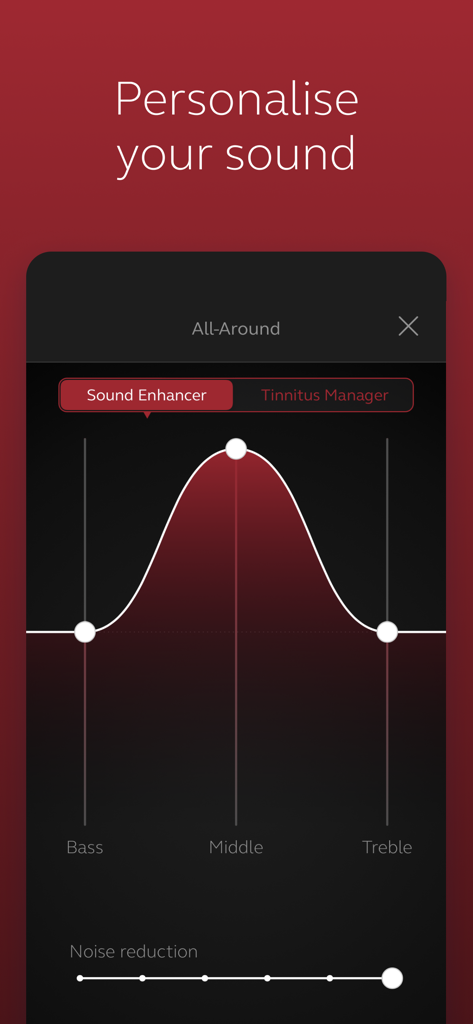
ReSound Smart - ReSound Smartアプリのインターフェースで、低音、中音、高音のサウンドパーソナライゼーション設定を表示
ReSound Smartアプリのインターフェースで、低音、中音、高音のサウンドパーソナライゼーション設定を表示

ReSound Smart - ReSound Smartアプリの「補聴器を探す」画面。地図と左右のデバイスの信号強度バーが表示されている。
ReSound Smartアプリの「補聴器を探す」画面。地図と左右のデバイスの信号強度バーが表示されている。

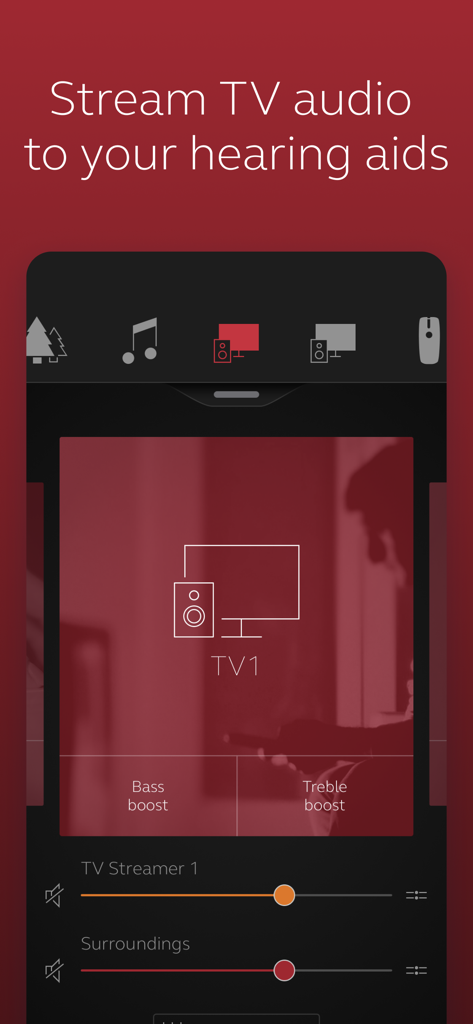
ReSound Smart - ReSound Smartアプリのインターフェースに、補聴器用の低音および高音ブーストを備えたテレビオーディオストリーミングコントロールが表示されている
ReSound Smartアプリのインターフェースに、補聴器用の低音および高音ブーストを備えたテレビオーディオストリーミングコントロールが表示されている

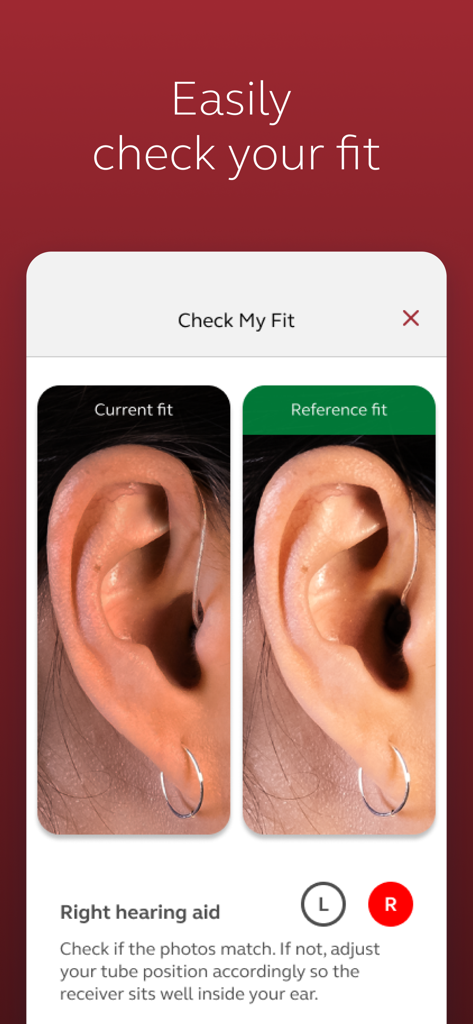
ReSound Smart - ReSound Smartアプリでの並列写真比較。耳に正しく装着された補聴器と現在の補聴器の装着位置を示している。

ReSound Smartアプリでの並列写真比較。耳に正しく装着された補聴器と現在の補聴器の装着位置を示している。

説明

The ReSound Smart™ app is compatible with the following hearing aids: • ReSound LiNX2™ • ReSound LiNX™ • ReSound LiNX TS™ • ReSound ENZO2™ • ReSound ENZO™ • ReSound UpSmart™ The ReSound Smart app lets you control your hearing aids directly from your mobile device. You can change programs, and make simple or more advanced sound adjustments and save them as favorites. The app helps you learn what you can do and how to do it. It can even help you find your hearing aids if you lose them. Notes: Please contact your local ReSound representative for product and feature availability in your market. We recommend that the hearing aids run the latest software version. If in doubt, please contact your hearing care professional. Use the ReSound Smart app to: • Adjust volume settings on your hearing aids • Mute your hearing aids • Adjust volume of your optionally acquired ReSound streaming accessories • Adjust speech focus as well as noise and wind-noise levels with Sound Enhancer (feature availability depends on your hearing aid model and the fitting by your hearing care professional) • Change manual and streamer programs • Edit and personalize program names • Adjust treble, middle and bass tones to your preferences • Save your preferred settings as a Favorite – you can even tag to a location • Help locate lost or misplaced hearing aids • Tinnitus manager: Adjust sound variation and frequency of the Tinnitus Sound Generator. Select Nature Sounds (feature availability depends on your hearing aid model and the fitting by your hearing care professional) For more information please visit https://www.resound.com/hearing-aids/apps/smart or the support website via the link in the app store.

Download

ダウンロード: App Store

このページはアプリまたはその開発者の公式ページではなく、情報提供および論評を目的として作成された独立した編集出版物です。明示的に別段の記載がない限り、アプリおよびその開発者は、MWM、Apple、Google Play、アプリのパブリッシャー、またはアプリの開発者と提携、承認、後援、認可、またはその他の公式的な関係はなく、このページのいかなる内容も、アプリがMWMのサービスを使用して開発されたことを意味するものではありません。すべての商標、ロゴ、スクリーンショット、その他のコンテンツはそれぞれの所有者の財産です。








