Resume Maker: CV Maker
ダウンロード: App Store

このページはアプリまたはその開発者の公式ページではなく、情報提供および論評を目的として作成された独立した編集出版物です。明示的に別段の記載がない限り、アプリおよびその開発者は、MWM、Apple、Google Play、アプリのパブリッシャー、またはアプリの開発者と提携、承認、後援、認可、またはその他の公式的な関係はなく、このページのいかなる内容も、アプリがMWMのサービスを使用して開発されたことを意味するものではありません。すべての商標、ロゴ、スクリーンショット、その他のコンテンツはそれぞれの所有者の財産です。

ロゴ: Resume Maker: CV Maker
ダウンロード: App Store

Resume Maker: CV Maker

デスクトップはもう不要。業界承認のテンプレートでインパクトのあるCVをデザインしましょう。カスタマイズ、PDFエクスポート、夢の仕事への応募がすべて手のひらで完結します。

主要数値

ダウンロード

66K+

ユーザー評価

4.7/5

評価数

200

開発元

TAPUNIVERSE LLC

カテゴリ

Graphics & Design

対応言語

1

最新バージョン

1.2.9

サイズ

216.2 MB

リリース日

2023年10月24日
機能

今日、次の面接を勝ち取る

フォーマットのストレスはもう不要。プロフェッショナルなテンプレートを使用して、携帯電話でインパクトのある履歴書を作成し、数分で仕事に応募しましょう。

即座にプロフェッショナルな結果

レイアウトのフォーマットに時間を浪費するのはやめましょう。テンプレートを選択し、詳細を入力するだけで、5分以内に完成されたCVが作成されます。

際立つデザイナーレイアウト

採用担当者の目を引き、現代のトラッキングシステムをクリアする、業界特化型のテンプレートライブラリから選択してください。

以下のスクリーンショットと説明は、アプリの公式ストアリスティングから直接取得されたものであり、アプリ開発者の所有物です。

アプリストア

スクリーンショット

Resume Maker: CV Maker - 主要な求人掲示板のロゴとCVテンプレートを特徴とするプロフェッショナルな履歴書メーカーアプリ
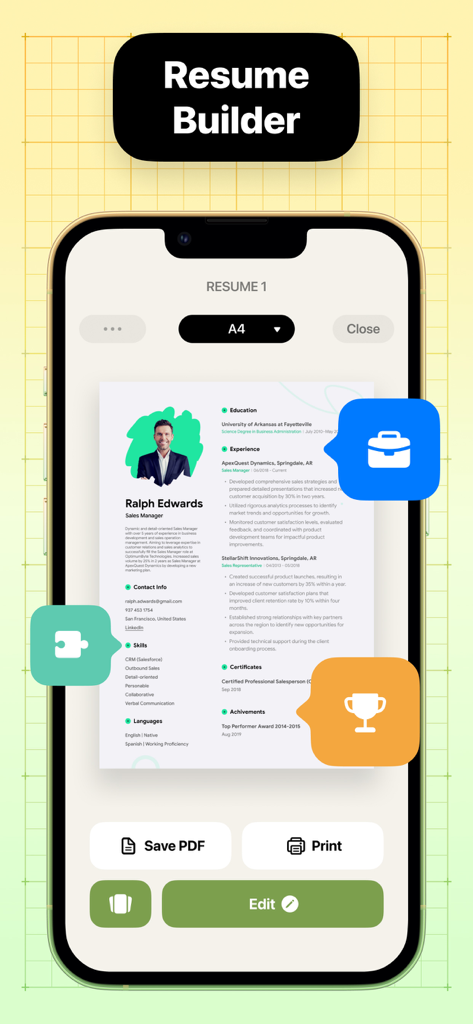
主要な求人掲示板のロゴとCVテンプレートを特徴とするプロフェッショナルな履歴書メーカーアプリ

Resume Maker: CV Maker - 編集およびPDF保存ボタンを備えたプロフェッショナルな履歴書テンプレートを示すスマートフォンの画面
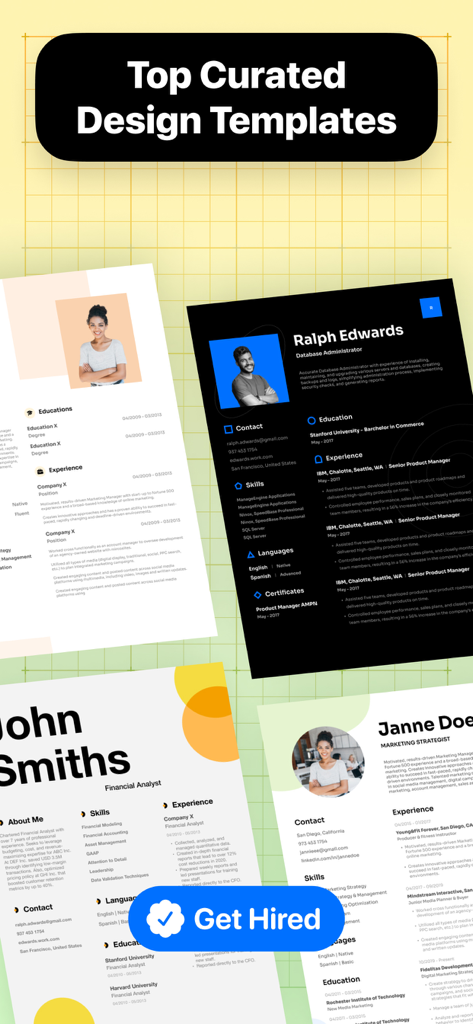
編集およびPDF保存ボタンを備えたプロフェッショナルな履歴書テンプレートを示すスマートフォンの画面

Resume Maker: CV Maker - 履歴書メーカーアプリで紹介されているプロフェッショナルでモダンな履歴書テンプレートのコレクション
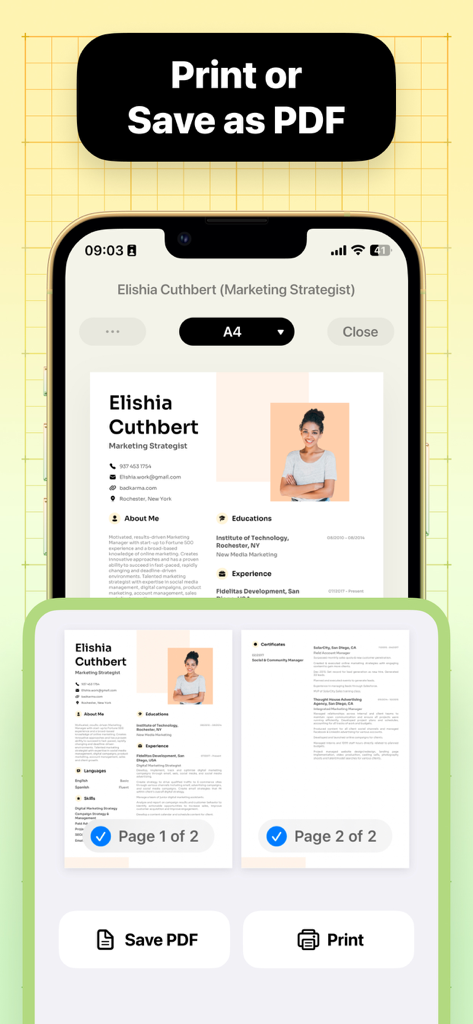
履歴書メーカーアプリで紹介されているプロフェッショナルでモダンな履歴書テンプレートのコレクション

Resume Maker: CV Maker - PDFとして保存または印刷するオプションを備えたプロフェッショナルな履歴書のプレビューを示すモバイルアプリインターフェース
PDFとして保存または印刷するオプションを備えたプロフェッショナルな履歴書のプレビューを示すモバイルアプリインターフェース

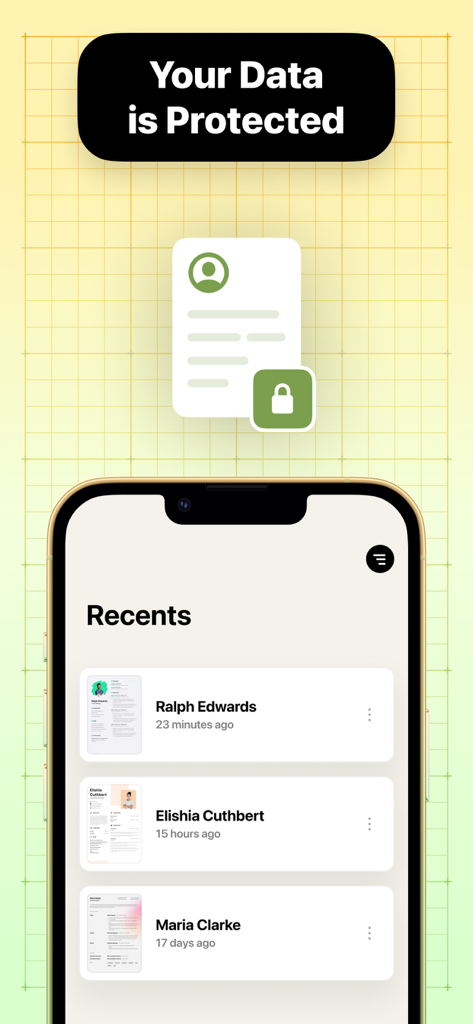
Resume Maker: CV Maker - 最近の履歴書のリストとデータセキュリティメッセージを示すモバイルアプリインターフェース
最近の履歴書のリストとデータセキュリティメッセージを示すモバイルアプリインターフェース

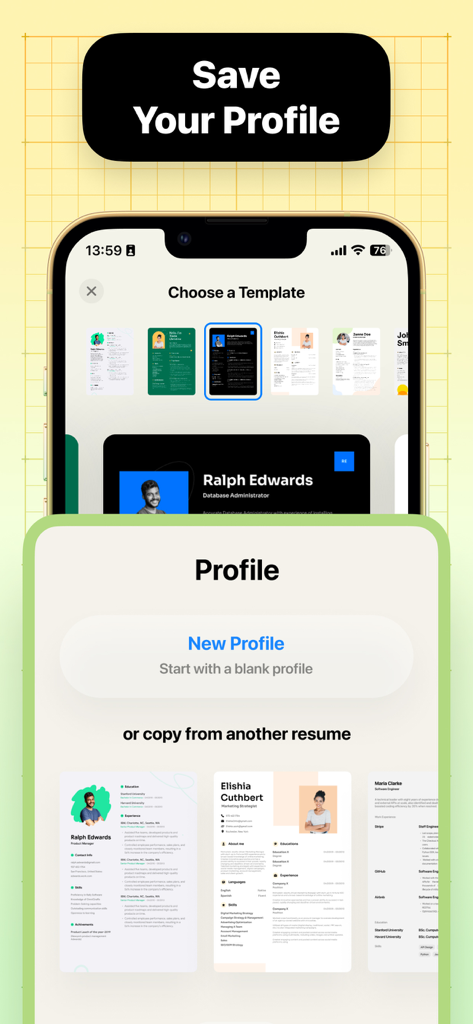
Resume Maker: CV Maker - CVメーカー向けのプロフィール作成オプションとプロフェッショナルな履歴書テンプレートの選択を示すモバイルアプリインターフェース

CVメーカー向けのプロフィール作成オプションとプロフェッショナルな履歴書テンプレートの選択を示すモバイルアプリインターフェース

説明

Resume Builder is here to help you creating a professional and impressive resume in minutes. Whether you're a recent graduate or a seasoned professional, our innovative app is designed to help you craft the perfect resume that showcases your skills, experience, and unique qualifications, all with a few taps on your mobile devices. With Resume Builder, say goodbye to the daunting task of formatting and structuring your resume. Our app takes the guesswork out of the equation by providing you with an intuitive interface that seamlessly guides you through each step of the process. From choosing the right tenplate to cutsomize your sections and content, we ensure that you create a visually appealing and professional resume that stands out from the crowd. We understand that a resume for a first-time job seeker will differ from that of a seasoned professional. Resume Builder offers a wide range of templates and customizable options to meet the unique needs of all individuals. Whether you're fresh out of college, transitioning industries, or aiming for a higher management role, our app has the flexibility to adapt to your specific career goals. Easily modify font styles, colors, and layouts to personalize your resume and make it truly represent you. Whether you want to add a touch of creativity or maintain a clean and professional look, our app ensures your resume reflects your unique personality and captures the attention of potential employers. Resume Builder provides you with a range of templates that are specifically designed to suit different industries and roles, giving you all the necessary tools to create a perfect resume that highlights your skills and achievements. Export file in a variety of formats. You can save it to your device or share it directly with employers, recruiters, or networking contacts. No more fumbling with file conversions or worrying about compatibility issues. With Resume Builder, sharing your professional accomplishments has never been easier. Features: - Wide range of templates specifically designed to suit different industries and roles. - Customizable options for fonts, colors and styles. - Built-in sharing function for easy sending and printing. - User-friendly interface and intuitive navigation system form for easy editing and updating. - Download resume in PDF format. Creating and editing your resume is further simplified with our app's intuitive navigation system and user-friendly interface. You can easily edit and update your resume, seeing your progress in real-time as you add your professional experience and qualifications.

Download

ダウンロード: App Store

このページはアプリまたはその開発者の公式ページではなく、情報提供および論評を目的として作成された独立した編集出版物です。明示的に別段の記載がない限り、アプリおよびその開発者は、MWM、Apple、Google Play、アプリのパブリッシャー、またはアプリの開発者と提携、承認、後援、認可、またはその他の公式的な関係はなく、このページのいかなる内容も、アプリがMWMのサービスを使用して開発されたことを意味するものではありません。すべての商標、ロゴ、スクリーンショット、その他のコンテンツはそれぞれの所有者の財産です。







