Room Genie 6D Design Simulator
ダウンロード: App Store

このページはアプリまたはその開発者の公式ページではなく、情報提供および論評を目的として作成された独立した編集出版物です。明示的に別段の記載がない限り、アプリおよびその開発者は、MWM、Apple、Google Play、アプリのパブリッシャー、またはアプリの開発者と提携、承認、後援、認可、またはその他の公式的な関係はなく、このページのいかなる内容も、アプリがMWMのサービスを使用して開発されたことを意味するものではありません。すべての商標、ロゴ、スクリーンショット、その他のコンテンツはそれぞれの所有者の財産です。

ロゴ: Room Genie 6D Design Simulator
ダウンロード: App Store

Room Genie 6D Design Simulator

家のリフォームの推測をやめましょう。プロレベルの空間コンピューティングとLiDARを使用して、部屋をスキャンし、家具を交換し、購入する前に、実際の精度で装飾をプレビューできます。

主要数値

ダウンロード

1K+

ユーザー評価

1.0/5

評価数

0

開発元

Michael Askew

カテゴリ

Graphics & Design

対応言語

20

最新バージョン

1.0.9933

サイズ

353.4 MB

リリース日

2023年12月22日
機能

夢の家を6Dで可視化

推測をやめてデザインを始めましょう。最先端の空間コンピューティングを使用して、費用をかける前に、家具、色、レイアウトが実際の部屋でどのように見えるかを正確に確認できます。

プロレベルのLiDAR精度

iPhone Proのセンサーを活用して、空間を正確にマッピングします。壁と床面積を自動的に測定し、すべての購入品が完璧にフィットするようにします。

インタラクティブARスタイリング

既存の装飾の隣に仮想家具を配置します。仕上げを交換し、床のテクスチャを変更し、実際の環境内でリアルタイムでペイントの色をテストします。

以下のスクリーンショットと説明は、アプリの公式ストアリスティングから直接取得されたものであり、アプリ開発者の所有物です。

アプリストア

スクリーンショット
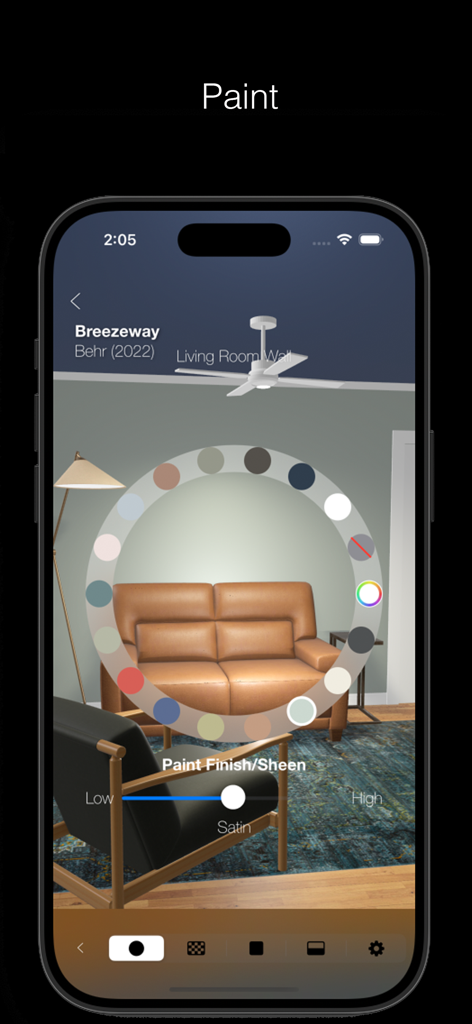
Room Genie 6D Design Simulator - Room Genieアプリのインターフェース、リビングルームでのAR壁ペイントカラー選択と仕上げオプションを表示
Room Genieアプリのインターフェース、リビングルームでのAR壁ペイントカラー選択と仕上げオプションを表示

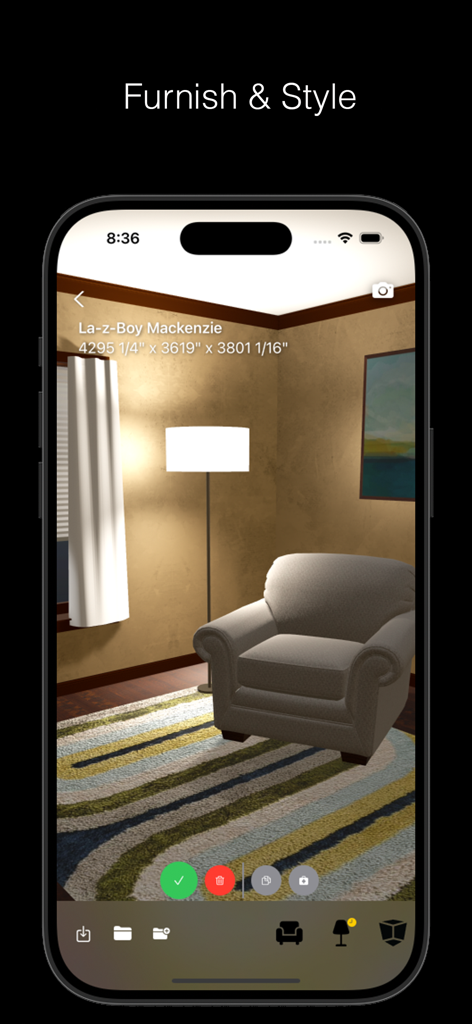
Room Genie 6D Design Simulator - Room Genie 6Dデザインシミュレーターアプリのインターフェース、3D仮想部屋にアームチェアとランプを表示
Room Genie 6Dデザインシミュレーターアプリのインターフェース、3D仮想部屋にアームチェアとランプを表示

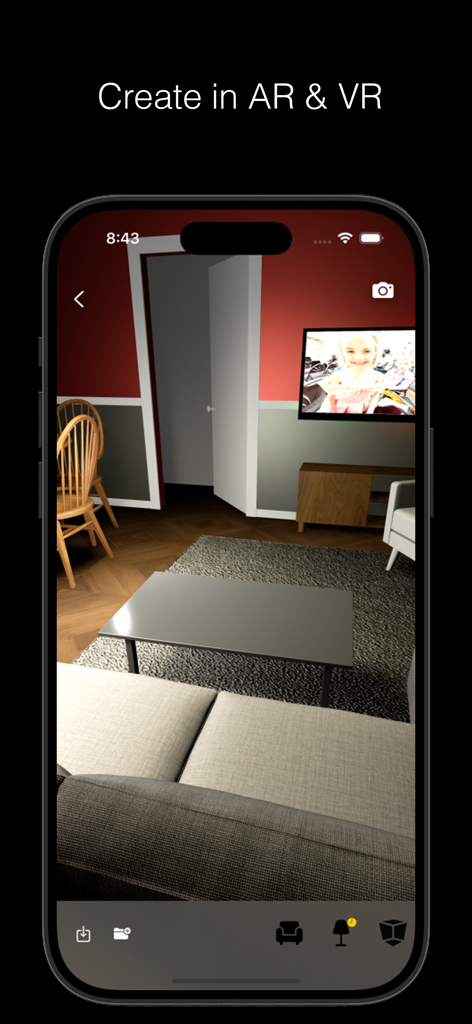
Room Genie 6D Design Simulator - Room Genieアプリのインターフェース、家具付きの仮想3Dリビングルームデザインを表示
Room Genieアプリのインターフェース、家具付きの仮想3Dリビングルームデザインを表示

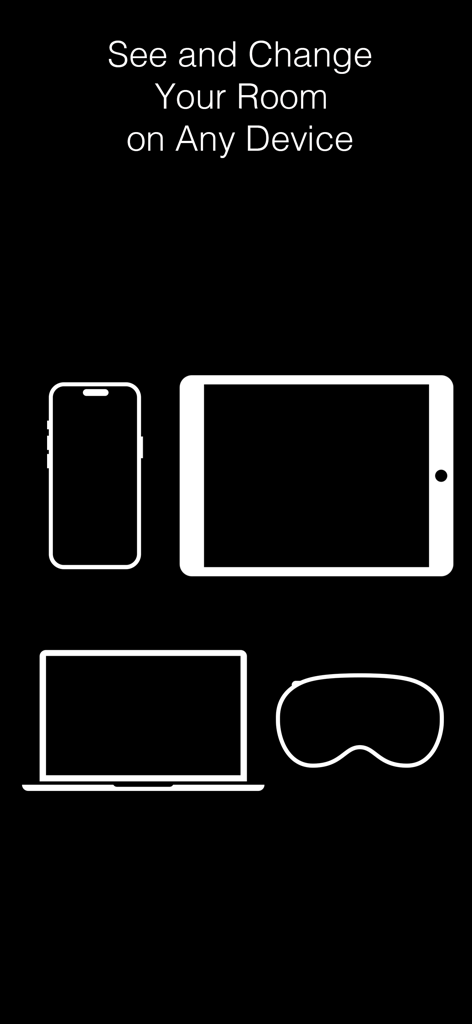
Room Genie 6D Design Simulator - Room Genieデザインアプリのインターフェース、スマートフォン、タブレット、ラップトップ、空間コンピューティングヘッドセット用
Room Genieデザインアプリのインターフェース、スマートフォン、タブレット、ラップトップ、空間コンピューティングヘッドセット用

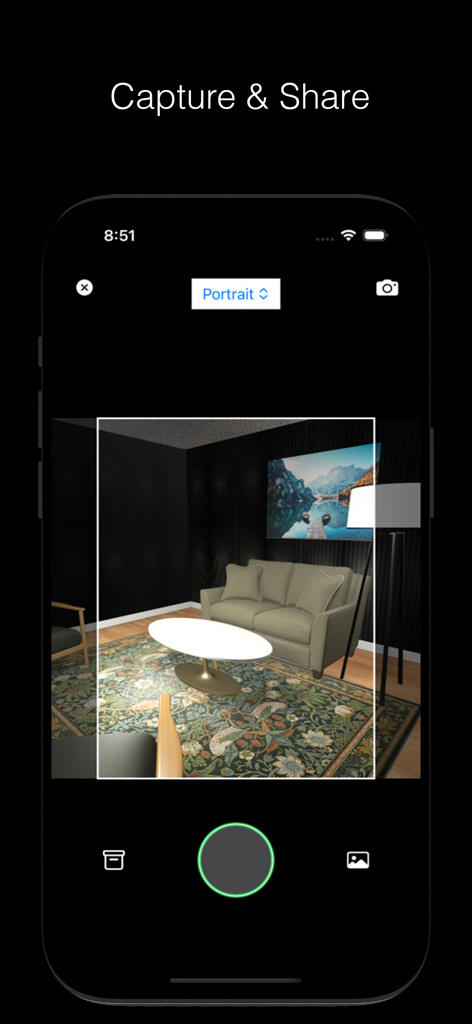
Room Genie 6D Design Simulator - Room Genieアプリのスクリーンショット、キャプチャモードでの3Dリビングルームデザインを表示
Room Genieアプリのスクリーンショット、キャプチャモードでの3Dリビングルームデザインを表示

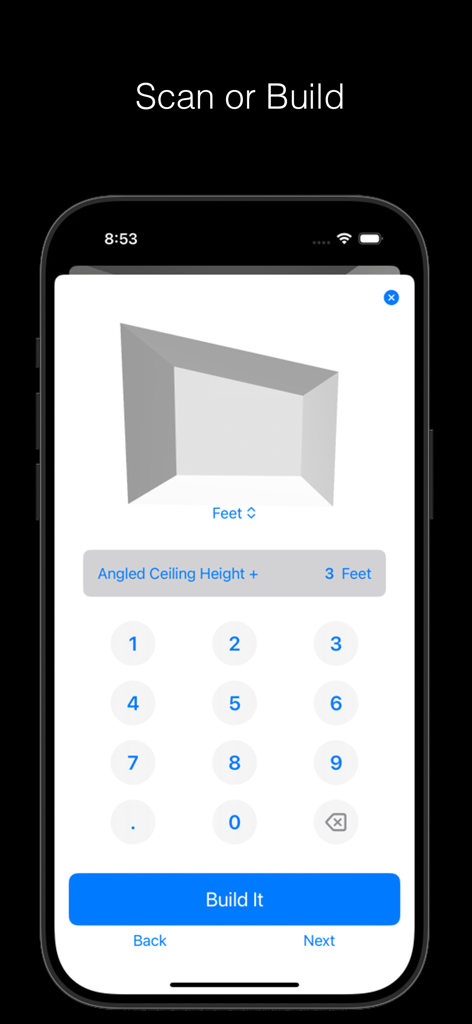
Room Genie 6D Design Simulator - Room Genieアプリのインターフェース、天井の高さの測定値付き3D部屋モデル構築用の空間デザインツールを表示
Room Genieアプリのインターフェース、天井の高さの測定値付き3D部屋モデル構築用の空間デザインツールを表示

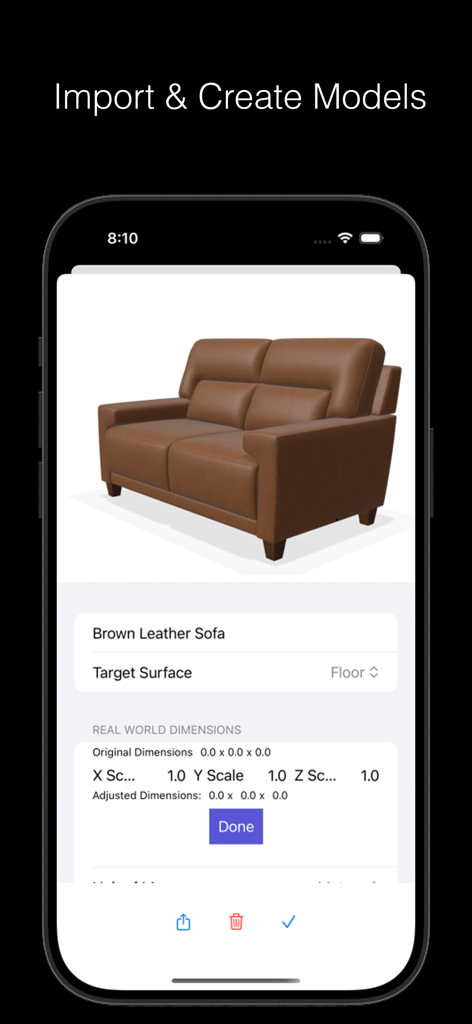
Room Genie 6D Design Simulator - Room Genieのモバイルアプリインターフェース、寸法とスケーリングオプション付きの3D茶色革製ソファモデルを表示
Room Genieのモバイルアプリインターフェース、寸法とスケーリングオプション付きの3D茶色革製ソファモデルを表示

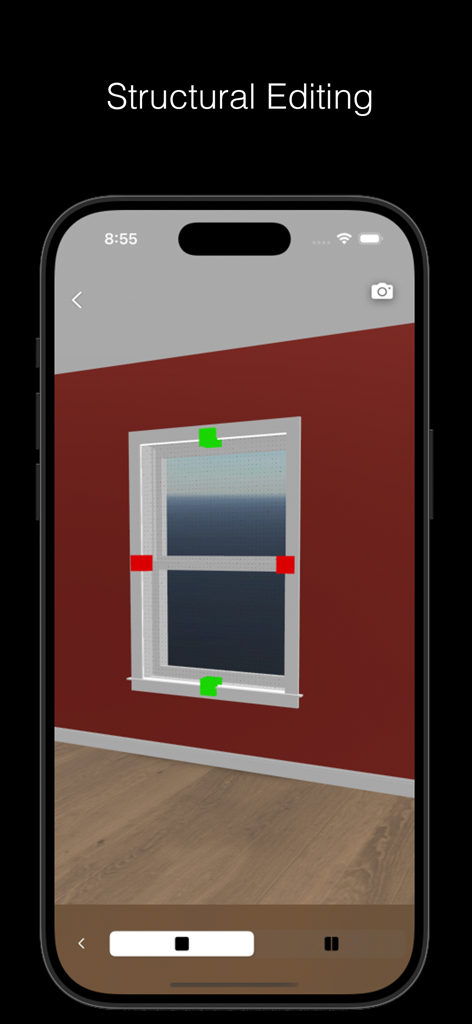
Room Genie 6D Design Simulator - Room Genie 6Dデザインシミュレーターアプリの窓の構造編集

Room Genie 6Dデザインシミュレーターアプリの窓の構造編集

説明

Whether you want to see a space virtually, or you’re looking at your living room, kitchen, bathroom or bedroom, and want to see what a few design changes might do, Room Genie is the newest way to see your space and try out new things inside a friendly user interface, leveraging the latest spatial design and spatial computing techniques. Paint, place furniture, change the floors, windows, doors--whether you're standing in the room or away from it.  And if you're just looking to see what one new thing might do--Room Genie is the app for you! Say goodbye to the guesswork--Room Genie can import models and even create new ones from images. From your browser, pick a piece to see how it looks in your home and then add it to Room Genie for a full augmented reality preview. “I can’t imagine what this will look like in my home.” Room Genie places the item you want right into the real room of your choice, like a preview. (Augmented reality is pretty cool.) “Will this look good with my other things?” It’s hard to imagine what it’ll all look like together. Room Genie sticks the piece you want next to the things you already have, with the surroundings of your room, so you can coordinate and change. Swap out finishes or colors on some items for the design you're looking for. “Will it fit?” True-to-life sizes help you see if the piece you want will actually fit in your space. And if you don’t like it in one spot, just move it to a different spot, or turn the piece around to see it from a different angle. To scan a space, your device must support LiDAR (iPhone Pro, iPhone Pro Max, iPad Pro), though you may install the app on most iOS devices and make, import and view virtual rooms.

Download

ダウンロード: App Store

このページはアプリまたはその開発者の公式ページではなく、情報提供および論評を目的として作成された独立した編集出版物です。明示的に別段の記載がない限り、アプリおよびその開発者は、MWM、Apple、Google Play、アプリのパブリッシャー、またはアプリの開発者と提携、承認、後援、認可、またはその他の公式的な関係はなく、このページのいかなる内容も、アプリがMWMのサービスを使用して開発されたことを意味するものではありません。すべての商標、ロゴ、スクリーンショット、その他のコンテンツはそれぞれの所有者の財産です。







