Samsung Smart TV Remote Plus
ダウンロード: App Store

このページはアプリまたはその開発者の公式ページではなく、情報提供および論評を目的として作成された独立した編集出版物です。明示的に別段の記載がない限り、アプリおよびその開発者は、MWM、Apple、Google Play、アプリのパブリッシャー、またはアプリの開発者と提携、承認、後援、認可、またはその他の公式的な関係はなく、このページのいかなる内容も、アプリがMWMのサービスを使用して開発されたことを意味するものではありません。すべての商標、ロゴ、スクリーンショット、その他のコンテンツはそれぞれの所有者の財産です。

ロゴ: Samsung Smart TV Remote Plus
ダウンロード: App Store

Samsung Smart TV Remote Plus

使いにくいボタンに悩むのはもう終わり。iPhoneのタッチパッドとフルキーボードを使えば、Samsung Smart TVの検索、入力、操作が驚くほど簡単になります。すべて、すでに手元にあるデバイスで。

主要数値

ダウンロード

440K+

ユーザー評価

4.5/5

評価数

18K+

開発元

MeisterApps BV

カテゴリ

Utilities

対応言語

22

最新バージョン

1.5.5

サイズ

80.3 MB

リリース日

2019年9月22日
機能

完璧な精度でテレビをマスター

使いにくいプラスチックボタンは捨てて、シームレスなデジタル体験を。このアプリは、iPhoneをSamsung Smart TVの究極のコントロールセンターに変えます。

超高速タイピング

画面上の文字を探すイライラに終止符を。iPhoneのキーボードを使って、数秒で映画のタイトル、URL、パスワードを入力できます。

高精度タッチパッド

流れるようなスワイプ操作で、メニューやウェブブラウザをナビゲート。マウスと同じ速度と精度でテレビのカーソルを操作できます。

以下のスクリーンショットと説明は、アプリの公式ストアリスティングから直接取得されたものであり、アプリ開発者の所有物です。

アプリストア

スクリーンショット
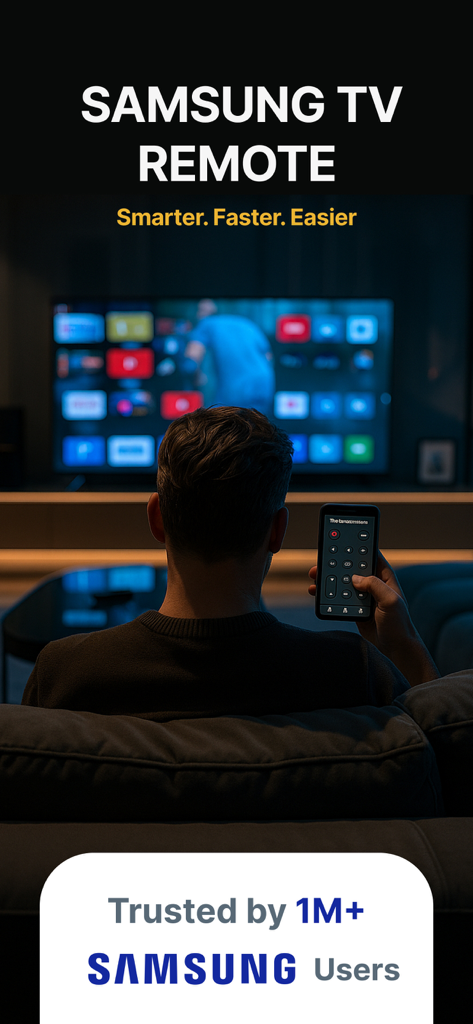
Samsung Smart TV Remote Plus - スマートフォン上のリモートアプリでSamsung Smart TVを操作する人物
スマートフォン上のリモートアプリでSamsung Smart TVを操作する人物

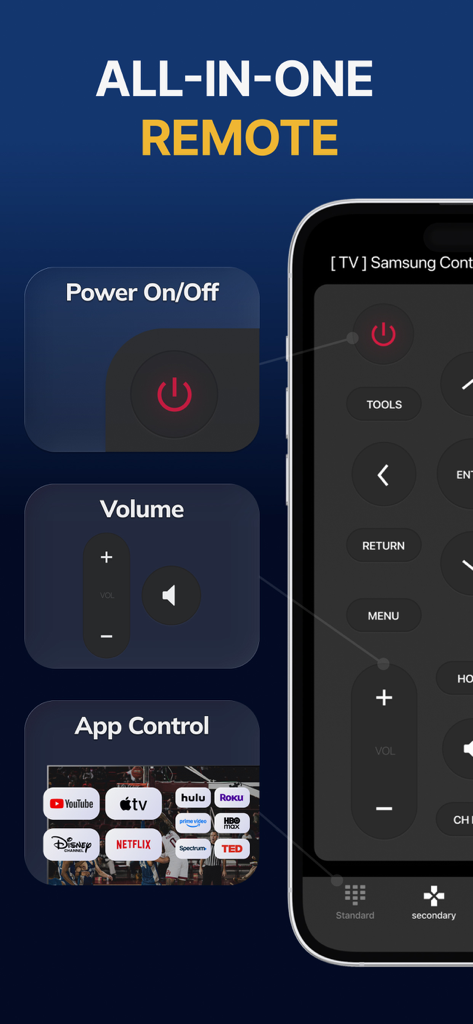
Samsung Smart TV Remote Plus - 電源、音量、ストリーミングアプリのショートカットが表示されたSamsung Smart TV Remote Plusアプリのインターフェース
電源、音量、ストリーミングアプリのショートカットが表示されたSamsung Smart TV Remote Plusアプリのインターフェース

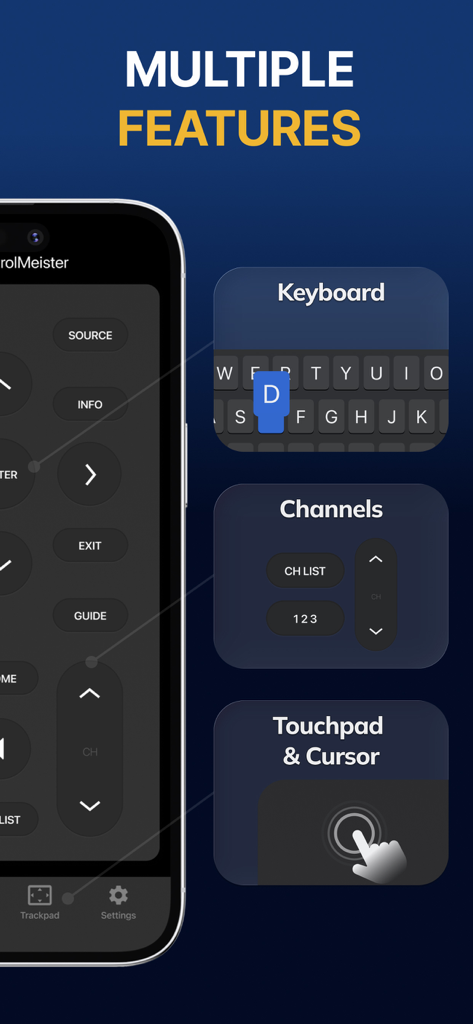
Samsung Smart TV Remote Plus - キーボード、チャンネルコントロール、タッチパッド機能を備えたSamsung Smart TV Remote Plusアプリのインターフェース

キーボード、チャンネルコントロール、タッチパッド機能を備えたSamsung Smart TV Remote Plusアプリのインターフェース
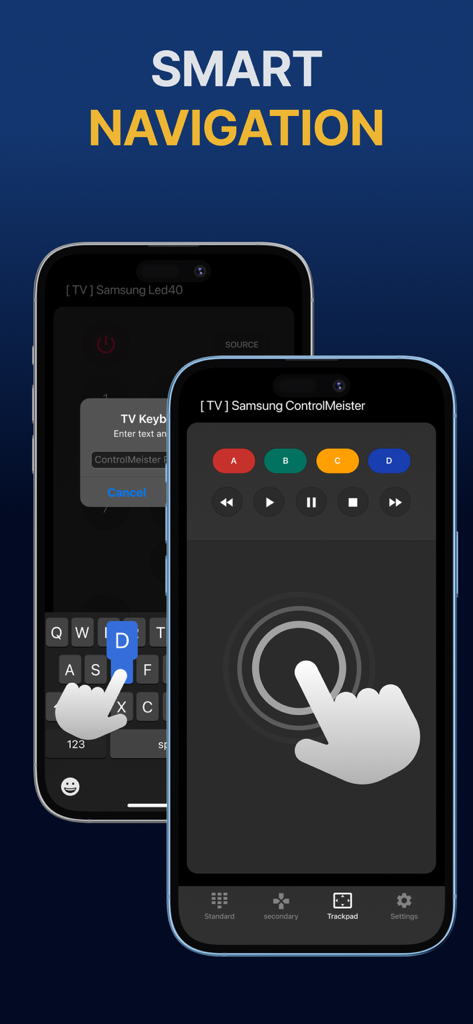
Samsung Smart TV Remote Plus - スマートナビゲーション用のタッチパッドとキーボードを備えたSamsung Smart TVリモートアプリが表示されたiPhoneのディスプレイ
スマートナビゲーション用のタッチパッドとキーボードを備えたSamsung Smart TVリモートアプリが表示されたiPhoneのディスプレイ

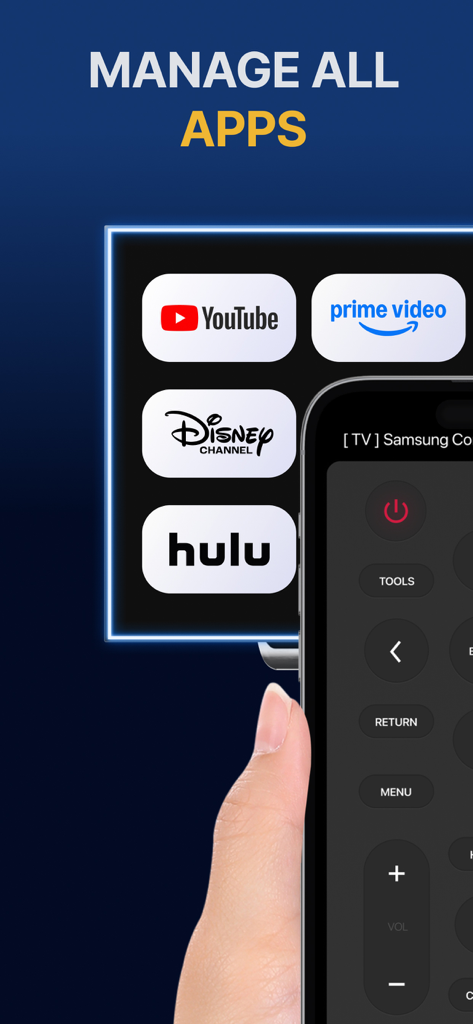
Samsung Smart TV Remote Plus - Samsung TV上のYouTubeやHuluなどのストリーミングアプリを管理するためのリモートコントロールインターフェースが表示されたiPhone画面
Samsung TV上のYouTubeやHuluなどのストリーミングアプリを管理するためのリモートコントロールインターフェースが表示されたiPhone画面

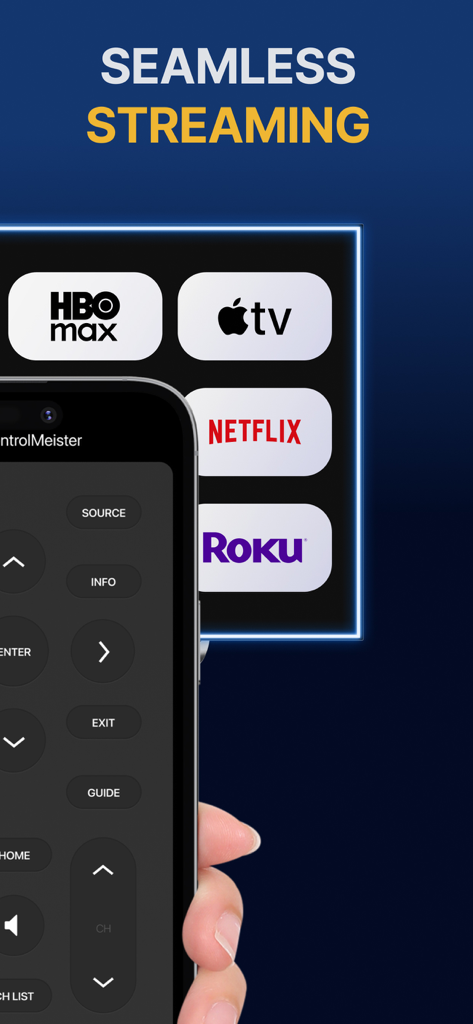
Samsung Smart TV Remote Plus - ボタンとストリーミングサービスアイコンを備えたSamsung Smart TV Remote Plusアプリのインターフェースが表示されたiPhone
ボタンとストリーミングサービスアイコンを備えたSamsung Smart TV Remote Plusアプリのインターフェースが表示されたiPhone

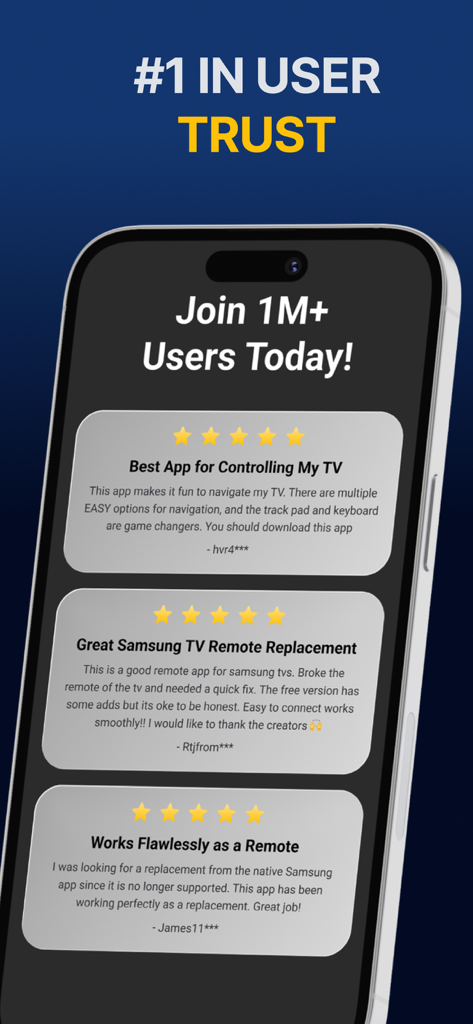
Samsung Smart TV Remote Plus - Samsung Smart TV Remote Plusアプリの肯定的な5つ星ユーザーレビューの表示

Samsung Smart TV Remote Plusアプリの肯定的な5つ星ユーザーレビューの表示

説明

The #1 remote control for your Samsung Smart TV. Turn your iPhone or iPad into a remote. ControlMeister universal remote app for Samsung Smart TVs offers full remote functionality. Easily control your channels, volume, menus, apps and navigation. It even has an advanced keyboard and mouse pad. This allows you to operate your smart TV easier and faster. Enter a URL or password in record time. This app is so much better than your normal remote. ControlMeister is the best free iPhone/iPad remote control unit for Samsung TV to browse thru your favorite apps. Save time and enter text easily on web browser or other apps. Access to movies, music and games will become so much simpler and easier! Functionalities: ■ Control your Samsung Smart TV with gestures from your iPhone and iPad. ControlMeister supports the latest Samsung Smart TVs. ■ Easily use apps on your Samsung Smart TV with the keyboard of this app. This also works in the ‘search’ option. Great if you want to visit websites on your television. Great when using apps like FB, Twitter, Vimeo, WhatsApp, Telegram, Amazon or Spotify. ■ Use the touchpad and keyboard to control the TV's web browser, apps and menu settings. No more fiddling with tiny keys using the factory remote control. ■ Control the cursor with your finger with the touchpad. Control channels, volume, search & apps with the swipe of your finger. Advantages: ■ Easy browsing ■ Fast search ■ No more lost remotes ■ Save time ■ Best signal ■ Better for environment ■ Latest technology With ControlMeister you can easily use a keyboard on your Samsung Smart TV so you don’t have to scroll through letters. The keyboard automatically pops up when necessary, so you don’t need to think about this. You can stay focused on your TV shows, movies or news. Control the cursor on your Samsung TV with your finger with the touchpad. Use gestures on your iPhone or iPad to control the TV’s web browser. With swipe gestures you can. change the volume and channel while keeping your eyes on the TV screen! Requirements: * Samsung Smart TV (2012 or newer) * WiFi * iPhone or iPad Which TV-model year do I have? You can see that by looking at the middle letter in your model type (on the back of your Samsung TV). E = 2012 F = 2013 H = 2014 J = 2015 K = 2016 M = 2017 N = 2018 R = 2019 T = 2020 A = 2021 Q = QLED (also supported) Example: UE55_E_S8000 = 2012. UE78_H_U8500L = 2014. Disclaimer: - This universal remote control for Samsung TVs does not support the keyboard function for Netflix & YouTube. They disabled this. - ControlMeister can only offer app control for Samsung TVs from 2016, or newer. UNLIMITED ACCESS PRO SUBSCRIPTION You need a subscription for unlimited access to all features without advertising and interruptions. Payment will be charged to iTunes Account at confirmation of purchase. Subscription automatically renews unless auto-renew is turned off at least 24-hours before the end of the current period. The account will be charged for renewal within 24-hours before the end of the current period and identify the cost of the renewal. Subscriptions may be managed by the user and auto-renewal may be turned off by going to the user's Account Settings after purchase. Any unused portion of a free trial period, if offered, will be forfeited when the user purchases a subscription to that publication, where applicable. - Terms of use: https://www.controlmeister.com/terms-of-use/ - Privacy policy: https://www.controlmeister.com/privacy-policy/ If you have any questions, please discover the FAQs on our website. Or, send an e-mail to info@controlmeister.com

Download

ダウンロード: App Store

このページはアプリまたはその開発者の公式ページではなく、情報提供および論評を目的として作成された独立した編集出版物です。明示的に別段の記載がない限り、アプリおよびその開発者は、MWM、Apple、Google Play、アプリのパブリッシャー、またはアプリの開発者と提携、承認、後援、認可、またはその他の公式的な関係はなく、このページのいかなる内容も、アプリがMWMのサービスを使用して開発されたことを意味するものではありません。すべての商標、ロゴ、スクリーンショット、その他のコンテンツはそれぞれの所有者の財産です。








