Screen Cast: Screen Mirroring
ダウンロード: App Store

このページはアプリまたはその開発者の公式ページではなく、情報提供および論評を目的として作成された独立した編集出版物です。明示的に別段の記載がない限り、アプリおよびその開発者は、MWM、Apple、Google Play、アプリのパブリッシャー、またはアプリの開発者と提携、承認、後援、認可、またはその他の公式的な関係はなく、このページのいかなる内容も、アプリがMWMのサービスを使用して開発されたことを意味するものではありません。すべての商標、ロゴ、スクリーンショット、その他のコンテンツはそれぞれの所有者の財産です。

ロゴ: Screen Cast: Screen Mirroring
ダウンロード: App Store

Screen Cast: Screen Mirroring

お気に入りの動画、写真、ゲームをリアルタイムで大画面で体験。サブスクリプション、ケーブル、ログインは不要—自宅やオフィスで、高速かつワンタップのキャストが可能です。

主要数値

ダウンロード

0

ユーザー評価

1.0/5

評価数

0

開発元

Keyur Kyada

カテゴリ

Utilities

対応言語

1

最新バージョン

1.0

サイズ

9.0 MB

リリース日

2026年1月17日
機能

TVの可能性を最大限に引き出す

シームレスなワイヤレスミラーリングで、リビングルームをメディアハブに変えましょう。家族の思い出を共有する場合でも、ゲームをする場合でも、プレゼンテーションを行う場合でも、Screen Castはそれを簡単かつ完全に無料にします。

ユニバーサルワイヤレスキャスト

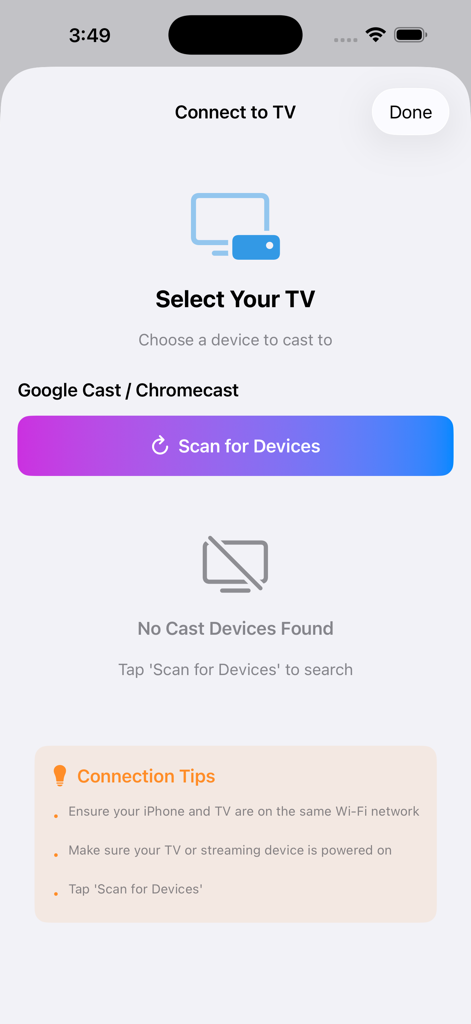
iPhoneをスマートTVやChromecastに瞬時に接続。ケーブル、ドングル、複雑なハードウェアは不要で、ワンタップで接続できます。

人生の最高の瞬間を共有

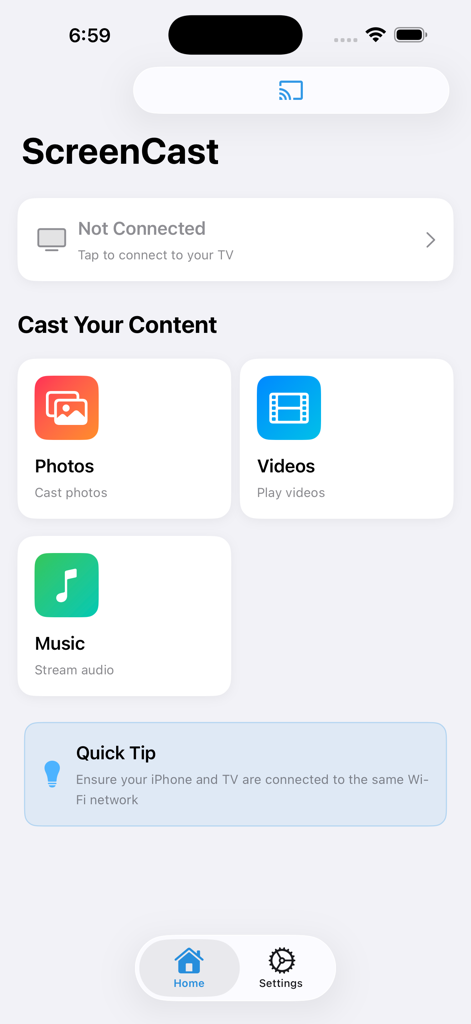
写真や動画を大画面で生き生きと再生。家族の集まり、休暇のクリップの披露、友人とのソーシャルメディアの楽しみなどに最適です。

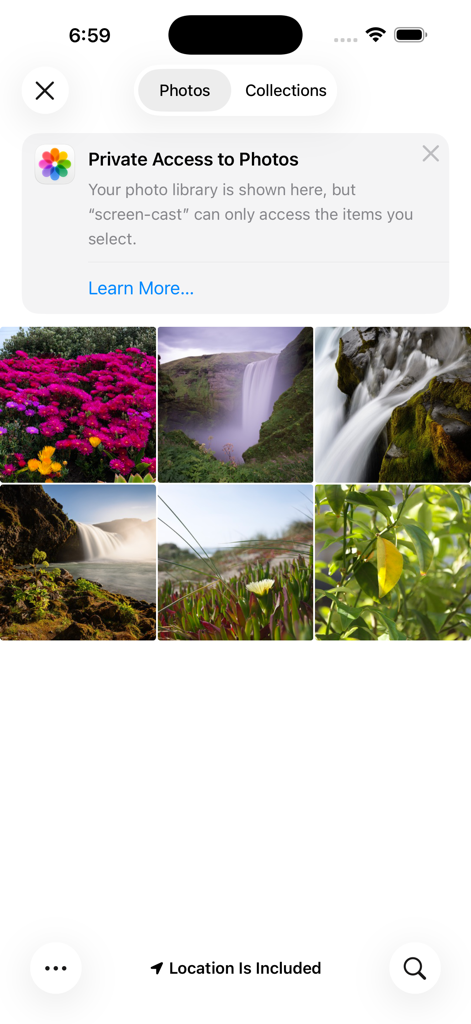
以下のスクリーンショットと説明は、アプリの公式ストアリスティングから直接取得されたものであり、アプリ開発者の所有物です。

アプリストア

スクリーンショット
Screen Cast: Screen Mirroring -

Screen Cast: Screen Mirroring -

Screen Cast: Screen Mirroring -

説明

MirroCast: Screen Mirroring for Smart TV – Cast & Share for Free Turn your Smart phone into a powerful remote for your big screen. With Screen Mirroring for Smart TV, you can instantly mirror your mobile screen to any Smart TV or Chromecast-enabled TV — 100% free and easy to use. Enjoy your favorite photos, videos, apps, presentations, games, and websites on a larger display without cables or complicated setup. Whether you’re watching videos, sharing memories with family, or presenting content at work, our app makes screen casting fast and seamless. Simply connect your phone and TV to the same Wi-Fi network, tap Start Mirroring, and see everything from your phone appear on your TV in real time. No login, no hardware required. Key Features • Mirror your full Smart screen to Smart TV • Cast photos, videos, and apps instantly • High-quality, real-time screen sharing • Works with Smart TV, Chromecast & Cast-enabled TVs • Simple setup with one-tap connection • Free to use with no hidden charges Perfect For • Watching videos and movies on a big screen • Sharing photos and videos with friends & family • Playing mobile games on TV • Presentations, demos, and online meetings • Browsing the web on your TV Important Notes • Both devices must be connected to the same Wi-Fi network • Performance depends on network stability and device capability • DRM-protected apps (like Netflix, Prime Video, etc.) may restrict mirroring due to content policies We are constantly improving the app to deliver smoother performance and better compatibility across devices. Your feedback helps us grow and build better features for you. Disclaimer: This app is not affiliated with Google or any TV brand. Smart TV and Chromecast are trademarks of their respective owners. Mirror smarter. Share bigger. Enjoy everything on your TV — for free.

Download

ダウンロード: App Store

このページはアプリまたはその開発者の公式ページではなく、情報提供および論評を目的として作成された独立した編集出版物です。明示的に別段の記載がない限り、アプリおよびその開発者は、MWM、Apple、Google Play、アプリのパブリッシャー、またはアプリの開発者と提携、承認、後援、認可、またはその他の公式的な関係はなく、このページのいかなる内容も、アプリがMWMのサービスを使用して開発されたことを意味するものではありません。すべての商標、ロゴ、スクリーンショット、その他のコンテンツはそれぞれの所有者の財産です。