Screen Mirroring: Smart cast

Screen Mirroring: Smart cast

ダウンロード: App Store
ロゴ: Screen Mirroring: Smart cast

スクリーンミラーリング:スマートキャスト:iPhoneをあらゆるスマートTVに即座に接続

小さな画面を見つめるのはもうやめましょう。お気に入りの写真、動画、アプリを大画面に簡単にミラーリングして、究極の共有体験をお楽しみください—追加のハードウェアは不要です。

ダウンロード: App Store

開発元

Pravin Gondaliya

カテゴリ

Utilities

ダウンロード

326K+

ユーザー評価

1.8/5

評価数

0

対応言語

15

あなたの世界を、拡大して

このインターフェースを利用する 326K+ 人のユーザー.

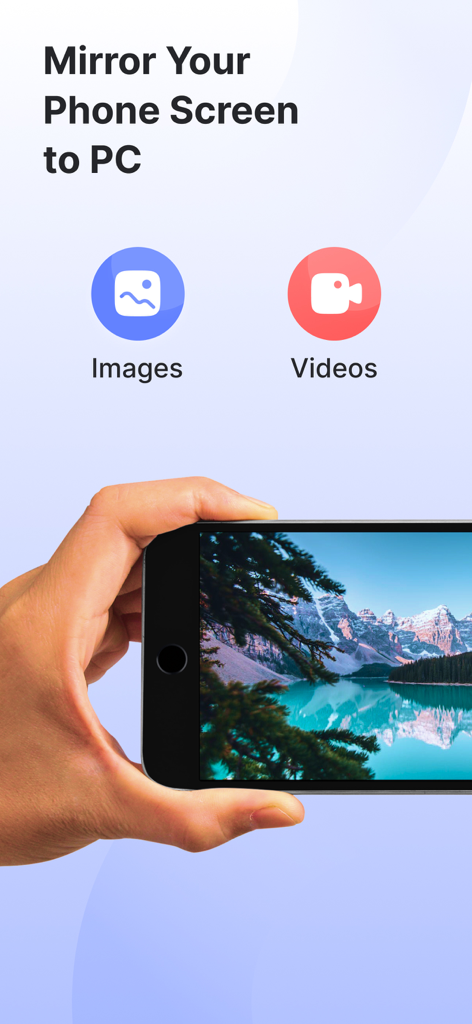
スマートフォンからコンピューターへの画像や動画のキャストオプションを表示するスクリーンミラーリングアプリのインターフェース
スマートフォンからコンピューターへの画像や動画のキャストオプションを表示するスクリーンミラーリングアプリのインターフェース

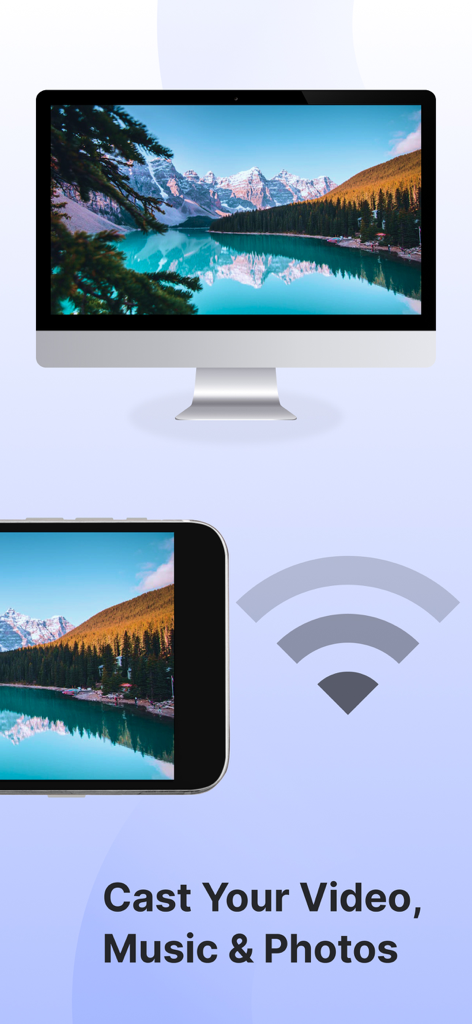
Wi-Fiを使用して山の風景写真をスマートTVにキャストしているスマートフォン
Wi-Fiを使用して山の風景写真をスマートTVにキャストしているスマートフォン

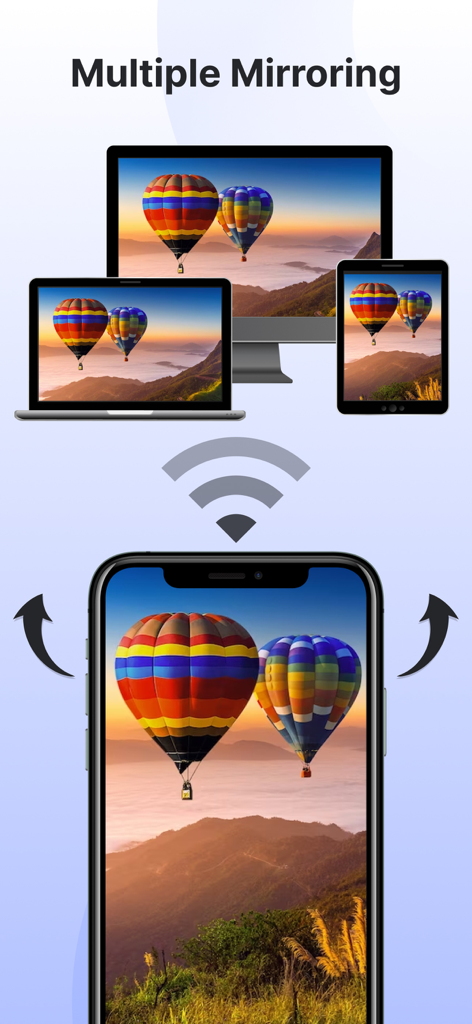
TV、ラップトップ、タブレットに同時に画面をワイヤレスでミラーリングしているスマートフォン
TV、ラップトップ、タブレットに同時に画面をワイヤレスでミラーリングしているスマートフォン

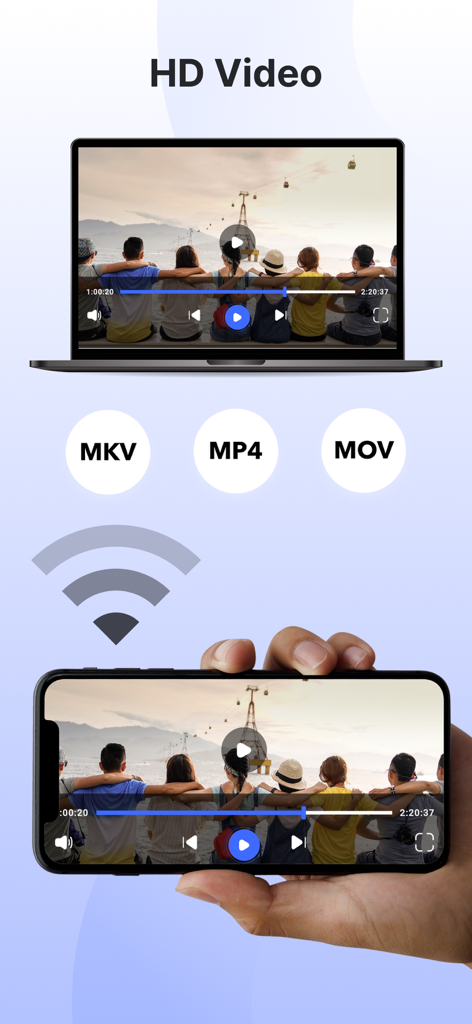
MKV、MP4、MOV形式をサポートするラップトップディスプレイにHDビデオをミラーリングしているスマートフォン

MKV、MP4、MOV形式をサポートするラップトップディスプレイにHDビデオをミラーリングしているスマートフォン

スムーズな大画面体験に必要なすべて

このアプリを際立たせるツール、 326K+ 人のユーザーが選択.

📺

ユニバーサルスクリーンミラーリング

高解像度で画面全体を即座に投影。モバイルゲーム、フィットネスアプリ、ビジネスプレゼンテーションなど、高価なApple TVのようなハードウェアなしで、すべてをリアルタイムで共有できます。

📸

写真と動画を直接キャスト

6インチのディスプレイを囲むのはもうやめましょう。個人写真ライブラリやホームビデオを直接TV画面にキャストして、友人や家族と素晴らしいディテールでお気に入りの思い出を追体験しましょう。

📱

統合スマートリモコン

紛失したリモコンを探す必要はもうありません。スマートフォンを強力なコントローラーに変えて、シングルタップでスマートTVのメニューを操作したり、音量を調整したり、再生を管理したりできます。

アプリについて

について知っておくべきこと Screen Mirroring: Smart cast.

説明

Experience seamless connectivity & Elevate entertainment with our screen mirror app. Mirror phone to smart TV & embrace a new era of multimedia sharing! Screen Mirroring: Smarttv View app will Transform your viewing experience with this feature-packed app that empowers you to effortlessly mirror & share your device screen to Smart TVs. Whether it's for entertainment, presentations, or sharing moments with friends & family, our app is your go-to companion. The app has several features, including the ability to mirror your phone's screen to your TV, mirror photos and videos from your photo library to your TV, and mirror your phone's camera to your TV. Screen mirror & share apps are a popular way to display your phone's content on a smart TV. By using the Screen Mirror feature, you can effortlessly Cast project from phone screen to Smart TV. The Screen Mirroring app facilitates real-time screen mirroring for a seamless experience. Key Features for Screen Mirroring: Smarttv View: 1. Screen Mirroring to Smart Tv: Effortlessly mirror your smartphone or tablet screen to your Smart TV using advanced Miracast technology. Experience high-quality mirroring for a variety of content – from videos & photos to presentations & games. 2. Mirror Phone to Tv Screen: Share your screen in real-time, wirelessly. With just a tap, engage in collaborative work sessions, showcase your latest creations, or enjoy media content on the big screen. Connect seamlessly & share the joy. 3. Mirror your Smart TV: Turn your mobile device into a powerful remote control for your Smart TV. Navigate effortlessly through menus, control playback, and manage volume – all from the convenience of your device. The Screen Mirror app stands out for its user-friendly design and, notably, it's free to use! Key features of the Screen Mirror app include mirroring your phone's screen, sharing photos & videos from your phone's library, projecting your phone's camera to the TV, and supporting multiple screen mirroring simultaneously. To mirror your phone screen to your smart TV, ensure both devices are connected to the same Wi-Fi network, open the app, and follow the instructions. Here are the steps to mirror your screen: 1. Verify that your phone & TV are on the same Wi-Fi network. 2. Open the Screen Mirroring & Sharing app & connect to your Smart TV. (Note: On some devices, manual enabling may be required in System Settings.) 3. Activate the Wireless Display feature on your phone by clicking the "Start Mirroring" button & wait for the connection. When selecting a screen mirroring & sharing app, it's crucial to consider factors such as ensuring both your mobile device & the target device are connected to the same WiFi network. The Screen Mirroring app addresses these requirements, allowing you to effortlessly share your content on multiple TV screens & enhance your overall viewing experience. Important points to remember when using screen mirroring & sharing apps: 1. Connect both the target device & your TV to the same Wi-Fi network. 2. Ensure an internet connection for screen casting, mirroring, or TV projection. 3. Note that screen mirroring & sharing transfer only visual information, not audio signals from your device. Now, mirror phone to smart TV is a breeze! Simply mirror your phone to a TV or another device, and you'll be sharing your screen effortlessly in no time! Our app offers unlimited screen mirroring to Smart TVs. Enjoy the freedom to share without any financial constraints. Upgrade your screen mirroring experience today with "Screen Mirroring: Smarttv View." Download now & redefine how you connect & share with your Smart TV. Privacy Policy: https://vasundharaapps.com/screen-mirroring-and-sharing-ios/privacy-policy Terms of Use: https://vasundharaapps.com/screen-mirroring-and-sharing-ios/terms-of-use

最新バージョン

1.8

サイズ

60.0 MB

リリース日

2023年12月7日

コンテンツを大画面に映す準備はできましたか?

326,000人以上のユーザーがホームエンターテイメントをシンプルにしました。今すぐ無料でiPhoneをあらゆるスマートTVにミラーリングして、お気に入りの瞬間をすぐに共有しましょう。

ダウンロード: App Store

App information, icons, screenshots, and descriptions displayed on this page are sourced from the Apple App Store and are the property of their respective developers. Download estimates and rankings are based on MWM's proprietary models and may not reflect actual figures. This page is provided for informational and analytical purposes only.

Believe this page infringes your intellectual property? File a dispute