Screen Mirroring | TV Cast
ダウンロード: App Store

このページはアプリまたはその開発者の公式ページではなく、情報提供および論評を目的として作成された独立した編集出版物です。明示的に別段の記載がない限り、アプリおよびその開発者は、MWM、Apple、Google Play、アプリのパブリッシャー、またはアプリの開発者と提携、承認、後援、認可、またはその他の公式的な関係はなく、このページのいかなる内容も、アプリがMWMのサービスを使用して開発されたことを意味するものではありません。すべての商標、ロゴ、スクリーンショット、その他のコンテンツはそれぞれの所有者の財産です。


ロゴ: Screen Mirroring | TV Cast
ダウンロード: App Store

Screen Mirroring | TV Cast

あなたのスマホが、あらゆる大画面を瞬時に支配する。もはや「接続中」で立ち往生する時代は終わった。

主要数値

ダウンロード

10k+

ユーザー評価

4.3/5

評価数

19

開発元

Calify LTD

カテゴリ

Utilities

対応言語

2

最新バージョン

1.1.2

サイズ

79.4 MB

リリース日

2026年2月12日
機能

スマートフォンユーザーのためのシームレスな大画面共有ソリューション

「Screen Mirroring | TV Cast」アプリの機能分析

ライブスクリーンミラーリング

ユーザーは、スマートフォンの画面全体をリアルタイムで大画面テレビに表示し、アプリ、ウェブサイト、ドキュメント、プレゼンテーションを共有することができます。これにより、多人数での視聴やプレゼンテーションが容易になります。

簡単な接続とセットアップ

複雑な設定は不要で、スマートフォンとテレビを同じWi-Fiネットワークに接続するだけで、数回のタップでミラーリングやキャスティングを開始できます。一度接続すると、アプリはデバイスを記憶し、再接続が迅速になります。

メディアコンテンツのキャスト

ユーザーは、スマートフォン内の写真や動画を選択的にテレビにストリーミングできます。これにより、特定のメディアを大画面で楽しむことができ、スマートフォンは再生コントロールとして機能します。

以下のスクリーンショットと説明は、アプリの公式ストアリスティングから直接取得されたものであり、アプリ開発者の所有物です。

アプリストア

スクリーンショット
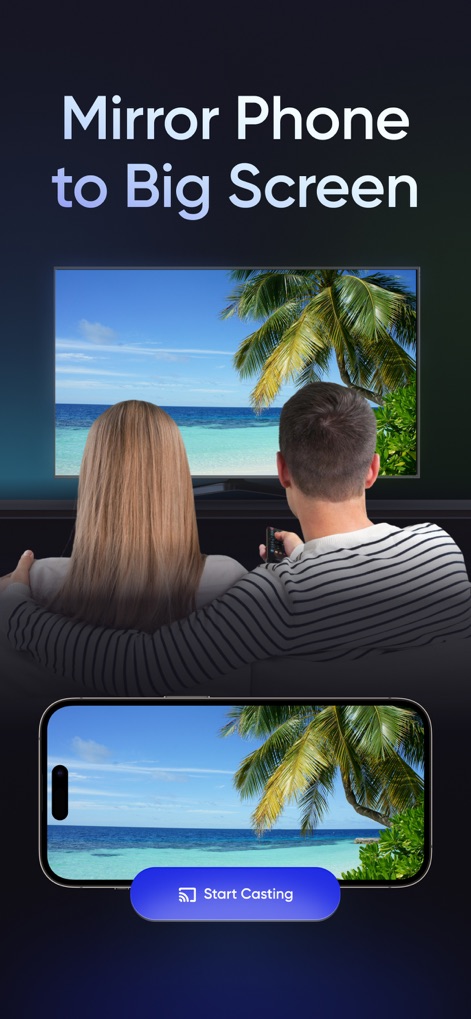
Screen Mirroring | TV Cast - ユーザーは携帯電話の画面を大画面テレビに簡単にミラーリングできます。熱帯のビーチ風景がテレビと携帯電話の両方に映し出され、「Start Casting」ボタンで共有を開始できる機能が視覚的に確認できます。

ユーザーは携帯電話の画面を大画面テレビに簡単にミラーリングできます。熱帯のビーチ風景がテレビと携帯電話の両方に映し出され、「Start Casting」ボタンで共有を開始できる機能が視覚的に確認できます。

携帯を大画面に
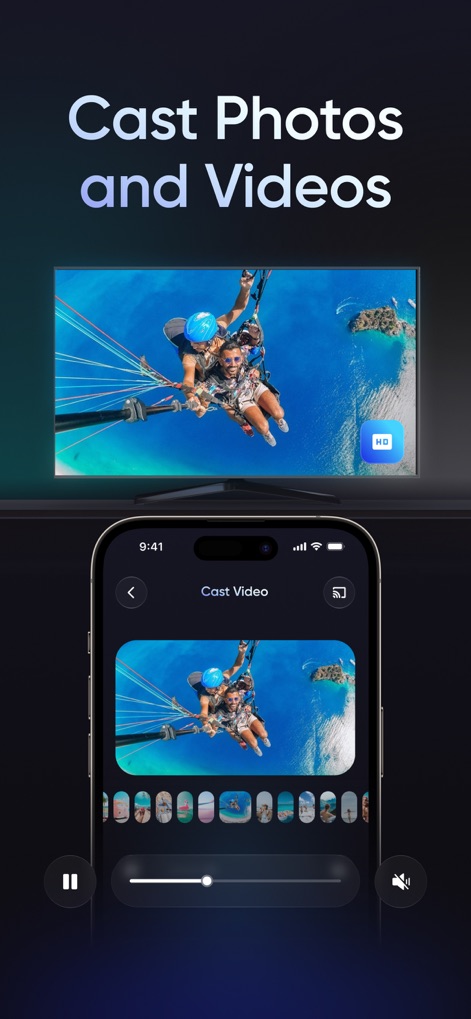
Screen Mirroring | TV Cast - ユーザーは高画質な写真や動画をテレビにキャストして視聴できます。パラセーリングの動画がテレビ画面に表示され、携帯電話アプリ内のサムネイル表示と再生コントロールでコンテンツを管理できる機能が示されています。

ユーザーは高画質な写真や動画をテレビにキャストして視聴できます。パラセーリングの動画がテレビ画面に表示され、携帯電話アプリ内のサムネイル表示と再生コントロールでコンテンツを管理できる機能が示されています。

写真・動画をキャスト
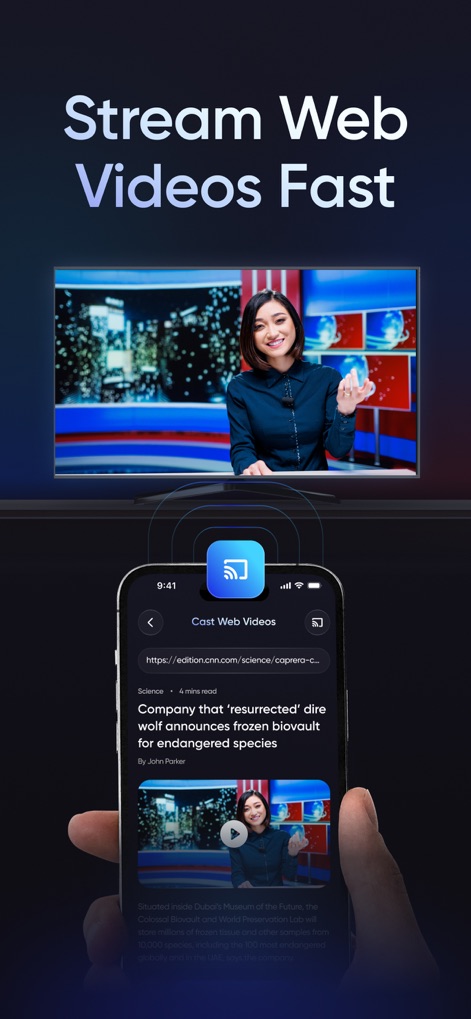
Screen Mirroring | TV Cast - ユーザーはWeb上の動画コンテンツをテレビで素早くストリーミングできます。ニュースキャスターが映るテレビ画面と、携帯電話に表示されたWeb記事中の動画コンテンツが、シームレスな接続で再生される様子を示しています。

ユーザーはWeb上の動画コンテンツをテレビで素早くストリーミングできます。ニュースキャスターが映るテレビ画面と、携帯電話に表示されたWeb記事中の動画コンテンツが、シームレスな接続で再生される様子を示しています。

Web動画を高速再生
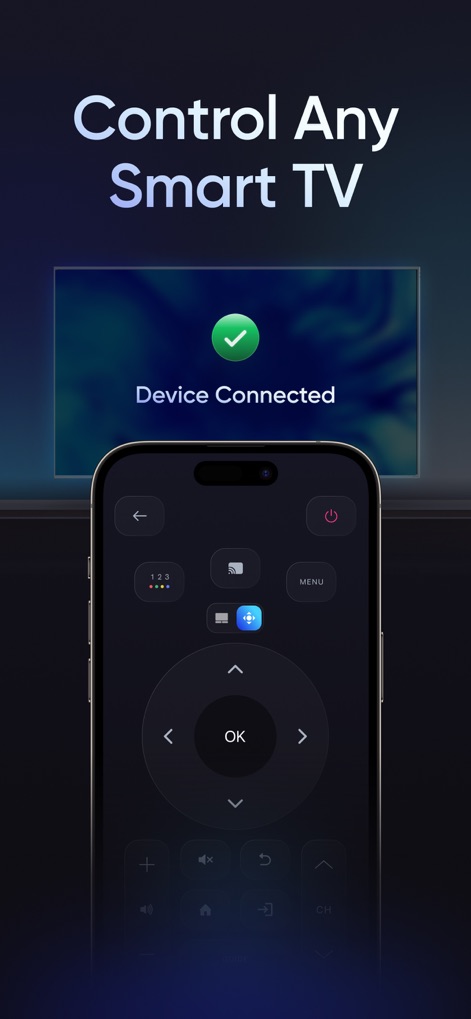
Screen Mirroring | TV Cast - ユーザーはこのアプリでスマートテレビを簡単に操作できます。テレビ画面には「Device Connected」と接続状態が表示され、携帯電話の画面にはチャンネル変更や音量調整など多機能なリモートコントロールインターフェースが現れています。

ユーザーはこのアプリでスマートテレビを簡単に操作できます。テレビ画面には「Device Connected」と接続状態が表示され、携帯電話の画面にはチャンネル変更や音量調整など多機能なリモートコントロールインターフェースが現れています。

スマートTVを操作
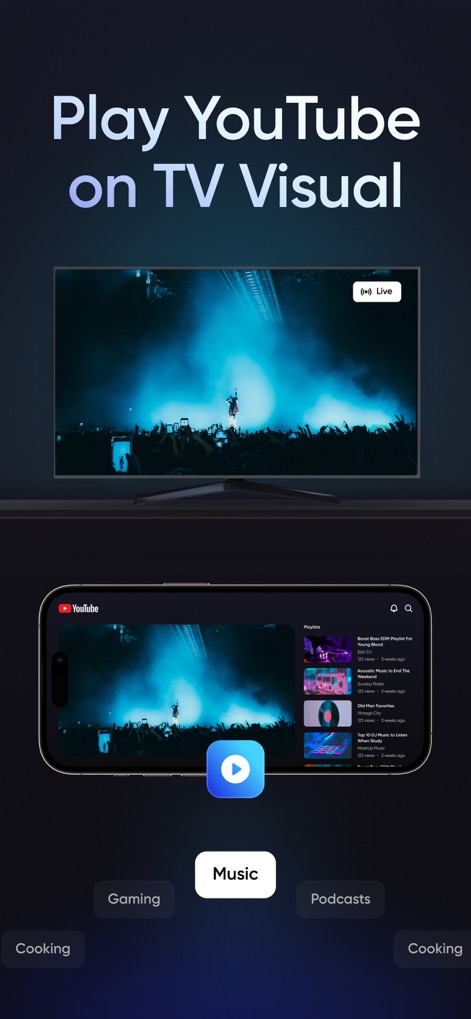
Screen Mirroring | TV Cast - ユーザーはYouTubeコンテンツを大画面テレビで楽しめます。ライブパフォーマンスが映し出されたテレビ画面と、携帯電話のYouTubeアプリインターフェース内のコンテンツカテゴリ選択機能が、コンテンツ体験の多様性を示しています。

ユーザーはYouTubeコンテンツを大画面テレビで楽しめます。ライブパフォーマンスが映し出されたテレビ画面と、携帯電話のYouTubeアプリインターフェース内のコンテンツカテゴリ選択機能が、コンテンツ体験の多様性を示しています。

YouTubeを大画面で
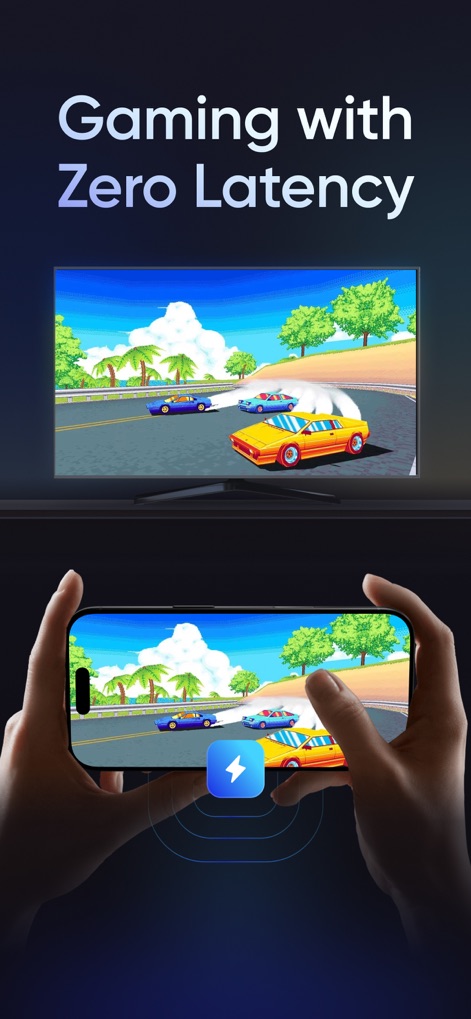
Screen Mirroring | TV Cast - ユーザーは遅延なく大画面でゲームを楽しめます。テレビ画面に表示されるレーシングゲームと、携帯電話を横向きにしたゲームプレイ画面が、シームレスで没入感のあるゲーム体験を可能にしています。

ユーザーは遅延なく大画面でゲームを楽しめます。テレビ画面に表示されるレーシングゲームと、携帯電話を横向きにしたゲームプレイ画面が、シームレスで没入感のあるゲーム体験を可能にしています。

低遅延ゲーム体験

説明

Want your phone on the big screen (TV or Chromecast) without getting stuck on “Connecting”? This app keeps it simple so you can start sharing fast-whether you’re showing something quickly, casting a video, or using your TV as a bigger screen at home. People use it in different ways: Screen mirroring to show apps, browsing, documents, or demos Media casting to play photos and videos on the TV Simple remote controls so you can control playback from your phone once content is on the TV How it works Put your phone and TV/Chromecast on the same Wi-Fi network. Open the app and wait a moment for devices to appear. Tap your TV/Chromecast and choose what you want to share. After the connection is set, switching between screen mirroring and media casting is quick. The app can remember your TV so the next connection feels faster (unless you change networks). Screen mirroring Sharing something on a phone gets awkward when more than one person is watching. Mirror to your TV to show a quick video, a document, or an app screen. Great for school, meetings, and those “everyone look at this” moments at home. Cast photos and videos Casting is ideal when you only want to play specific media on the TV. Choose a photo or video from your phone and send just that content to the big screen-perfect for saved clips, camera roll videos, and photo sharing. Your phone stays in your hand as the controller (play/pause/seek). Easy setup for everyday use No complicated setup-just connect on the same Wi-Fi and start in a few taps. After the first time, your TV is easier to find and reconnect. Chromecast and Smart TV support Use Chromecast for a simple “play this on the big screen” experience, and mirror your screen on many Smart TVs for apps, browsing, and quick demos. Same goal either way: make sharing easy without turning setup into a project. Flexible sharing for different situations Use live mirroring when you want to show what is on your screen. Use media casting when you just want to watch something. Switching between these modes is simple and quick. Built for home, work, and learning Show content to your family, display something in a meeting, or use the TV as a larger screen while studying. One app for your big screen moments Download today and stop crowding around a small screen. Cast to TV or Chromecast, share your favorite content, and enjoy a more comfortable way to watch and present. Premium Subscription Offer Get full app access with Premium for seamless convenience. Annual Premium: $39.99/year (United States) Weekly Premium: $9/week The subscription fee will be billed to your Apple ID account upon confirmation of purchase. Subscription Details Payment will be charged to the Apple ID account at confirmation of purchase. Subscription automatically renews each year unless auto-renew is turned off at least 24 hours before the end of the current subscription period. Your account will be charged for renewal within 24 hours prior to the end of the current period, at the original subscription rate. Manage your subscription and turn off auto-renewal by going to Account Settings after purchase. Any unused portion of a free trial period, if offered, will be forfeited when you purchase a Premium subscription. To restore a purchase on a new device or regain Premium, tap “Restore Purchase” in the app settings. For support or inquiries, contact us at support@calify-ai.com. Please review our Privacy Policy and Terms of Service for more information: Privacy Policy: https://www.calify-ai.com/Privacy-Policy-TV-Cast Terms of Service: https://www.calify-ai.com/Terms-of-Use-TV-Cast Prices may vary based on your region and are subject to change without notice. Local taxes may apply. Disclaimer: This app is not affiliated with or endorsed by any TV manufacturer or brand. It is independently designed to enhance the screen mirroring and casting experience across compatible devices.

Download

ダウンロード: App Store

このページはアプリまたはその開発者の公式ページではなく、情報提供および論評を目的として作成された独立した編集出版物です。明示的に別段の記載がない限り、アプリおよびその開発者は、MWM、Apple、Google Play、アプリのパブリッシャー、またはアプリの開発者と提携、承認、後援、認可、またはその他の公式的な関係はなく、このページのいかなる内容も、アプリがMWMのサービスを使用して開発されたことを意味するものではありません。すべての商標、ロゴ、スクリーンショット、その他のコンテンツはそれぞれの所有者の財産です。