
このページはアプリまたはその開発者の公式ページではなく、情報提供および論評を目的として作成された独立した編集出版物です。明示的に別段の記載がない限り、アプリおよびその開発者は、MWM、Apple、Google Play、アプリのパブリッシャー、またはアプリの開発者と提携、承認、後援、認可、またはその他の公式的な関係はなく、このページのいかなる内容も、アプリがMWMのサービスを使用して開発されたことを意味するものではありません。すべての商標、ロゴ、スクリーンショット、その他のコンテンツはそれぞれの所有者の財産です。


Screen Recorder - Recorder
クリエイターやプロフェッショナル向けの究極の高解像度ツール。フェイスカムオーバーレイと内部音声で、スムーズなゲームプレイ、チュートリアル、リアクション動画を、すべて1つのアプリでキャプチャできます。
ダウンロード
11K+ユーザー評価
評価数
1K+開発元
カテゴリ
Utilities対応言語
10最新バージョン
9.0サイズ
140.7 MBリリース日
2024年8月29日プロのようにキャプチャし、制限なく共有
ウォーターマークやラグなしで高解像度品質を求めるクリエイターやプロフェッショナルのために設計された、オールインワン録画スイート。
プロ仕様のフェイスカムオーバーレイ
リサイズ可能なフロントカメラウィンドウで、チュートリアルやリアクション動画にパーソナルなタッチを加えましょう。
クリアでブランドフリー
ウォーターマークなしで高解像度録画をエクスポートし、コンテンツをプロフェッショナルでクリーンに保ちます。
よくある質問
について知っておくべきこと Screen Recorder - Recorder
Screen Recorder - Recorder とは何ですか?
Screen Recorder - Recorder は、鮮やかなHDで画面をキャプチャするためのアプリです。内部音声キャプチャやカスタマイズ可能な解像度などの高度な機能を使用して、チュートリアル、ゲームのハイライト、ビデオ通話を録画できます。
Screen Recorder - Recorder は内部音声キャプチャを許可しますか?
はい、Screen Recorder - Recorder にはクリアなサウンドのための内部音声キャプチャが含まれています。この機能により、アプリ内のすべてのサウンドが直接録音されます。
Screen Recorder - Recorder を使用して、ウォーターマークや時間制限なしで録画できますか?
はい、Screen Recorder - Recorder では、ウォーターマークなし、録画時間制限なしでビデオを録画できます。
Screen Recorder - Recorder はどのビデオ解像度をサポートしていますか?
Screen Recorder - Recorder は、480p、720p、1080p、2K、4K を含むカスタマイズ可能な解像度で高品質のHD録画をサポートしています。ユーザーは好みの録画品質を選択できます。
Screen Recorder - Recorder はビデオ編集ツールを提供していますか?
はい、Screen Recorder - Recorder は簡単なビデオ編集機能を提供しています。ユーザーは、トリミング、クロッピング、速度調整、回転、オーディオ音量管理をアプリ内で直接行うことができます。
Screen Recorder - Recorder でどのような種類のコンテンツを録画できますか?
Screen Recorder - Recorder は、チュートリアル、ゲームのハイライト、ライブストリーム、ビデオ通話、オンライン会議の録画、および重要な画面の瞬間を保存するのに最適です。
Screen Recorder - Recorder のサブスクリプションはどのように機能しますか?
Screen Recorder - Recorder は自動更新サブスクリプション(週次、月次、年次)を提供しています。購入時にiTunesアカウントに請求され、期間終了の24時間前までに自動更新をオフにする必要があります。
Screen Recorder - Recorder で録画したビデオをソーシャルメディアに共有できますか?
はい、Screen Recorder - Recorder を使用すると、録画したビデオを簡単に共有できます。YouTube、TikTok、Instagram、WhatsApp、Facebook などのプラットフォームに直接共有できます。
Screen Recorder - Recorder にはフロントカメラオーバーレイ機能がありますか?
はい、Screen Recorder - Recorder にはフロントカメラオーバーレイ機能が含まれています。これにより、ユーザーは自分の顔を録画に含めることができ、チュートリアルやリアクションに最適です。
以下のスクリーンショットと説明は、アプリの公式ストアリスティングから直接取得されたものであり、アプリ開発者の所有物です。
アプリストア
スクリーンショット
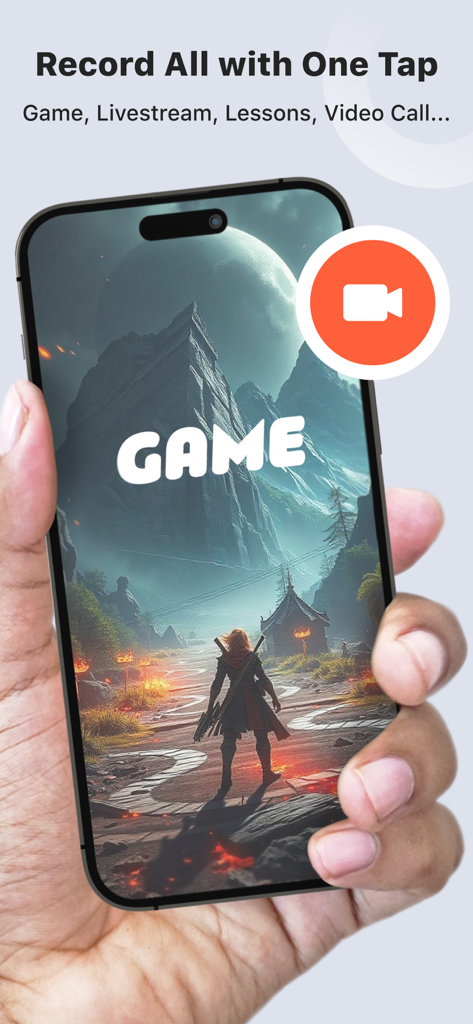
オレンジ色の画面録画ボタンオーバーレイが表示されたモバイルゲームを映すiPhoneを持つ手の写真
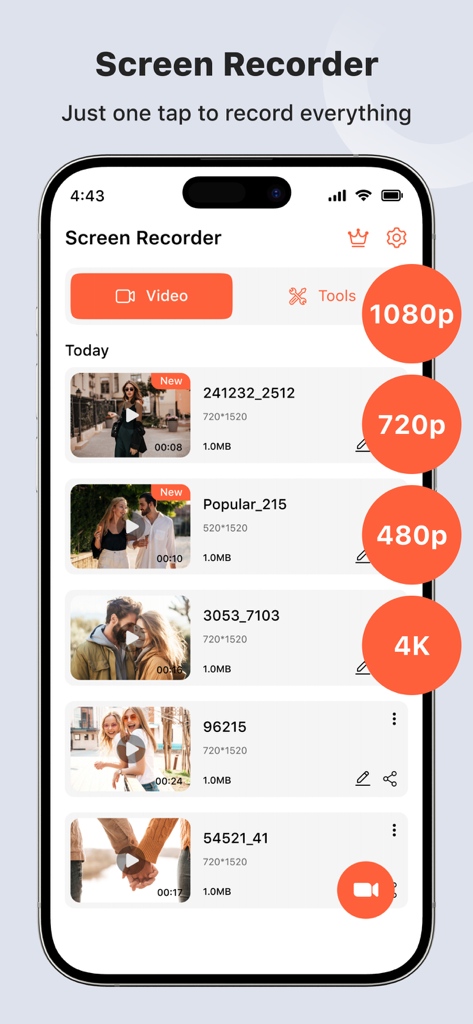
録画された動画と、1080pや4Kなどの高解像度設定が表示されるScreen Recorderアプリのダッシュボード
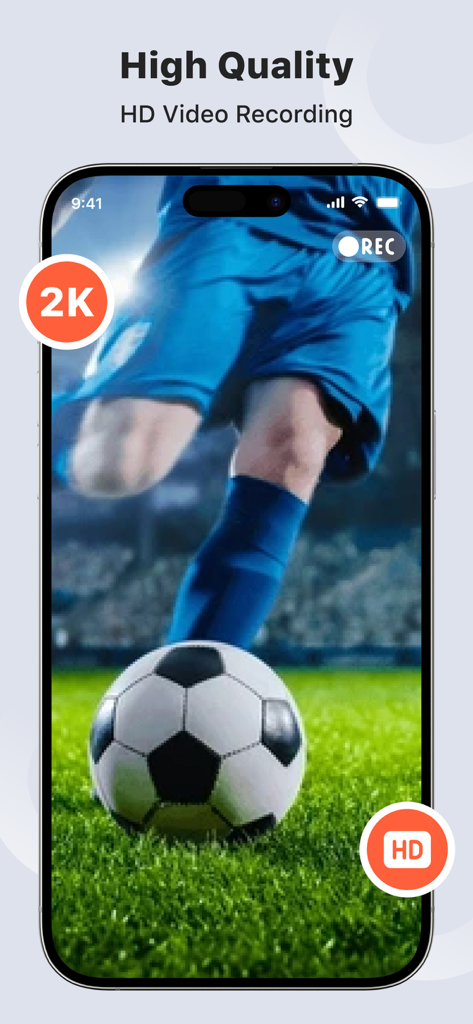
サッカーの試合の高画質HDおよび2Kビデオ録画を示すScreen Recorderアプリのインターフェイス
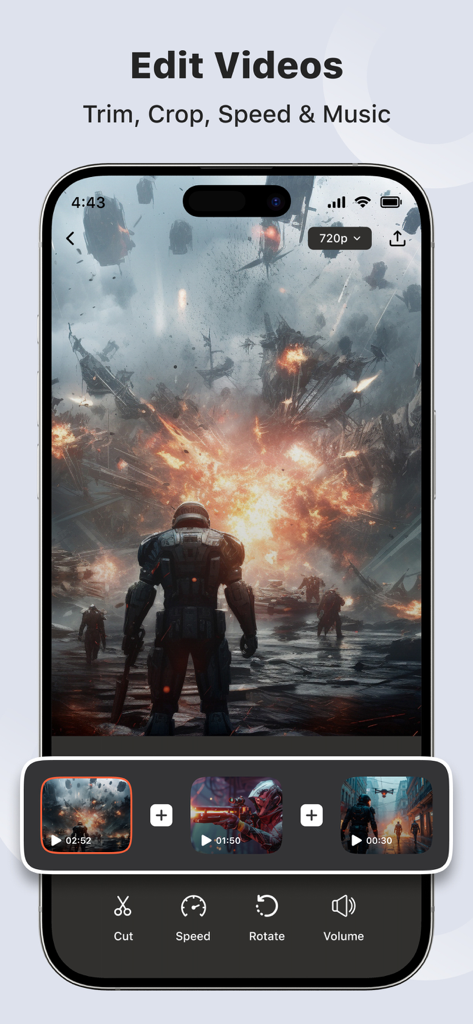
iPhone画面上でカットやスピードなどのビデオ編集ツールを示すScreen Recorderアプリのインターフェイス
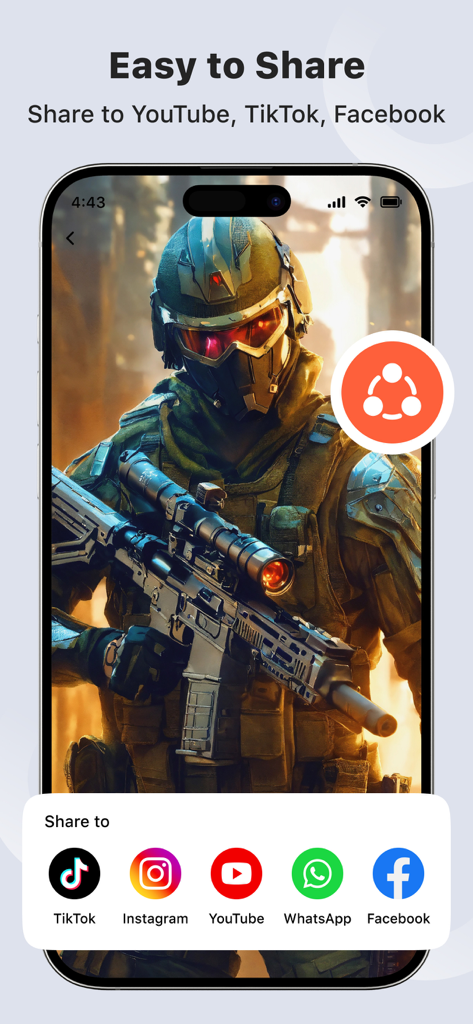
TikTok Instagram YouTube WhatsAppおよびFacebookに直接録画動画を共有するオプションを示すインターフェイス
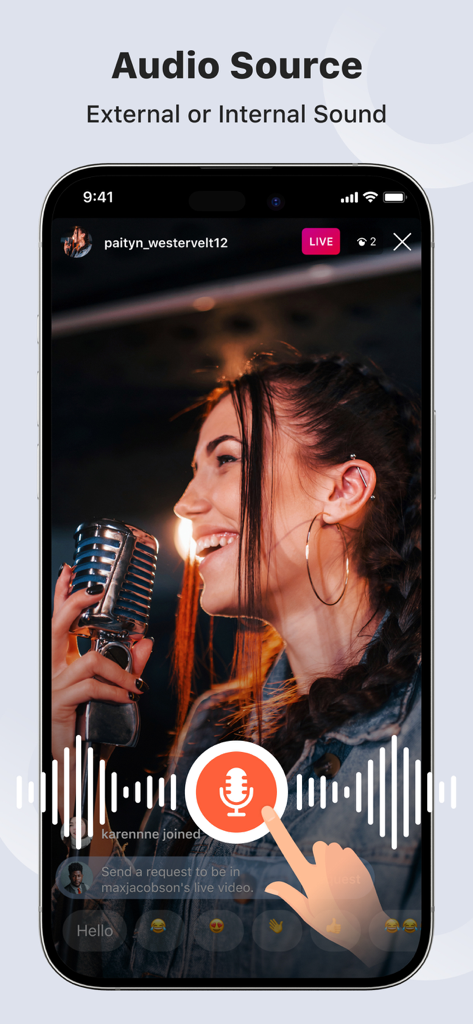
ライブストリームの背景で、内部および外部のオーディオソースの選択を示すScreen Recorderアプリのインターフェイス。
説明
Download
類似アプリ
同じカテゴリのトップランクアプリ

Google LLC

Google Chrome
Google LLC

中国移动(手机营业厅)
China Mobile Online Services Co., Ltd.

Google Authenticator
Google LLC

CNH do Brasil
Servicos e Informacoes do Brasil

Cleanup: Phone Storage Cleaner
DEEP FLOW SOFTWARE SERVICES - FZCO

gov.br
Servicos e Informacoes do Brasil

中国电信-全国统一官方服务平台
CHINA TELECOM Corporation Ltd.

Microsoft Edge: AI Browser
Microsoft Corporation
このページはアプリまたはその開発者の公式ページではなく、情報提供および論評を目的として作成された独立した編集出版物です。明示的に別段の記載がない限り、アプリおよびその開発者は、MWM、Apple、Google Play、アプリのパブリッシャー、またはアプリの開発者と提携、承認、後援、認可、またはその他の公式的な関係はなく、このページのいかなる内容も、アプリがMWMのサービスを使用して開発されたことを意味するものではありません。すべての商標、ロゴ、スクリーンショット、その他のコンテンツはそれぞれの所有者の財産です。