Signature Maker & Esign Now
ダウンロード: App Store

このページはアプリまたはその開発者の公式ページではなく、情報提供および論評を目的として作成された独立した編集出版物です。明示的に別段の記載がない限り、アプリおよびその開発者は、MWM、Apple、Google Play、アプリのパブリッシャー、またはアプリの開発者と提携、承認、後援、認可、またはその他の公式的な関係はなく、このページのいかなる内容も、アプリがMWMのサービスを使用して開発されたことを意味するものではありません。すべての商標、ロゴ、スクリーンショット、その他のコンテンツはそれぞれの所有者の財産です。

ロゴ: Signature Maker & Esign Now
ダウンロード: App Store

Signature Maker & Esign Now

法的拘束力のある電子署名で、数秒で契約を締結。プリンターもスキャナーも不要—モバイルデバイスで直接、安全かつプロフェッショナルな契約を管理できます。

主要数値

ダウンロード

614K+

ユーザー評価

4.7/5

評価数

14K+

開発元

Loyal Foundry, Inc.

カテゴリ

Productivity

対応言語

1

最新バージョン

12.1.3

サイズ

192.1 MB

リリース日

2018年2月1日
機能

どこでも、より迅速に契約を締結

Signature Makerを使用して、600,000人以上のプロフェッショナルが、書類作成の手間を省き、記録的な速さで契約に署名を得ています。

インスタント・モバイル署名

文書のアップロード、署名、送信を数秒で完了。デジタルワークフローにプリンター、スキャナー、オフィスは不要です。

法的拘束力とセキュリティ

すべての署名には、完全な監査証跡と銀行レベルの暗号化がバックアップされており、ビジネス契約を安全に保ちます。

以下のスクリーンショットと説明は、アプリの公式ストアリスティングから直接取得されたものであり、アプリ開発者の所有物です。

アプリストア

スクリーンショット
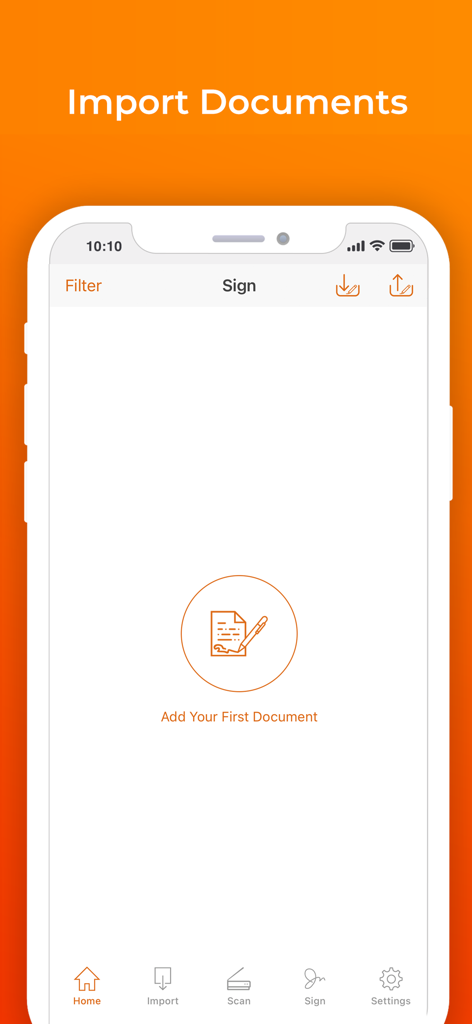
Signature Maker & Esign Now - Signature Makerアプリのモバイル画面で、文書インポートオプションを表示
Signature Makerアプリのモバイル画面で、文書インポートオプションを表示

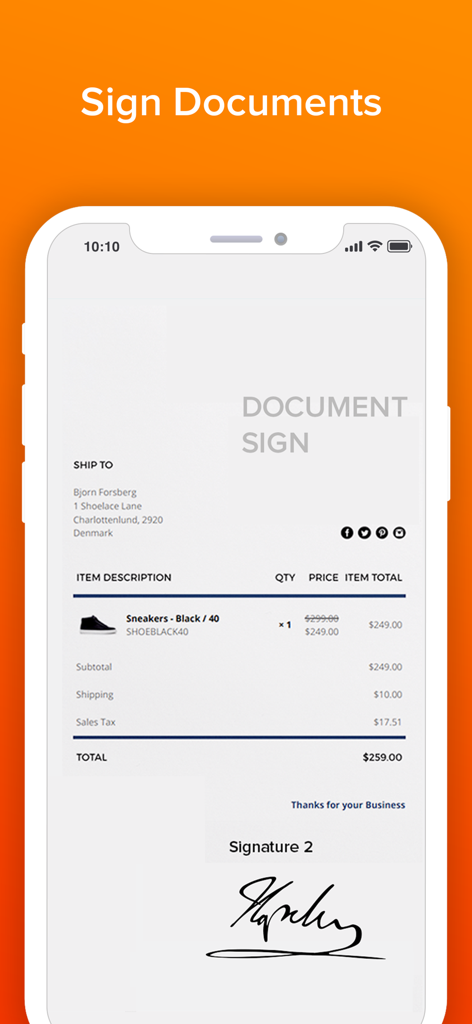
Signature Maker & Esign Now - Signature Makerアプリで、ビジネス文書にデジタル署名が表示されているスマートフォンの画面。
Signature Makerアプリで、ビジネス文書にデジタル署名が表示されているスマートフォンの画面。

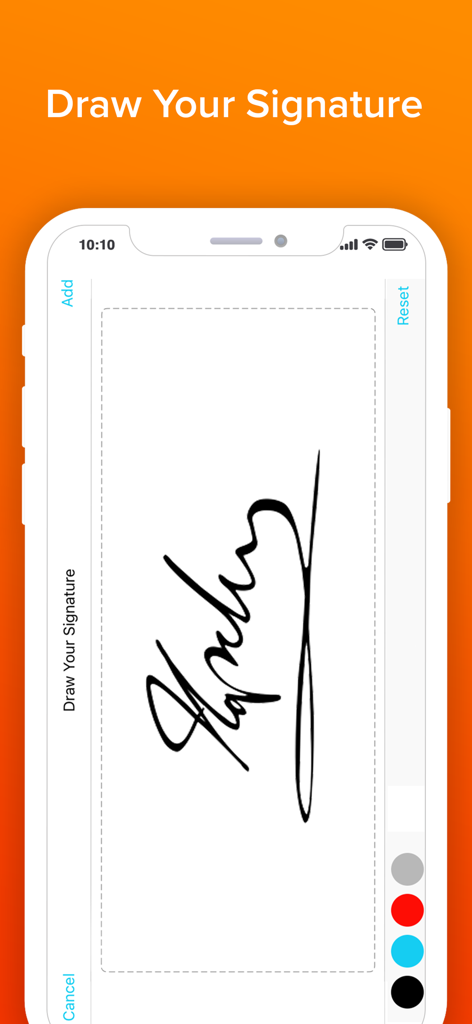
Signature Maker & Esign Now - Signature Makerアプリのインターフェースで、カラーオプション付きの署名描画画面を表示。
Signature Makerアプリのインターフェースで、カラーオプション付きの署名描画画面を表示。

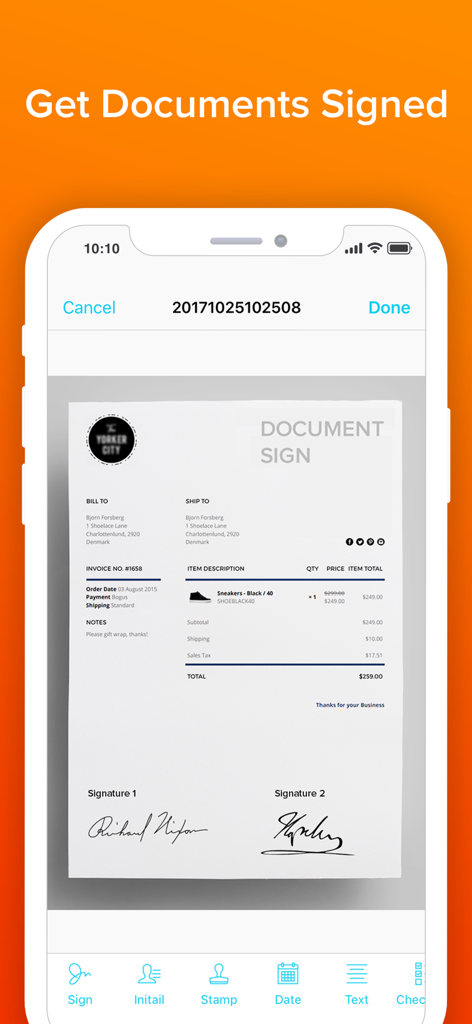
Signature Maker & Esign Now - 署名済みデジタル文書と、下部にあるさまざまな署名ツールが表示されたモバイル画面。
署名済みデジタル文書と、下部にあるさまざまな署名ツールが表示されたモバイル画面。

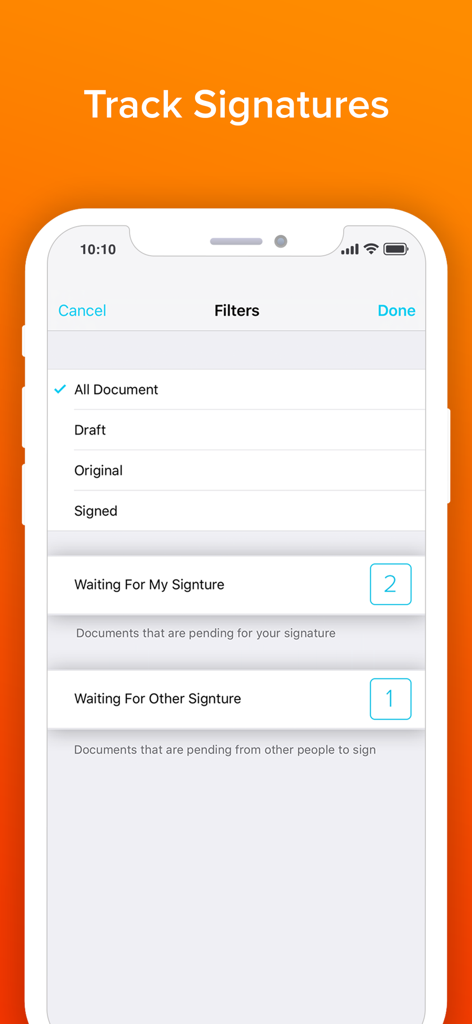
Signature Maker & Esign Now - 署名ステータスの文書を追跡・フィルタリングするためのモバイルアプリインターフェース。
署名ステータスの文書を追跡・フィルタリングするためのモバイルアプリインターフェース。

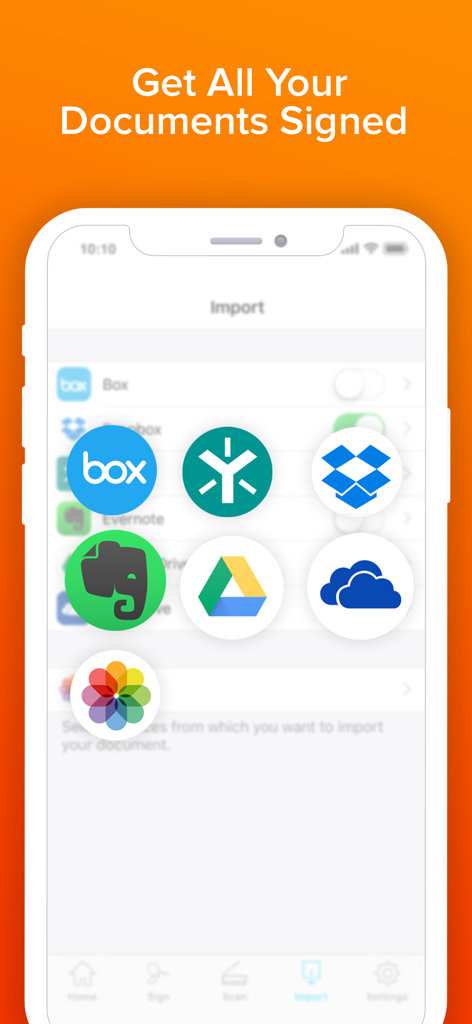
Signature Maker & Esign Now - DropboxやGoogle Driveなどのクラウドストレージサービスから文書をインポートするためのSignature Makerアプリインターフェース。

DropboxやGoogle Driveなどのクラウドストレージサービスから文書をインポートするためのSignature Makerアプリインターフェース。

説明

Send and sign documents from anywhere, on any device. SIGN FOR FREE Signing is free. Simply upload the document, select yourself as the signer, and create your own signature. MANAGE AGREEMENTS Check the signing status, and remind parties to sign and void agreements—all from your mobile device. Stay on top of your workflows from anywhere. MULTIPLE SIGNERS Tag your document for signature from a select number of fields by simply dragging and dropping the tags. With our updated sending experience, preparing a document for signature just got easier. REAL-TIME UPDATES Receive real-time push notifications when a document has been signed. Stay in the loop even when not in the office. LEGALLY BINDING See why hundreds of millions of users trust this app to collect signatures on agreements. With a complete audit trail, you can see who signed when and where. Documents are encrypted, which means it’s safer and more secure than paper. Download the app and make your life business life easier, today! Get your first 3 days free! Subscription Plan Information: • Payment is charged to your iTunes account at confirmation of purchase. • Subscription automatically renews unless auto-renew is turned off at least 24 hours before the end of the current period. You can turn off the auto-renew subscription from your device settings. • Account will be charged for renewal within 24 hours prior to the end of the current period. • Subscriptions may be managed by the user and auto-renewal may be turned off by going to the user's Account Settings after purchase. • Any unused portion of a free trial period, if offered, will be forfeited when the user purchases a subscription Privacy Policy and Terms of Use: https://www.loyal.app/privacy-policy To manage your subscription or turn off auto-renewal on your iPhone: 1. Go to AppStore 2. Tap on your Apple ID at the top right of the screen. You may need to sign in. 3. Tap on Subscriptions 4. Tap the subscription you want to manage 5. Use the options to manage your subscription

Download

ダウンロード: App Store

このページはアプリまたはその開発者の公式ページではなく、情報提供および論評を目的として作成された独立した編集出版物です。明示的に別段の記載がない限り、アプリおよびその開発者は、MWM、Apple、Google Play、アプリのパブリッシャー、またはアプリの開発者と提携、承認、後援、認可、またはその他の公式的な関係はなく、このページのいかなる内容も、アプリがMWMのサービスを使用して開発されたことを意味するものではありません。すべての商標、ロゴ、スクリーンショット、その他のコンテンツはそれぞれの所有者の財産です。








