Sketch 3D
Sketch 3D
ダウンロード: App Store

このページはアプリまたはその開発者の公式ページではなく、情報提供および論評を目的として作成された独立した編集出版物です。明示的に別段の記載がない限り、アプリおよびその開発者は、MWM、Apple、Google Play、アプリのパブリッシャー、またはアプリの開発者と提携、承認、後援、認可、またはその他の公式的な関係はなく、このページのいかなる内容も、アプリがMWMのサービスを使用して開発されたことを意味するものではありません。すべての商標、ロゴ、スクリーンショット、その他のコンテンツはそれぞれの所有者の財産です。

ロゴ: Sketch 3D
ダウンロード: App Store

Sketch 3D

メイカーやデジタルアーティストのための究極のモバイルワークステーション。直感的なマルチタッチジェスチャーで複雑なモデルを造形し、スケルトン構造でアニメーションを付け、プロ仕様のSTLファイルを3Dプリント用に書き出せます。すべてiPadやiPhoneから可能です。

主要数値

ダウンロード

533K+

ユーザー評価

3.2/5

評価数

1K+

開発元

Victor Ng

カテゴリ

Graphics & Design

対応言語

4

最新バージョン

1.54

サイズ

187.6 MB

リリース日

2015年8月22日
機能

手のひらでプロフェッショナルな3Dデザインを

モバイルスケッチとプロフェッショナルな制作のギャップを埋めます。Sketch 3Dは、デスクトップ級のモデリング、アニメーション、顔キャプチャツールを、次世代のクリエイター向けに設計されたiPhoneとiPadにもたらします。

タッチ操作に特化した精密モデリング

複雑なキーボードショートカットは不要です。直感的なマルチタッチジェスチャーで、押し出し、ベベル、ループカットを行えます。サブディビジョンサーフェスやクアッドフェイス編集などのプロ仕様のジオメトリツールが、スワイプ操作と同じくらい簡単になります。

3Dプリントに最適化

デジタルコンセプトから物理的な現実へと、数分で移行できます。高品質なSTLおよびOBJファイルを3Dプリンターへ直接書き出せるため、メイカー、エンジニア、DIY愛好家にとって最適なツールです。

以下のスクリーンショットと説明は、アプリの公式ストアリスティングから直接取得されたものであり、アプリ開発者の所有物です。

アプリストア

スクリーンショット
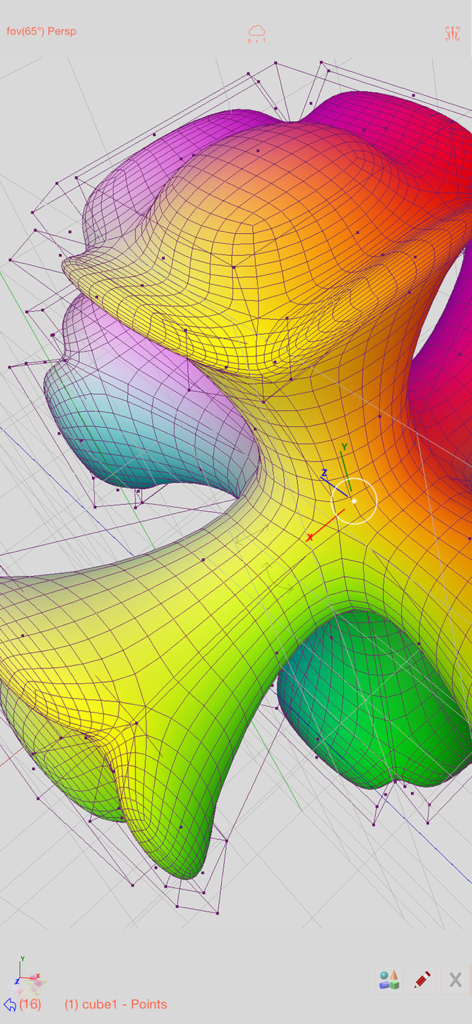
Sketch 3D - Sketch 3Dアプリでワイヤーフレームと頂点ポイントを使用して編集されている、カラフルでオーガニックな3Dメッシュモデル
Sketch 3Dアプリでワイヤーフレームと頂点ポイントを使用して編集されている、カラフルでオーガニックな3Dメッシュモデル

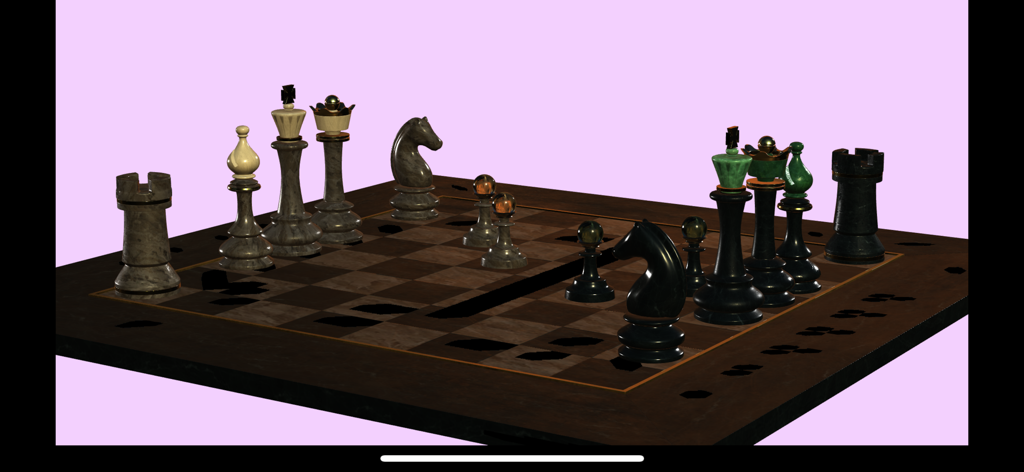
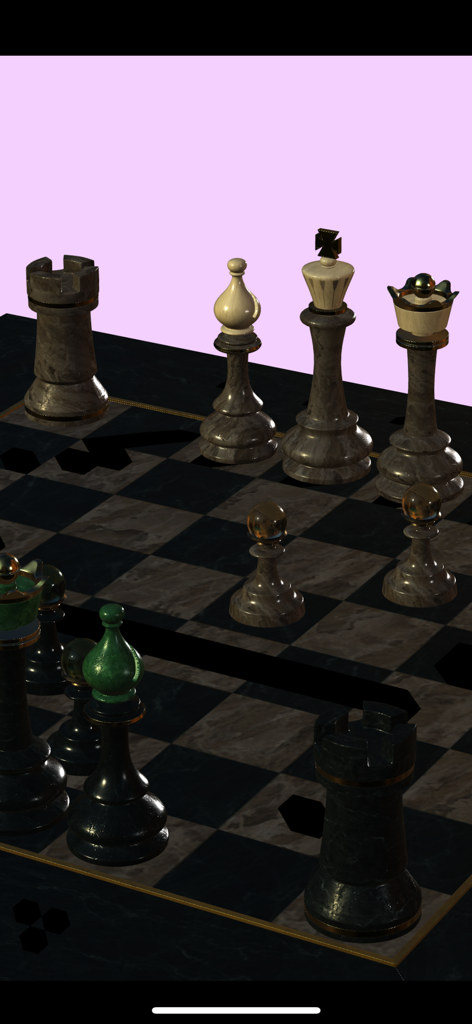
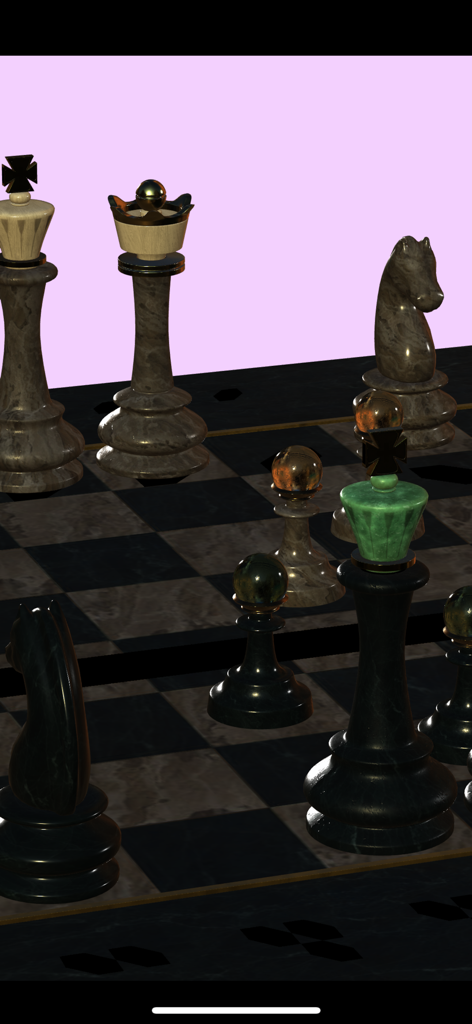
Sketch 3D - Sketch 3Dでレンダリングされた大理石の質感を持つ3Dチェスセット

Sketch 3Dでレンダリングされた大理石の質感を持つ3Dチェスセット

Sketch 3D - Sketch 3Dアプリでレンダリングされたリアルな3Dチェスセット

Sketch 3Dアプリでレンダリングされたリアルな3Dチェスセット
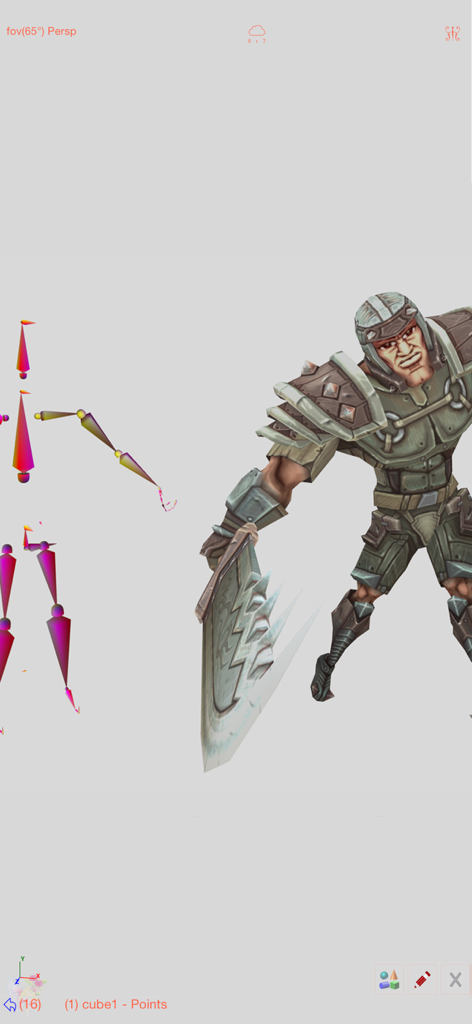
Sketch 3D - アニメーション用のスケルトンリギング構造が見える3D戦士キャラクター

アニメーション用のスケルトンリギング構造が見える3D戦士キャラクター

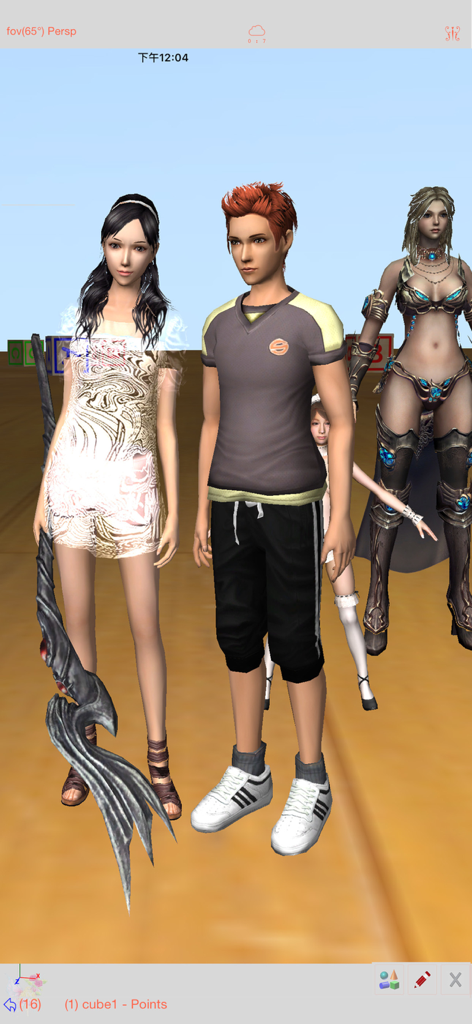
Sketch 3D - Sketch 3Dアプリのインターフェース内に表示された、いくつかの詳細な3Dキャラクターモデル
Sketch 3Dアプリのインターフェース内に表示された、いくつかの詳細な3Dキャラクターモデル

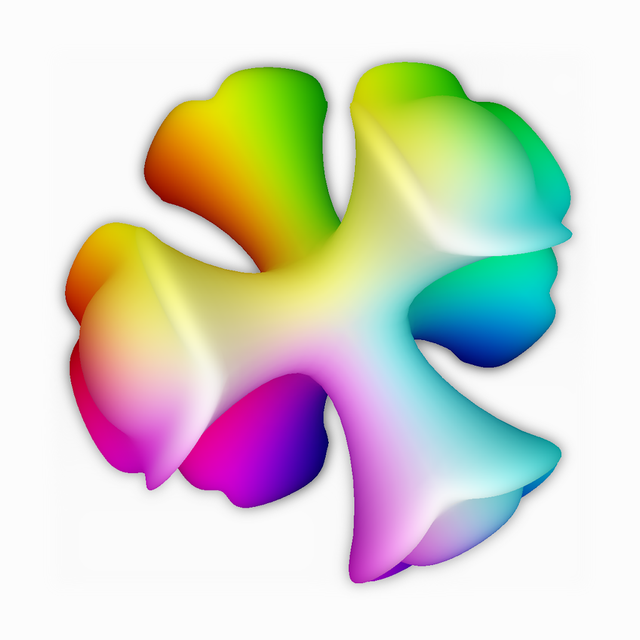
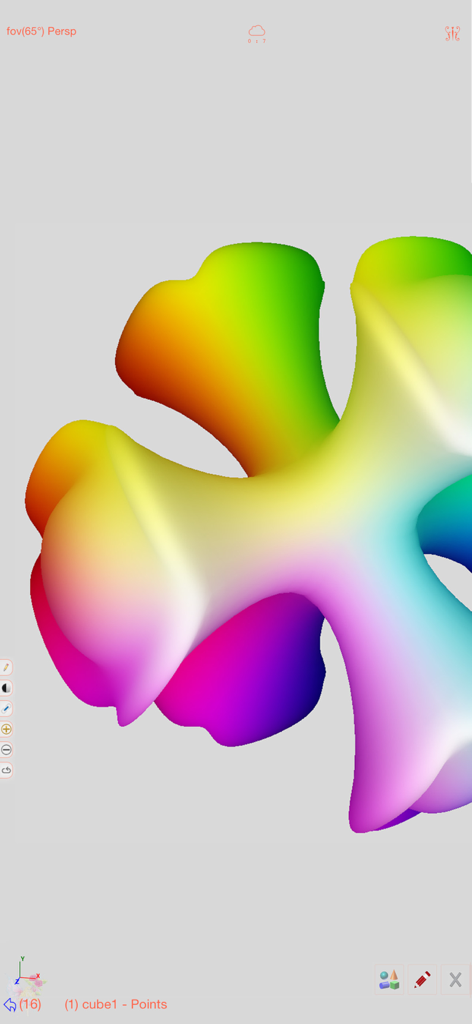
Sketch 3D - Sketch 3Dモバイル編集インターフェースに表示された、鮮やかなレインボー頂点カラーグラデーションを持つ滑らかな3D形状
Sketch 3Dモバイル編集インターフェースに表示された、鮮やかなレインボー頂点カラーグラデーションを持つ滑らかな3D形状

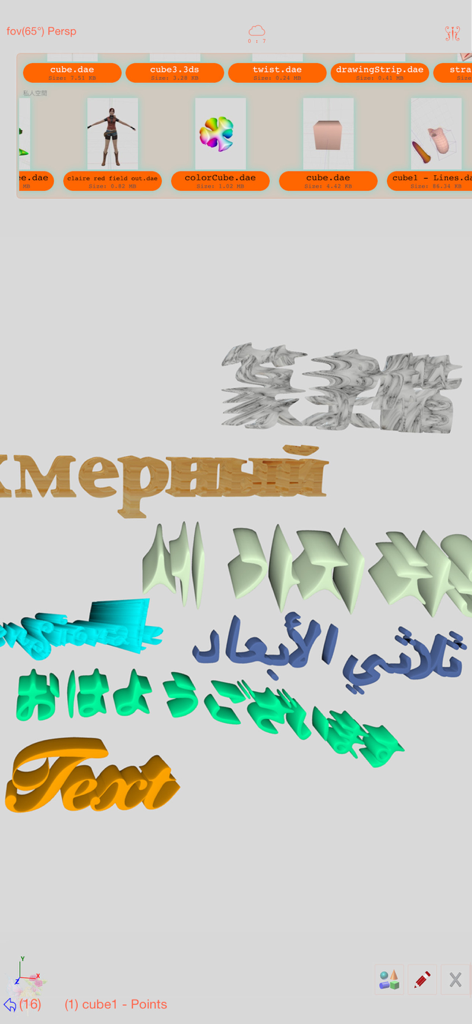
Sketch 3D - ファイル選択メニューと共に、多言語での3Dテキスト生成を表示しているSketch 3Dアプリのインターフェース
ファイル選択メニューと共に、多言語での3Dテキスト生成を表示しているSketch 3Dアプリのインターフェース

Sketch 3D - Sketch 3Dで作成された、大理石の質感を持つリアルな3Dチェスセットのレンダリング

Sketch 3Dで作成された、大理石の質感を持つリアルな3Dチェスセットのレンダリング

説明

Sketch 3D is a tool for designing 3D models from your fingertips. You could download models from others, and could also share your great designs with other users by saving models in Public space. New Feature: Integrated MaterialX library into the app.   Mesh object can be applied with materialx documents. When Saving and Loading with material, the document relative path is stored as a diffuse map entry, similar to the way of handling movie textures. Other features like material adjustment and graph editing are not supported yet. User could download free material documents from public websites and import those zip files with this app, using ShareTo or AirDrop. Feature: Use True Depth Camera to capture face model. Feature: Support using video as model texture. You could use video clips from Photo Album, or from Internet URL (YouTube URL not supported), and then apply it onto a model as texture map. Feature: Capture movie from the 3D scene. Note! If your device could not capture movie, then, could try out a smaller output resolution (by tapping the control pane). However, arbitrary output size may stop capturing prematurely. Feature: Design 3D model animation with skeleton structure. You could design a skeleton structure by placing bones in hierarchical relation. Attach model to the skeleton, and then moving the bones to define different poses. Each pose represented as a keyframe in the timeline view. And animation sequence is produced by playing interpolation between the keyframes. Features: - Import 3D content directly from browser or email, either in .zip, .rar, .7z. - Support formats: Collada DAE, OBJ, 3DS, STL(for 3D printing), and others. - Import/export to iCloud drive, via iTune File Sharing, or to Public area via Apple CloudKit Service. - Supports AirDrop. - Support Quad faces. - Smooth surfaces using Subdivision. - Mirroring editing. - 2-fingers vertex movement, 3 or 4-fingers planar shape creation. - Versatile multi-touches drag-through-space gestures to support editing and changing viewing angle at the same time. - Flexible face strip drawing. - Stitching boundary faces. Stitch triangle soap into connected faces. Stitch over edge or vertex to form a larger face. - Stitching Triangles to Quads. - Loop Cut faces. - Bevel edges. - Extrude faces or edges. - Revolve (Spin). - Vertex Smoothing. - Vertex Slide along edges. - Crease Editing after mesh subdivision. - Split mesh from, or Join mesh to the editing one. - Support hierarchical mesh node structure. - Direct vertex color editing when texture map is not used. - Edit texture map UV coordinates, include atlas generation. - 3D Text generation. - Scene interaction with your created shape. - Design Animation with skeleton structure. - Capture movie from the 3D scene. - Support using video as model texture map.

Download

ダウンロード: App Store

このページはアプリまたはその開発者の公式ページではなく、情報提供および論評を目的として作成された独立した編集出版物です。明示的に別段の記載がない限り、アプリおよびその開発者は、MWM、Apple、Google Play、アプリのパブリッシャー、またはアプリの開発者と提携、承認、後援、認可、またはその他の公式的な関係はなく、このページのいかなる内容も、アプリがMWMのサービスを使用して開発されたことを意味するものではありません。すべての商標、ロゴ、スクリーンショット、その他のコンテンツはそれぞれの所有者の財産です。