
このページはアプリまたはその開発者の公式ページではなく、情報提供および論評を目的として作成された独立した編集出版物です。明示的に別段の記載がない限り、アプリおよびその開発者は、MWM、Apple、Google Play、アプリのパブリッシャー、またはアプリの開発者と提携、承認、後援、認可、またはその他の公式的な関係はなく、このページのいかなる内容も、アプリがMWMのサービスを使用して開発されたことを意味するものではありません。すべての商標、ロゴ、スクリーンショット、その他のコンテンツはそれぞれの所有者の財産です。

SKF Authenticate
数秒でSKF製品を検証し、機械の信頼性と安全性を確保します。コードをスキャンして即座にフィードバックを得るか、写真を提出してグローバルエキスパートによる直接検証を受けてください。
ダウンロード
8K+ユーザー評価
評価数
0開発元
カテゴリ
Business対応言語
20最新バージョン
2.4サイズ
33.4 MBリリース日
2015年5月5日偽造品を阻止し、運用を保護
SKF Authenticateアプリは、製品の真正性を検証し、重大な資産を壊滅的な故障から保護するために必要なプロフェッショナルツールを提供します。
専門家による直接レビュー
詳細な写真をSKFのスペシャリストに提出して手動で検証し、重要な修理のための真正性の確実な証拠を提供します。
迅速なフィールドスキャン
パッケージコードをスキャンして即座に検証し、現場や倉庫で在庫の整合性を直接確認できます。
以下のスクリーンショットと説明は、アプリの公式ストアリスティングから直接取得されたものであり、アプリ開発者の所有物です。
アプリストア
スクリーンショット
SKF Authenticateアプリのスプラッシュスクリーン。白いSKFロゴがソリッドブルーの背景に表示されています。
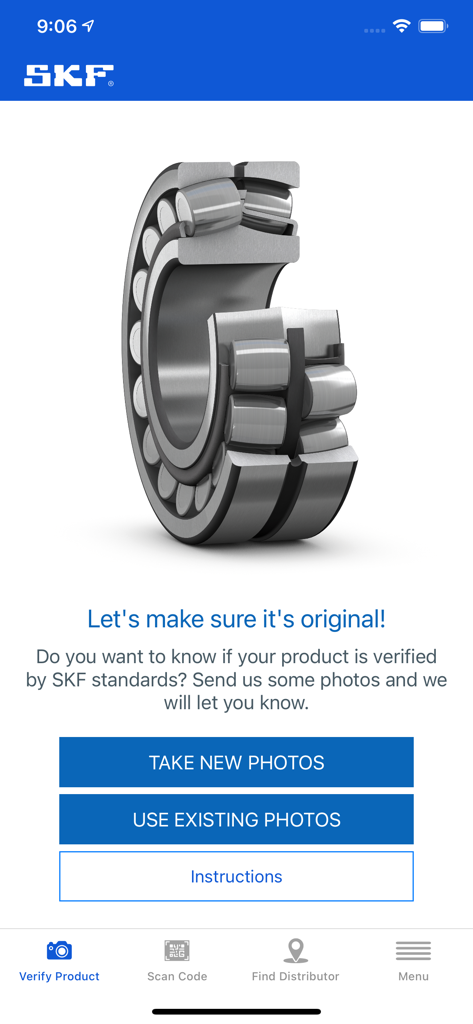
SKF Authenticateアプリのインターフェース。写真提出による産業用ベアリングの検証用。
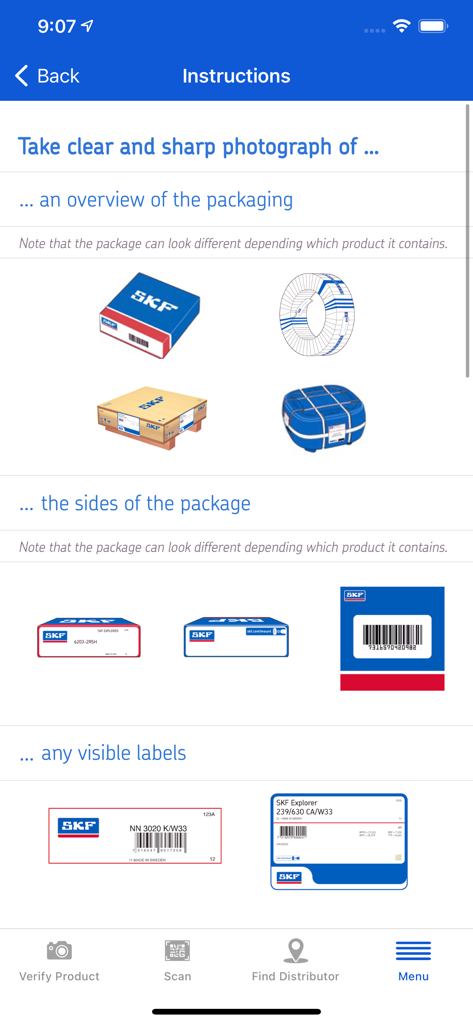
SKF Authenticateアプリの指示。製品パッケージとラベルを写真撮影して検証する方法を示しています。
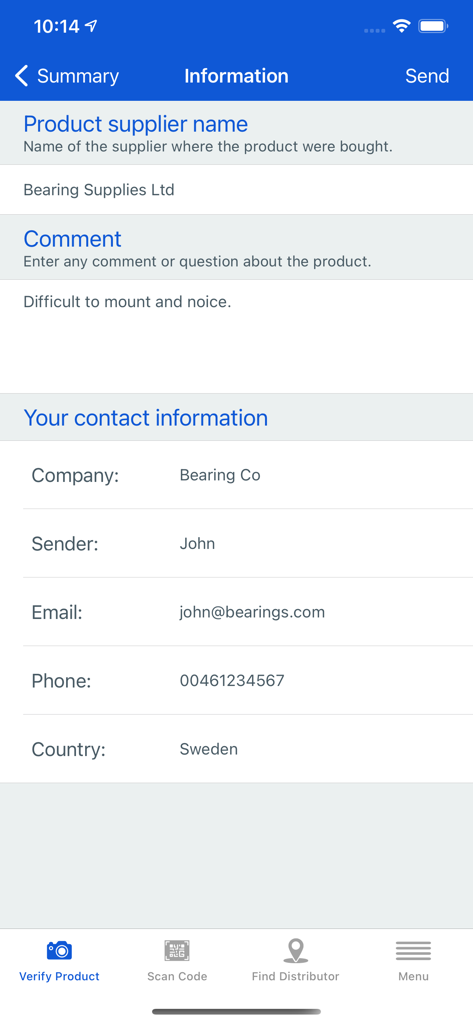
SKF Authenticateアプリの情報フォーム。検証プロセス中に製品サプライヤーとユーザーの連絡先情報を入力します。
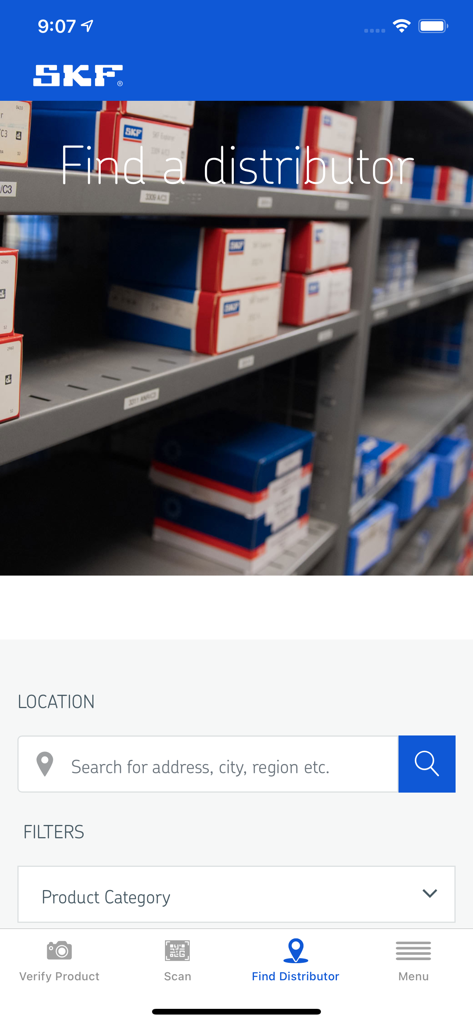
SKF部品の所在地検索と製品カテゴリフィルターを備えた「販売代理店を探す」インターフェースを表示するモバイルアプリ画面。
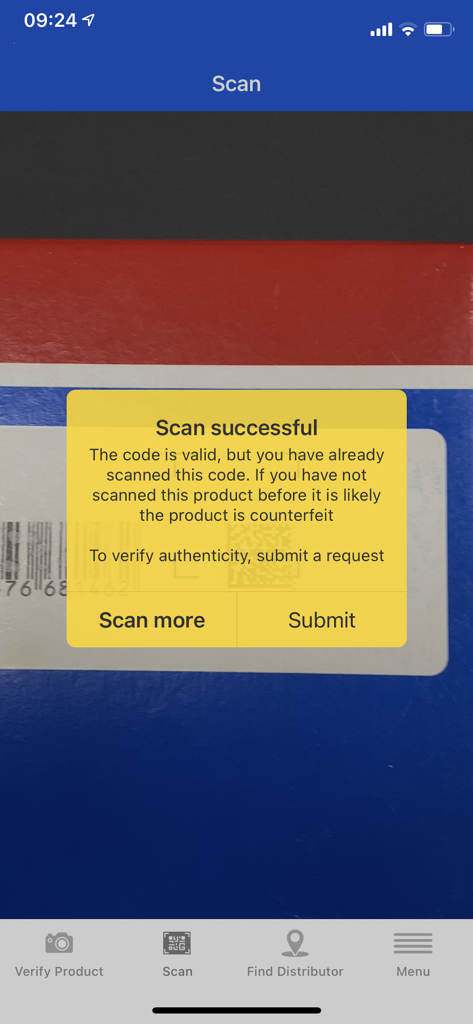
SKF Authenticateアプリ。真正性の警告メッセージとともにスキャン成功の結果を表示します。
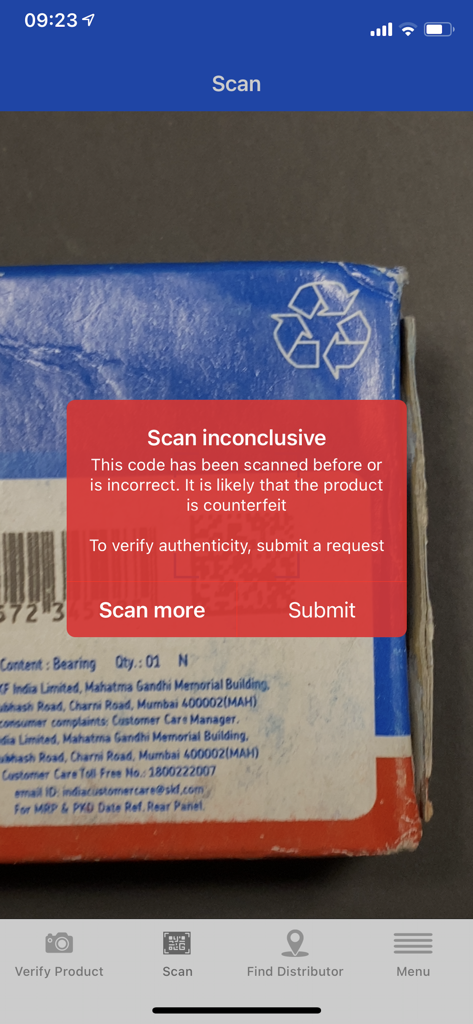
SKF Authenticateアプリ。製品パッケージのスキャン中に、スキャン結果が不確定であるという警告を表示します。
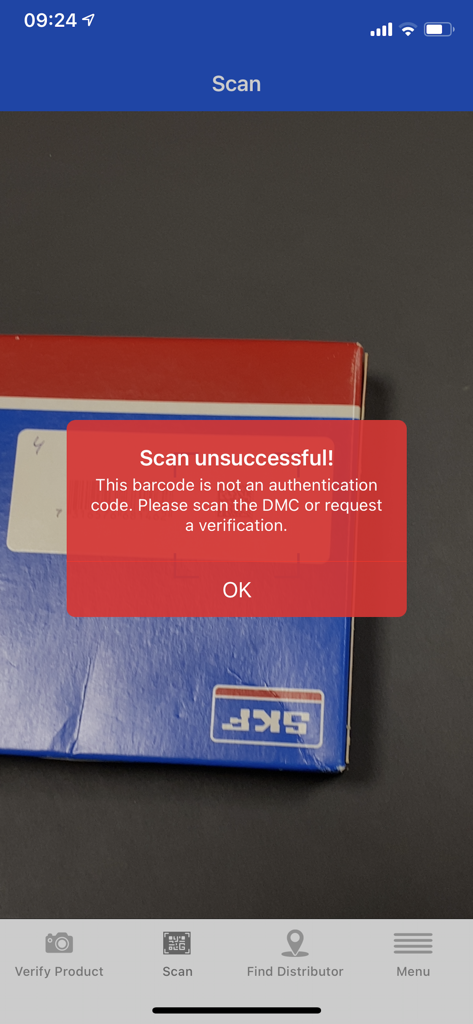
SKF Authenticateアプリで製品ボックスをスキャン中に、「スキャンに失敗しました」というエラーメッセージが表示されるモバイル画面。
説明
Download
類似アプリ
同じカテゴリのトップランクアプリ

Microsoft Teams
Microsoft Corporation

Zoom Workplace
Zoom Communications, Inc.

WhatsApp Business
WhatsApp Inc.

Indeed Job Search
Indeed Inc.

LinkedIn: Network & Job Finder
LinkedIn Corporation

Adobe Acrobat Reader: Sign PDF
Adobe Inc.

DingDing - Redefine Work in AI
DingTalk Technology Co., Ltd.

WeCom-Work Communication&Tools
Tencent Technology (Shenzhen) Company Limited

BOSS直聘-招聘求职找工作神器
Beijing China Product Bo Farce Network Technology Co., Ltd.
このページはアプリまたはその開発者の公式ページではなく、情報提供および論評を目的として作成された独立した編集出版物です。明示的に別段の記載がない限り、アプリおよびその開発者は、MWM、Apple、Google Play、アプリのパブリッシャー、またはアプリの開発者と提携、承認、後援、認可、またはその他の公式的な関係はなく、このページのいかなる内容も、アプリがMWMのサービスを使用して開発されたことを意味するものではありません。すべての商標、ロゴ、スクリーンショット、その他のコンテンツはそれぞれの所有者の財産です。