Smart Printer Wireless: iPrint
ダウンロード: App Store

このページはアプリまたはその開発者の公式ページではなく、情報提供および論評を目的として作成された独立した編集出版物です。明示的に別段の記載がない限り、アプリおよびその開発者は、MWM、Apple、Google Play、アプリのパブリッシャー、またはアプリの開発者と提携、承認、後援、認可、またはその他の公式的な関係はなく、このページのいかなる内容も、アプリがMWMのサービスを使用して開発されたことを意味するものではありません。すべての商標、ロゴ、スクリーンショット、その他のコンテンツはそれぞれの所有者の財産です。


ロゴ: Smart Printer Wireless: iPrint
ダウンロード: App Store

Smart Printer Wireless: iPrint

iPhoneまたはiPadをパワフルなモバイルハブに変えましょう。ケーブル、ドライバー不要で、10,000以上のプリンターに書類、写真、PDFを即座に印刷できます。

主要数値

ダウンロード

24K+

ユーザー評価

4.7/5

評価数

700

開発元

Pol Nadal Serra

カテゴリ

Business

対応言語

10

最新バージョン

1.1.5

サイズ

50.6 MB

リリース日

2025年6月21日
機能

あなたの完全なモバイルオフィスハブ

デバイスをパワフルなコマンドセンターに変えましょう。スピードと完全なプライバシーのために設計されたプロレベルのツールで、書類を印刷、スキャン、管理できます。

ワンタップユニバーサルプリント

9,000以上のプリンターモデルに即座に接続。Wi-Fi経由で写真、PDF、クラウドファイルを、セットアップやケーブル不要で印刷できます。

AI搭載スマートスキャナー

自動エッジ検出とOCRで完璧なスキャンを実現。物理的な書類を、検索可能なマルチページPDFに数秒で変換します。

以下のスクリーンショットと説明は、アプリの公式ストアリスティングから直接取得されたものであり、アプリ開発者の所有物です。

アプリストア

スクリーンショット
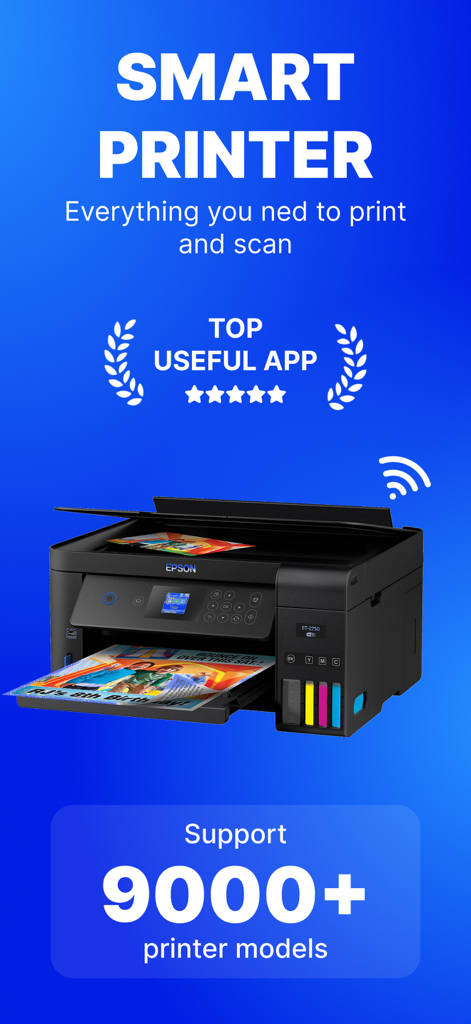
Smart Printer Wireless: iPrint - 9,000以上のプリンターモデルのサポートとトップ評価アプリバッジを表示するSmart Printer Wirelessアプリのプロモーショングラフィック。
9,000以上のプリンターモデルのサポートとトップ評価アプリバッジを表示するSmart Printer Wirelessアプリのプロモーショングラフィック。

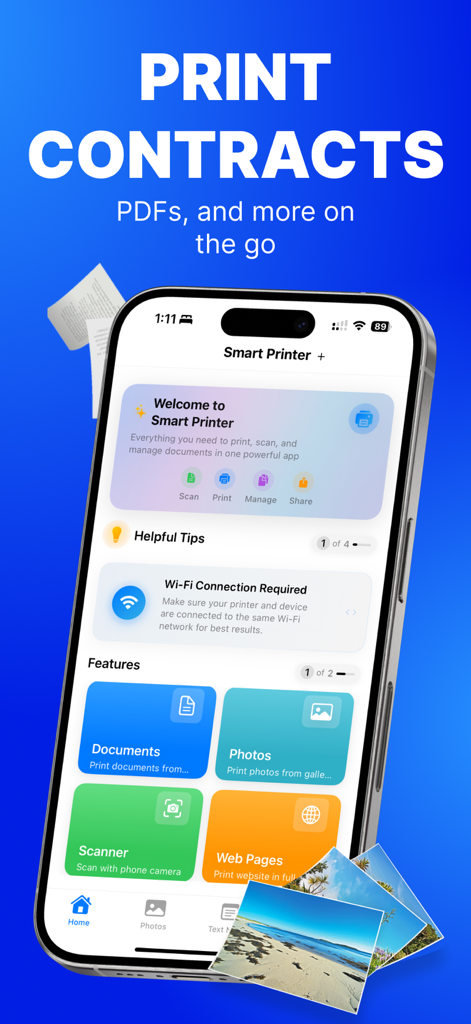
Smart Printer Wireless: iPrint - 印刷とスキャン用のオプションを表示するSmart Printer Wireless iPrintアプリのインターフェイス
印刷とスキャン用のオプションを表示するSmart Printer Wireless iPrintアプリのインターフェイス

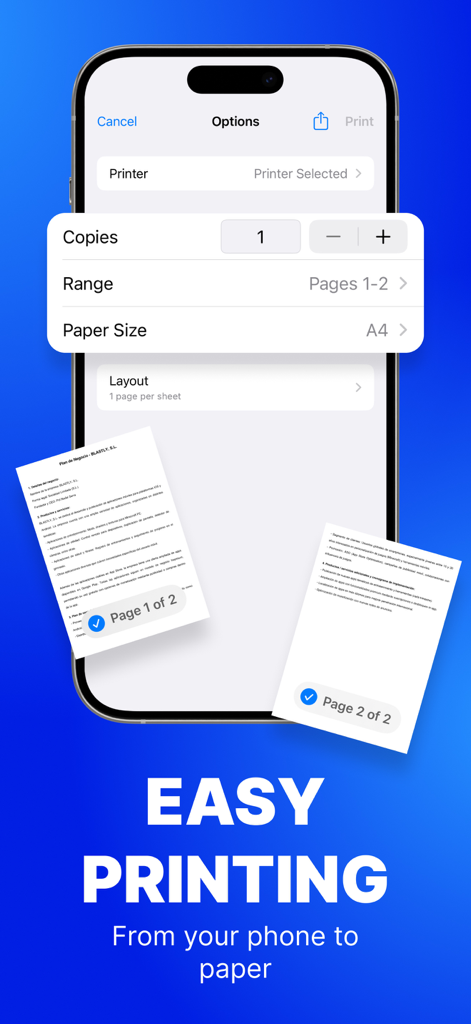
Smart Printer Wireless: iPrint - コピーや用紙サイズなどのドキュメント印刷設定を表示するiPhone上のSmart Printerアプリのインターフェイス。
コピーや用紙サイズなどのドキュメント印刷設定を表示するiPhone上のSmart Printerアプリのインターフェイス。

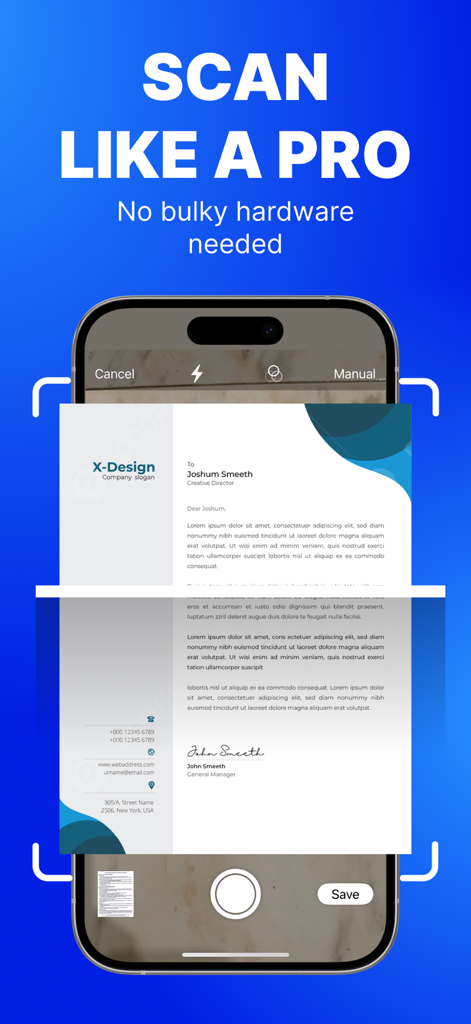
Smart Printer Wireless: iPrint - 自動エッジ検出でプロフェッショナルなドキュメントがスキャンされていることを示すiPhoneインターフェイス
自動エッジ検出でプロフェッショナルなドキュメントがスキャンされていることを示すiPhoneインターフェイス

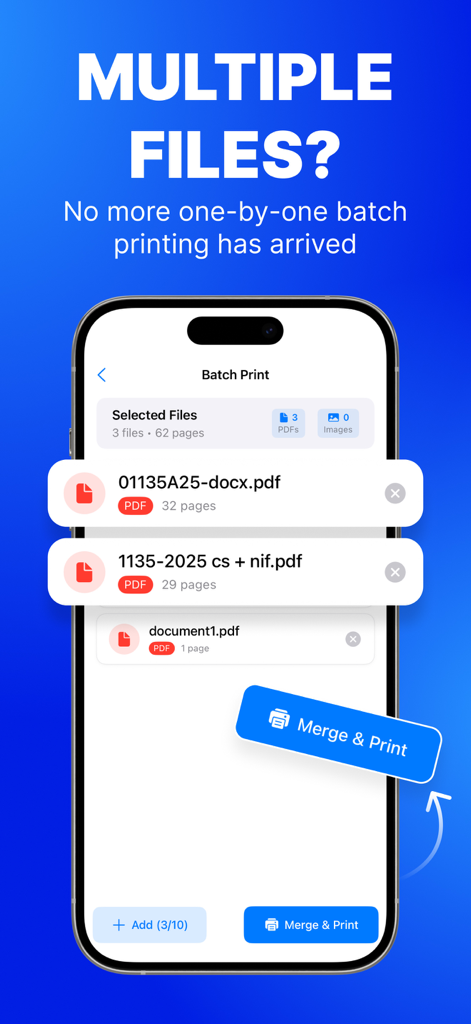
Smart Printer Wireless: iPrint - 複数のPDFファイルを結合して一度に印刷するバッチ印刷機能を実証するスマートフォンインターフェイス。

複数のPDFファイルを結合して一度に印刷するバッチ印刷機能を実証するスマートフォンインターフェイス。

説明

PRINT. SCAN. DONE. Turn your iPhone or iPad into a full print & scan hub—no cables, drivers or PC required. Lightning-fast Phone-to-Print technology puts photos, PDFs and docs on paper in seconds. WHY YOU’LL LOVE IT • Zero-setup AirPrint & Wi-Fi pairing for 10.000+ printers. • One-tap printing from Files, Mail, Photos, Safari or any share sheet PRINT EVERYTHING, ANYWHERE – Photos, PDFs, Word®, Pages®, Excel®, web pages & emails – Cloud files: iCloud, Dropbox, Google Drive, OneDrive SMART SCANNER – Auto edge-detect & perspective fix – Merge pages into one searchable PDF (OCR in 10 languages) – Annotate, highlight & e-sign before printing POWER USER CONTROLS – Copies, page range, duplex, colour/mono, N-up & posters – Paper sizes A3–A6, Letter, Legal & label sheets – Save presets for frequent jobs Premium Subscriptions: • Subscribed user has unlimited access to the premium printing services • User can subscribe for one month or one year auto renewing subscriptions • Payment will be charged to iTunes Account at confirmation of purchase • Subscription automatically renews unless auto-renew is turned off at least 24-hours before the end of the current period • Account will be charged for renewal within 24-hours prior to the end of the current period • Subscriptions may be managed by the user and auto-renewal may be turned off by going to the user Account Settings after purchase COMPATIBILITY Works with 99 % of AirPrint & Wi-Fi printers—just keep your device and printer on the same network. PRIVACY-FIRST All processing happens on-device. We never collect your documents. Privacy: https://printer.addonsmcpe.website/privacy_policy.html Terms: https://printer.addonsmcpe.website/terms_conditions.html EULA: https://printer.addonsmcpe.website/eula.html

Download

ダウンロード: App Store

このページはアプリまたはその開発者の公式ページではなく、情報提供および論評を目的として作成された独立した編集出版物です。明示的に別段の記載がない限り、アプリおよびその開発者は、MWM、Apple、Google Play、アプリのパブリッシャー、またはアプリの開発者と提携、承認、後援、認可、またはその他の公式的な関係はなく、このページのいかなる内容も、アプリがMWMのサービスを使用して開発されたことを意味するものではありません。すべての商標、ロゴ、スクリーンショット、その他のコンテンツはそれぞれの所有者の財産です。








