SmartWatch Sync BT Notifier
ダウンロード: App Store

このページはアプリまたはその開発者の公式ページではなく、情報提供および論評を目的として作成された独立した編集出版物です。明示的に別段の記載がない限り、アプリおよびその開発者は、MWM、Apple、Google Play、アプリのパブリッシャー、またはアプリの開発者と提携、承認、後援、認可、またはその他の公式的な関係はなく、このページのいかなる内容も、アプリがMWMのサービスを使用して開発されたことを意味するものではありません。すべての商標、ロゴ、スクリーンショット、その他のコンテンツはそれぞれの所有者の財産です。

ロゴ: SmartWatch Sync BT Notifier
ダウンロード: App Store

SmartWatch Sync BT Notifier

シームレスな通知とフィットネストラッキングで、あなたのフィットネスジャーニーをサポート。ランニングから水泳まで、アクティビティデータをパワフルで使いやすいダッシュボードで同期。

主要数値

ダウンロード

69K+

ユーザー評価

4.0/5

評価数

4K+

開発元

Tung Lam Duong

カテゴリ

Utilities

対応言語

1

最新バージョン

1.0.1

サイズ

5.7 MB

リリース日

2022年3月7日
機能

スマートウォッチをパワーアップ

パワフルな同期ダッシュボードで、お気に入りのウェアラブルデバイスとiOSデバイス間のシームレスな統合を体験してください。

インスタントデバイス接続

最適化されたBluetoothブリッジで、他社製スマートウォッチを簡単にペアリングし、すぐにデータの同期を開始。

リアルタイムスマートアラート

職場など、電話を頻繁に確認できない状況でも、ウォーキング、ランニング、日常のメッセージのカスタム通知で、常に最新情報を入手。

以下のスクリーンショットと説明は、アプリの公式ストアリスティングから直接取得されたものであり、アプリ開発者の所有物です。

アプリストア

スクリーンショット
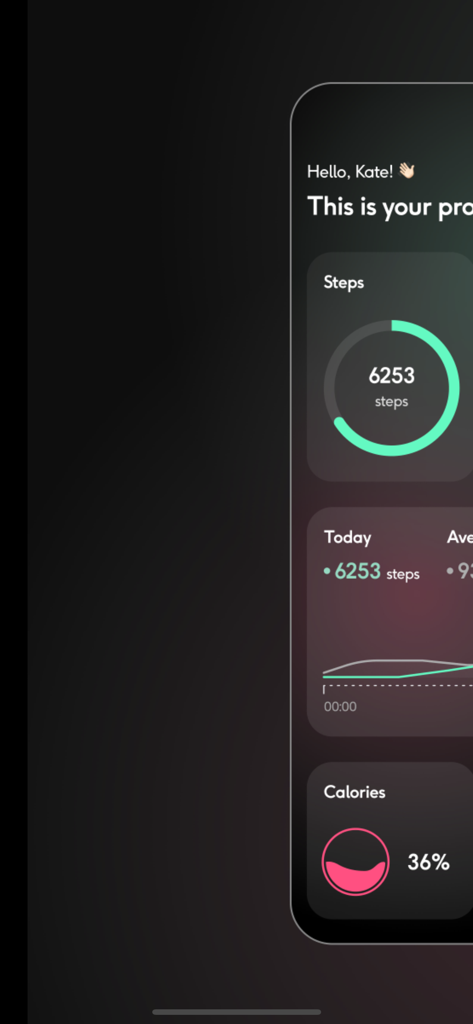
SmartWatch Sync BT Notifier - 歩数とカロリーの進捗状況を示すフィットネスダッシュボードインターフェイス

歩数とカロリーの進捗状況を示すフィットネスダッシュボードインターフェイス

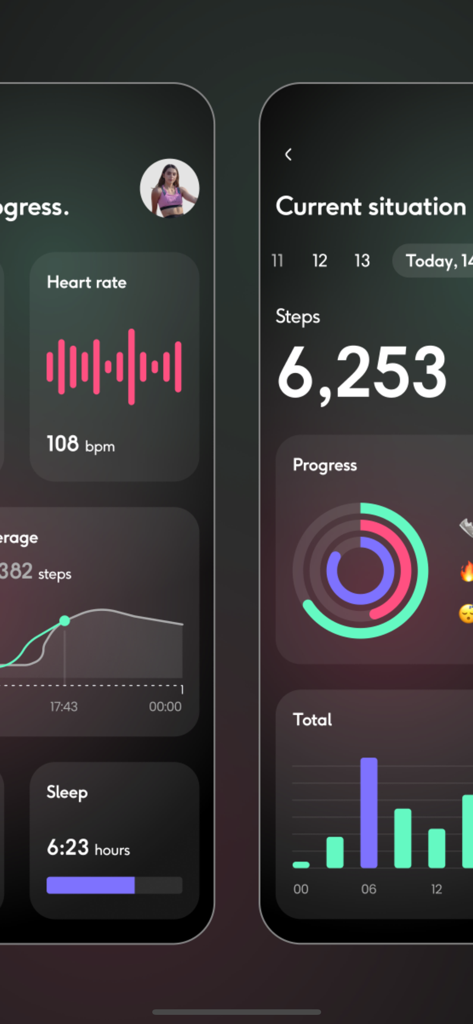
SmartWatch Sync BT Notifier - フィットネスの進捗状況と心拍数データを示すスマートウォッチ同期アプリインターフェイス
フィットネスの進捗状況と心拍数データを示すスマートウォッチ同期アプリインターフェイス

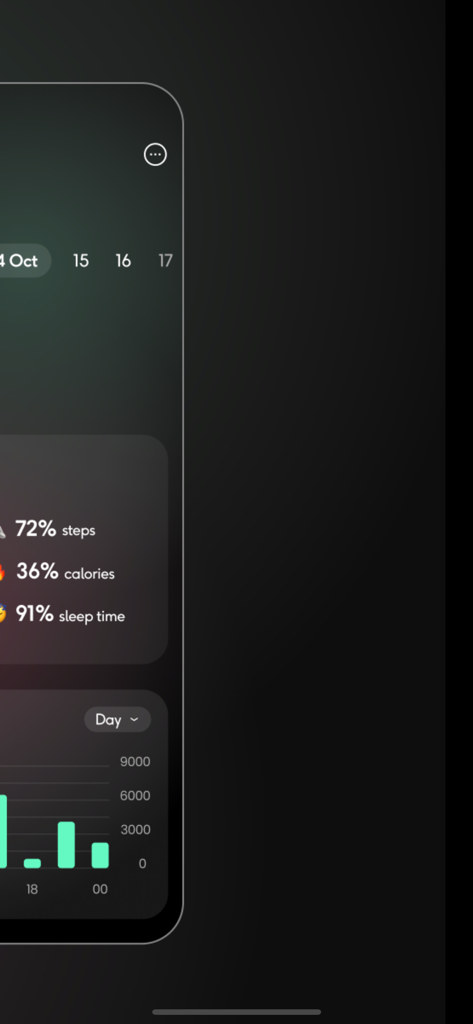
SmartWatch Sync BT Notifier - 歩数、カロリー、睡眠時間の活動統計を棒グラフで示すヘルスダッシュボード

歩数、カロリー、睡眠時間の活動統計を棒グラフで示すヘルスダッシュボード

説明

Connect smart watch to smartphone for track, sync & transfer all data. Set up alarm notifier for your activities: walk, run, gym, swimming,... Records & tracking your path of activity, and measure your speed with your iOS device using location service Steps to use: • Turn on your Bluetooth service on iPhone / iPad & your watch. • Open app and click Connect to see a list of watch devices that are near you. • Click on your device to open a Smartwatch Sync dashboard. In case you have any other problems or suggestions for improvements feel free to contact me via email. duongtunglam30121994@outlook.com.vn I will try to answer as soon as possible! Information about the auto-renewal of subscription: – Subscribe to get unlimited access to ALL of the app’s features. – Subscription plans are in 2 options: Monthly for $4.99 and Yearly for $12.99 – Payment will be charged to iTunes Account at confirmation of purchase (After free trial period if offered). – Subscription automatically renews unless auto-renew is turned off at least 24-hours before the end of the current period. – Account will be charged for renewal within 24-hours prior to the end of the current period, and identify the cost of the renewal. – Subscriptions may be managed by the user and auto-renewal may be turned off by going to the user’s Account Settings after purchase. – Any unused portion of a free trial period, if offered, will be forfeited when the user purchases a subscription to that publication, where applicable. Term of Use: https://telegra.ph/App-Term-Of-Use-03-05 Privacy Policy: https://telegra.ph/App-Privacy-Policy-03-05

Download

ダウンロード: App Store

このページはアプリまたはその開発者の公式ページではなく、情報提供および論評を目的として作成された独立した編集出版物です。明示的に別段の記載がない限り、アプリおよびその開発者は、MWM、Apple、Google Play、アプリのパブリッシャー、またはアプリの開発者と提携、承認、後援、認可、またはその他の公式的な関係はなく、このページのいかなる内容も、アプリがMWMのサービスを使用して開発されたことを意味するものではありません。すべての商標、ロゴ、スクリーンショット、その他のコンテンツはそれぞれの所有者の財産です。