
このページはアプリまたはその開発者の公式ページではなく、情報提供および論評を目的として作成された独立した編集出版物です。明示的に別段の記載がない限り、アプリおよびその開発者は、MWM、Apple、Google Play、アプリのパブリッシャー、またはアプリの開発者と提携、承認、後援、認可、またはその他の公式的な関係はなく、このページのいかなる内容も、アプリがMWMのサービスを使用して開発されたことを意味するものではありません。すべての商標、ロゴ、スクリーンショット、その他のコンテンツはそれぞれの所有者の財産です。


Snapt - Shutter
アクションとそのリアクションを1回のテイクでキャプチャ。プロフェッショナルな分割画面とピクチャーインピクチャーレイアウトを使用して、編集の手間なしにTikTokやInstagram向けのバイラル対応vlog、リアクション動画、ストーリーを作成しましょう。
ダウンロード
4K+ユーザー評価
評価数
200開発元
カテゴリ
Developer Tools対応言語
1最新バージョン
1.1.0サイズ
29.3 MBリリース日
2025年11月19日あらゆる側面を物語る
同期されたフロントカメラとバックカメラの録画でコンテンツをレベルアップしましょう。コンサートのリアクションでも、ライフスタイルvlogでも、Snaptは両方の視点を1つのシームレスなショットでキャプチャします。
インスタントリアクションモード
イベントをキャプチャしながら、あなたの本物のリアクションを録画しましょう。コンサート、サプライズ、トレンドのPOV動画に最適です。
プロレベルのレイアウト
分割画面とピクチャーインピクチャー(PIP)を切り替えて、編集なしで動画にプロフェッショナルな雰囲気を与えましょう。
よくある質問
について知っておくべきこと Snapt - Shutter
Snapt - Shutter は何に使用されますか?
Snapt - Shutter は、前面カメラと背面カメラの両方を使用して、写真とビデオを同時にキャプチャします。ピクチャー・イン・ピクチャーやスプリット・スクリーンなど、複数のレイアウトオプションを提供し、ユニークなコンテンツを作成できます。
Snapt - Shutter アプリはどのようなレイアウトオプションを提供していますか?
Snapt - Shutter アプリは、さまざまなレイアウトオプションを提供しています。ピクチャー・イン・ピクチャー(PIP)で二次カメラをコーナーまたは中央に配置したり、スプリット・スクリーンで縦または横のサイドバイサイドカメラビューを使用したりできます。
Snapt - Shutter のコインシステムはどのように機能しますか?
Snapt - Shutter は、無料ユーザーに 100 枚の初期コインを提供します。写真またはビデオを保存するたびに 10 枚のコインが消費されます。ユーザーは、アプリ内購入を通じて追加のコインを購入するか、コインの引き落としなしで無制限に保存できるサブスクリプションに登録できます。
Snapt - Shutter の無制限保存のサブスクリプション費用はいくらですか?
Snapt - Shutter は、無制限保存のための 3 つのサブスクリプションプランを提供しています。月額サブスクリプションは 30 ドル、半年サブスクリプションは 100 ドル、年間サブスクリプションは 170 ドルです。
Snapt - Shutter アプリ内で法的な文書にどのようにアクセスできますか?
ユーザーは、アプリ内ウェブビューを介して、アプリの [設定] メニューから直接、利用規約、プライバシーポリシー、サブスクリプション規約を含む Snapt - Shutter の包括的な法的事項にアクセスできます。
Snapt - Shutter は特定の種類のデバイスを必要としますか?
はい、Snapt - Shutter は機能するために前面カメラと背面カメラの両方を搭載したデバイスが必要です。デュアルカメラ機能は iOS ネイティブ機能を利用しており、パフォーマンスはデバイスのモデルによって異なる場合があります。
Snapt - Shutter はビデオをデバイスの写真ライブラリに保存できますか?
はい、Snapt - Shutter では、キャプチャした写真やビデオをデバイスの写真ライブラリに直接保存できます。また、iOS の共有シートを使用したコンテンツの共有もサポートしています。
Snapt - Shutter で写真モードとビデオモードを切り替えるにはどうすればよいですか?
Snapt - Shutter では、アプリ内で直接写真キャプチャモードとビデオキャプチャモードを切り替えることができます。これにより、同期されたデュアルカメラビデオを録画したり、静止画像をキャプチャしたりできます。
以下のスクリーンショットと説明は、アプリの公式ストアリスティングから直接取得されたものであり、アプリ開発者の所有物です。
アプリストア
スクリーンショット
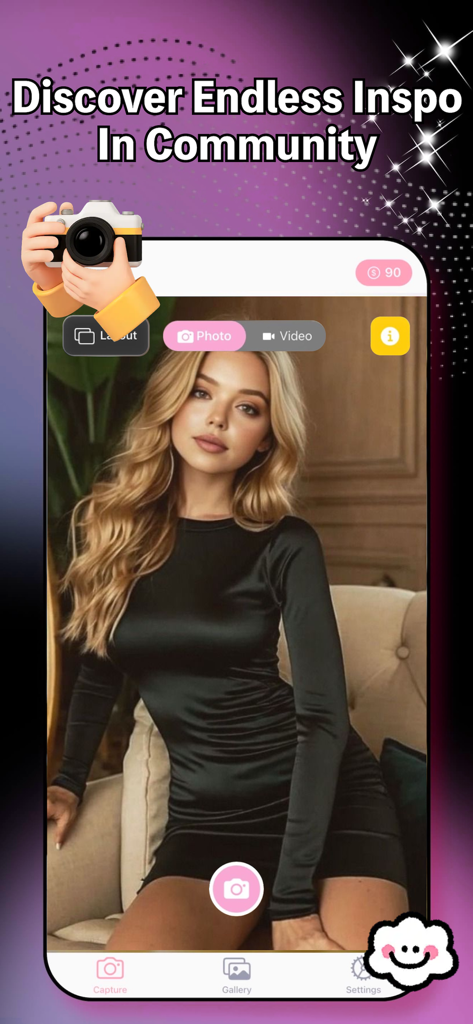
Snapt Shutterアプリのインターフェース、写真キャプチャモードとコミュニティインスピレーションのテキストを表示
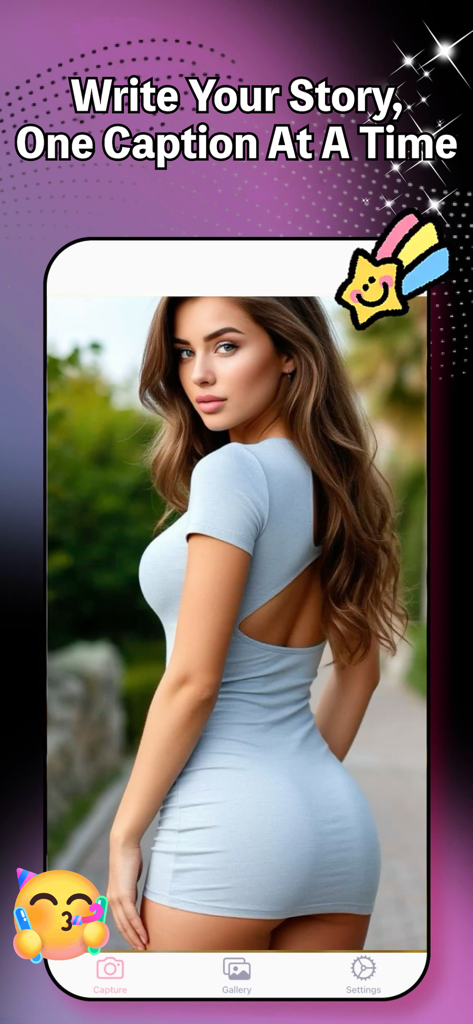
Snapt Shutterアプリのインターフェース、クリエイティブなステッカー付きの写真キャプチャとストーリーキャプションの見出しを特徴とする
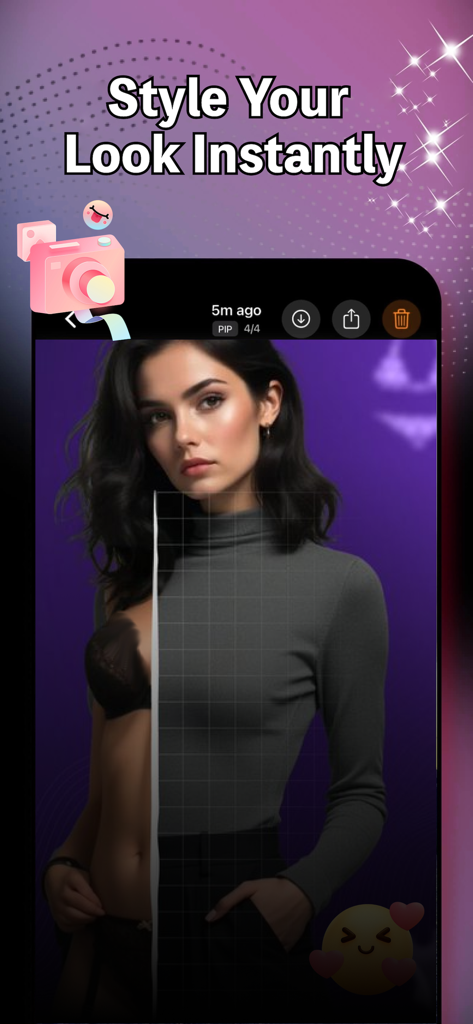
Snapt Shutterアプリのプレビュー、分割画面の写真と「Style Your Look Instantly」というテキストを表示
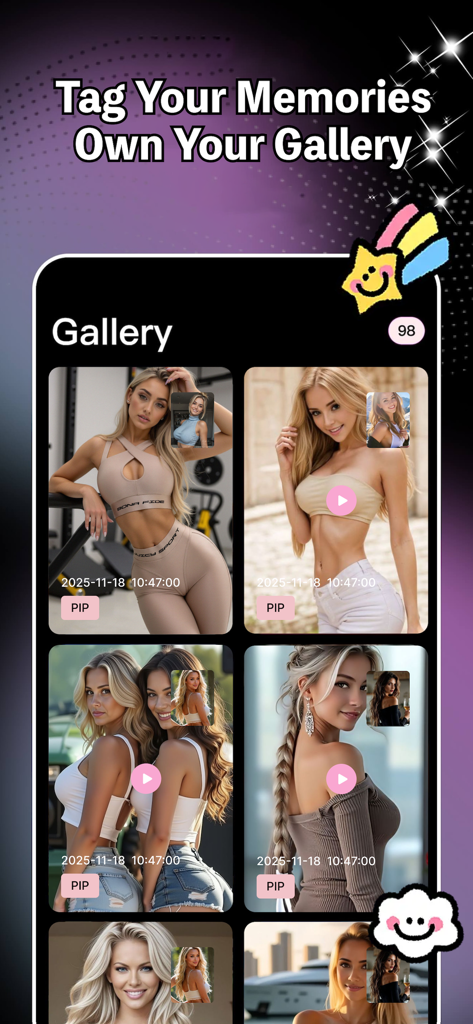
Snapt Shutterアプリのギャラリー画面、ピクチャーインピクチャーモードのデュアルカメラ写真とビデオを表示
説明
Download
類似アプリ
同じカテゴリのトップランクアプリ

TestFlight
Apple Inc.

Replit: Vibe Code Apps
Replit, Inc

GitHub
GitHub

O-KAM Pro
Shenzhen VeePai IoT Intelligent Technology LLC

Apple Developer
Apple Inc.

Expo Go
650 Industries, Inc.

Scriptable
Simon Stovring

App Store Connect
Apple Inc.

Sekai: Create · Remix · Play
Versa AI, Inc.
このページはアプリまたはその開発者の公式ページではなく、情報提供および論評を目的として作成された独立した編集出版物です。明示的に別段の記載がない限り、アプリおよびその開発者は、MWM、Apple、Google Play、アプリのパブリッシャー、またはアプリの開発者と提携、承認、後援、認可、またはその他の公式的な関係はなく、このページのいかなる内容も、アプリがMWMのサービスを使用して開発されたことを意味するものではありません。すべての商標、ロゴ、スクリーンショット、その他のコンテンツはそれぞれの所有者の財産です。