SNMP & SSH Terminal App: Professional SNMP Network Monitoring, robust SSH Terminal, and SFTP file management in One App. Whether you’re managing servers, routers, or network devices, the app gives you real-time insights and secure access.
SNMP Features:
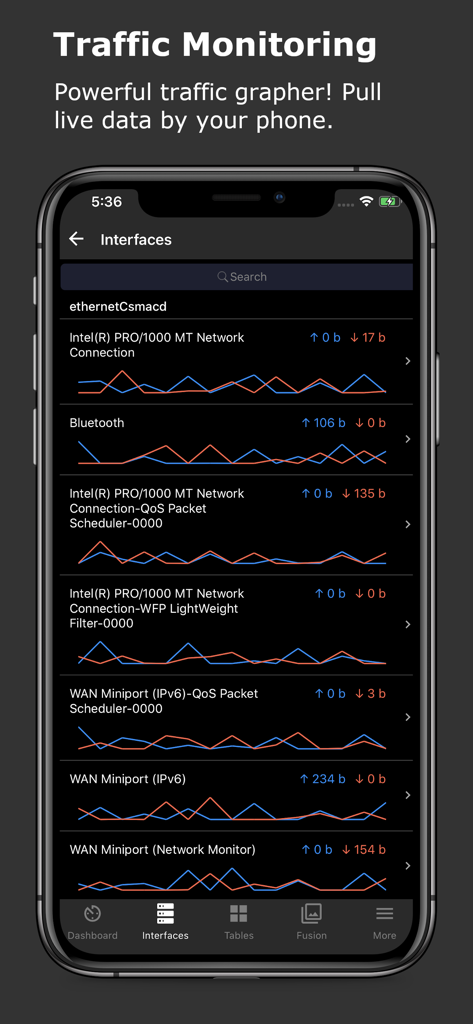
* Real-Time Traffic Monitoring: Retrieve live data from devices like routers and servers, with updates every 3 seconds.
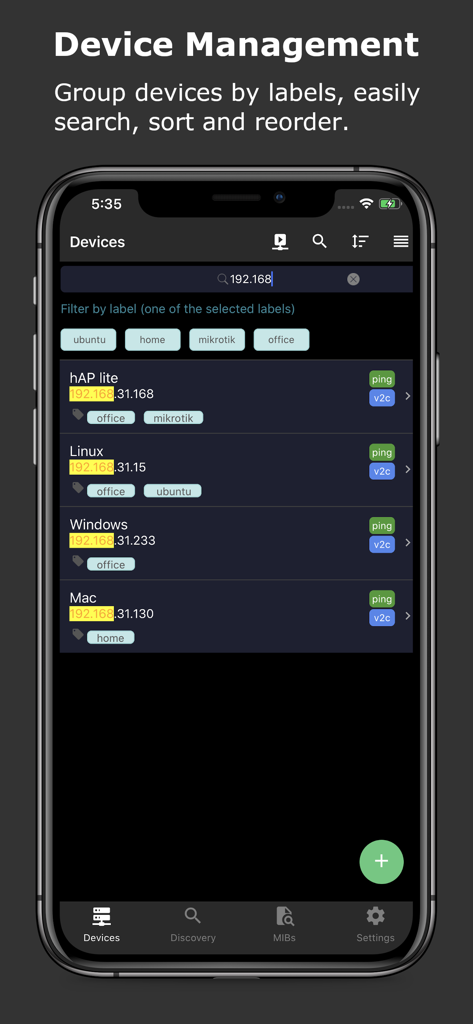
* Multi-Device Management: Manage multiple SNMP devices, grouped by labels. Search by name, host, or labels, and monitor device ping with response time and TTL. Automatically discover network devices.
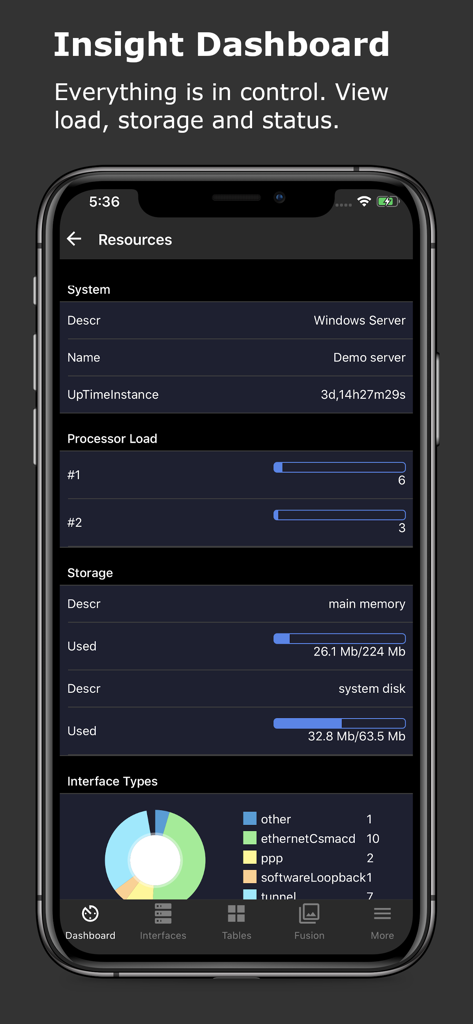
* Dashboard Overview: View system details such as CPU load, uptime, storage size, and usage percentage.
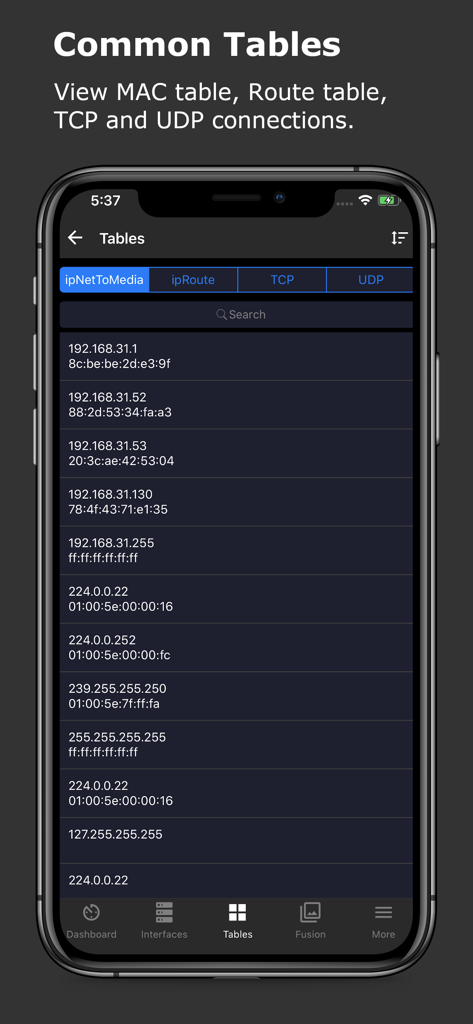
* Network Tables: Access TCP connections with source/destination IPs and ports, UDP connections with local addresses and ports, MAC tables mapping MAC addresses to IPs, and route tables with next hops and destinations.
* Traffic Statistics: Track real-time interface rates with line charts and pie charts, displaying live tx/rx data and averages.
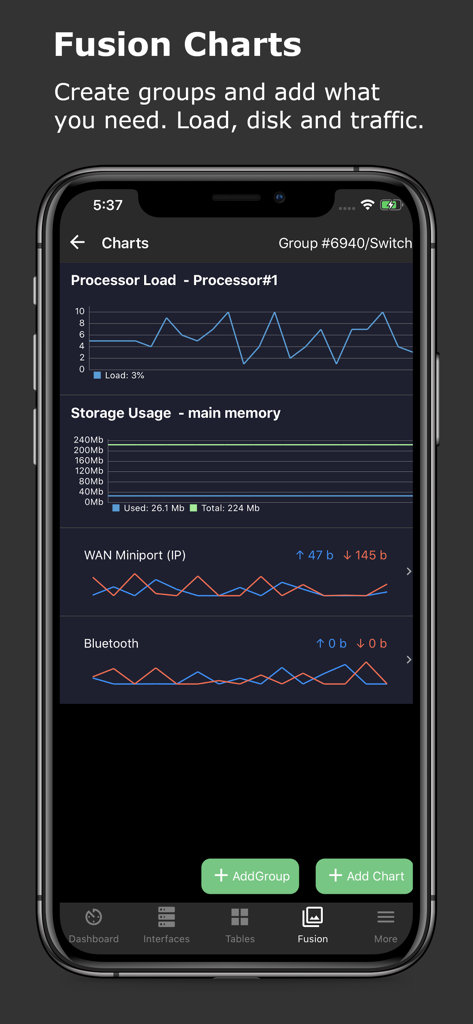
* Fusion Charts: Create customized chart groups to track metrics like CPU load, memory usage, and network traffic.
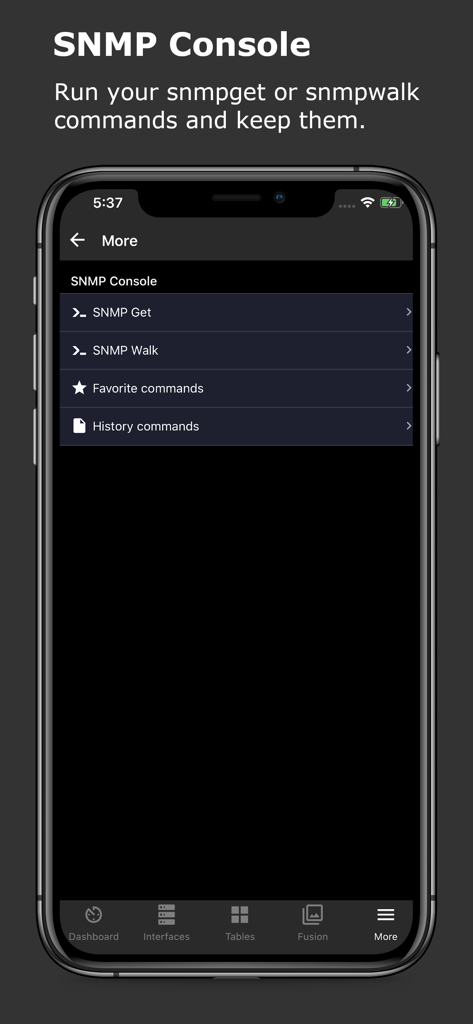
* SNMP Console: Execute manual snmpget and snmpwalk commands, save favorite commands, and access command history.
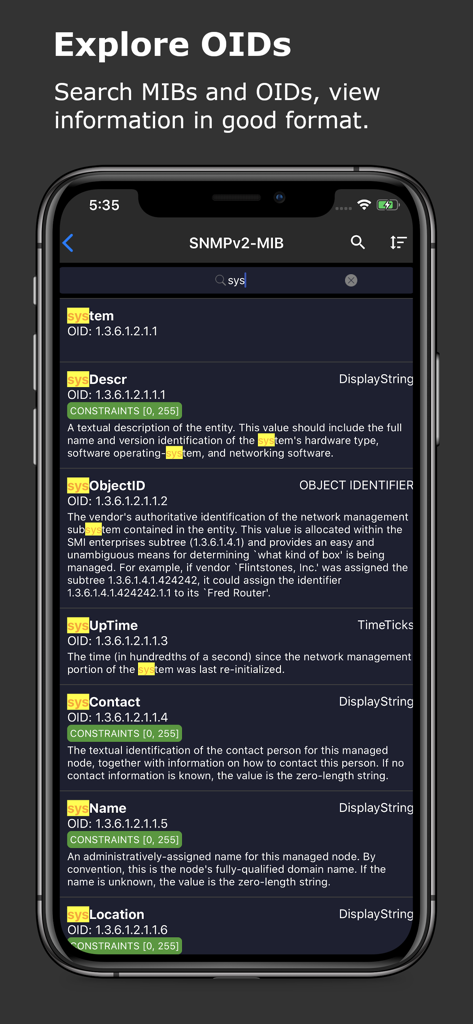
* MIB Explorer: Search for MIB/OID information with built-in MIBs, formatted for clarity.
* User-Friendly Interface: Features light and dark themes, enhanced list views, and swipe actions for quick device management. Easily search, sort, and reorder items.
SSH Terminal Features:
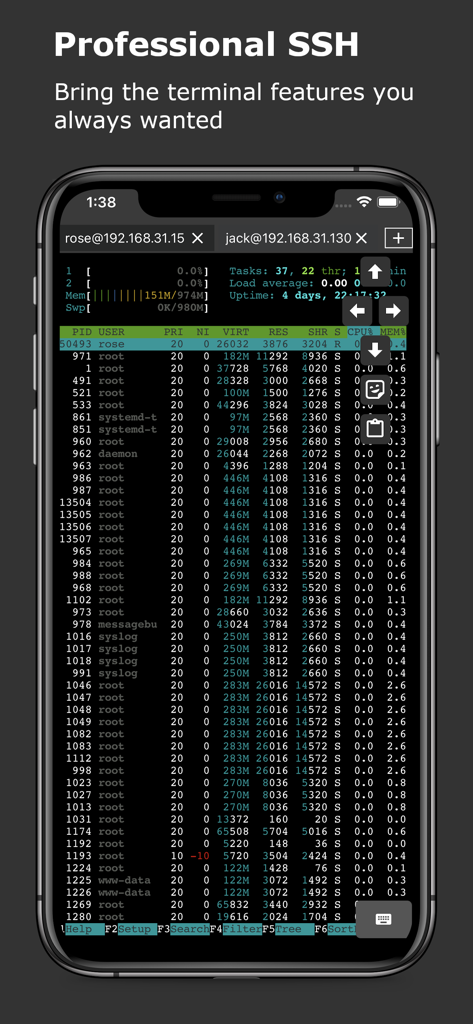
* Multiple Device and Session Support: Manage multiple SSH devices and sessions, easily searchable by labels.
* Secure SSH Connections: Supports SSH jump hosts, Socks5 proxy, and port knocking. Offers password and public/private key authentication for flexible, secure access.
* Advanced Terminal: Optimized for fast, reliable command execution. Full keyboard support for CTRL and arrow keys, along with system clipboard functionality. Use the built-in vi/vim editor for direct file editing.
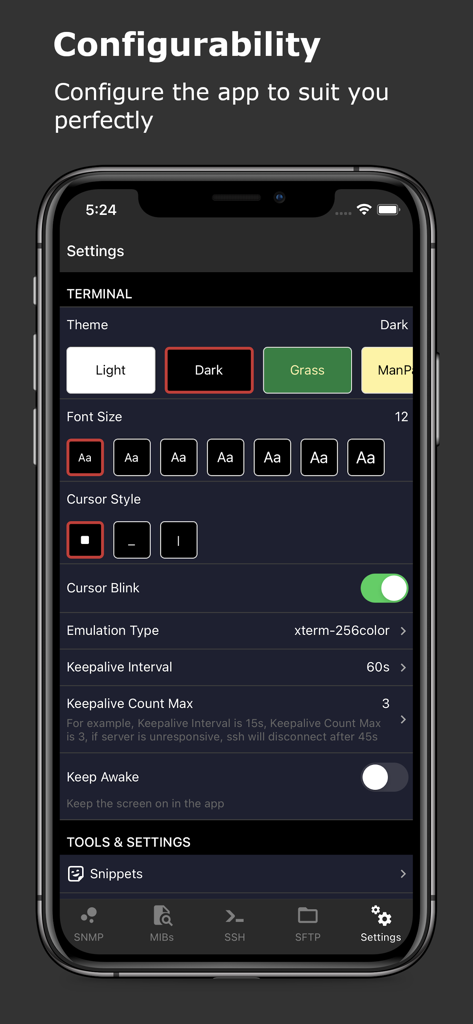
* Terminal Customization: Personalize terminal sessions with configurable themes and font options.
* Snippets for Automation: Save and organize frequently used command snippets, searchable by labels. Run startup snippets automatically when initiating sessions, and batch execute commands across multiple servers.
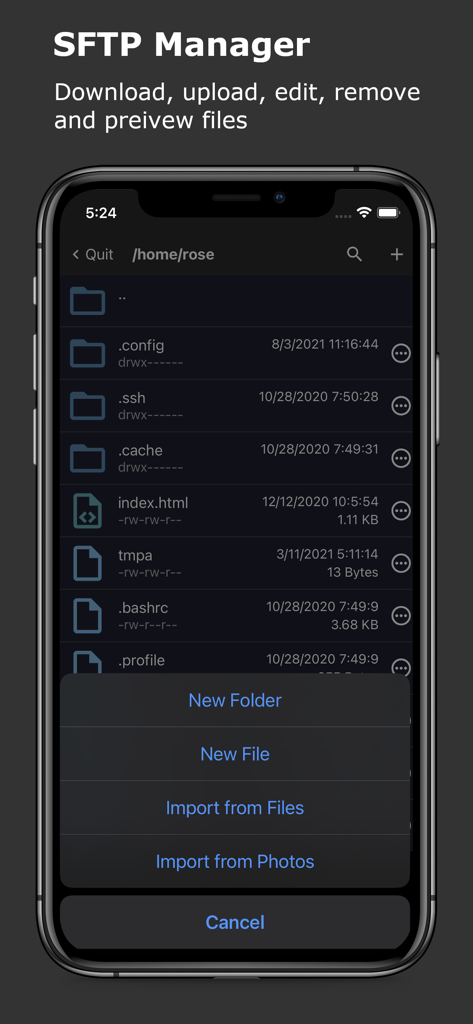
* SFTP File Management: Upload, download, edit, move, and delete files. Real-time file sync without manual refresh functionality. Set file permissions directly in the app.
* Keep Alive & Session Management: Prevent session timeouts during long operations and keep devices awake during critical tasks.
Supported Devices:
* SNMP v2c Protocol: Works with community string-based devices.
* Compatible with Routers: Supports devices from Cisco, Juniper, Avaya, Mikrotik RouterOS, and others supporting SNMP or SSH.
* Compatible with Linux (Ubuntu, Redhat, CentOS, Fedora, etc.), Windows (7, 8, 10, etc.), macOS, and other devices supporting SNMP or SSH.
SNMP & SSH Terminal App is the ultimate app for network administrators and IT professionals, offering seamless traffic monitoring and secure SSH access. Take control of your network and servers with powerful, easy-to-use tools.
Payment will be charged to iTunes Account at confirmation of purchase.
Subscription automatically renews unless auto-renew is turned off at least 24-hours before the end of the current period.
Account will be charged for renewal within 24-hours prior to the end of the current period, and identify the cost of the renewal.
Subscriptions may be managed by the user and auto-renewal may be turned off by going to the user's Account Settings after purchase.
Any unused portion of a free trial period, if offered, will be forfeited when the user purchases a subscription to that publication, where applicable.
Terms of use https://septudio.com/terms-of-use and privacy policy https://septudio.com/privacy-policy