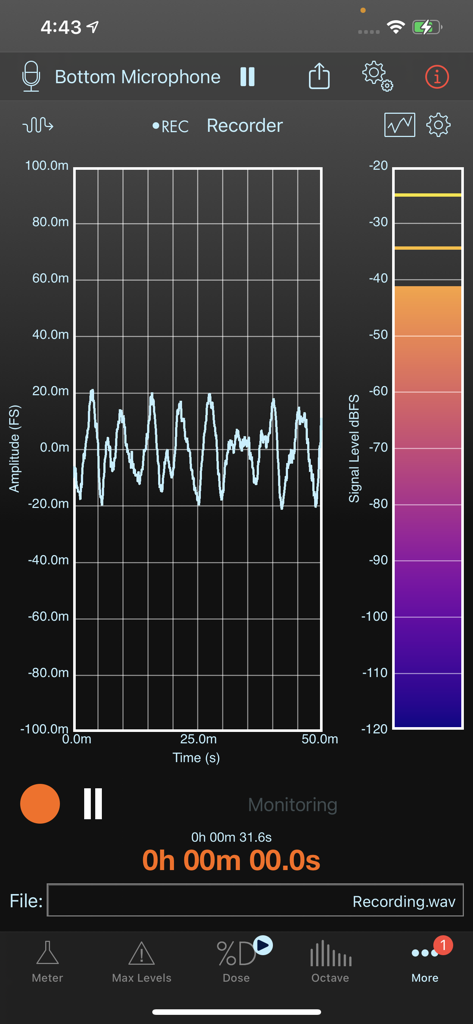
SoundMeter X turns your iPhone or iPad into a handheld data-logging sound level meter (SLM), data-logging noise dosimeter, stereo signal generator, multi-channel data recorder, and real-time whole or 1/3 octave band spectrum analyzer (subscription required for most features--try it out with a 14-day free trial).
Input signals can be acquired from the current (manually selectable) audio input path. Sensitivity calibration can also be performed for any audio input device and/or input channel. Direct hardware support (automatic sensitivity calibration, based on factory-defined values) for The Modal Shop’s 2-channel 485B39 USB-ICP interface and miniDSP’s UMIK-1, UMIK-2, and E.A.R.S. microphones.
In addition to real-time sound level measurements, SoundMeter can stream raw sound data to audio files, and store acquired sound level data, including date, time, and location, in CSV or TXT (tab-delimited) files, MAT-files, or high-resolution PDF images for later retrieval from your device.
SoundMeter may be downloaded for free from the App Store. Additional tools and features are offered via auto-renewable subscriptions.
The SoundMeter Pro subscription includes:
- User-defined custom metadata in saved audio and data files
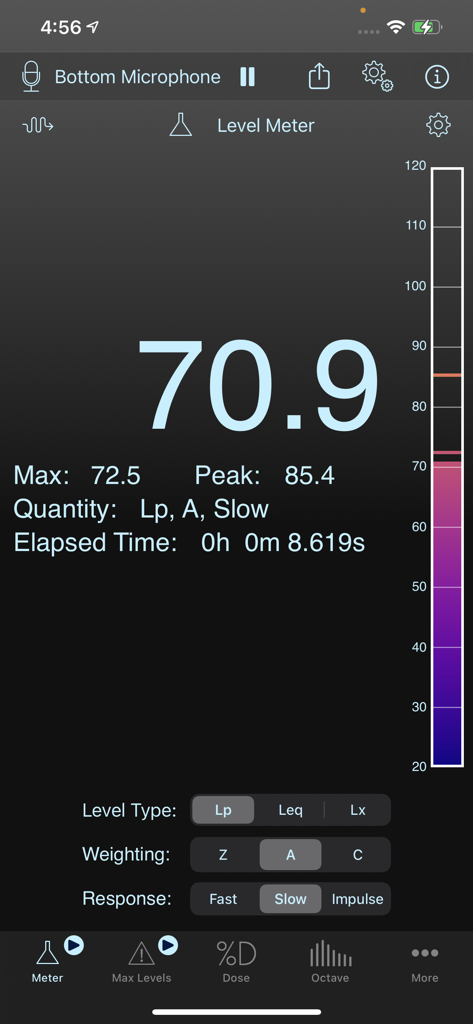
- Level MeterLp, Leq, Lx sound levels
-- Standard Flat, A, C frequency weighting
-- Standard Fast, Slow, Impulse time weighting
-- Data logging. Data can be logged as often as every 0.1 seconds for up to 8 hours, every second for up to 72 hours, or every 10 seconds for up to two weeks.
-- Event notifications
- Max Levels Meter
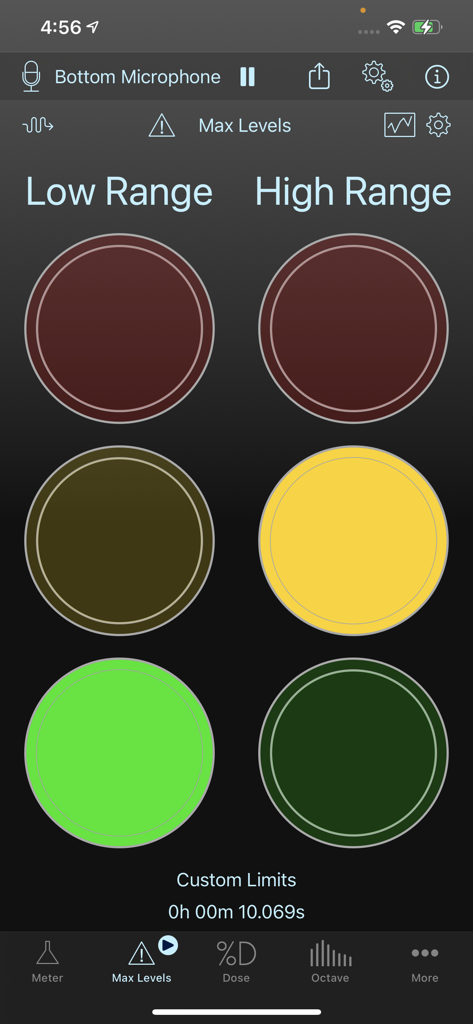
-- Traffic-light-style meters make it easy to monitor 2 separate sound level thresholds in 2 independent user-defined frequency bands.
-- Define lower (warning) and higher (limit) sound level thresholds for overall (full audio band) levels as well as for individual octave frequency bands.
-- Store user-defined thresholds in files for later recall.
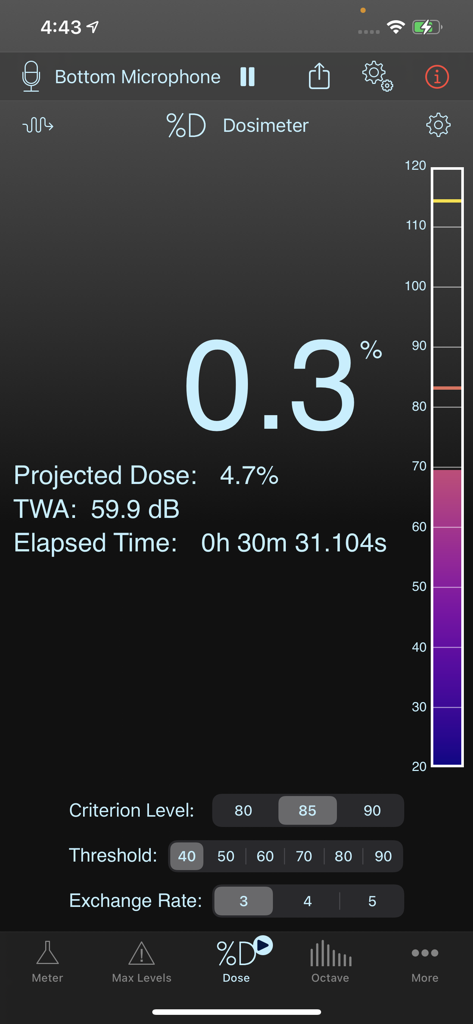
- Noise Dosimeter
-- 8-hour Noise Dose, Projected Dose, TWA calculations
-- Criterion Levels: 80, 85, 90 dB
-- Exchange Rates: 3, 4, 5 dB
-- Data logging. Data can be logged as often as every 0.1 seconds for up to 8 hours, every second for up to 72 hours, or every 10 seconds for up to two weeks.
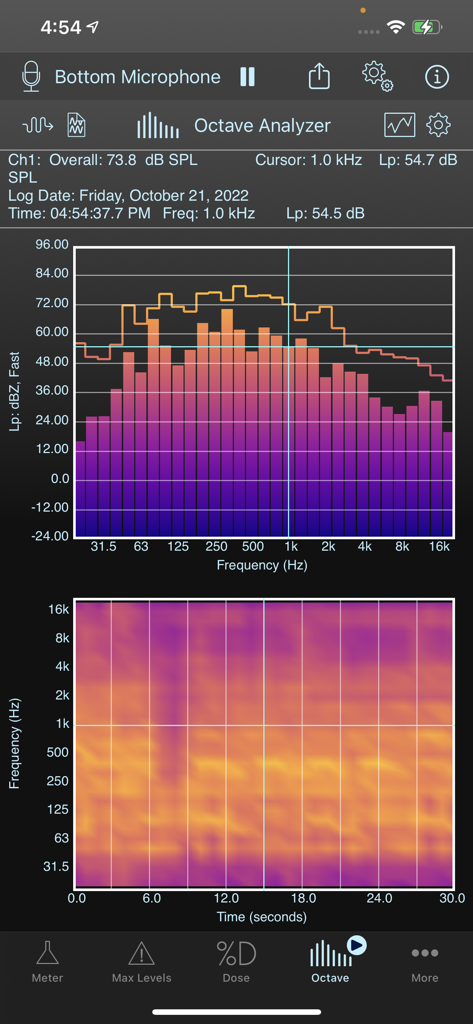
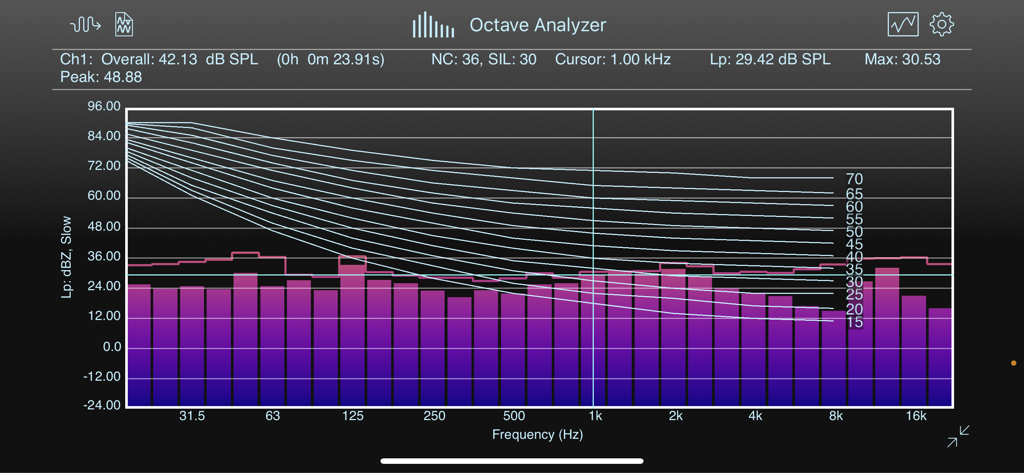
- Real-time Octave Spectrum Analyzer (RTA)
-- Lp, Leq, Lx sound levels
-- Supports whole or 1/3-octave frequency bands
-- Standard Flat, A, C frequency weighting
-- Standard Fast, Slow, Impulse time weighting
-- NC, RNC, and NR references curves, NC, SIL, and NR values
-- Data logging. Data can be logged as often as every 0.1 seconds for up to 8 hours, every second for up to 72 hours, or every 10 seconds for up to two weeks.
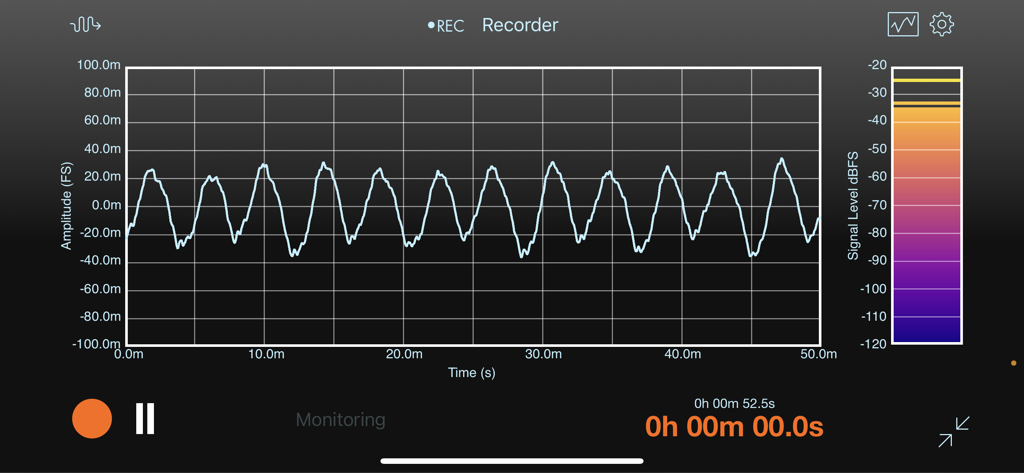
- Multi-channel Data Recorder
-- Supports up to 8 channels
-- Live monitoring of recorded data
-- Metadata (including calibrated sensitivity) embedded in audio file (AIF, CAF, WAV), optionally saved in separate data file
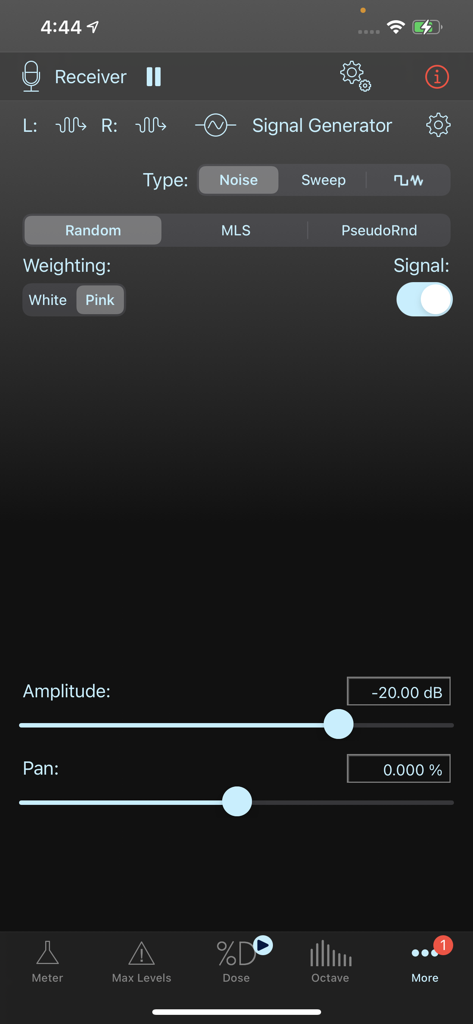
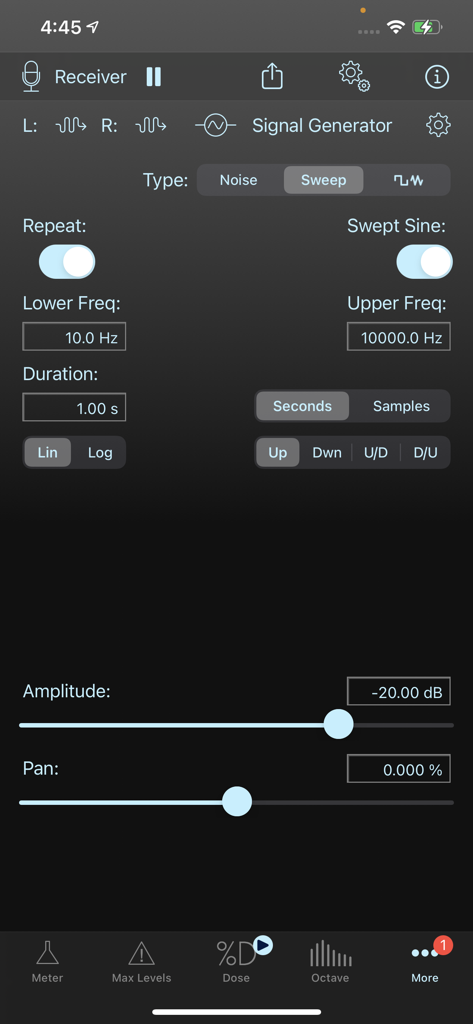
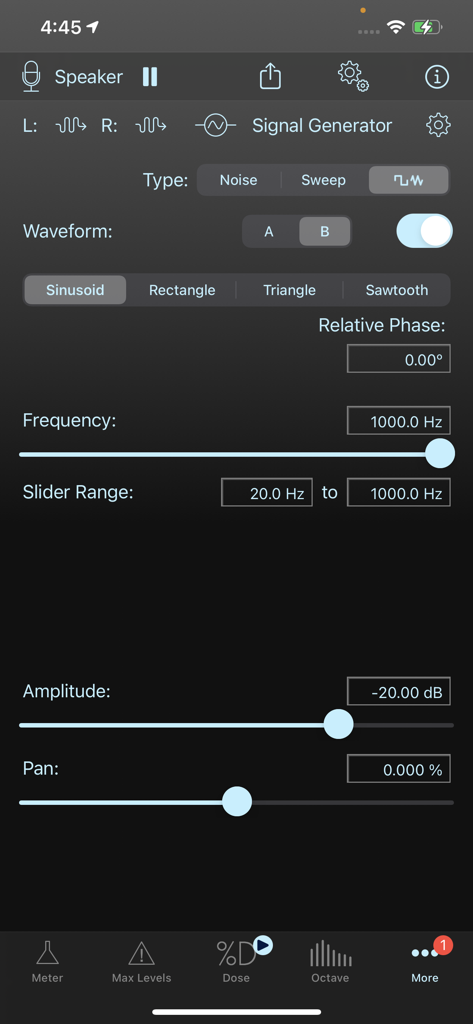
- Stereo Signal Generator
-- Left and right outputs assigned to arbitrary hardware output channels
-- Random and pseudorandom (periodic) noise sequences with white or pink spectrum
-- Linear and logarithmic frequency sweeps
-- Dual periodic waveforms with arbitrary frequency and phase difference
The Pro Tool Set subscription can be shared between SoundMeter X and SignalScope X. It unlocks all tools and features of the SoundMeter Pro subscription in SoundMeter X and all tools and features of the Pro Tool Set subscription in SignalScope X (iCloud login required).
Learn more about SoundMeter X at FaberAcoustical.com.
Subscription Terms:
- https://www.faberacoustical.com/apps/subscriptions/terms.html
Privacy Policy:
- https://www.faberacoustical.com/about/privacy.html
Terms and Conditions for FaberAcoustical.com:
https://www.faberacoustical.com/about/terms.html