Split Screen - Multitasking
ダウンロード: App Store

このページはアプリまたはその開発者の公式ページではなく、情報提供および論評を目的として作成された独立した編集出版物です。明示的に別段の記載がない限り、アプリおよびその開発者は、MWM、Apple、Google Play、アプリのパブリッシャー、またはアプリの開発者と提携、承認、後援、認可、またはその他の公式的な関係はなく、このページのいかなる内容も、アプリがMWMのサービスを使用して開発されたことを意味するものではありません。すべての商標、ロゴ、スクリーンショット、その他のコンテンツはそれぞれの所有者の財産です。

ロゴ: Split Screen - Multitasking
ダウンロード: App Store

Split Screen - Multitasking

タブの切り替えをやめて、もっと多くのことを始めましょう。iPhoneの分割画面で、ソーシャルメディアをスクロールしながら動画を視聴したり、買い物をしながら商品を比較したりできます。

主要数値

ダウンロード

10K+

ユーザー評価

4.2/5

評価数

0

開発元

Supagarn Pattananuchart

カテゴリ

Utilities

対応言語

1

最新バージョン

1.8

サイズ

5.8 MB

リリース日

2021年4月21日
機能

もっと多くのことを、もっと少なく切り替える

iOSの制限から解放されましょう。当社のデュアルウィンドウインターフェイスにより、アプリとWebタブを同時に処理できるため、エンターテイメントと効率の間で選択する必要がなくなります。

一緒に視聴&閲覧

フィードをスクロールしたり、情報を検索したりしながら、お気に入りのクリエイターのストリームを視聴しましょう。何かを調べるために楽しい時間を中断する必要はもうありません。

比較ショッピングをマスターする

一方のウィンドウでレビューを開き、もう一方のウィンドウで価格を確認しましょう。タブ間を頻繁に切り替えることなく、よりスマートな買い物をより速く行いましょう。

以下のスクリーンショットと説明は、アプリの公式ストアリスティングから直接取得されたものであり、アプリ開発者の所有物です。

アプリストア

スクリーンショット
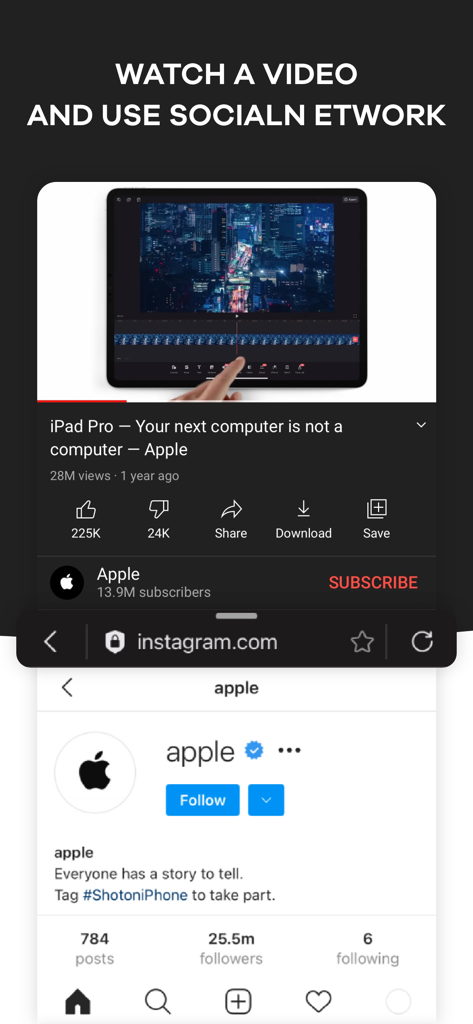
Split Screen - Multitasking - 上部にYouTube動画、下部にInstagramプロフィールが表示される分割画面インターフェイス
上部にYouTube動画、下部にInstagramプロフィールが表示される分割画面インターフェイス

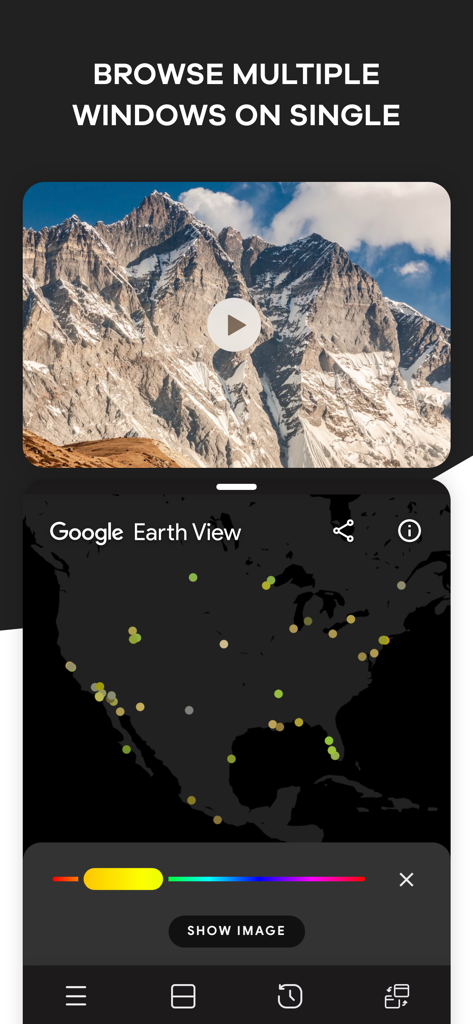
Split Screen - Multitasking - 自然の動画とGoogle Earthマップが表示される分割画面マルチタスクを示すiPhoneアプリインターフェイス
自然の動画とGoogle Earthマップが表示される分割画面マルチタスクを示すiPhoneアプリインターフェイス

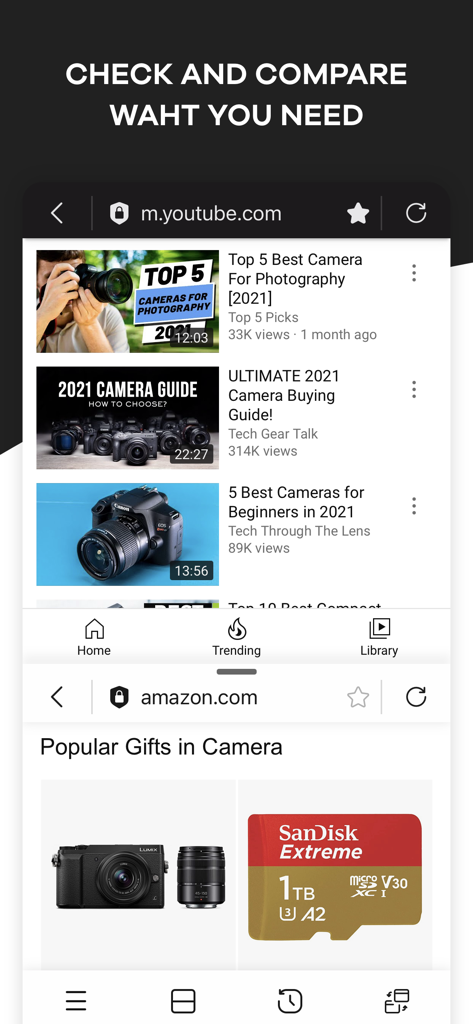
Split Screen - Multitasking - 比較ショッピングのために、上部にYouTube動画、下部にAmazon製品が表示される分割画面が表示されるモバイルインターフェイス
比較ショッピングのために、上部にYouTube動画、下部にAmazon製品が表示される分割画面が表示されるモバイルインターフェイス

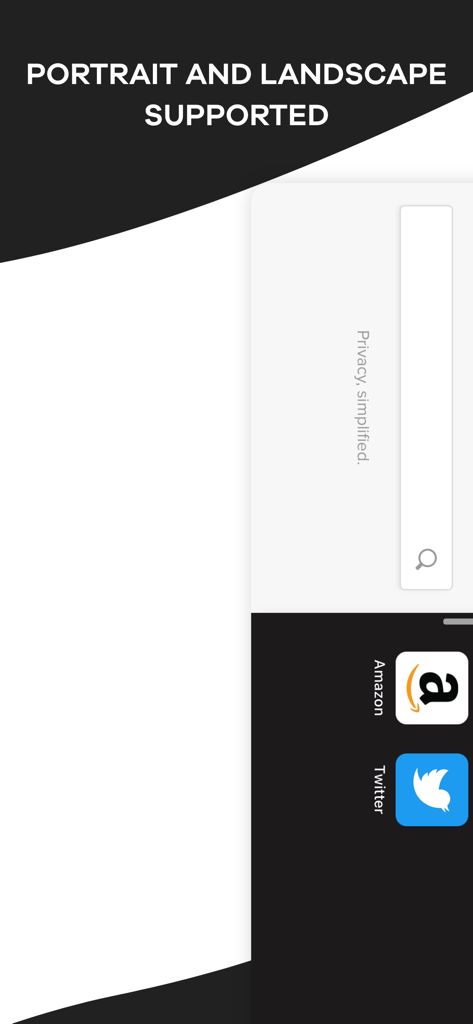
Split Screen - Multitasking - AmazonとTwitterのアイコンが表示される縦向きと横向きのサポートを示す分割画面マルチタスクアプリインターフェイス
AmazonとTwitterのアイコンが表示される縦向きと横向きのサポートを示す分割画面マルチタスクアプリインターフェイス

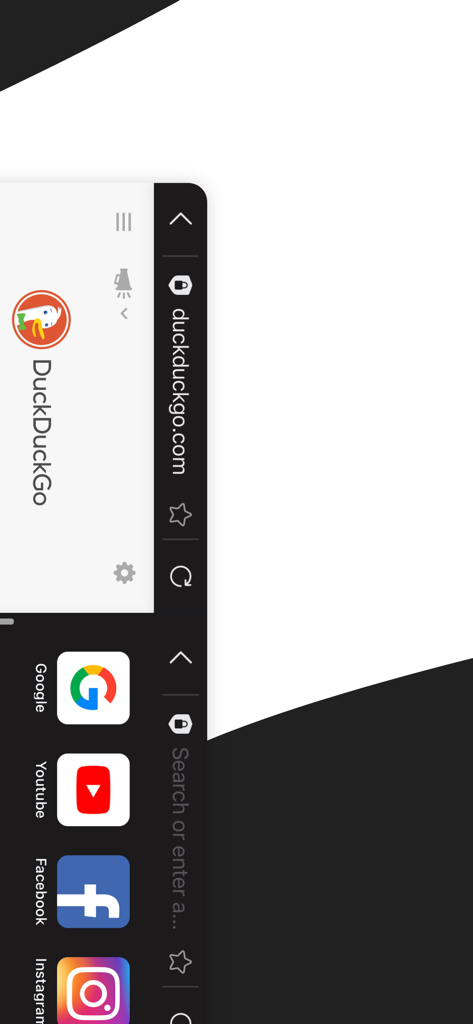
Split Screen - Multitasking - DuckDuckGo検索とソーシャルメディアショートカットが表示される分割画面が表示されるモバイルインターフェイス
DuckDuckGo検索とソーシャルメディアショートカットが表示される分割画面が表示されるモバイルインターフェイス

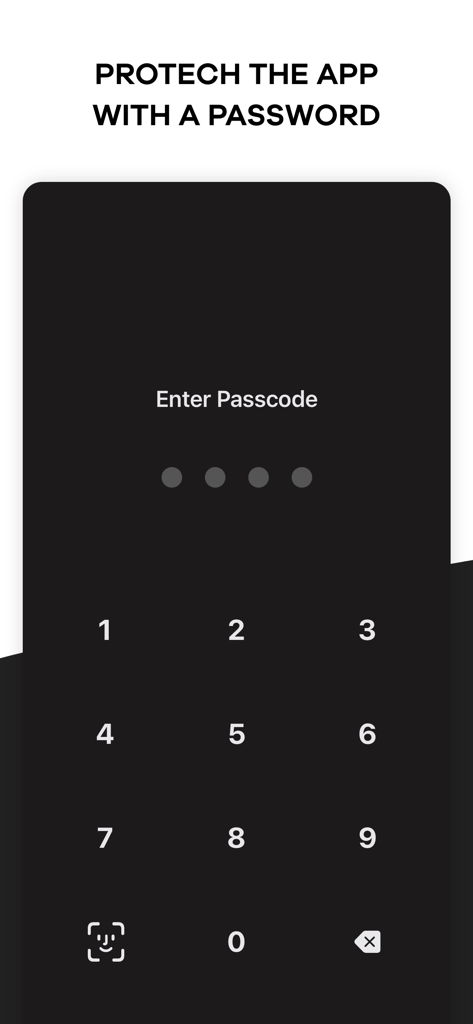
Split Screen - Multitasking - プライバシー保護のための数字パスコード入力とFace IDアイコンを表示するモバイルアプリ画面。

プライバシー保護のための数字パスコード入力とFace IDアイコンを表示するモバイルアプリ画面。

説明

Browse your favorite social media platform and watch funny videos at the same time using Split Screen – Multitasking app. It happens many times that we want to scroll through media to watch shows or videos and, at the same time, open another platform like google to get a piece of information. But normally, our mobile device doesn’t allow multitasking. To solve the problem and make you happy, we have brought you a split-screen app that allows you to split your display so you can do two things simultaneously. Check your emails, make a shopping list, or write a post on Insta while googling the right information using this dual display app. Increase your productivity by pairing two tabs together and be smart. The key features of Split Screen – Multitasking app: • With this split screen multitasking view app, you can open a second screen to perform two things at the same time. • Using this splitscreen app, you can watch a movie or show and google related information to fully understand it. • While watching a product review for shopping, watch the video and browse the products simultaneously with this duet display pro or smart view app. • Our double screen app supports portrait and landscape modes for your convenience. • You can set a password to keep the dual-screen or split screen app protected from others. • Watch a movie and check social media accounts simultaneously with this multiscreen- split view. • Open the website you want from Safari. There are thousands of possibilities, and you can any two things using Split Screen – Multitasking app. If you are bored of checking emails, open youtube using this duet display app and listen to your favorite music and watch videos. Need to watch a show and a match at the same time? Use split-screen iPhone app, split it and watch. If you are looking for one of the best split-screen apps for smart tasks, this multi-screen app can be your best choice. This dividend app allows you to perform two important work simultaneously or let you work and have fun. With our screen-sharing smart view app, you don’t have to switch between tabs, you can simply split your iOS device’s screen and open them all. Multitasking is required a lot many times. When you are busy and have to check on two things simultaneously, what do you do? So far, you probably became annoyed or anxious. We have brought you the solution to your problem. You don’t have to have two devices anymore; only one device will let you multitask and enjoy! If you are searching for a smart view app for iPhone or split screen app to open multi-window to work effectively and peacefully, this multi screen app is here to help. We have brought you such a platform that will open a new window for you. We are making things work that you never thought would be possible. The easy, simple, and user-friendly interface of this dual app will enable you to watch and work without any disruption. You don’t have to close your social media account just to check your email or watch videos. Watch anything you like while scrolling through social media or a browser. Moreover, this split screen video app brings you everything at a lower cost. You can install the app from the iOS store for free and make in-app purchases. Take a yearly or monthly subscription and enjoy multitasking on one single display. Browse multiple windows on one display and get your work done efficiently. Watch funny videos, browse social media, check product reviews, compare them, check emails, and make a shopping list simultaneously using our multitasking split screen app. If you are searching for split-screen apps for work or enjoyment, this split screen multitasking app is going to give you all. Install Split Screen – Multitasking on your iOS device, divide the screen as per your need and get your work done easily. Terms of Use: https://supagarn-pa.com/Split-Screen/terms-of-use Privacy Policy: https://supagarn-pa.com/Split-Screen/privacy-policy

Download

ダウンロード: App Store

このページはアプリまたはその開発者の公式ページではなく、情報提供および論評を目的として作成された独立した編集出版物です。明示的に別段の記載がない限り、アプリおよびその開発者は、MWM、Apple、Google Play、アプリのパブリッシャー、またはアプリの開発者と提携、承認、後援、認可、またはその他の公式的な関係はなく、このページのいかなる内容も、アプリがMWMのサービスを使用して開発されたことを意味するものではありません。すべての商標、ロゴ、スクリーンショット、その他のコンテンツはそれぞれの所有者の財産です。








