
このページはアプリまたはその開発者の公式ページではなく、情報提供および論評を目的として作成された独立した編集出版物です。明示的に別段の記載がない限り、アプリおよびその開発者は、MWM、Apple、Google Play、アプリのパブリッシャー、またはアプリの開発者と提携、承認、後援、認可、またはその他の公式的な関係はなく、このページのいかなる内容も、アプリがMWMのサービスを使用して開発されたことを意味するものではありません。すべての商標、ロゴ、スクリーンショット、その他のコンテンツはそれぞれの所有者の財産です。


Splitter AI - Vocal Remover
スタジオグレードのAIで、ボーカル、楽器、コードを瞬時に分離。カスタムバッキングトラックを作成し、難しいソロをスローダウンさせ、あらゆる曲を数秒で移調してサウンドをマスターしましょう。
ダウンロード
48K+ユーザー評価
評価数
100開発元
カテゴリ
Music対応言語
1最新バージョン
1.0.4サイズ
85.4 MBリリース日
2024年10月9日創造性の可能性を解き放つ
スタジオグレードのボーカル除去からリアルタイムコード検出まで、Splitter AI は、あらゆる曲を数秒で分解、学習、リミックスするために必要なプロフェッショナルツールキットを提供します。
瞬時のステム分離
高忠実度AIでボーカル、ドラム、ベース、楽器を分離。カスタムバッキングトラックや、次のリミックス用のクリーンなアカペラを作成するのに最適です。
あらゆる曲をより速くマスター
自動コード検出、瞬時のキー移調、正確なテンポコントロールで学習を加速し、自分のペースで練習できます。
よくある質問
について知っておくべきこと Splitter AI - Vocal Remover
Splitter AIとは何ですか?
Splitter AIは、AIを活用した音楽分割およびバッキングトラック作成ツールです。あらゆる楽曲からボーカルや楽器を分離し、キーやテンポを調整して、プロ品質のバッキングトラックを作成できます。
Splitter AIはあらゆる楽曲からボーカルを削除できますか?
はい、Splitter AIはAIを使用してあらゆる楽曲からボーカルや楽器を削除します。キーやテンポを即座に調整し、カスタムバッキングトラックを作成できます。
Splitter AIはどの楽器を分離できますか?
Splitter AIは、ボーカル、ドラム、ギター、ベース、ピアノ、弦楽器などを分離します。ボーカル除去や様々な楽器のカスタムバッキングトラック作成に最適です。
Splitter AIは無料トライアルを提供していますか?
はい、Splitter AIは週次サブスクリプションプランで3日間の無料トライアルを提供しています。トライアル終了後、購入確認時にiTunesアカウントに請求されます。
Splitter AIの料金はいくらですか?
Splitter AIの料金は、3日間の無料トライアル後、週9.99ドル、または年額39.90ドルです。サブスクリプションはキャンセルされない限り自動更新されます。
Splitter AIはどのようにコードを検出しますか?
Splitter AIはリアルタイムAIを使用して、曲のコードを自動検出します。この機能は、初級から上級までのレベルのコードを表示し、ユーザーが簡単に演奏を学習できるようにします。
Splitter AIで曲のテンポを変更できますか?
はい、Splitter AIでは、自動BPM検出を使用して、難しいセクションの速度を簡単に変更できます。あらゆる曲の速度を遅くしたり速くしたりできます。
Splitter AIはどのようなファイル形式のアップロードをサポートしていますか?
Splitter AIは、MP3、WAV、FLAC、OGG、AIFF、AU、CAF、OPUSなどのさまざまなオーディオ形式をサポートしています。また、MP4、M4A、MOV、MKVなどのビデオ形式もサポートしています。
Splitter AIでカラオケバージョンを作成できますか?
はい、Splitter AIを使用すると、アカペラ、カラオケ、または楽器のみのバージョンなど、カスタムミックスを数秒で作成できます。これにより、多様な音楽制作が可能になります。
Splitter AIは誰向けですか?
Splitter AIは、ミュージシャン、シンガー、音楽プロデューサー、インストゥルメンタリスト(ギタリスト、ドラマー、ベーシスト、ピアニスト)、音楽学生、教師、ソーシャルメディアコンテンツクリエイター向けに設計されています。
以下のスクリーンショットと説明は、アプリの公式ストアリスティングから直接取得されたものであり、アプリ開発者の所有物です。
アプリストア
スクリーンショット
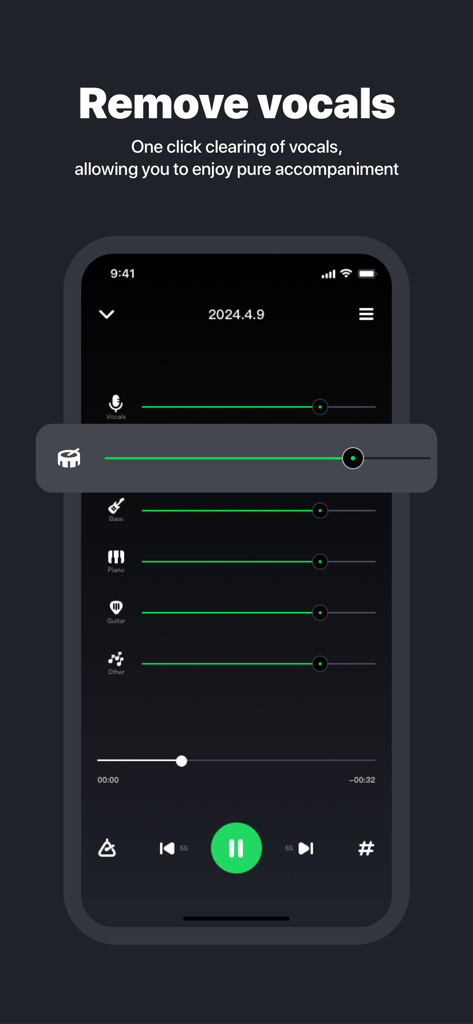
AIボーカル除去と、ドラム、ベース、ギターの個々のオーディオトラックの音量スライダーを示すモバイルアプリインターフェース
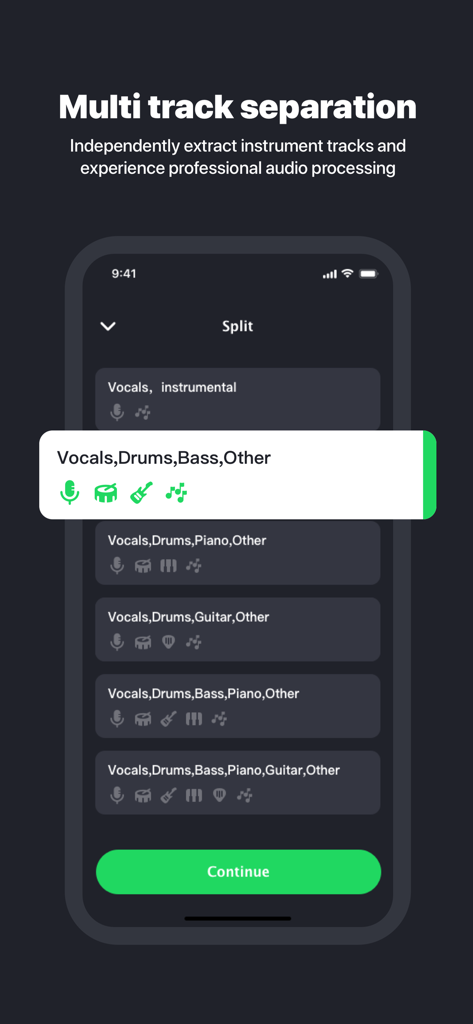
ボーカル、ドラム、ベースを含むマルチトラック分離のオプションを示すSplitter AIのモバイルアプリインターフェース
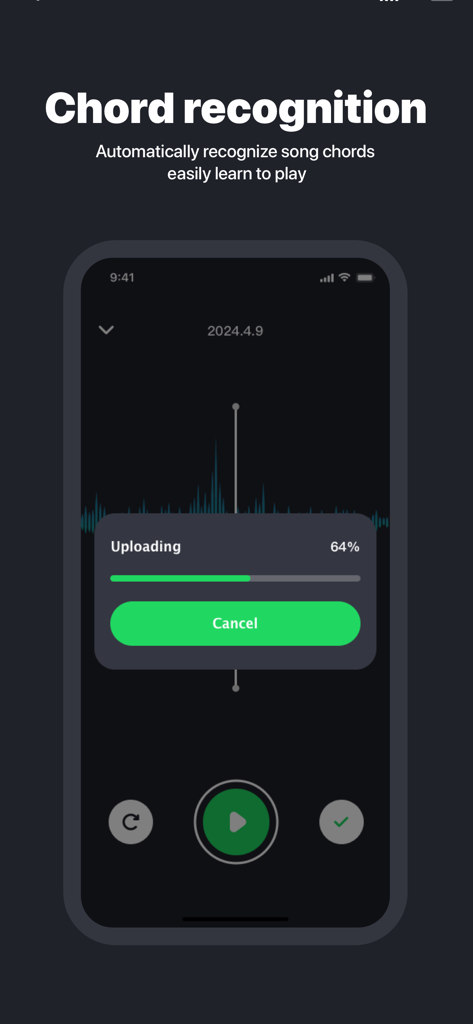
ファイルアップロードの進捗バーとともにコード認識機能を示すSplitter AIアプリインターフェース
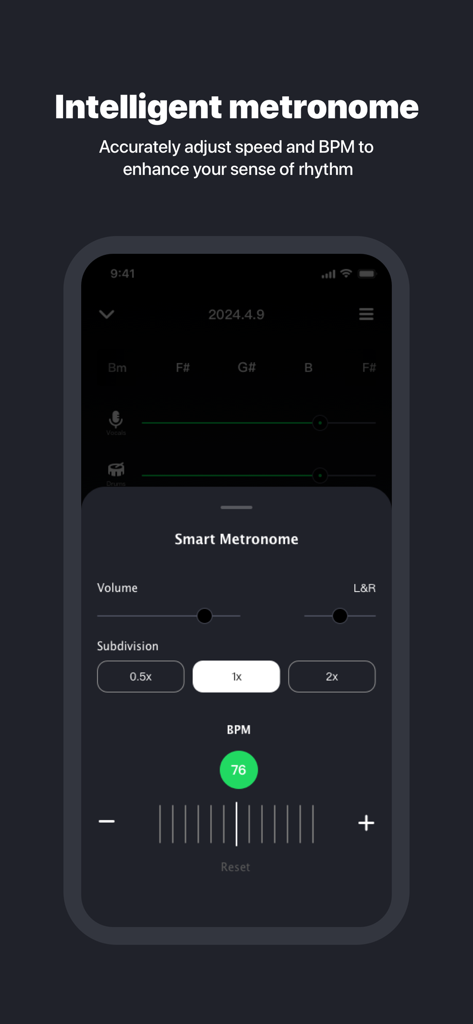
BPMと分割コントロールを備えたインテリジェントメトロノーム機能を示すSplitter AIアプリインターフェース
説明
Download
類似アプリ
似た機能とユーザー体験を持つアプリ

Music Speed Changer ▶▶▶
Single Minded Productions, LLC

Vocal Remover - Musiclab
CHENGDU Yiwo Tech Development Co., Ltd

Audio Fusion
景睿 文

Audio Jam: AI for musicians
Kiraku Tech Co., Ltd.

Anytune Pro+: Studio Tools
Anytune Inc.

Moises: The Musician's App
Moises Systems Inc

Strum - Play Guitar
W185 Holdings LLC

Chordify: Songs, Chords, Tuner
Chordify BV

Chord ai - Play any song!
Nomad AI OU
このページはアプリまたはその開発者の公式ページではなく、情報提供および論評を目的として作成された独立した編集出版物です。明示的に別段の記載がない限り、アプリおよびその開発者は、MWM、Apple、Google Play、アプリのパブリッシャー、またはアプリの開発者と提携、承認、後援、認可、またはその他の公式的な関係はなく、このページのいかなる内容も、アプリがMWMのサービスを使用して開発されたことを意味するものではありません。すべての商標、ロゴ、スクリーンショット、その他のコンテンツはそれぞれの所有者の財産です。