
このページはアプリまたはその開発者の公式ページではなく、情報提供および論評を目的として作成された独立した編集出版物です。明示的に別段の記載がない限り、アプリおよびその開発者は、MWM、Apple、Google Play、アプリのパブリッシャー、またはアプリの開発者と提携、承認、後援、認可、またはその他の公式的な関係はなく、このページのいかなる内容も、アプリがMWMのサービスを使用して開発されたことを意味するものではありません。すべての商標、ロゴ、スクリーンショット、その他のコンテンツはそれぞれの所有者の財産です。


Splitteroo: Vocal Remover
あらゆる曲を数秒で高品質なステムに変換します。無制限の無料アップロードとエクスポートで、練習、カラオケ、コンテンツ作成のためにボーカル、ドラム、またはベースを分離します。
ダウンロード
143K+ユーザー評価
評価数
700開発元
カテゴリ
Music対応言語
7最新バージョン
1.31サイズ
35.0 MBリリース日
2023年5月3日プロフェッショナルグレードのオーディオ分離
高度なAIのパワーを活用して、ステムを抽出し、バッキングトラックを作成し、あらゆる曲を数秒で分解します。
高度なAIステム分割
あらゆる曲を2、4、または6トラックに分割し、スタジオ品質の精度でボーカル、ドラム、ベース、ギターを分離します。
完璧なバッキングトラック
練習用の「マイナスワン」トラックや、次のバイラルソーシャルメディアカバー用の高品質なインストゥルメンタルを即座に作成します。
よくある質問
について知っておくべきこと Splitteroo: Vocal Remover
Splitteroo: Vocal Removerとは何ですか?
Splitteroo: Vocal Removerは、あらゆる曲からボーカルや楽器を抽出する高度なAIアプリケーションです。ミュージシャン向けに、高品質なステムオーディオファイルを数秒で生成します。
Splitterooはドラムやギターなどの特定の楽器を削除できますか?
はい、Splitterooは曲からボーカル、ドラム、ギター、ベースを削除できます。包括的なオーディオ分離のための汎用的なインストゥルメンタルリムーバーも提供しています。
ユーザーはSplitterooアプリにどのように曲をインポートできますか?
ユーザーは、音楽ライブラリ、クラウドサービス、カメラロールから、または公開URLを貼り付けることでSplitterooに曲をインポートできます。さまざまなオーディオおよびビデオファイル形式をサポートしています。
Splitterooでオーディオトラックをエクスポートする際の制限はありますか?
いいえ、Splitterooは無料の無制限オーディオトラックエクスポートを提供しています。ユーザーは高品質のステムオーディオファイルを個別のオーディオトラックとしてエクスポートできます。オーディオミックスのエクスポートはプレミアム機能です。
Splitteroo: Vocal Removerは無料版またはトライアルを提供していますか?
Splitterooは、無料の無制限の曲と無制限のオーディオトラックエクスポートを提供しています。無料トライアル期間についても言及されており、サブスクリプション購入時に未使用の部分は失効します。
ユーザーはSplitterooサブスクリプションをどのように管理できますか?
ユーザーはアカウント設定を通じてSplitterooサブスクリプションを管理し、自動更新をオフにすることができます。これは、現在の期間が終了する少なくとも24時間前に行う必要があります。
Splitterooは1曲をいくつのトラックに分割できますか?
Splitterooは、1曲を2、4、または6つの別々のトラックに分割できます。この機能により、さまざまな音楽コンポーネントを細かく制御できます。
Splitteroo: Vocal Removerはオーディオ分離にどのような技術を使用していますか?
Splitterooは高度なAI技術を使用してボーカルや楽器を抽出します。この人工知能は数秒でオーディオを処理し、高品質なステムファイル生成を保証します。
以下のスクリーンショットと説明は、アプリの公式ストアリスティングから直接取得されたものであり、アプリ開発者の所有物です。
アプリストア
スクリーンショット
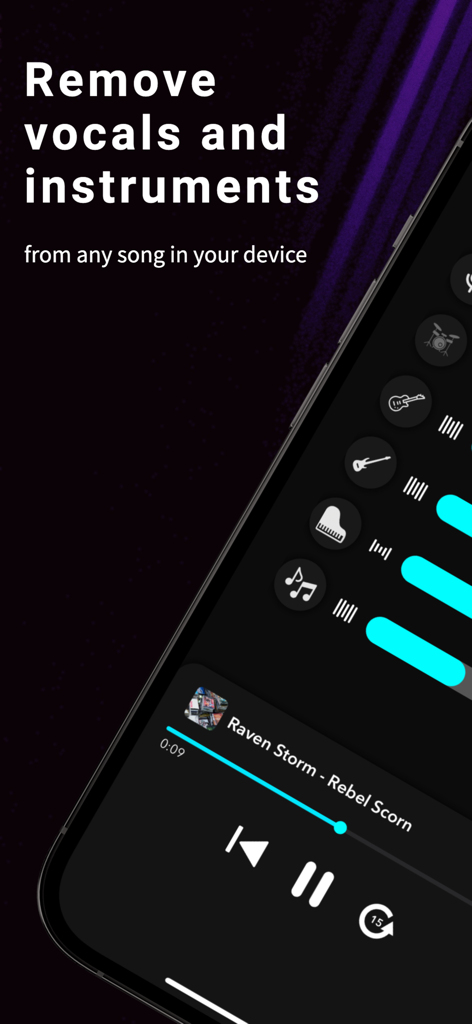
Splitterooアプリでボーカルと楽器の削除機能が表示されています
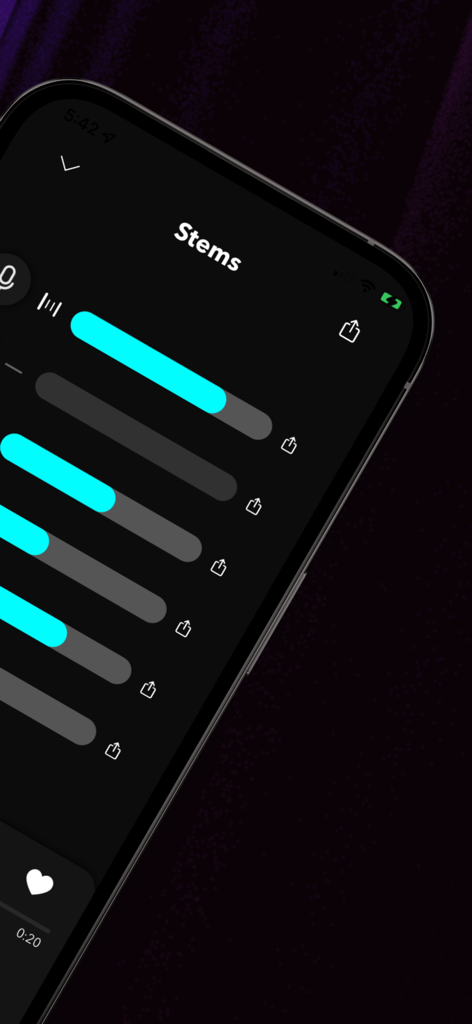
Splitterooアプリのインターフェースに、エクスポート準備完了の6つの分離されたオーディオトラックまたはステムが表示されています
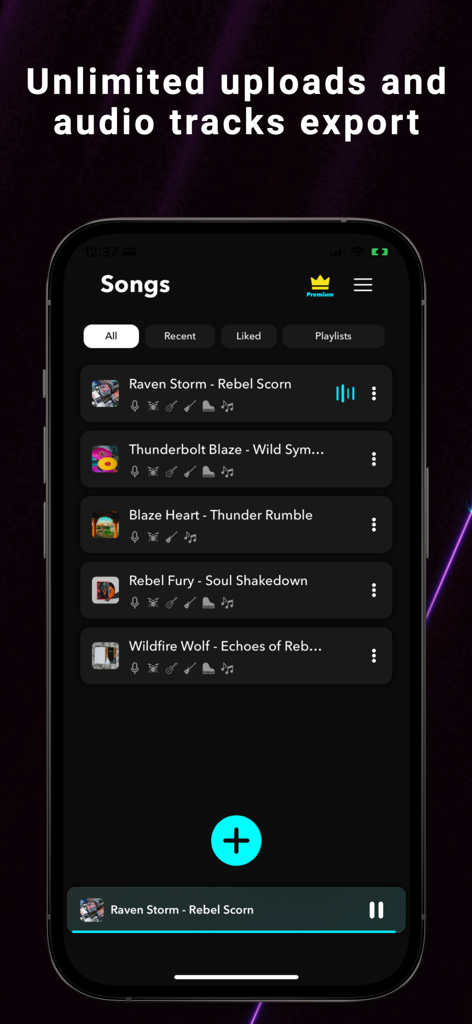
Splitterooアプリのインターフェースに、無制限のアップロードとオーディオトラックのエクスポートの見出しが付いた曲のリストが表示されています。
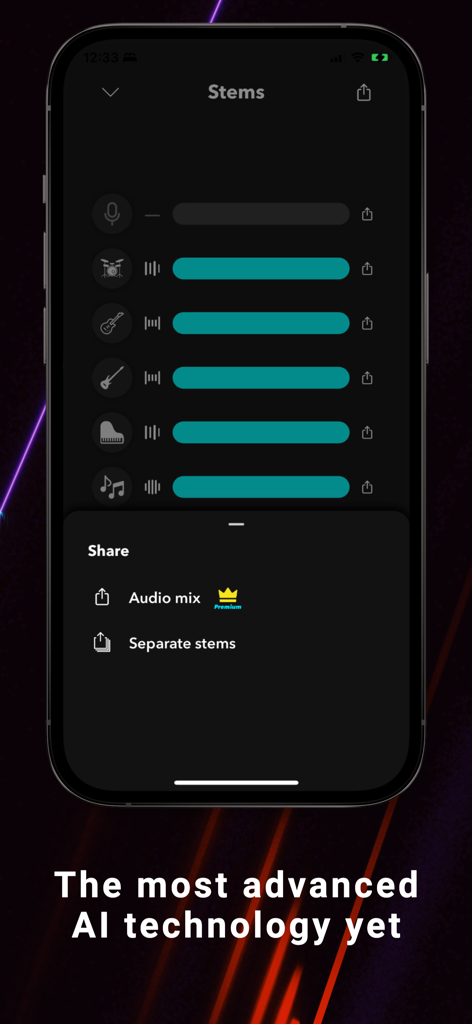
Splitterooアプリのインターフェースに、分離されたオーディオトラックと共有オプションが表示されています
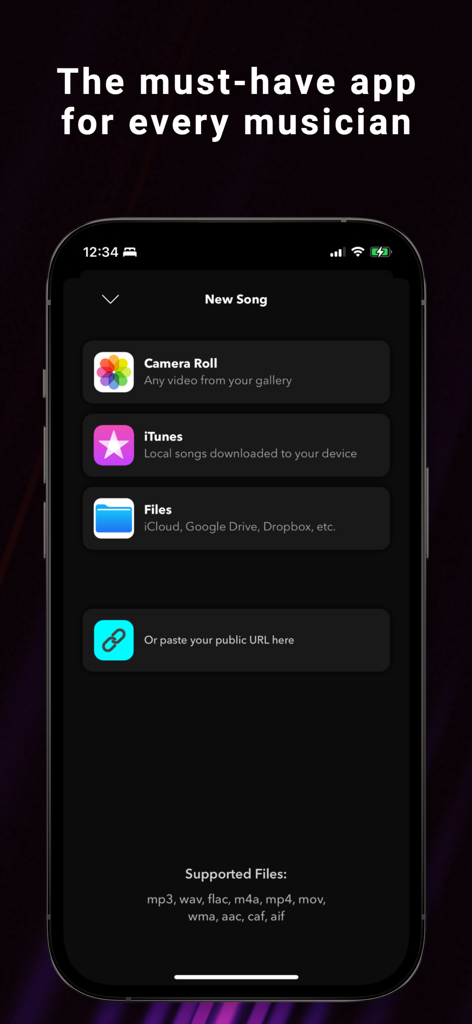
Splitterooアプリのインターフェースに、カメラロール、iTunes、クラウドファイルを含む曲のインポートソースが表示されています
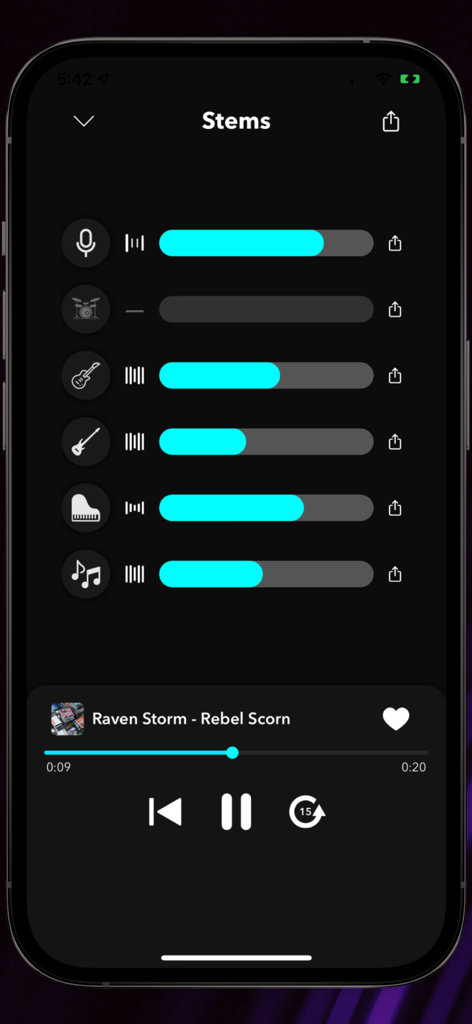
Splitterooアプリのインターフェースに、ボリュームスライダー付きのボーカル、ドラム、ギター、ベースの分離されたオーディオステムが表示されています
説明
Download
類似アプリ
似た機能とユーザー体験を持つアプリ

Music Speed Changer ▶▶▶
Single Minded Productions, LLC

Vocal Remover - Musiclab
CHENGDU Yiwo Tech Development Co., Ltd

Audio Fusion
景睿 文

Audio Jam: AI for musicians
Kiraku Tech Co., Ltd.

Anytune Pro+: Studio Tools
Anytune Inc.

Moises: The Musician's App
Moises Systems Inc

Strum - Play Guitar
W185 Holdings LLC

Chordify: Songs, Chords, Tuner
Chordify BV

Chord ai - Play any song!
Nomad AI OU
このページはアプリまたはその開発者の公式ページではなく、情報提供および論評を目的として作成された独立した編集出版物です。明示的に別段の記載がない限り、アプリおよびその開発者は、MWM、Apple、Google Play、アプリのパブリッシャー、またはアプリの開発者と提携、承認、後援、認可、またはその他の公式的な関係はなく、このページのいかなる内容も、アプリがMWMのサービスを使用して開発されたことを意味するものではありません。すべての商標、ロゴ、スクリーンショット、その他のコンテンツはそれぞれの所有者の財産です。