Squeebles Spelling Connect
ダウンロード: App Store

このページはアプリまたはその開発者の公式ページではなく、情報提供および論評を目的として作成された独立した編集出版物です。明示的に別段の記載がない限り、アプリおよびその開発者は、MWM、Apple、Google Play、アプリのパブリッシャー、またはアプリの開発者と提携、承認、後援、認可、またはその他の公式的な関係はなく、このページのいかなる内容も、アプリがMWMのサービスを使用して開発されたことを意味するものではありません。すべての商標、ロゴ、スクリーンショット、その他のコンテンツはそれぞれの所有者の財産です。

ロゴ: Squeebles Spelling Connect
ダウンロード: App Store

Squeebles Spelling Connect

スペル練習を冒険に変えましょう。8,500語以上の録音済み単語、カスタムリスト、35体のSqueeblesを集めて、お子様は自宅でも、授業中も、外出先でも、楽しく学習できるようになります。

主要数値

ダウンロード

12K+

ユーザー評価

4.2/5

評価数

0

開発元

Ian Knapp

カテゴリ

Education

対応言語

1

最新バージョン

1.8.5

サイズ

171.0 MB

リリース日

2024年9月20日
機能

Squeeblesの魔法で、すべての単語をマスターしましょう

スペルの宿題をエキサイティングなクエストに変えましょう。Squeebles Spelling Connectは、実績のある学習テクニックと、子供たちの興味を引きつけ、保護者に情報を提供する楽しい報酬を組み合わせています。

モチベーションを高める報酬システム

子供たちは星、パワーアップ、そして35体の愛らしいSqueeblesキャラクターを獲得し、繰り返しの練習を、彼らが実際にやりたいと思うやりがいのあるゲームに変えます。

完全な学習コントロール

カスタムリストを作成し、独自の音声を録音して学校の課題に合わせることで、アプリがお子様の特定のカリキュラムとアクセントに適合することを保証します。

以下のスクリーンショットと説明は、アプリの公式ストアリスティングから直接取得されたものであり、アプリ開発者の所有物です。

アプリストア

スクリーンショット
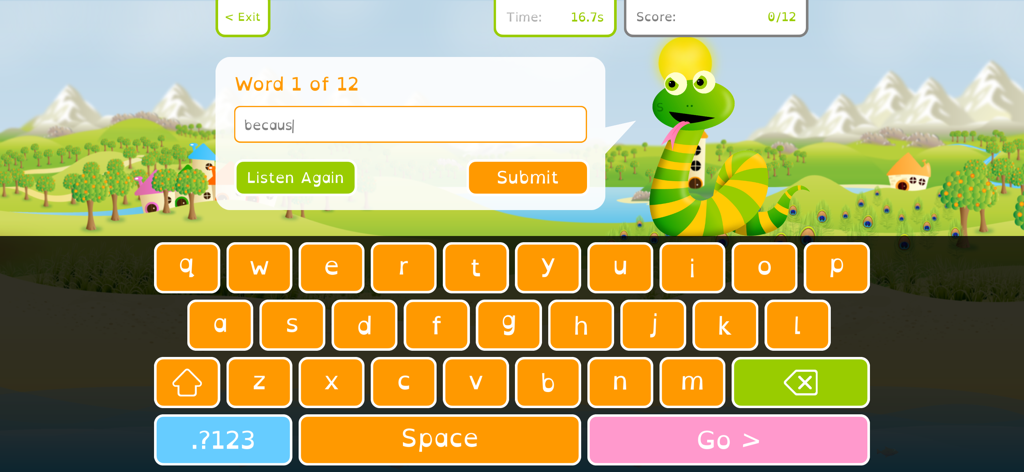
Squeebles Spelling Connect - Squeebles Spelling Connectのスペルテスト画面。緑のヘビのキャラクターとカラフルなカスタムキーボードが表示されています。
Squeebles Spelling Connectのスペルテスト画面。緑のヘビのキャラクターとカラフルなカスタムキーボードが表示されています。

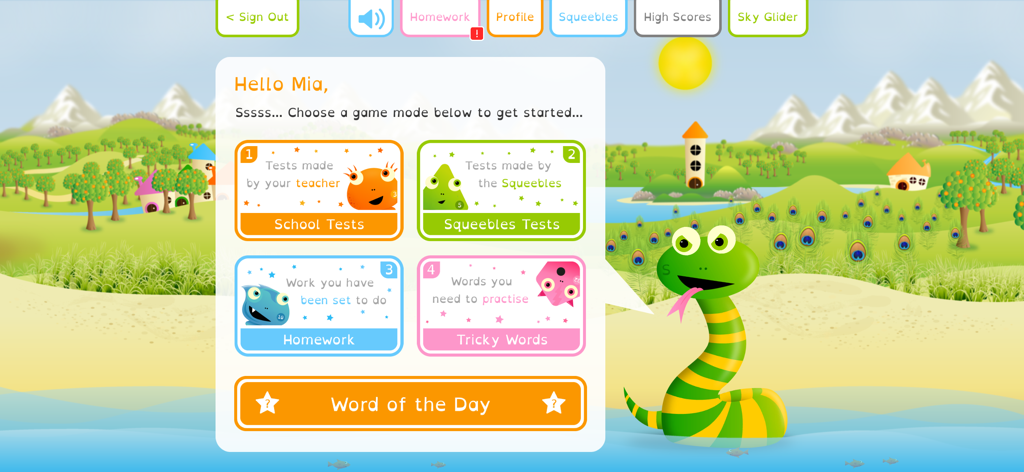
Squeebles Spelling Connect - Squeebles Spelling Connectアプリのダッシュボード。スペルゲームモードとフレンドリーなヘビのキャラクターが表示されています。
Squeebles Spelling Connectアプリのダッシュボード。スペルゲームモードとフレンドリーなヘビのキャラクターが表示されています。

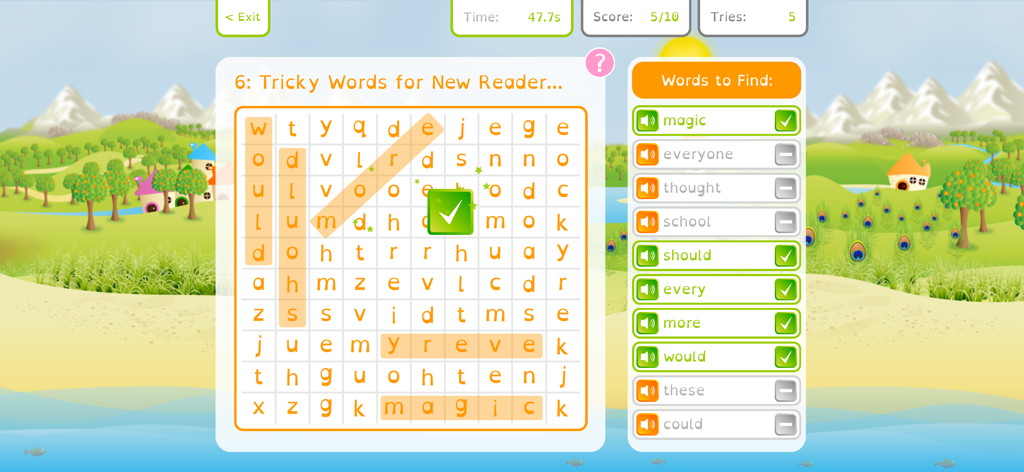
Squeebles Spelling Connect - Squeebles Spelling Connectアプリの難しいスペル単語を使った単語検索パズル。
Squeebles Spelling Connectアプリの難しいスペル単語を使った単語検索パズル。

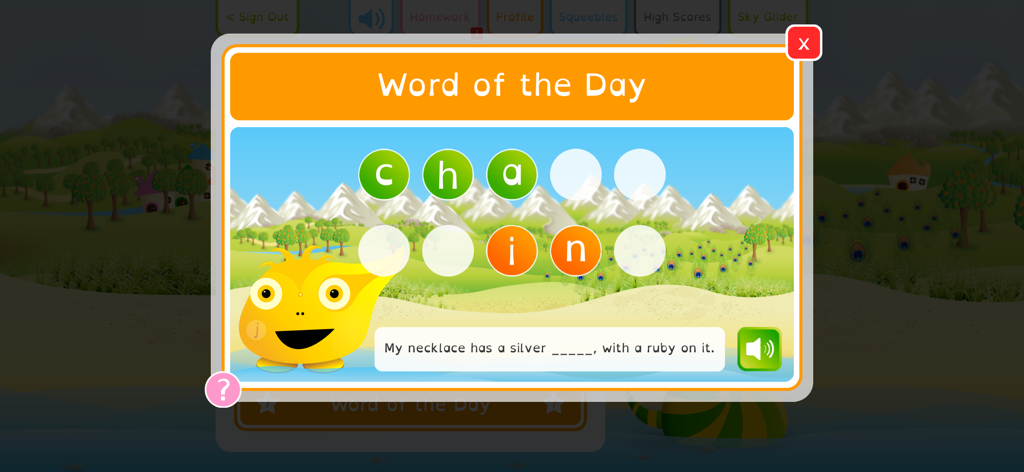
Squeebles Spelling Connect - Squeebles Spelling Connectアプリの今日の単語スペルチャレンジ。子供が文章の単語チェーンを完成させています。
Squeebles Spelling Connectアプリの今日の単語スペルチャレンジ。子供が文章の単語チェーンを完成させています。

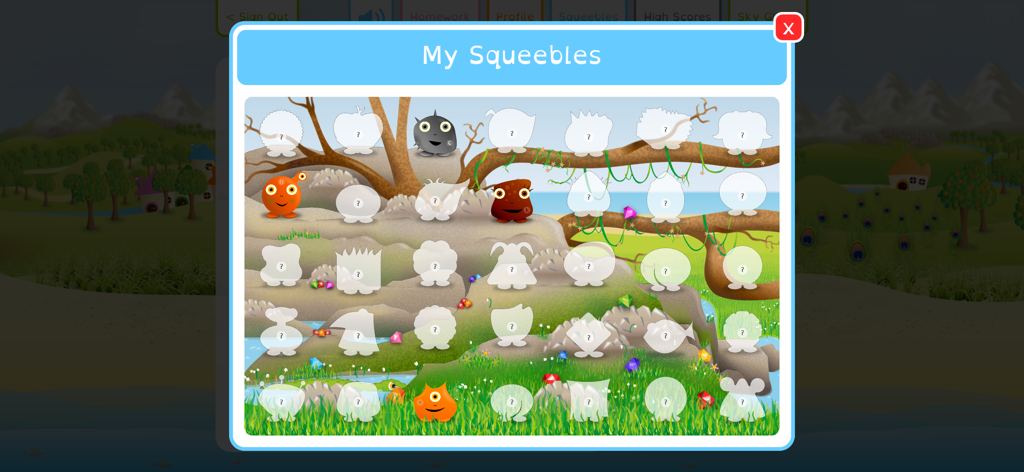
Squeebles Spelling Connect - My Squeeblesと題された画面。カラフルな風景の中に、ロック解除されたキャラクターとロックされたキャラクターのモンスターコレクションが表示されています。
My Squeeblesと題された画面。カラフルな風景の中に、ロック解除されたキャラクターとロックされたキャラクターのモンスターコレクションが表示されています。

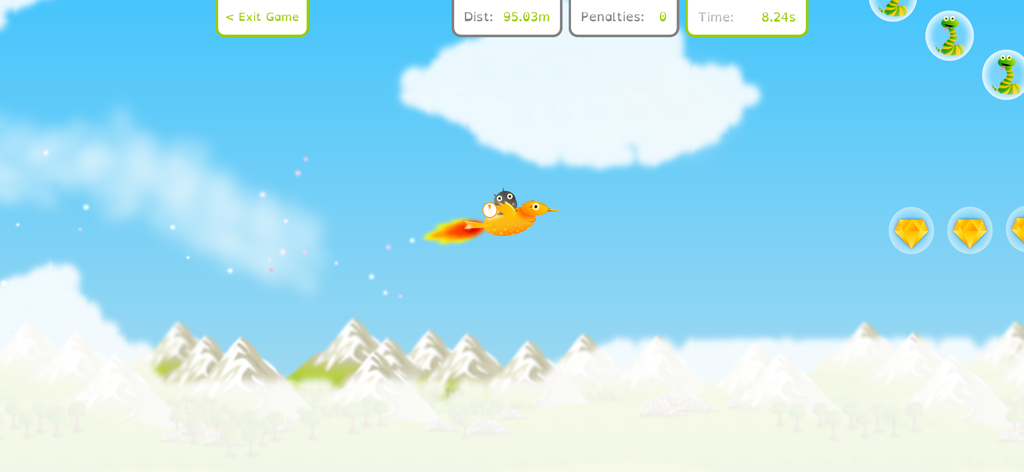
Squeebles Spelling Connect - 空飛ぶミニゲームでオレンジ色の鳥に乗っているSqueebleキャラクター。
空飛ぶミニゲームでオレンジ色の鳥に乗っているSqueebleキャラクター。

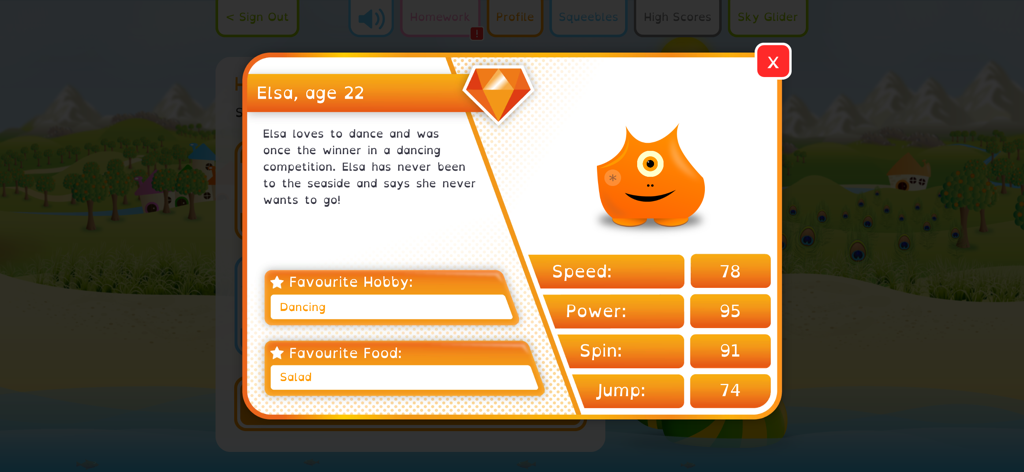
Squeebles Spelling Connect - Elsa the Squeebleのキャラクタープロフィールカード。彼女のステータスとお気に入りの趣味が表示されています。
Elsa the Squeebleのキャラクタープロフィールカード。彼女のステータスとお気に入りの趣味が表示されています。

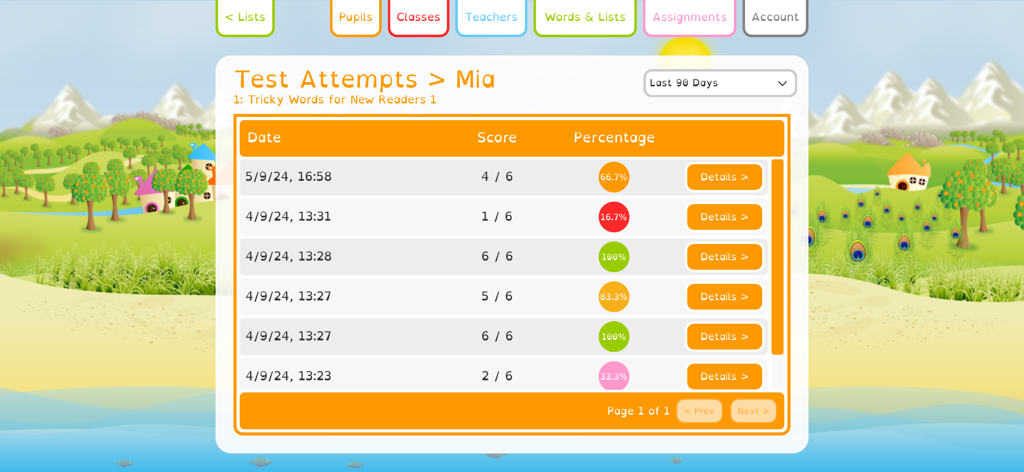
Squeebles Spelling Connect - Squeebles Spelling Connectアプリで、Miaという名前の生徒のスペルテストのスコアとパーセンテージを示す進捗レポート画面。
Squeebles Spelling Connectアプリで、Miaという名前の生徒のスペルテストのスコアとパーセンテージを示す進捗レポート画面。

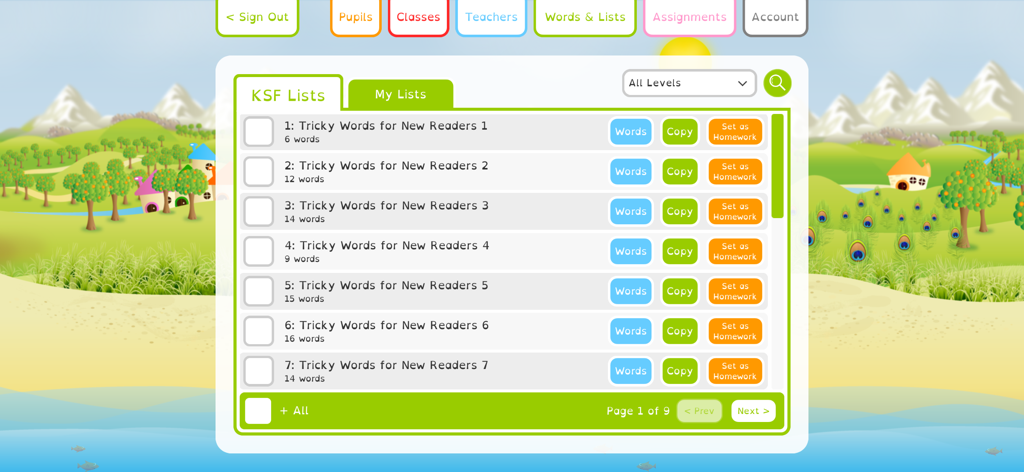
Squeebles Spelling Connect - Squeebles Spelling Connectインターフェース。初心者向けスペルリストと宿題設定のダッシュボードが表示されています。
Squeebles Spelling Connectインターフェース。初心者向けスペルリストと宿題設定のダッシュボードが表示されています。

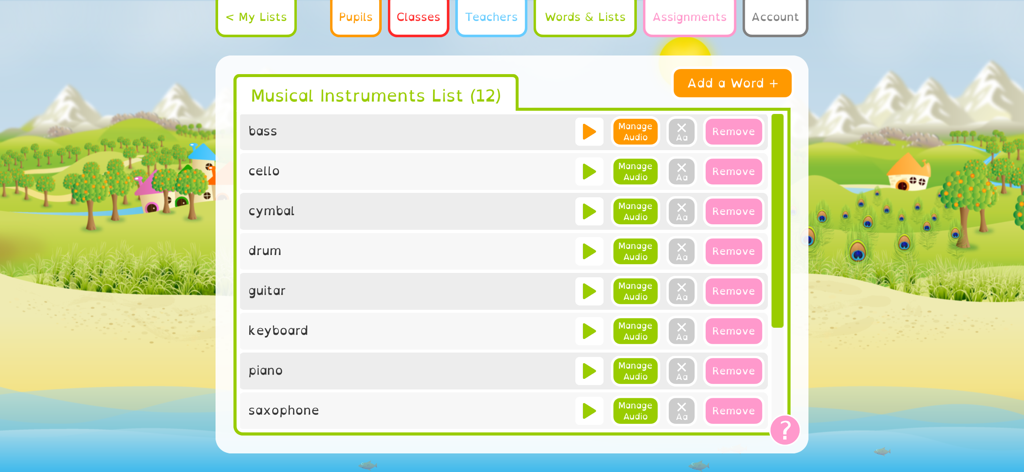
Squeebles Spelling Connect - Squeebles Spelling Connectのインターフェース。楽器のカスタムスペルリストが表示され、録音および管理オプションがあります。

Squeebles Spelling Connectのインターフェース。楽器のカスタムスペルリストが表示され、録音および管理オプションがあります。

説明

Spelling made fun, on all your devices! Squeebles Spelling Connect is our latest (and best) spelling practice app, aimed at primary school age children. Based on the UK curriculum and featuring over 8500 pre-recorded words and over 160 age-relevant spelling lists, the app starts you off with all the content your children need to start practising their spelling. You also have the ability to add new words yourself, record your own audio for new and pre-existing words and create your own custom spelling lists for your children to attempt. The Squeebles Connect series of apps allow you and your children to log in on any device with a working internet connection, meaning all progress is saved to the cloud and can be accessed wherever you are, with your unique login. A valid subscription is required (purchased from within the app) for you to add child accounts, with options available for families, tutors and schools. Features: - over 8500 pre-recorded spelling words, already loaded into the app. - over 150 spelling lists, all based around the UK curriculum and created in conjunction with UK teachers. - keep your children motivated - by doing well in their spelling practice, children can collect 35 Squeebles characters, each with their own personality and character card. - the reward system also involves earning stars, power ups and turns on a fun mini game. Trade stars for new accessories to use within the game. - add your own words or phrases, create custom spelling lists and record your own audio for words if you want to. - set assignments / homework for your children, with pass marks and due dates, as well as full stats on each assignment and how each child has done when attempting it. - add, edit and manage child accounts via the app. - accessibility features include the use of the OpenDyslexic font throughout the app and the option to set coloured overlays for children who suffer with visual stress when reading. - "word of the day" feature adds another fun learning element to the app. - accented character support allows you to use the app to set spelling tests in multiple languages, or to use the app to practise learning other languages. - each child can have the app tailored to their learning preferences via multiple player-specific settings. - the "Tricky Words" feature stores the words each child misspells and asks those questions in one spelling test. - school accounts allow you to add and manage classes or groups, meaning you can set work for children in specific groups. - add other adults to your account, so multiple parents or teachers can log in and see children's progress. - full stats for each child, including which words they're struggling with, common misspellings they're making and overall trends in their work. - manage your subscription from within the app, including the ability to cancel your subscription at any time. - support for Apple keyboard. Please get in touch with any questions, suggestions or feedback you may have on this, or any of our other apps, by e-mailing info@keystagefun.co.uk Support: https://keystagefun.co.uk/connect/support/ Terms of use: https://keystagefun.co.uk/terms/ Privacy policy: https://keystagefun.co.uk/privacy/ Apple EULA: https://www.apple.com/legal/internet-services/itunes/dev/stdeula/ This is a subscription-based app, with various subscription bands for different types of account. At the end of the initial trial period, the cost of your selected subscription will be applied to your Apple App Store account. Subscriptions will automatically renew at the start of each subscription period, unless canceled at least 24 hours before the end of the current period. You can cancel at any time by logging in to your Apple App Store account settings or via the app itself. There is also a free demo mode, allowing you to try the app before you subscribe. For more information, see www.keystagefun.co.uk/terms

Download

ダウンロード: App Store

このページはアプリまたはその開発者の公式ページではなく、情報提供および論評を目的として作成された独立した編集出版物です。明示的に別段の記載がない限り、アプリおよびその開発者は、MWM、Apple、Google Play、アプリのパブリッシャー、またはアプリの開発者と提携、承認、後援、認可、またはその他の公式的な関係はなく、このページのいかなる内容も、アプリがMWMのサービスを使用して開発されたことを意味するものではありません。すべての商標、ロゴ、スクリーンショット、その他のコンテンツはそれぞれの所有者の財産です。