
このページはアプリまたはその開発者の公式ページではなく、情報提供および論評を目的として作成された独立した編集出版物です。明示的に別段の記載がない限り、アプリおよびその開発者は、MWM、Apple、Google Play、アプリのパブリッシャー、またはアプリの開発者と提携、承認、後援、認可、またはその他の公式的な関係はなく、このページのいかなる内容も、アプリがMWMのサービスを使用して開発されたことを意味するものではありません。すべての商標、ロゴ、スクリーンショット、その他のコンテンツはそれぞれの所有者の財産です。

TurboWords Spelling
退屈なスペリングの宿題を、AI搭載のインタラクティブな冒険に変えましょう。パーソナライズされたテスト、楽しいミニゲーム、中毒性のある学習にする即時フィードバックで、お子様の自信と成績を向上させましょう。
ダウンロード
245K+ユーザー評価
評価数
1K+開発元
カテゴリ
Education対応言語
2最新バージョン
4.0サイズ
27.6 MBリリース日
2015年10月17日毎週のスペリングテストをマスターする
AI搭載の音声認識と魅力的なゲームを使用して、お子様の学校固有のリストをインタラクティブな学習アドベンチャーに変えましょう。
即時の音声からリストへの設定
タイピングをやめて、教え始めましょう。毎週の学校の単語を一度に録音し、それらがパーソナライズされたデジタルテストに即座に変換されるのを確認してください。
スマートAIコンテキスト文章
Apple Intelligenceを活用して、すべての単語のAI生成された文章を聞き、子供たちが真に理解し記憶するために必要なコンテキストを提供します。
よくある質問
について知っておくべきこと TurboWords Spelling
TurboWords Spelling は、ユーザーがカスタムスペルテストを作成するのをどのように支援しますか?
TurboWords Spelling を使用すると、音声認識で自分の単語を録音して、スペルテストをすばやく作成できます。また、単語を入力または貼り付け、並べ替え、削除、編集して、学習体験をカスタマイズすることもできます。
TurboWords Spelling アプリで利用できるゲームの種類は何ですか?
はい、TurboWords Spelling には、ハングマンでない、クロスワード、ワードサーチ、シャリバリ、ワードシャッフルという 5 つの魅力的な教育ゲームが含まれています。これらのゲームは、ユーザーが作成したカスタム単語リストを利用して、学習プロセスを強化します。
TurboWords Spelling は、スペルテスト中に即時フィードバックを提供しますか?
はい、TurboWords Spelling はスペルテスト中に即時フィードバックを提供します。ユーザーが各文字を入力すると、正解は緑、不正解は赤で表示され、即時ガイダンスを提供して自己修正を支援します。
複数のユーザーが 1 台のデバイスで TurboWords Spelling にアクセスできますか?
はい、TurboWords Spelling はアプリ内購入として利用できるマルチユーザー オプションを提供しています。この機能により、複数のユーザーが同じデバイスを使用でき、それぞれが独自の単語グループとパーソナライズされた進捗状況の追跡を維持できます。
TurboWords Spelling アプリでは、いくつの単語グループを作成できますか?
デフォルトでは、TurboWords Spelling では最大 8 つの単語グループを作成できます。容量を拡張するには、1 回限りのアプリ内購入で無制限の追加単語グループを購入できます。
TurboWords Spelling は、スペルテストに AI 機能を利用していますか?
はい、TurboWords Spelling は Apple Intelligence を搭載したデバイスで AI 機能を組み込んでいます。これにより、アプリは AI を活用した文章をスペル対象の単語に対して生成でき、テスト中にさらにコンテキストを提供します。
以下のスクリーンショットと説明は、アプリの公式ストアリスティングから直接取得されたものであり、アプリ開発者の所有物です。
アプリストア
スクリーンショット
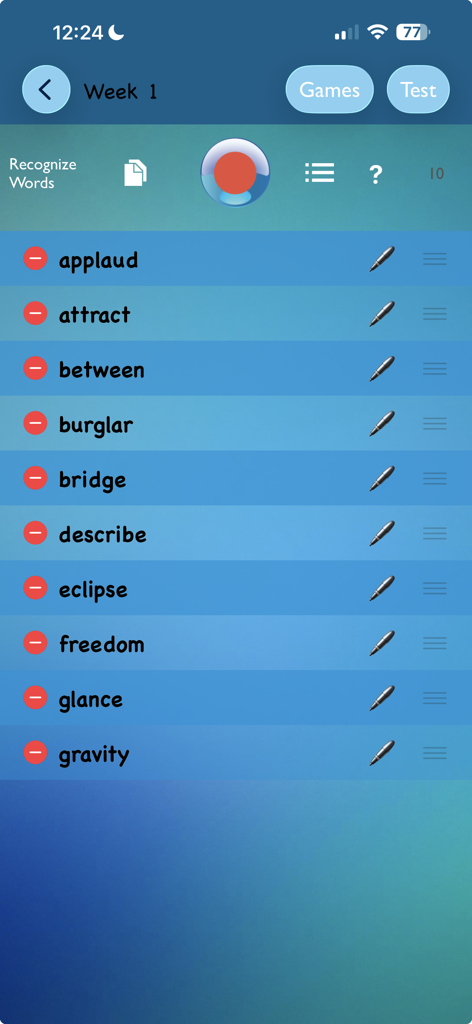
TurboWords Spellingアプリの設定画面。毎週のテスト用にカスタマイズされた10個のスペリング単語リストが表示されています。
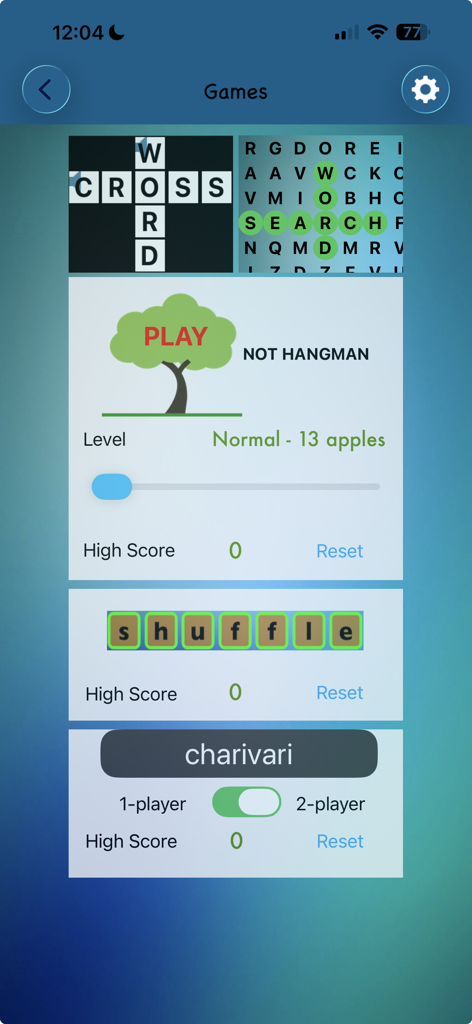
TurboWords Spellingアプリの教育的な単語ゲームのセレクション。クロスワード、ワードサーチ、ハングマンなど。
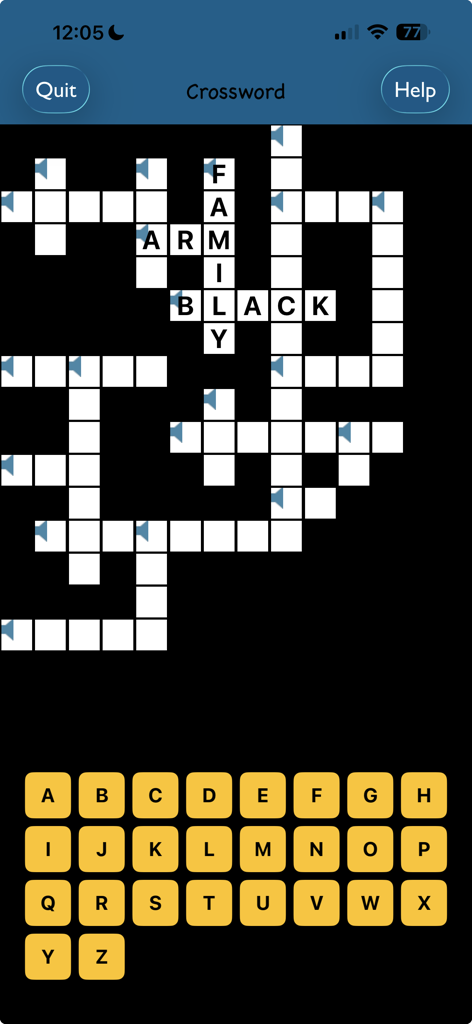
TurboWords Spellingアプリのクロスワードパズルゲーム画面。画面上のアルファベットキーボードが表示されています。
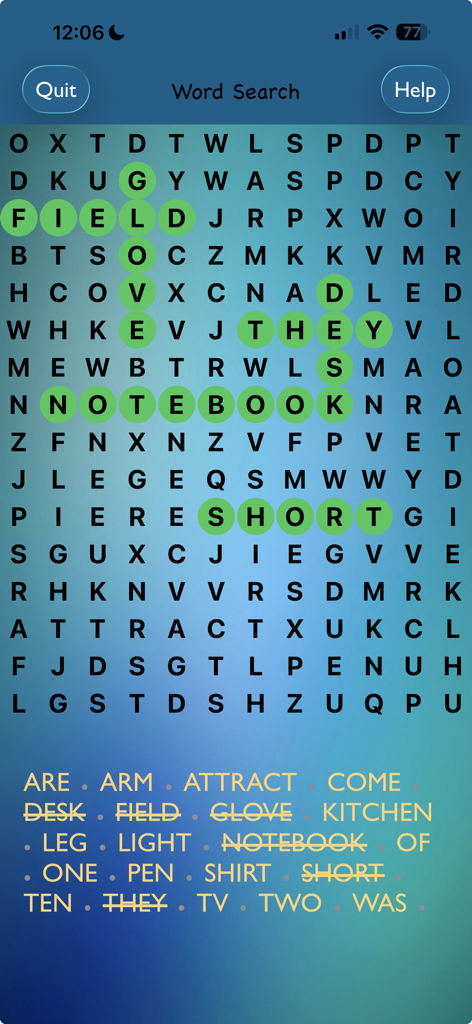
TurboWords Spellingアプリのワードサーチパズル。いくつかの単語が緑色でハイライトされています。
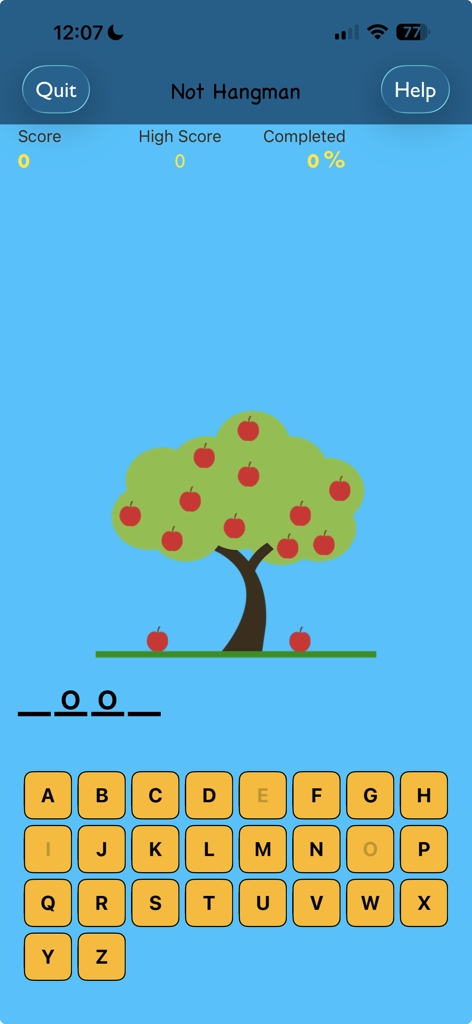
Not Hangmanスペリングゲーム画面。リンゴの木とアルファベットキーボードが特徴です。
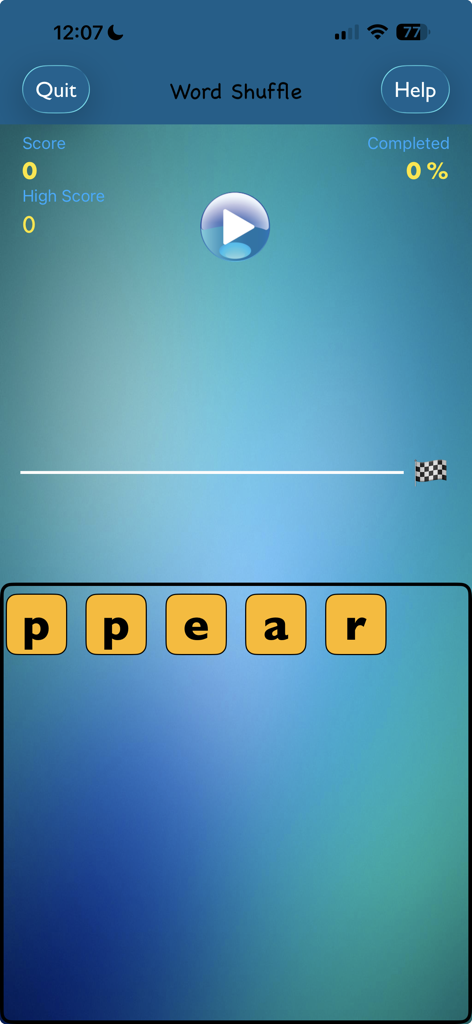
TurboWords SpellingアプリのWord Shuffleゲームのスクリーンショット。文字タイルとゲームの進行状況が表示されています。
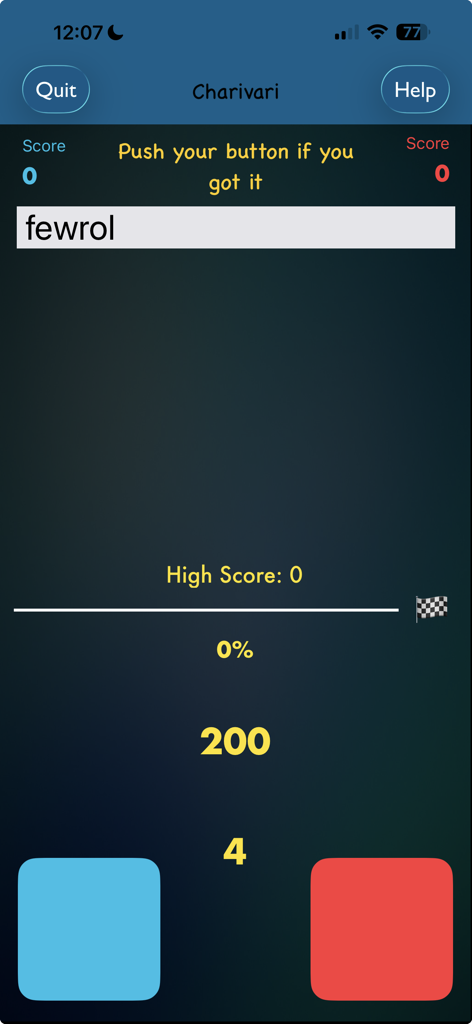
TurboWords SpellingアプリのCharivariゲーム画面。ランダムな単語と2つのプレイヤーボタンが特徴です。
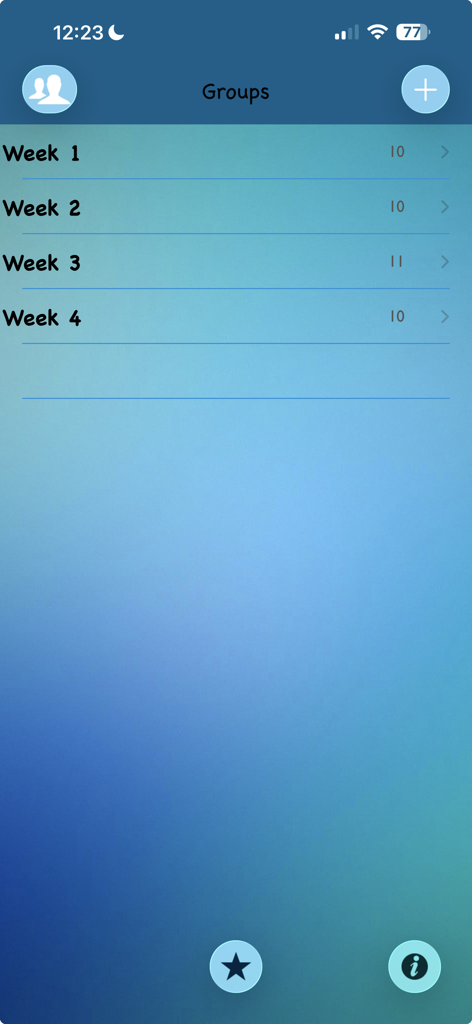
TurboWords Spellingアプリの単語グループリストのスクリーンショット。学生の練習のために週ごとに整理されています。
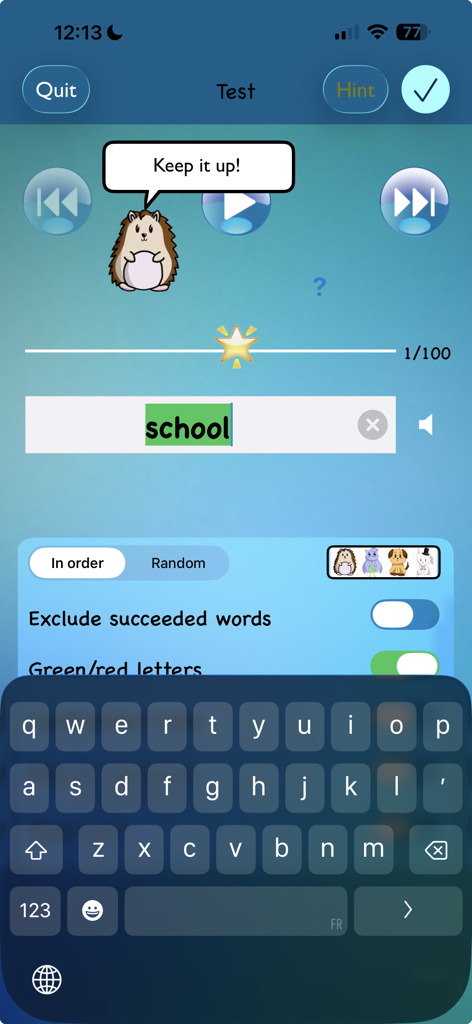
TurboWords Spellingアプリのテスト画面。ヘッジホッグのキャラクターが励ましを与え、単語「school」が緑色でハイライトされています。
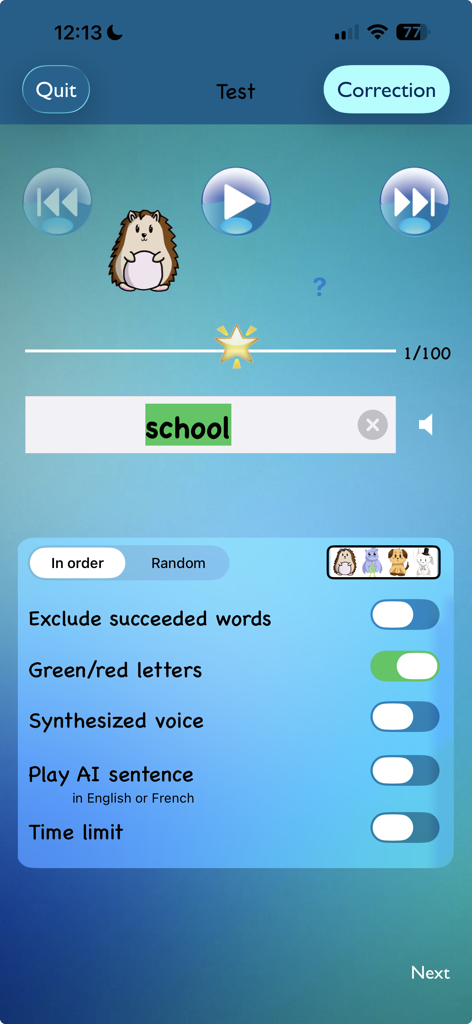
TurboWordsアプリのスペリングテスト画面。単語「school」が正しく入力され、フィードバック設定と漫画のマスコットが表示されています。
説明
Download
類似アプリ
似た機能とユーザー体験を持つアプリ
Spark Reading for Kids
Peekaboo Studios LLC
默書啦喂 - AI 默書練習助手
Ka Kui SIU

Spelling: Spelling Games
BUCKET LIST LABS S.L.

Learn It - Easier learning
Enhanced Work Nordic AB

Aprender a Leer - Silabario
Edu Apps llc
Teach Monster: Reading for Fun
Teach Your Monster Ltd.

Blitzlesen: Das Original
Simon Storz
Word Tag: Lingo learning game
Mrs Wordsmith Group Limited

天才鸭同步单词
Shanghai Progressive Youth Technology Development Co., Ltd.
このページはアプリまたはその開発者の公式ページではなく、情報提供および論評を目的として作成された独立した編集出版物です。明示的に別段の記載がない限り、アプリおよびその開発者は、MWM、Apple、Google Play、アプリのパブリッシャー、またはアプリの開発者と提携、承認、後援、認可、またはその他の公式的な関係はなく、このページのいかなる内容も、アプリがMWMのサービスを使用して開発されたことを意味するものではありません。すべての商標、ロゴ、スクリーンショット、その他のコンテンツはそれぞれの所有者の財産です。