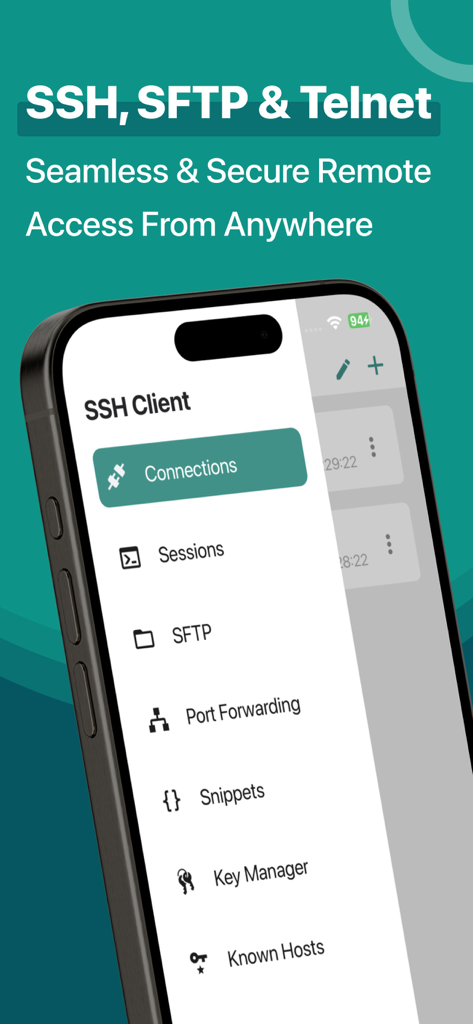
Here is one of the most intelligent & advanced SSH Client apps to manage and connect remote servers for your iOS and Mac devices
About SSH Client:
SSH Client is an on-the-go SSH-Telnet app with the best putty, console, and shell ios app with powerful remote access & terminal emulator. Our enterprise-grade mobile app is built for all kinds of server management needs. Our comprehensive features are not limited to terminal keyboard and language support, multi-session capability, and Bluetooth keyboard support but many more. Our SSH Client app can easily integrate with AWS, Azure, and Digital Ocean.
The app is most popular because of its administrator-friendly approach; we have also considered our valued customers suggestions and constantly released updates for SSH Client to become reliable and robust in real-world usage and development.
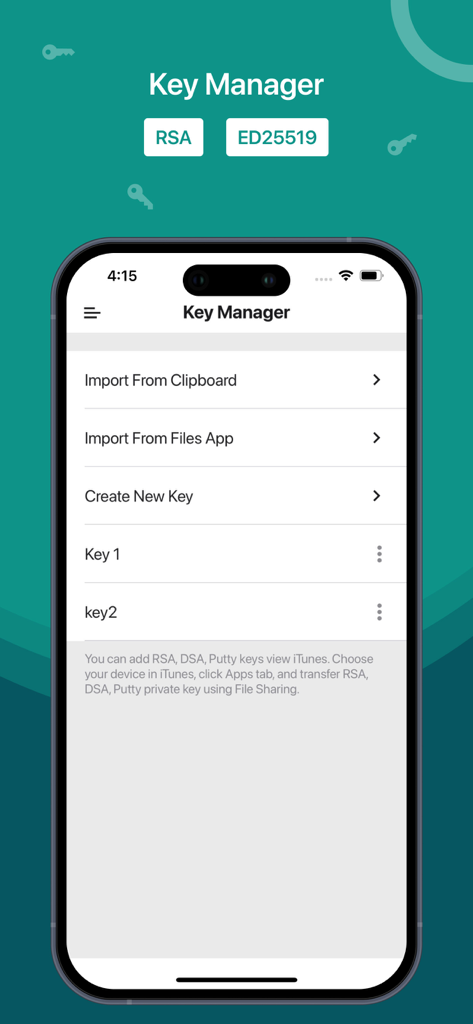
• Private key files can now be directly imported in multiple formats (RSA, DSA, Putty) using iTunes sharing from other apps and Clipboard
• RSA / DSA key generation and authentication and share it via email or Clipboard
• Get 'Local Notification Alert or blink' before the connection starts terminating
• Quick retrieval of the last top 3 connected servers to join instantly
SSH Client Functionalities:
• Launch (Run) a saved command/script at connection startup
• Connect with your servers using username, password, or private key authentication through SSH
• Configurable' Standard and Non-Standard' port
Adaptive Terminal:
• Customize Terminal like background, foreground, cursor colour selection
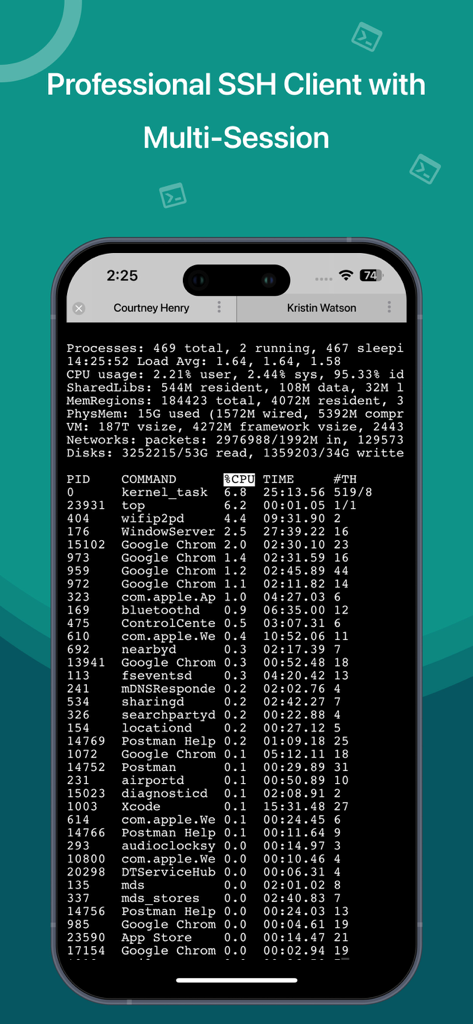
• Standard Terminal features, including 'Terminal Emulator with Editor.'
• Personalize Terminal Size
• Support Terminal Screen copy/paste and easy text selection
Server Folders:
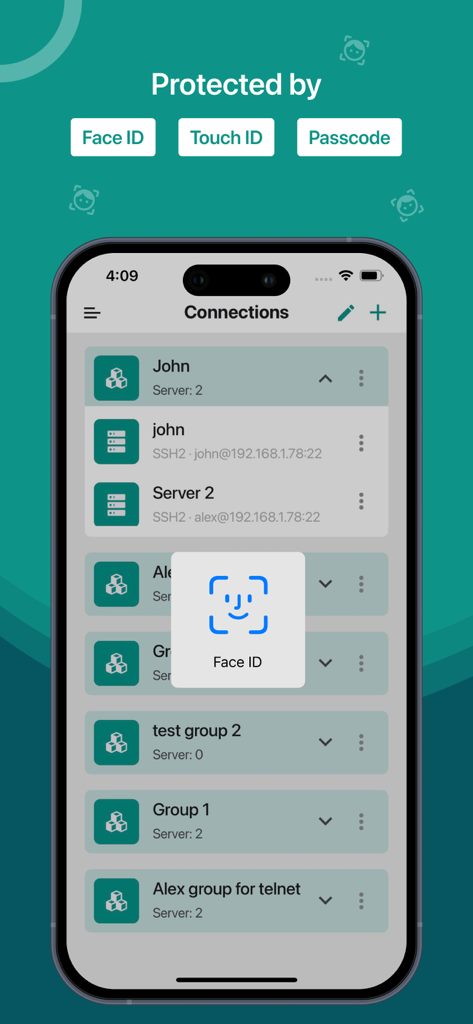
• Organized groupwise server to easily and freely manage and control interoperability in a blink.
Customizable Keyboard:
• Fully External / Bluetooth keyboard support
• Special keys such as Esc, Tab, Ctrl, /, :, -, !, |, $, *
• Built-In keyboard keys with fixed keys like Ctrl, Alt, Tab, Esc, Up, Down, Left, Right and F1-12
Easy Connect:
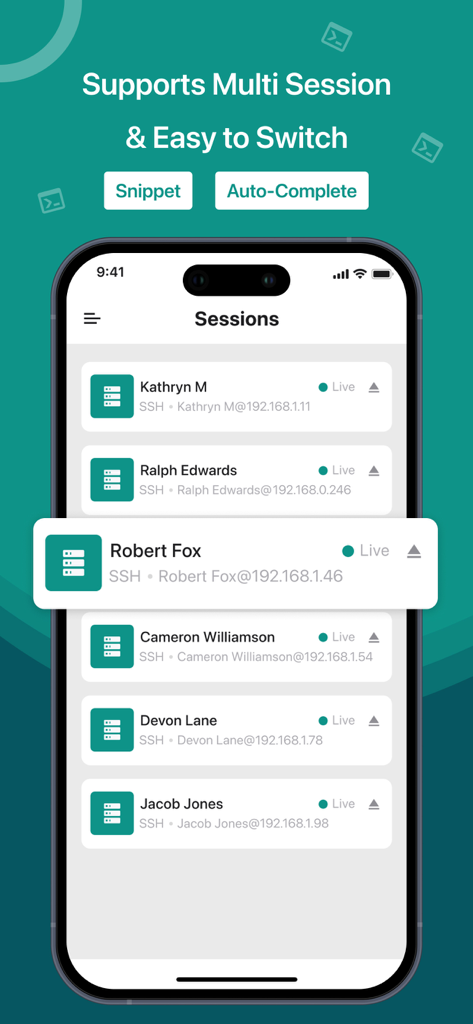
• Run multiple prompt sessions at a time
• Active connection counts indicator at App Badge
• Configure and manage unlimited future sessions to reduce workload
Gesture Control:
• Pinch Scaling Terminal Screen
• One touch on / off for Auto scroll
• Single tap connection/disconnection from 'Home Screen'
Key Handy Features of Free SSH Client (Best Putty, Console, Shell App):
• Works over mobile Cellular or WiFi network
• Use Custom or Mac Built-In fonts
• Uninterrupted operationality in 'Portrait or Landscape modes
• Multiple editors supported like Vi, vim, pico, nano, etc
• Built-in Passcode features
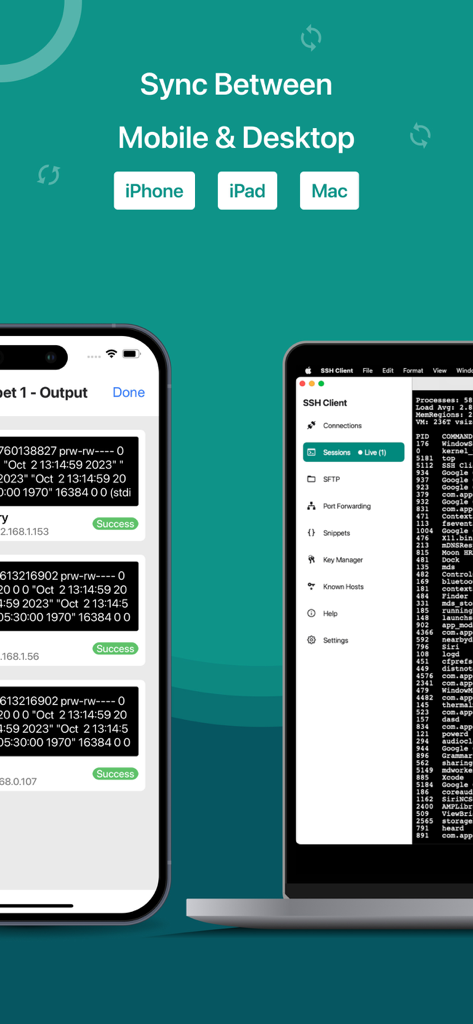
• Its 'Universal Binary,' hence, no need to buy 2 apps for iPhone and iPad
SFTP Functionalities:
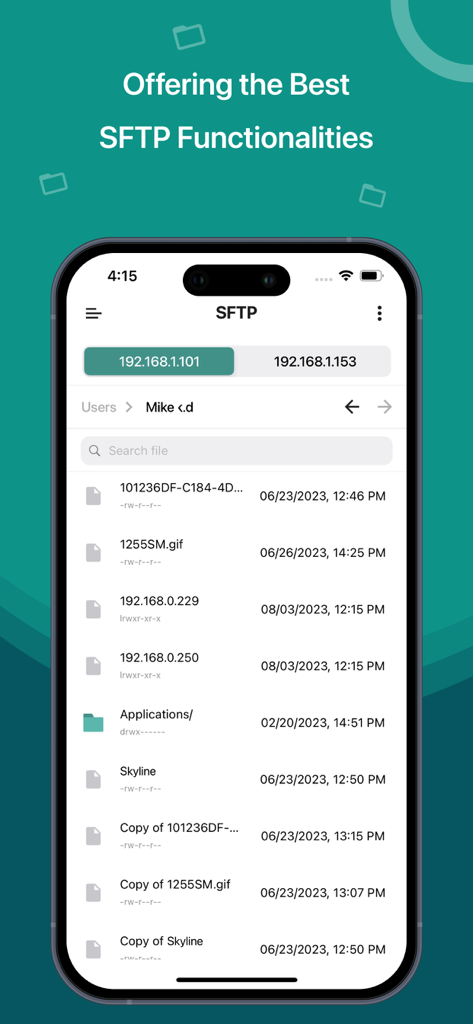
• Quickly create, rename, and delete files & directories
• Easily edit text files
• Upload and Download files from your device to your server and server to your device
What's New?
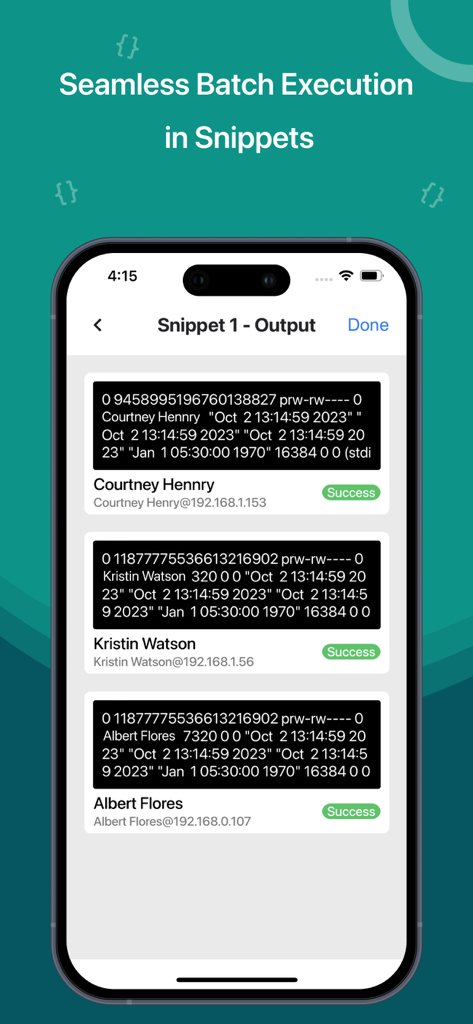
• Perform batch execution by selecting the servers
• Integrate DigitalOcean droplets to a group in SSH
• Add VM servers from the account
• Integrate AWS to a group in SSH
• Integrate Azure to a group in SSH
Know about supported technologies:
Protocols: SSH, SFTP
Channel types: Session Shell, Session SFTP, Local Forward
iOS versions: 14
Subscription Details:
- Subscriptions allow users to have prompt access to all features with unlimited access to all platforms
– Payment will be charged to iTunes Account
– The free trial period lasts for 7 days and automatically renews unless auto-renew is turned off at least 24 hours
- User can manage subscriptions & auto-renewal by turning it off from Account Settings after purchase
- All features for all platforms will be disabled upon completion of the subscription
Terms of use: http://moondialer.moontechnolabs.com/v1/ssh-terms
Contact us at support@moonapps.xyz
We welcome suggestions or feedback, as we keep adding new features based on our customers' feedback and requests.