
このページはアプリまたはその開発者の公式ページではなく、情報提供および論評を目的として作成された独立した編集出版物です。明示的に別段の記載がない限り、アプリおよびその開発者は、MWM、Apple、Google Play、アプリのパブリッシャー、またはアプリの開発者と提携、承認、後援、認可、またはその他の公式的な関係はなく、このページのいかなる内容も、アプリがMWMのサービスを使用して開発されたことを意味するものではありません。すべての商標、ロゴ、スクリーンショット、その他のコンテンツはそれぞれの所有者の財産です。

Status Bar - Screenshot Editor
象徴的な9:41のステータスバーをスクリーンショットに自動追加。アプリがApp Storeやデザインポートフォリオで最高の見た目になるように、自動デバイスとカラー検出で保証します。
ダウンロード
35K+ユーザー評価
評価数
0開発元
カテゴリ
Developer Tools対応言語
1最新バージョン
1.1.9サイズ
15.5 MBリリース日
2023年3月29日デジタル完璧主義者のために構築
FigmaやPhotoshopで何時間も無駄にするのはやめましょう。当社のエディタは、スクリーンショットの「Apple標準」を自動化し、アプリ開発に集中できるようにします。
自動検出ワークフロー
手動スケーリングは不要です。アプリがデバイスモデルと画面の色をインテリジェントに識別し、ワンタップで完璧なステータスバーを適用します。
App Store対応 (午前9:41)
象徴的な9:41の時間、フルシグナルバー、100%のバッテリーレベルでAppleのヒューマンインターフェイスガイドラインに即座に対応し、プロレベルの仕上がりを実現します。
以下のスクリーンショットと説明は、アプリの公式ストアリスティングから直接取得されたものであり、アプリ開発者の所有物です。
アプリストア
スクリーンショット
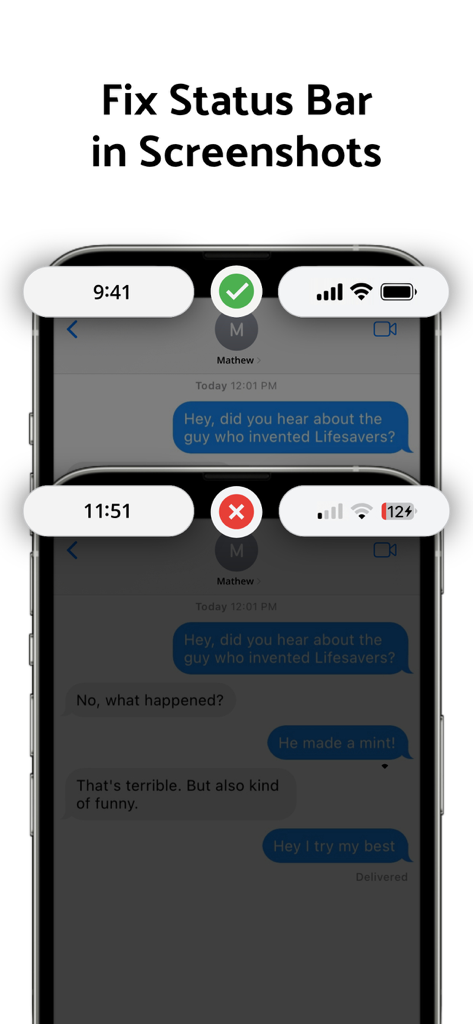
乱雑なステータスバーと、アプリのスクリーンショット用のクリーンでプロフェッショナルな9:41ステータスバーを比較した画像
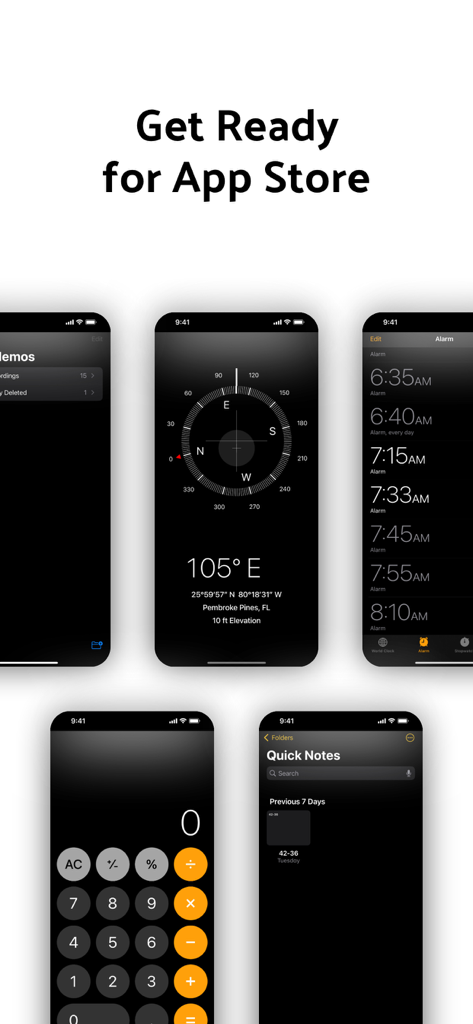
プロフェッショナルなApp Storeスクリーンショット用に、クリーンな9:41ステータスバーを備えたiPhone画面のコレクション
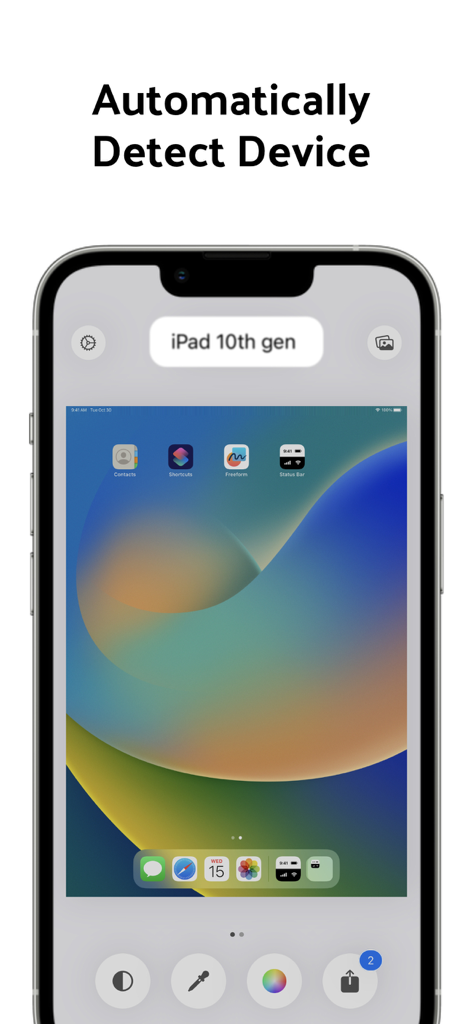
第10世代iPadのスクリーンショットの自動デバイス検出機能を示す、ステータスバーアプリのインターフェイス。
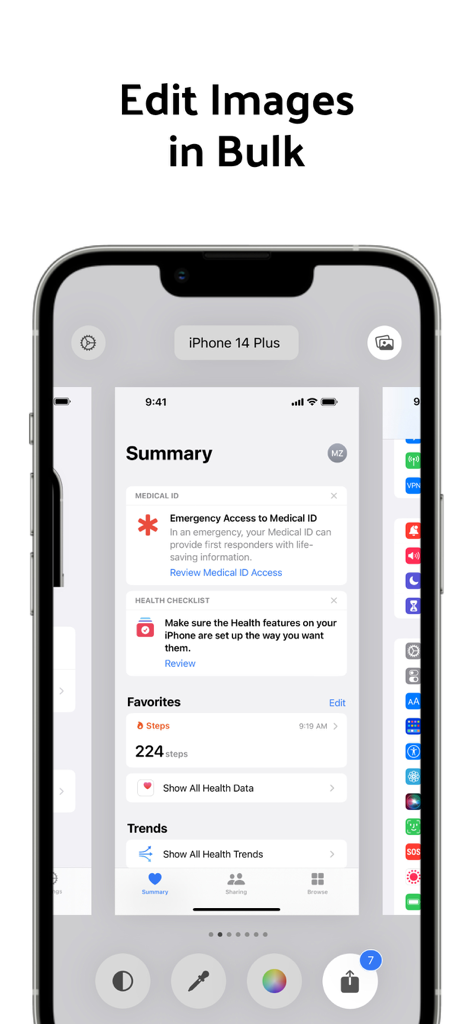
ステータスバースクリーンショットエディタアプリの一括編集機能を示すスマートフォンインターフェイス
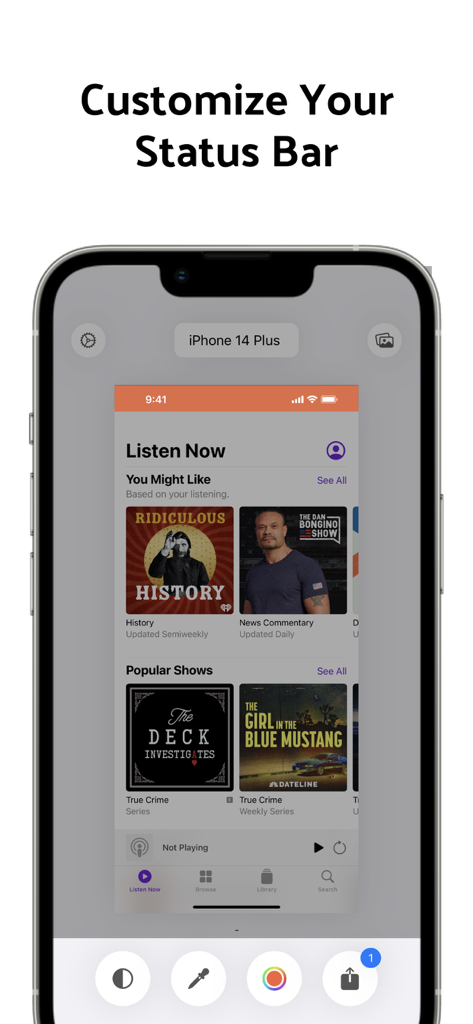
カスタマイズされた9:41ステータスバーを備えたスクリーンショットを示す、ステータスバーアプリのインターフェイス。
説明
Download
類似アプリ
同じカテゴリのトップランクアプリ

TestFlight
Apple Inc.

Replit: Vibe Code Apps
Replit, Inc

GitHub
GitHub

O-KAM Pro
Shenzhen VeePai IoT Intelligent Technology LLC

Apple Developer
Apple Inc.

Expo Go
650 Industries, Inc.

Scriptable
Simon Stovring

App Store Connect
Apple Inc.

Sekai: Create · Remix · Play
Versa AI, Inc.
このページはアプリまたはその開発者の公式ページではなく、情報提供および論評を目的として作成された独立した編集出版物です。明示的に別段の記載がない限り、アプリおよびその開発者は、MWM、Apple、Google Play、アプリのパブリッシャー、またはアプリの開発者と提携、承認、後援、認可、またはその他の公式的な関係はなく、このページのいかなる内容も、アプリがMWMのサービスを使用して開発されたことを意味するものではありません。すべての商標、ロゴ、スクリーンショット、その他のコンテンツはそれぞれの所有者の財産です。