
このページはアプリまたはその開発者の公式ページではなく、情報提供および論評を目的として作成された独立した編集出版物です。明示的に別段の記載がない限り、アプリおよびその開発者は、MWM、Apple、Google Play、アプリのパブリッシャー、またはアプリの開発者と提携、承認、後援、認可、またはその他の公式的な関係はなく、このページのいかなる内容も、アプリがMWMのサービスを使用して開発されたことを意味するものではありません。すべての商標、ロゴ、スクリーンショット、その他のコンテンツはそれぞれの所有者の財産です。

SURFboard Central
簡単なステップバイステップのデバイスアクティベーションから、高度なペアレンタルコントロール、リアルタイムのネットワーク監視まで、プロのような自信を持ってSURFboardエコシステム全体を管理できます。
ダウンロード
701K+ユーザー評価
評価数
1K+開発元
カテゴリ
Utilities対応言語
1最新バージョン
4.3.5サイズ
193.1 MBリリース日
2020年6月4日ホーム接続を完全にコントロール
レンタルをやめて最適化を始めましょう。SURFboard Centralは、プロフェッショナルな精度と完全な容易さで、高性能ネットワークを管理するためのツールを提供します。
スムーズなセルフアクティベーション
ISPの保留音はもう不要です。ステップバイステップのガイド付きインストールにより、モデムのアクティベーションとメッシュノードの配置最適化を数分で行えます。
家族のデジタルウェルネス
カスタムプロファイルで健全な境界を設定しましょう。スケジュールされた一時停止や報酬で子供たちのスクリーンタイムを管理し、集中力を維持させます。
以下のスクリーンショットと説明は、アプリの公式ストアリスティングから直接取得されたものであり、アプリ開発者の所有物です。
アプリストア
スクリーンショット
SURFboard Centralアプリのスプラッシュスクリーン。父親と息子がタブレットを使用しており、縦型のSURFboardロゴが表示されています。
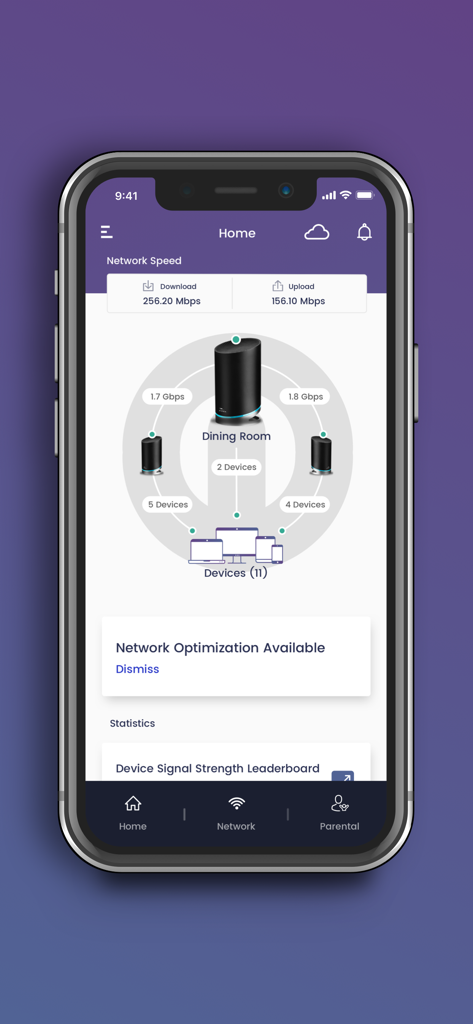
SURFboard Centralのホーム画面。ダウンロードとアップロードの速度、接続されているメッシュWi-Fiデバイスの視覚的なマップが表示されます。
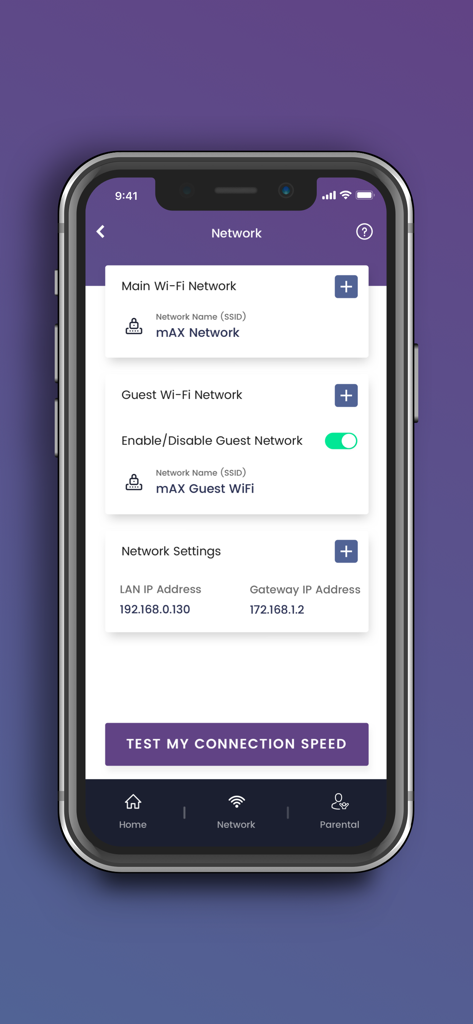
SURFboard Centralモバイルアプリのインターフェース。Wi-Fiネットワーク設定とゲストネットワークのトグルが表示されます。
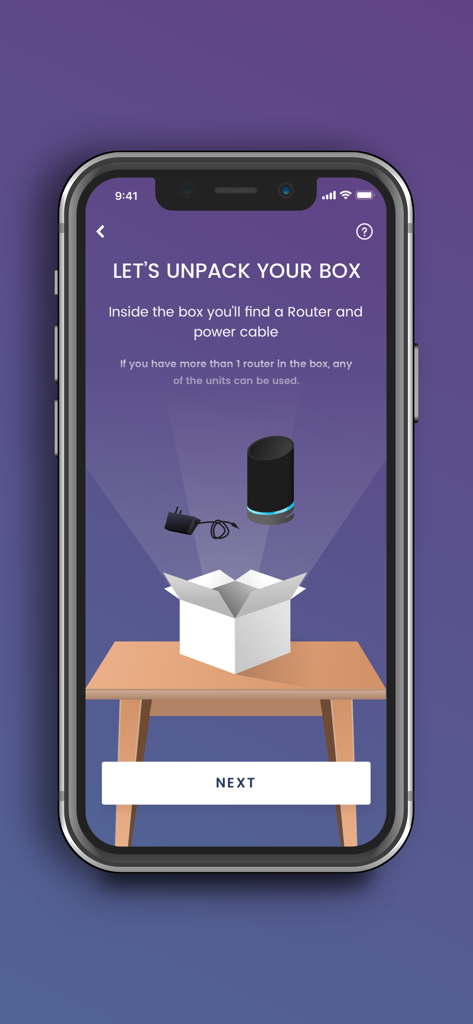
SURFboard Centralアプリのセットアップ画面。ルーターの開梱手順が表示されます。
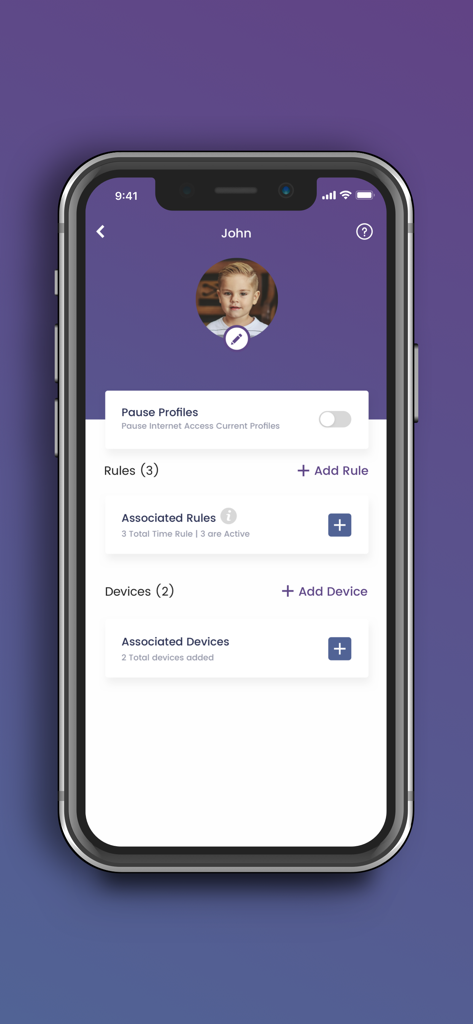
SURFboard Centralアプリのユーザープロファイル画面。子供のペアレンタルコントロール設定とインターネット一時停止オプションが表示されます。
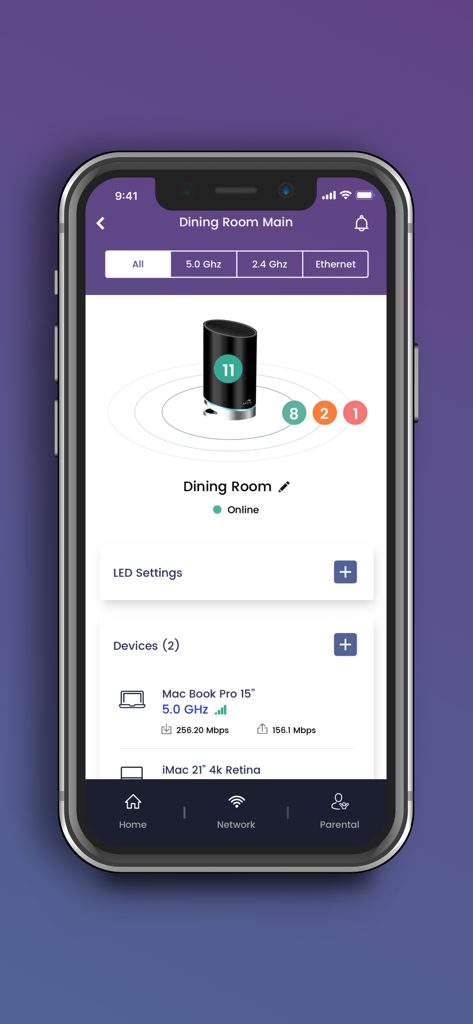
SURFboard Centralアプリの画面。ネットワークステータスと接続されているデバイスが速度メトリックとともに表示されます。
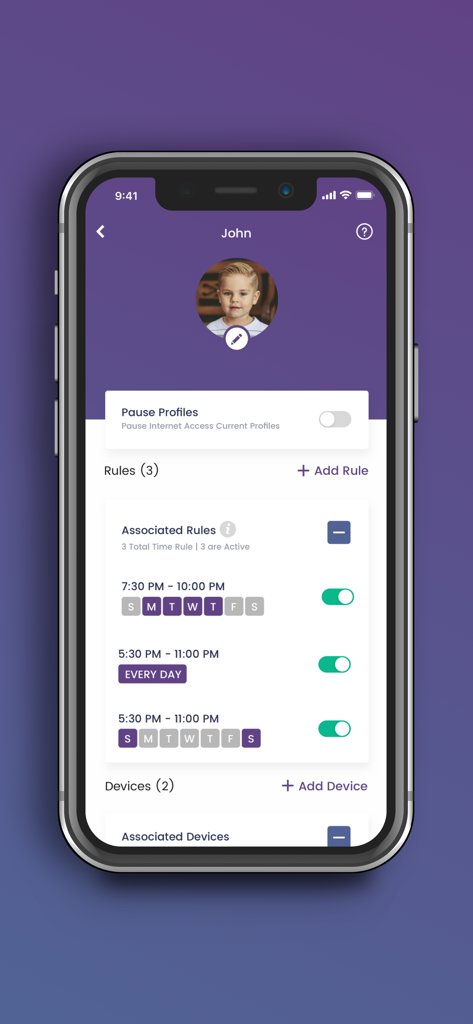
SURFboard Centralアプリの画面。子供のプロファイルに対するインターネットアクセススケジュールとペアレンタルコントロールルールが表示されます。
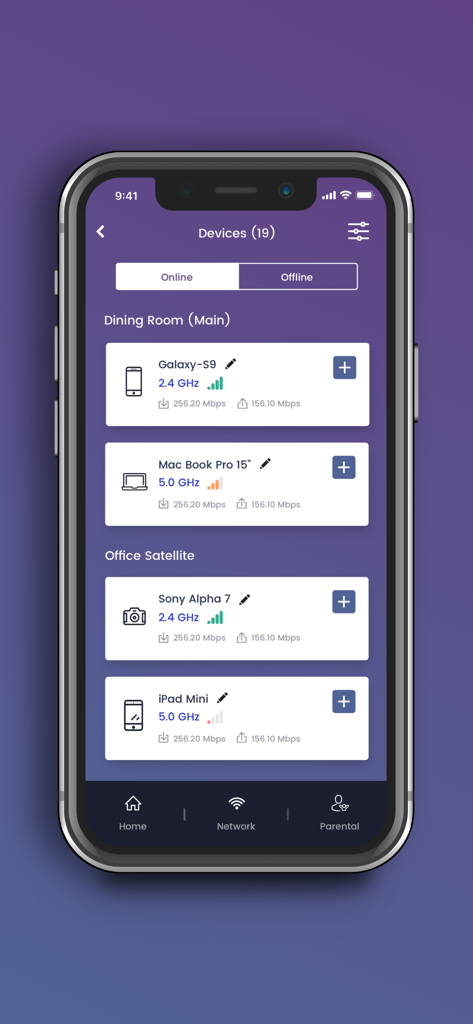
SURFboard Centralアプリのインターフェース。接続されているオンラインデバイスのリストが、信号強度と速度メトリックとともに表示されます。
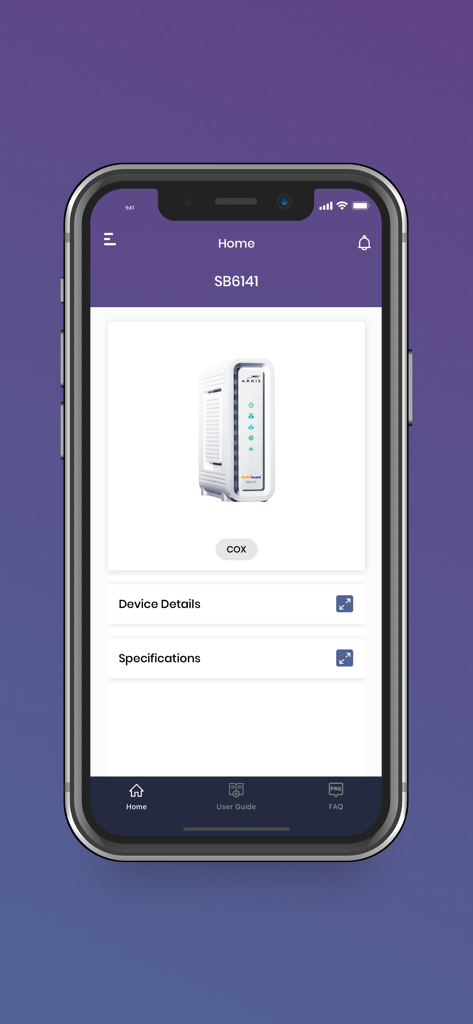
SURFboard Centralモバイルアプリのホーム画面。ARRIS SB6141モデムの詳細が表示されます。
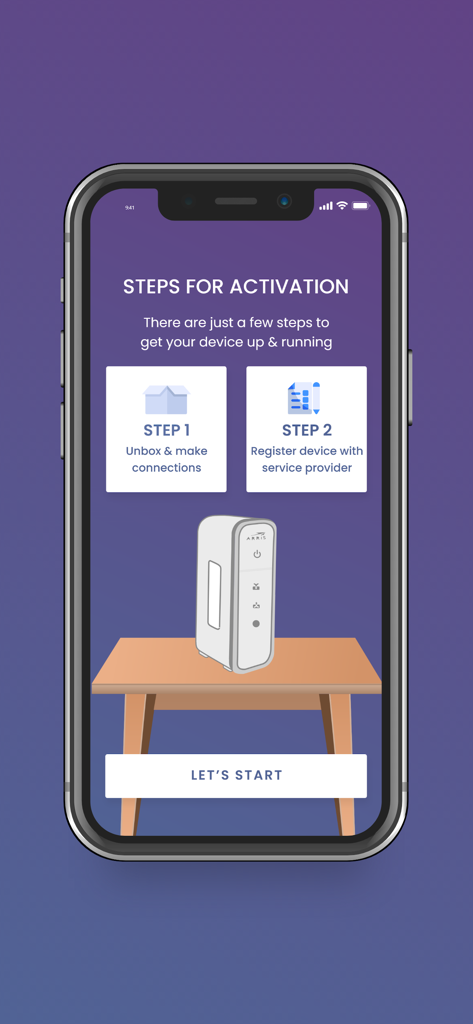
SURFboard Centralアプリの画面。ケーブルモデムのステップバイステップアクティベーションガイドが表示されます。
説明
Download
類似アプリ
同じカテゴリのトップランクアプリ

Google LLC

Google Chrome
Google LLC

中国移动(手机营业厅)
China Mobile Online Services Co., Ltd.

Google Authenticator
Google LLC

CNH do Brasil
Servicos e Informacoes do Brasil

Cleanup: Phone Storage Cleaner
DEEP FLOW SOFTWARE SERVICES - FZCO

gov.br
Servicos e Informacoes do Brasil

Microsoft Edge: AI Browser
Microsoft Corporation

Super VPN Fly 2026
YUNFAN TECHNOLOGY CO., LIMITED
このページはアプリまたはその開発者の公式ページではなく、情報提供および論評を目的として作成された独立した編集出版物です。明示的に別段の記載がない限り、アプリおよびその開発者は、MWM、Apple、Google Play、アプリのパブリッシャー、またはアプリの開発者と提携、承認、後援、認可、またはその他の公式的な関係はなく、このページのいかなる内容も、アプリがMWMのサービスを使用して開発されたことを意味するものではありません。すべての商標、ロゴ、スクリーンショット、その他のコンテンツはそれぞれの所有者の財産です。