
このページはアプリまたはその開発者の公式ページではなく、情報提供および論評を目的として作成された独立した編集出版物です。明示的に別段の記載がない限り、アプリおよびその開発者は、MWM、Apple、Google Play、アプリのパブリッシャー、またはアプリの開発者と提携、承認、後援、認可、またはその他の公式的な関係はなく、このページのいかなる内容も、アプリがMWMのサービスを使用して開発されたことを意味するものではありません。すべての商標、ロゴ、スクリーンショット、その他のコンテンツはそれぞれの所有者の財産です。

Tally Counter DIGITAL
プロフェッショナルグレードのツールで、ハンドヘルドクリッカーを置き換えてください。触覚フィードバック、音声読み上げ、および50件の記録履歴を備え、データを安全かつアクセス可能に保ちます。
ダウンロード
1K+ユーザー評価
評価数
0開発元
カテゴリ
Utilities対応言語
30最新バージョン
1.2.0サイズ
0.8 MBリリース日
2019年8月14日プロフェッショナル向けの精密カウント
精度、感覚フィードバック、および重要なタスクのための履歴ログのために構築された信頼性の高いドットマトリックスタリーツール。
ハンズフリーフィードバック
画面を見なくても、各カウントを確認できる触覚振動と音声読み上げで、アクションに集中できます。
データ保護
確認プロンプトで誤ったリセットを回避し、自動ロックオーバーライドで長時間のセッション中に画面をオンのままにします。
以下のスクリーンショットと説明は、アプリの公式ストアリスティングから直接取得されたものであり、アプリ開発者の所有物です。
アプリストア
スクリーンショット
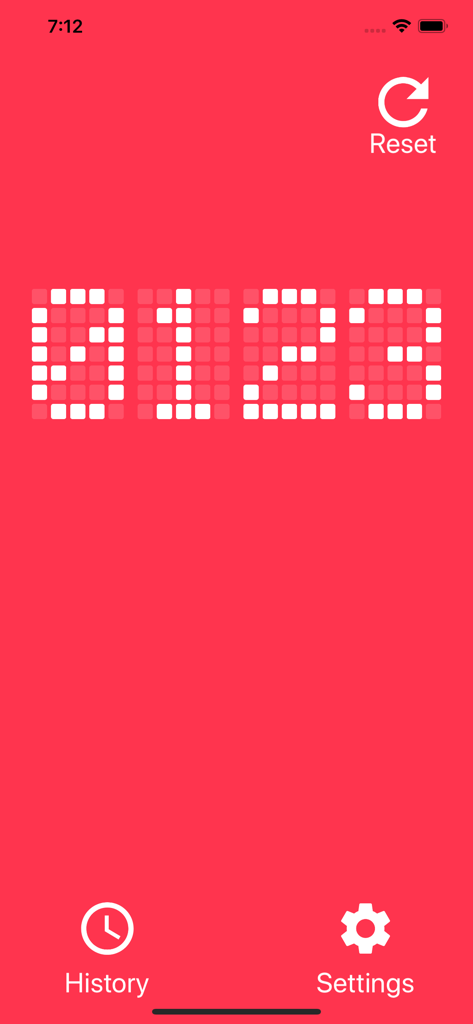
Tally Counter DIGITALアプリのインターフェース。赤い背景に白いドットマトリックスLED数字でゼロ、1、2、3が表示されています。
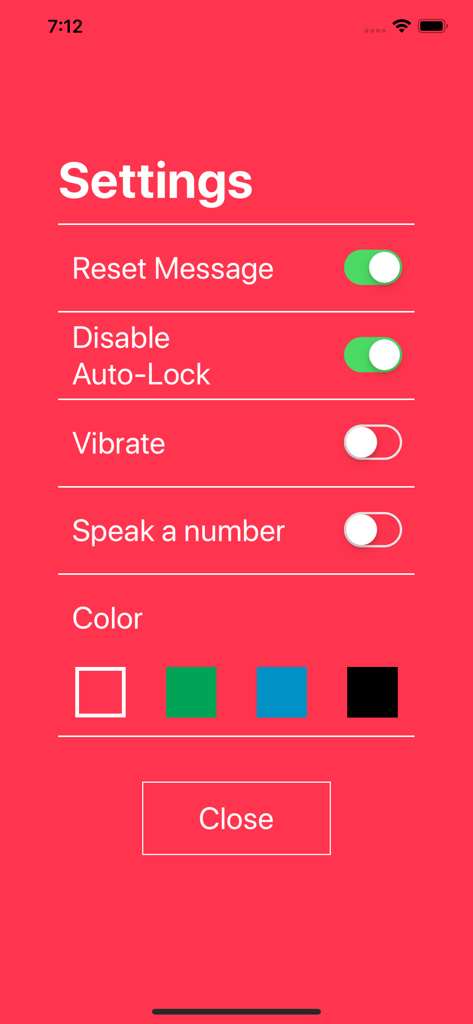
Tally Counter DIGITALアプリの設定画面。通知、自動ロック、テーマカラーの設定オプションが表示されています。
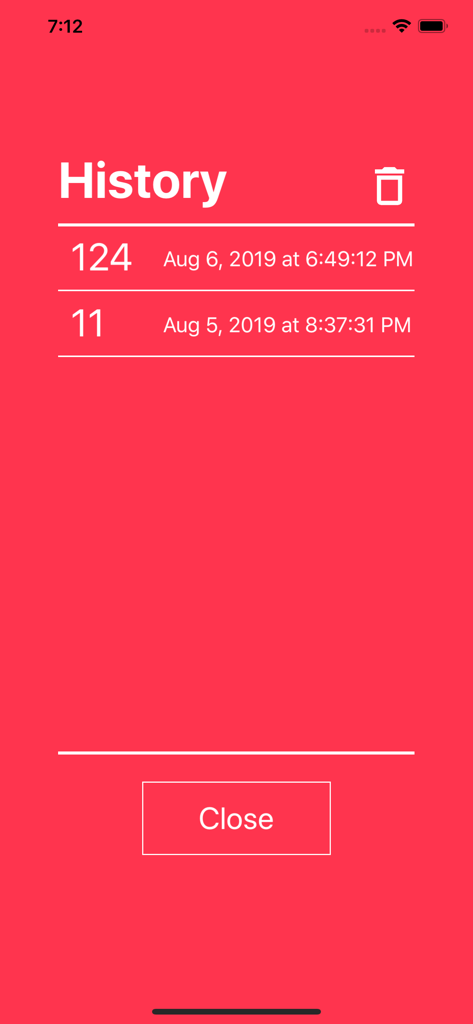
Tally Counter DIGITALアプリの履歴画面。赤い背景に保存されたカウントとタイムスタンプのリストが表示されています。
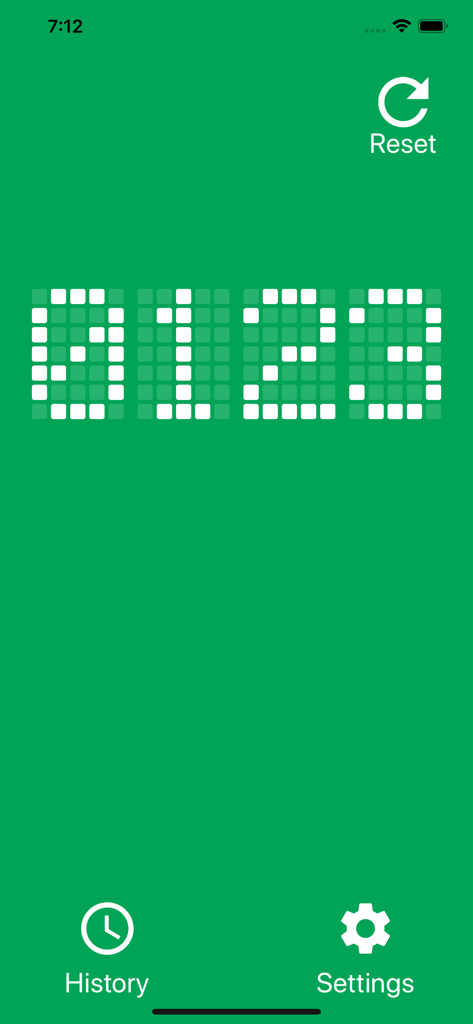
Tally Counter DIGITALアプリのメイン画面。緑色の背景に白いドットマトリックスLEDディスプレイで0123のカウントが表示されています。
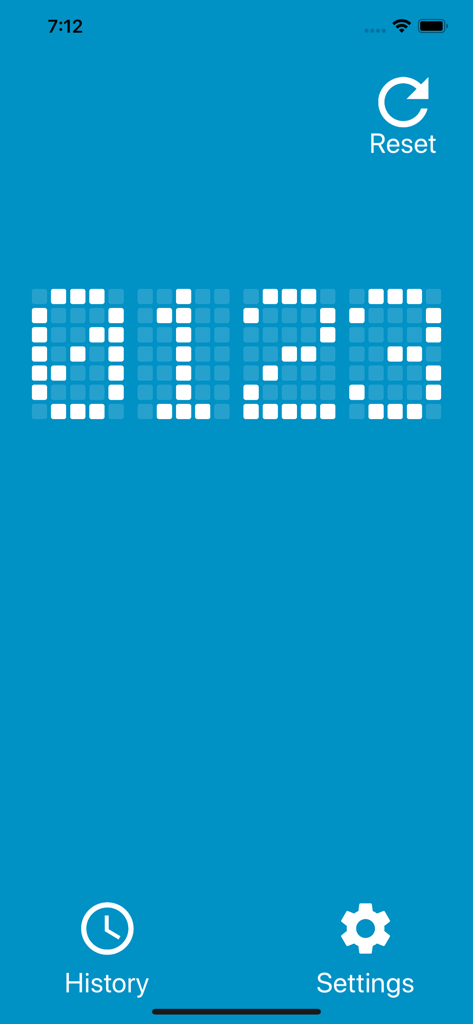
Tally Counter DIGITALのメイン画面。青い背景にドットマトリックスカウント0123が表示されています。
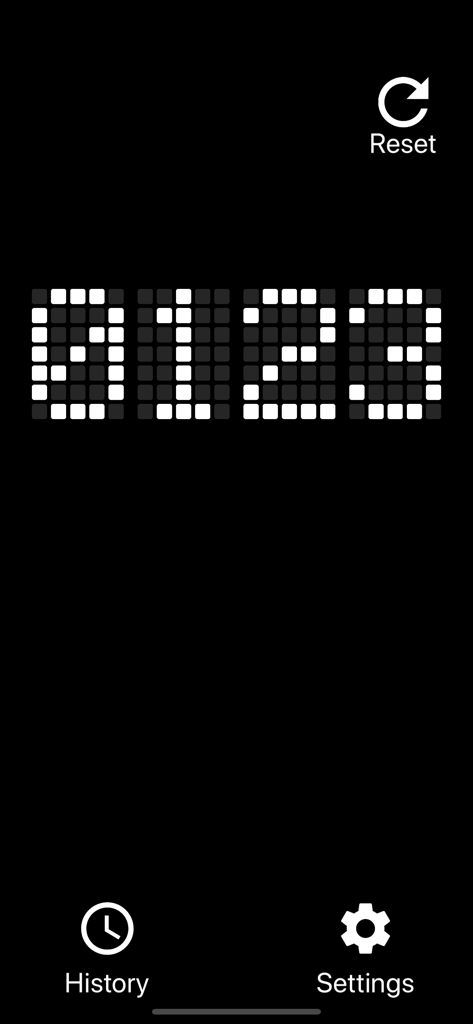
デジタルタリーカウンターのインターフェース。黒い背景に白いドットマトリックスLED数字とメニューアイコンが表示されています。
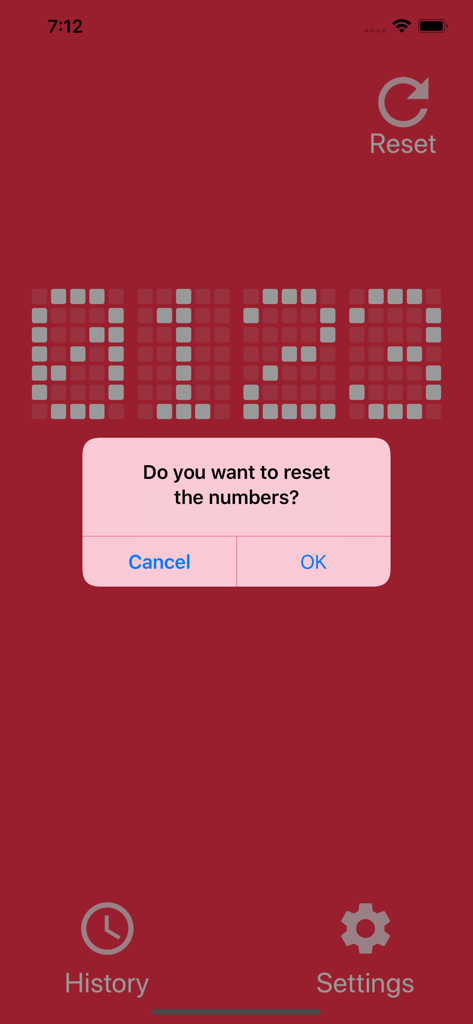
Tally Counter DIGITALアプリのインターフェース。赤いLEDディスプレイにリセット確認メッセージが表示されています。
説明
Download
類似アプリ
同じカテゴリのトップランクアプリ

Google LLC

Google Chrome
Google LLC

中国移动(手机营业厅)
China Mobile Online Services Co., Ltd.

Google Authenticator
Google LLC

Cleanup: Phone Storage Cleaner
DEEP FLOW SOFTWARE SERVICES - FZCO

CNH do Brasil
Servicos e Informacoes do Brasil

gov.br
Servicos e Informacoes do Brasil

Super VPN Fly 2026
YUNFAN TECHNOLOGY CO., LIMITED

Microsoft Edge: AI Browser
Microsoft Corporation
このページはアプリまたはその開発者の公式ページではなく、情報提供および論評を目的として作成された独立した編集出版物です。明示的に別段の記載がない限り、アプリおよびその開発者は、MWM、Apple、Google Play、アプリのパブリッシャー、またはアプリの開発者と提携、承認、後援、認可、またはその他の公式的な関係はなく、このページのいかなる内容も、アプリがMWMのサービスを使用して開発されたことを意味するものではありません。すべての商標、ロゴ、スクリーンショット、その他のコンテンツはそれぞれの所有者の財産です。