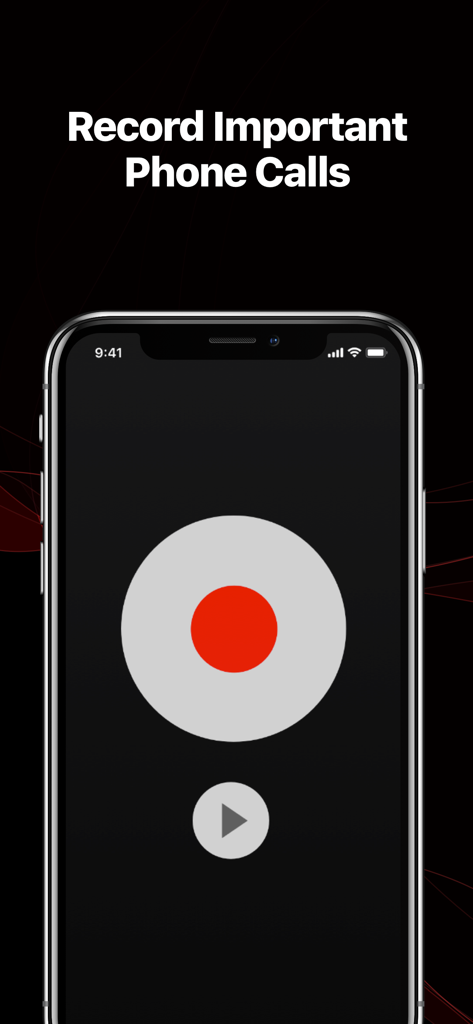
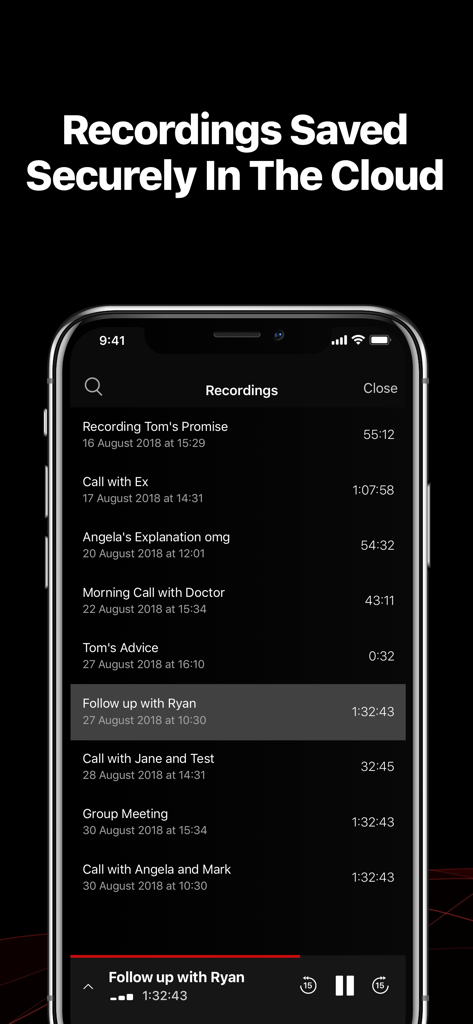
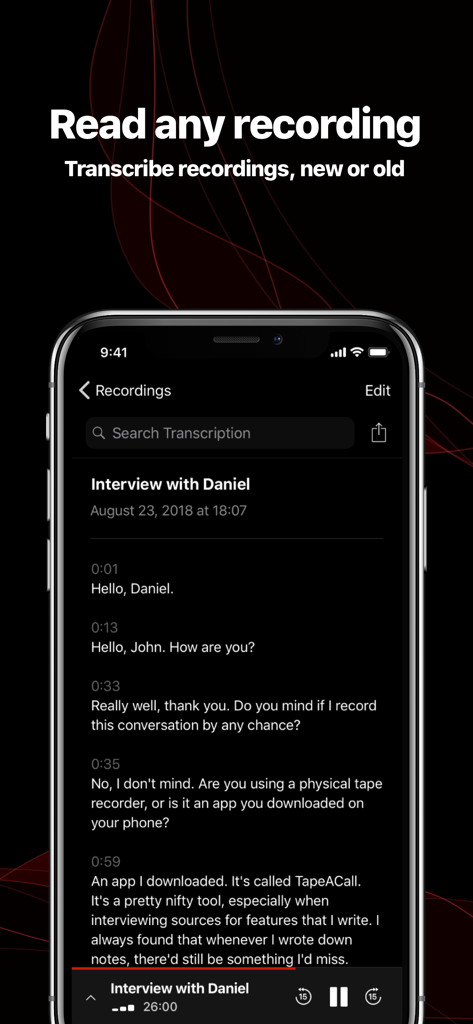
TapeACall lets you record your iPhone's incoming and outgoing phone calls.
TapeACall, a #1 business app in The United States, Argentina, Austria, Belgium, Bulgaria, Denmark, Chile, Croatia, Czech Republic, Dominican Republic, El Salvador, Estonia, Finland, France, Hong Kong, Ireland, Israel, Italy, Latvia, Lithuania, Luxembourg, Malta, Netherlands, New Zealand, Norway, Panama, Peru, Poland, Portugal, Romania, Singapore, Slovakia, Slovenia, South Africa, Spain, and Sweden!
TONS OF EXTRA FEATURES
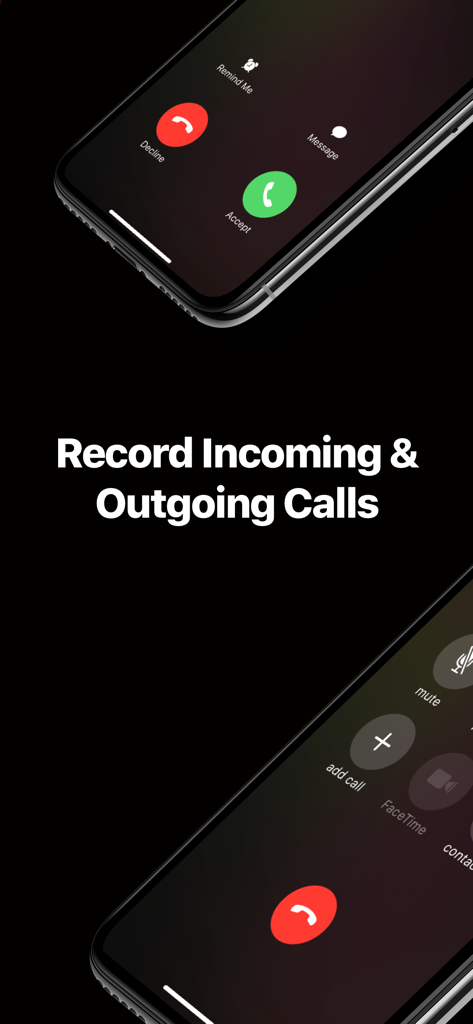
√ Record your incoming calls
√ Record your outgoing calls
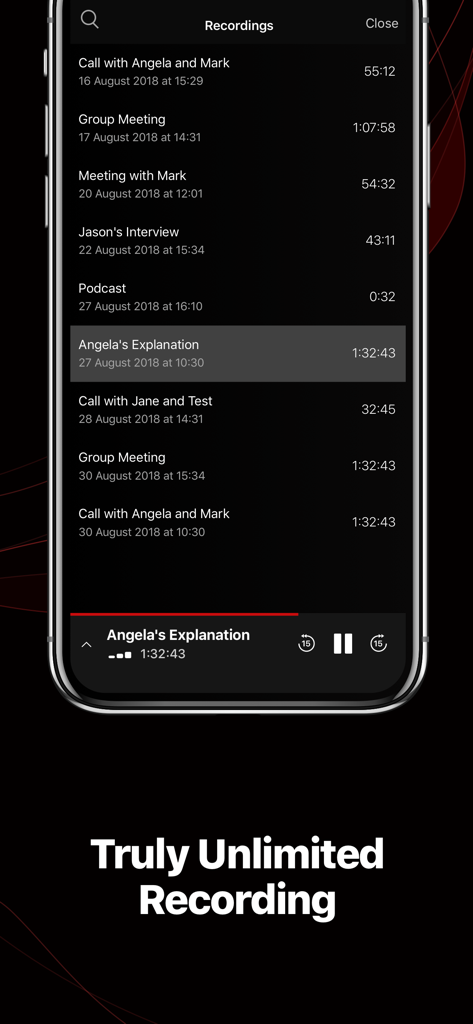
√ No limit on how long you can record a call for
√ No limit on how many recordings you make
√ No per minute fees!
√ Transfer recordings to your new devices
√ Easily download recordings to your computer
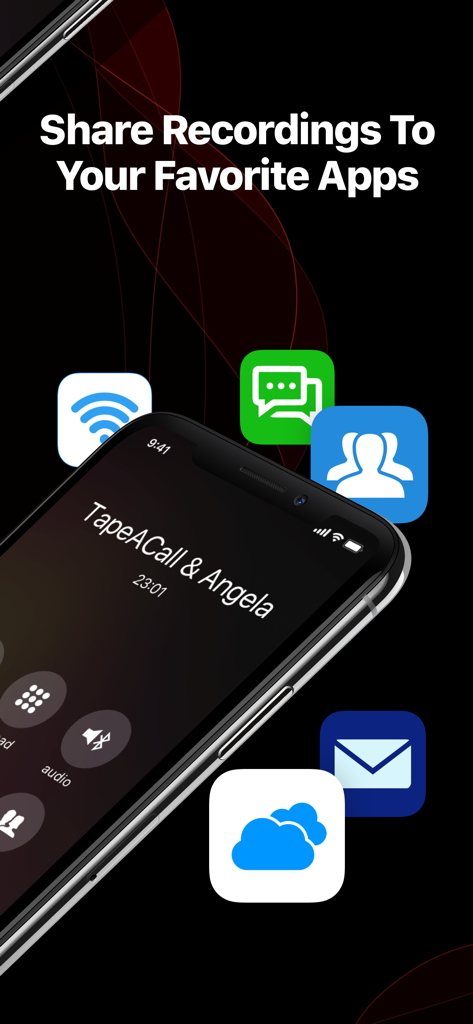
√ Upload your recordings to Dropbox!
√ Upload your recordings to Evernote!
√ Upload your recordings to Google Drive!
√ Email recordings to yourself in MP3 format
√ Share recordings via SMS, Facebook & Twitter
√ Label recordings so you can easily find them
√ Recordings available as soon as you hang up
√ Play recordings in the background
√ Access to call recording laws
√ Beautiful easy to use interface
√ Push notifications take you to the recording
√ Customer service with real humans
√ Developers that care about their customers
√ New features added all the time
√ One low yearly rate
NOTE: TapeACall requires your carrier supports 3-way calling.
- SimpleTalk and H2o Wireless do NOT offer this in the US.
- EE in the UK no longer supports 3-way conference calling on new plans.
Upon payment, you’ll gain immediate access to all features and unlimited recordings for one year. After the year ends, your plan will expire.
To continue using the app and enjoying its features, you can upgrade to a TapeACall Pro subscription. The TapeACall Pro subscription includes unlimited recordings and automatically renews unless you turn off auto-renew at least 24 hours before the current period ends. Your iTunes Account will be charged for the renewal within 24 hours before the period ends, with the cost depending on the selected plan. You can manage your subscription and turn off auto-renewal in your Account Settings at any time after purchase.
Frequently Asked Questions
——————————————————————
How does this app record calls?
Take a look at our screenshots for step by step instructions.
When you're on a call and you want to record it, open TapeACall and press the record button. We will put your call on hold and dial our recording line. As soon as our line answers tap the merge button on your screen to create a 3 way call between your other caller and our recording line.
If you want to record an outgoing call, just press the record button. The app will dial our recording line and will begin recording as soon as our line answers. Once that happens, tap the add call button on your screen, call the person you want to record, then press the merge button when they answer.
——————————————————————
Can I download recordings to my computer?
Yes, and we've made it extremely easy to do this. Simply select a recording then tap the arrow button to the right of the player. This will show a screen containing a number of ways to share your recording. The most popular ways to transfer recordings to your computer are by email, Dropbox or Google Drive.
——————————————————————
How many recordings can I make?
As many as you want! We don't have a limit on the number of recordings you can make.
——————————————————————
Privacy Policy: tapeacall.com/privacy
Terms of Service: tapeacall.com/terms