Teaching Graphs
Teaching Graphs
ダウンロード: App Store

このページはアプリまたはその開発者の公式ページではなく、情報提供および論評を目的として作成された独立した編集出版物です。明示的に別段の記載がない限り、アプリおよびその開発者は、MWM、Apple、Google Play、アプリのパブリッシャー、またはアプリの開発者と提携、承認、後援、認可、またはその他の公式的な関係はなく、このページのいかなる内容も、アプリがMWMのサービスを使用して開発されたことを意味するものではありません。すべての商標、ロゴ、スクリーンショット、その他のコンテンツはそれぞれの所有者の財産です。

ロゴ: Teaching Graphs
ダウンロード: App Store

Teaching Graphs

生徒たちが自分の世界を視覚化できるようにしましょう。ベン図から円グラフまで、Teaching Graphsは、スプレッドシートの複雑さなしに、若い学習者にとってデータリテラシーを楽しく、アクセスしやすいものにします。

主要数値

ダウンロード

87K+

ユーザー評価

3.2/5

評価数

0

開発元

Aleesha Kondys

カテゴリ

Education

対応言語

1

最新バージョン

1.43

サイズ

18.4 MB

リリース日

2012年8月23日
機能

子供たちのデータリテラシー能力を強化する

生徒たちがプロフェッショナルソフトウェアの複雑さではなく、グラフの論理に集中できる、気を散らすことのない環境。

簡単なグラフ作成

スプレッドシートは不要です。直感的なドラッグ&ドロップツールで、カラフルなベン図、キャロル図、円グラフを作成できます。

実世界のデータ読解

今日の天気データや、初学者向けのわかりやすいデータセットを解釈することで、批判的思考力を養います。

以下のスクリーンショットと説明は、アプリの公式ストアリスティングから直接取得されたものであり、アプリ開発者の所有物です。

アプリストア

スクリーンショット
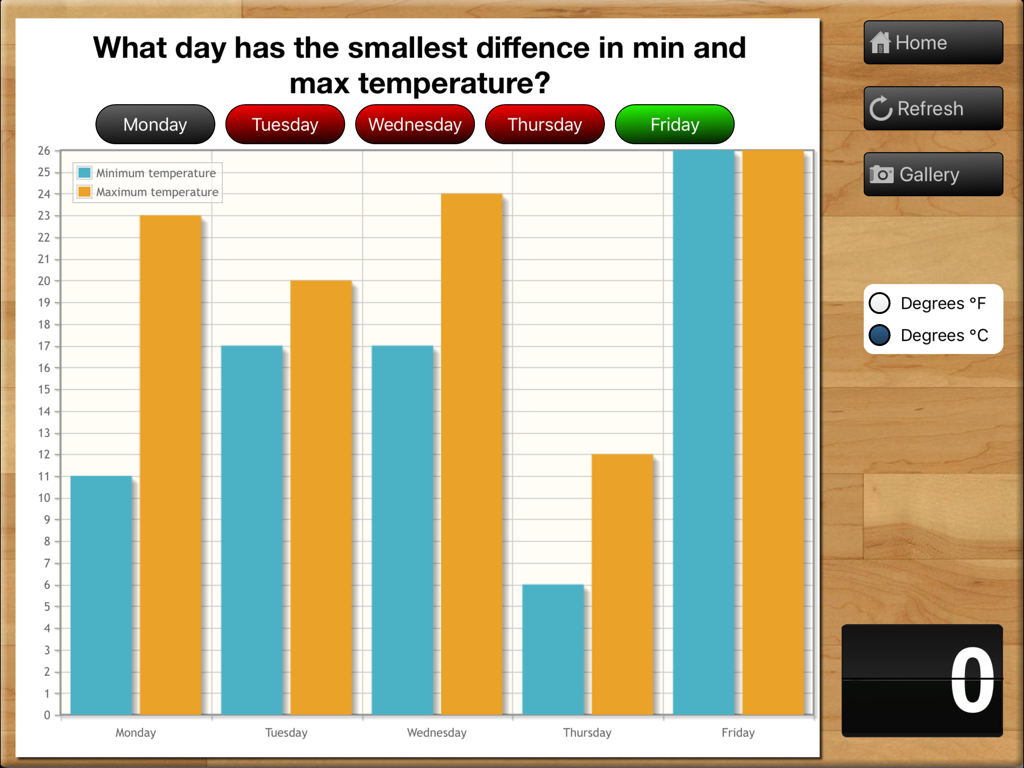
Teaching Graphs - 5日間の学校週の最低気温と最高気温の比較を示す教育的な棒グラフ。

5日間の学校週の最低気温と最高気温の比較を示す教育的な棒グラフ。

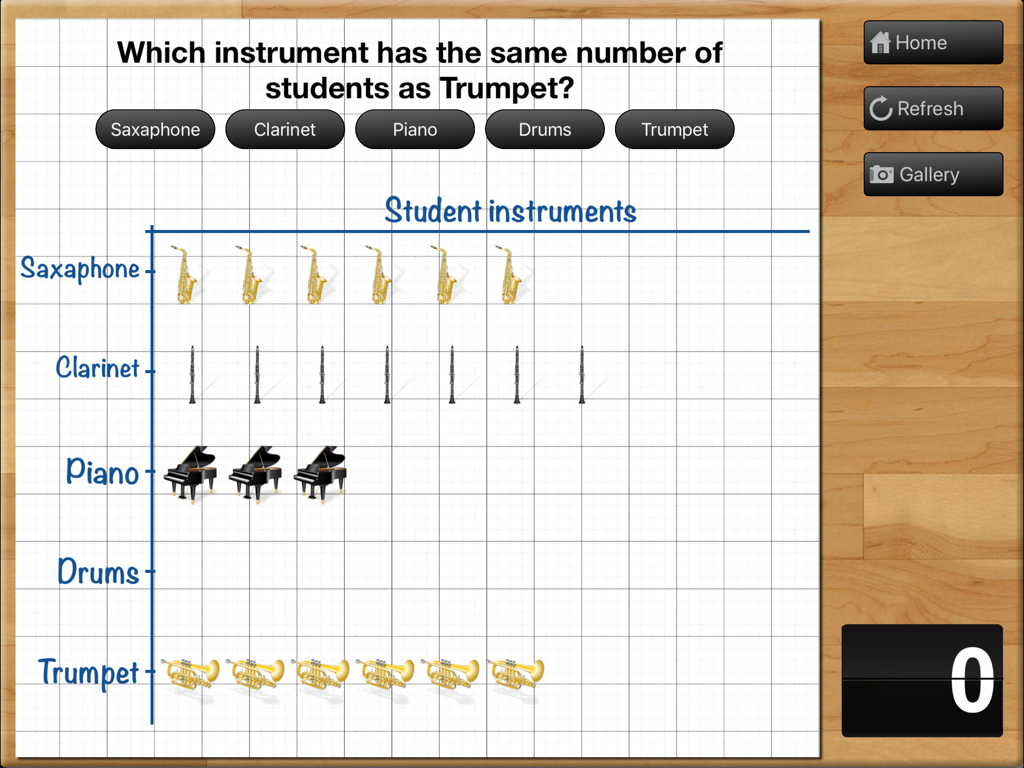
Teaching Graphs - Teaching Graphs iPadアプリ内のグリッド上に楽器を持つ生徒のデータを示す絵グラフ
Teaching Graphs iPadアプリ内のグリッド上に楽器を持つ生徒のデータを示す絵グラフ

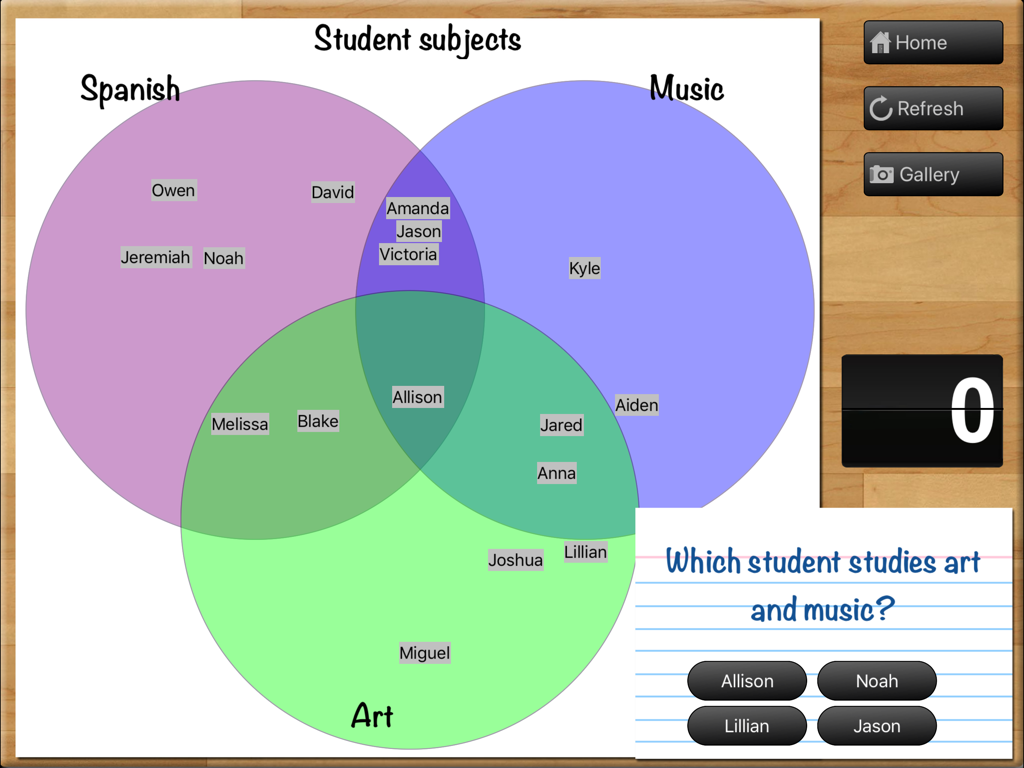
Teaching Graphs - Teaching Graphsアプリ内の3つの円で構成されるベン図。スペイン語、音楽、美術の重なり合うカテゴリに関するクイズに使用されます。
Teaching Graphsアプリ内の3つの円で構成されるベン図。スペイン語、音楽、美術の重なり合うカテゴリに関するクイズに使用されます。

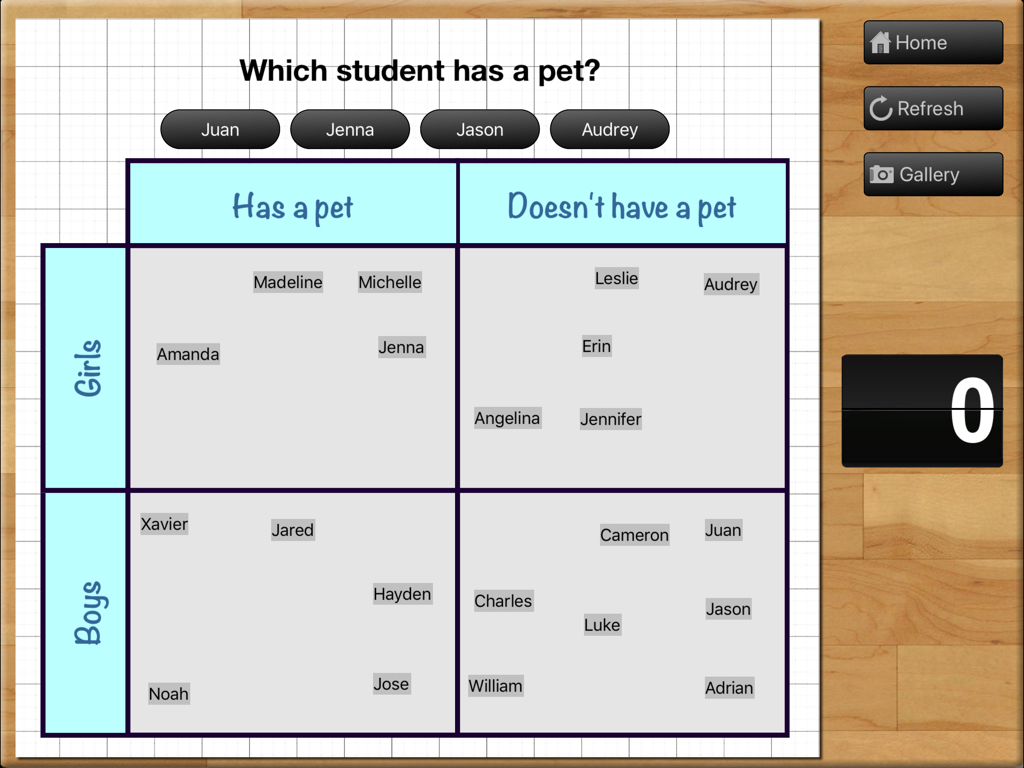
Teaching Graphs - Teaching Graphsアプリ内のキャロル図アクティビティ。ペットの所有状況で少年少女を分類するためのグリッドを示します。
Teaching Graphsアプリ内のキャロル図アクティビティ。ペットの所有状況で少年少女を分類するためのグリッドを示します。

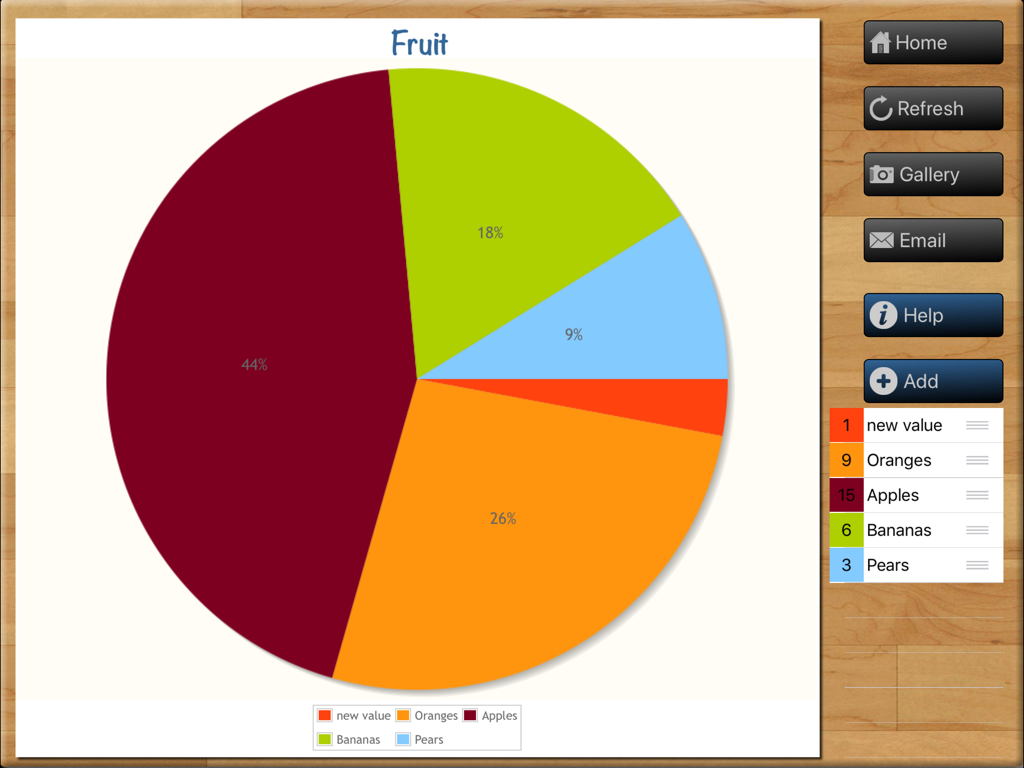
Teaching Graphs - Teaching Graphs教育用iPadアプリで作成中の果物をテーマにした円グラフ。リンゴ、オレンジ、バナナのデータを示します。
Teaching Graphs教育用iPadアプリで作成中の果物をテーマにした円グラフ。リンゴ、オレンジ、バナナのデータを示します。

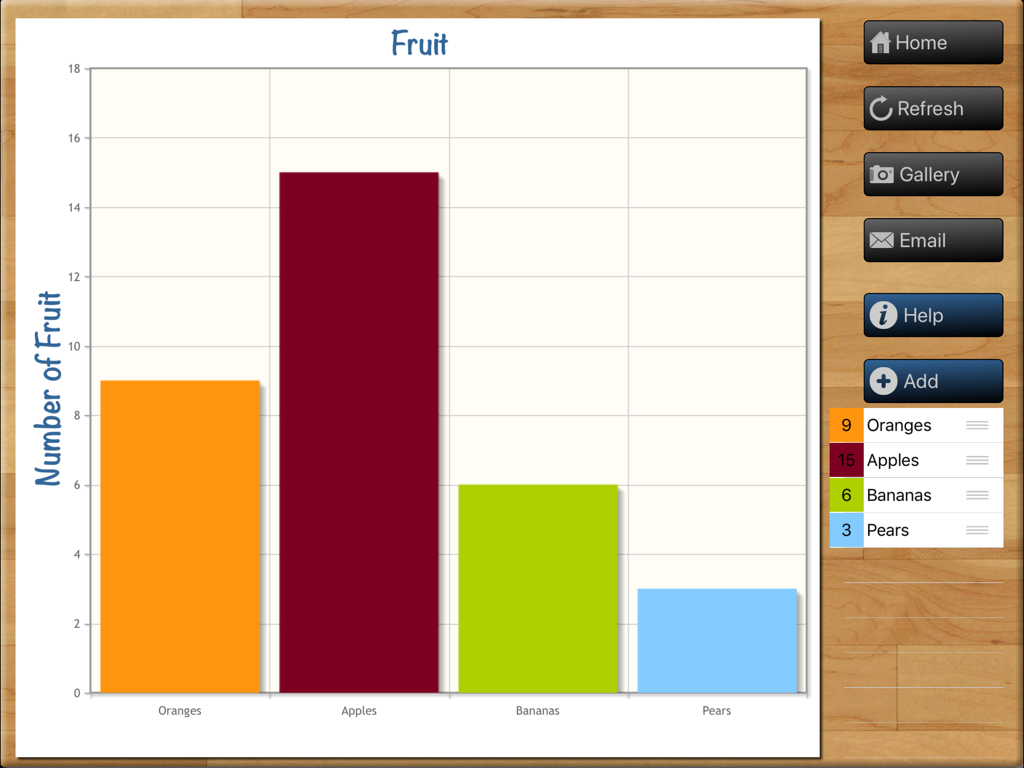
Teaching Graphs - iPad上のTeaching Graphsアプリのインターフェースにあるカラフルな棒グラフ「果物」
iPad上のTeaching Graphsアプリのインターフェースにあるカラフルな棒グラフ「果物」

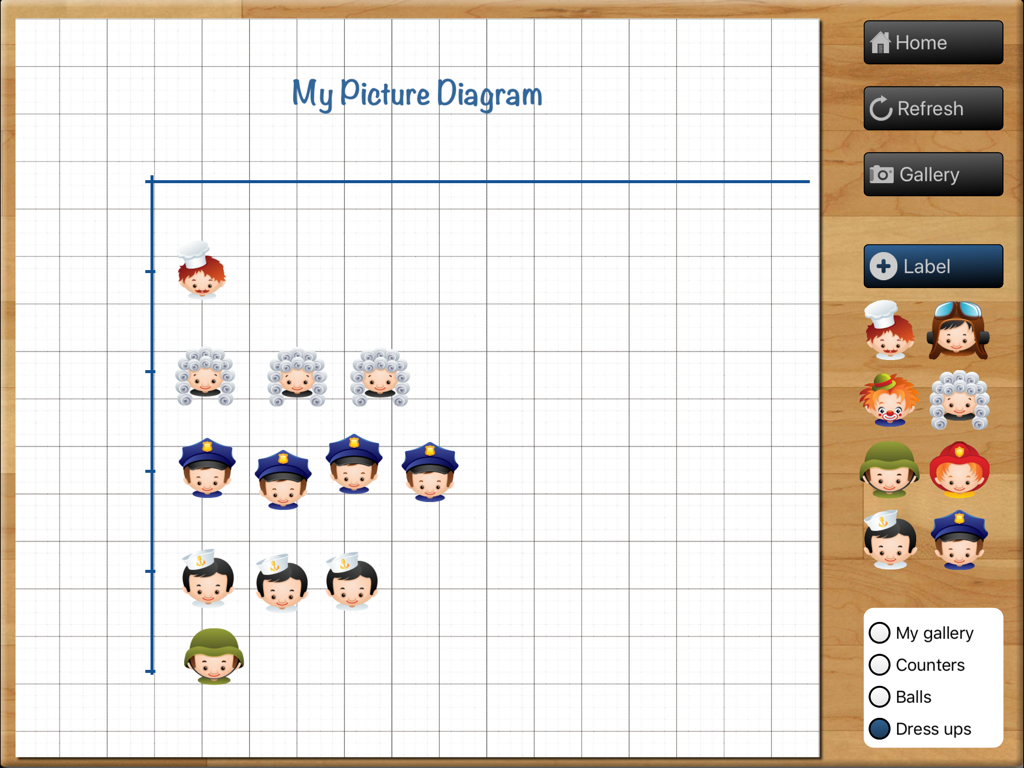
Teaching Graphs - グリッド上のキャラクターアイコンを備えた絵グラフ作成ツールのTeaching Graphsアプリのインターフェース
グリッド上のキャラクターアイコンを備えた絵グラフ作成ツールのTeaching Graphsアプリのインターフェース

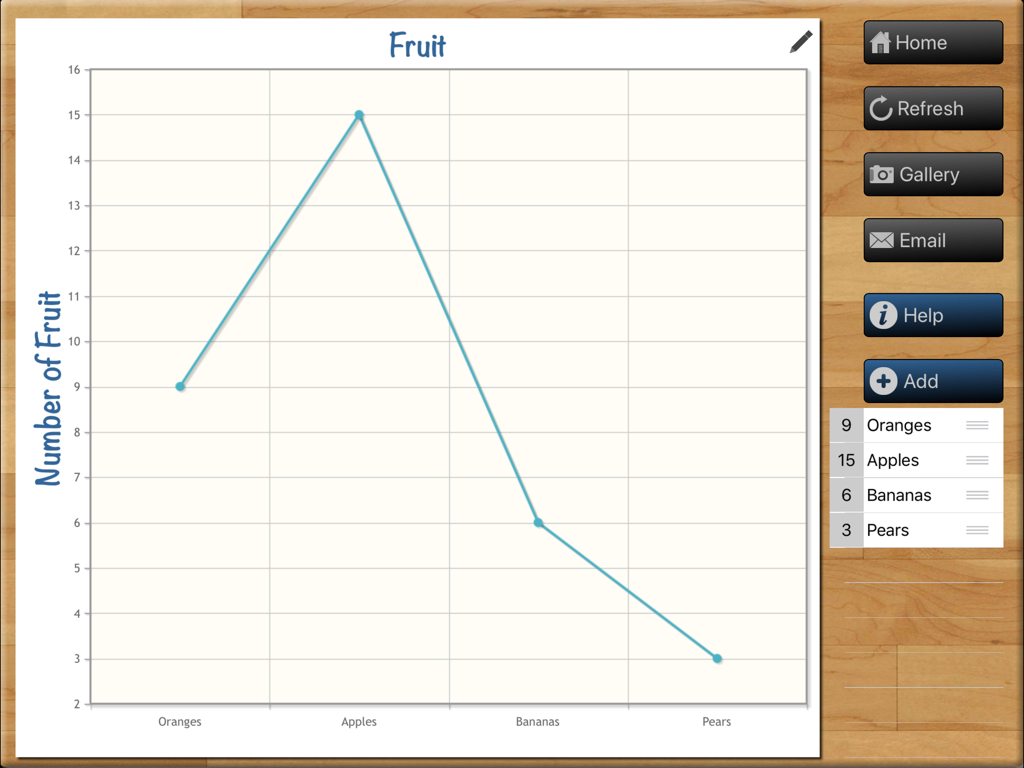
Teaching Graphs - Teaching Graphs iPadアプリのインターフェースにある果物の数を表示する折れ線グラフ
Teaching Graphs iPadアプリのインターフェースにある果物の数を表示する折れ線グラフ

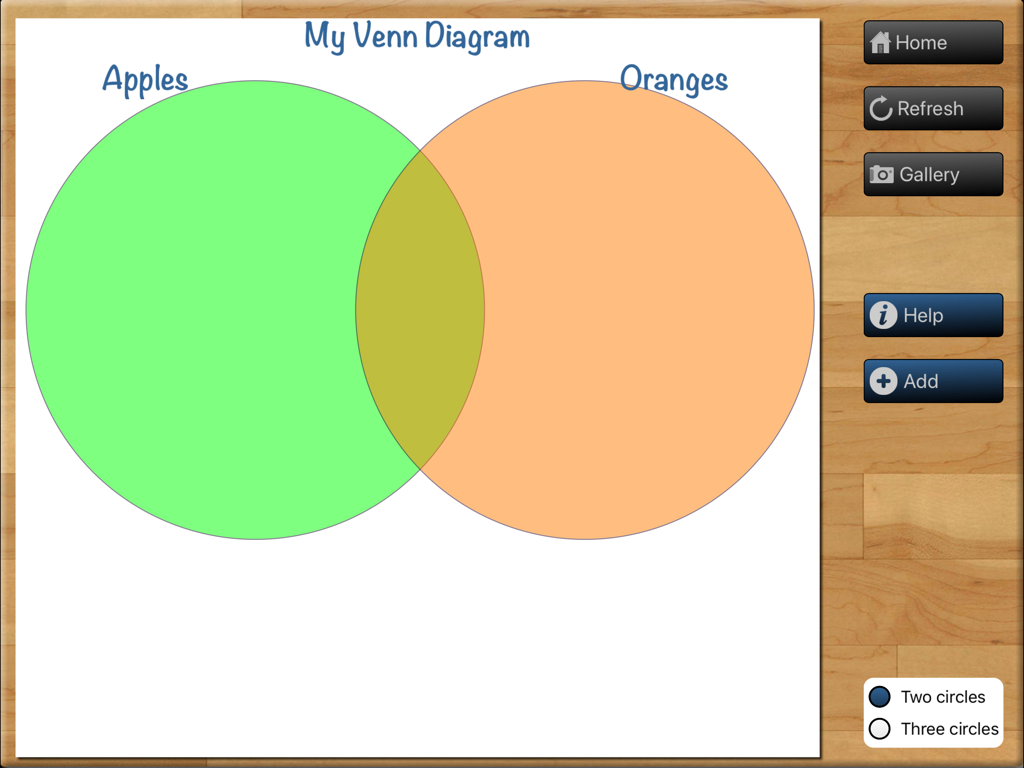
Teaching Graphs - リンゴとオレンジというラベルの2つの重なり合う円を持つベン図を作成するためのTeaching Graphsアプリのインターフェース。
リンゴとオレンジというラベルの2つの重なり合う円を持つベン図を作成するためのTeaching Graphsアプリのインターフェース。

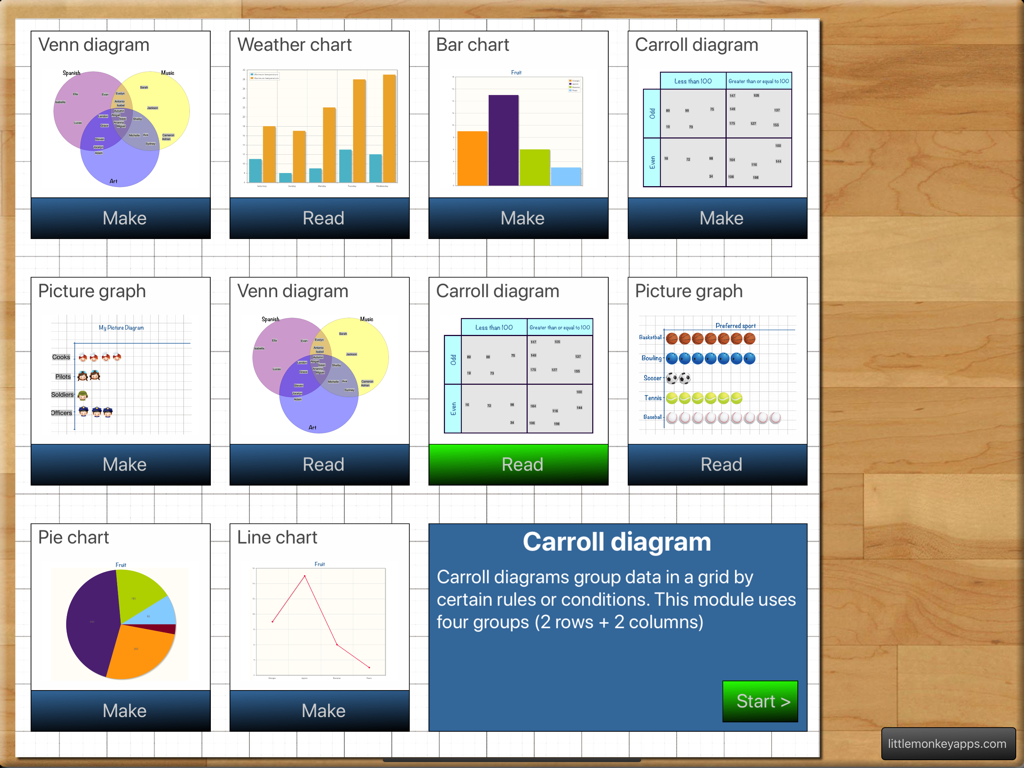
Teaching Graphs - 生徒が読み取りまたは作成できるさまざまな種類のグラフや図が表示されるTeaching Graphsアプリのメインメニュー。

生徒が読み取りまたは作成できるさまざまな種類のグラフや図が表示されるTeaching Graphsアプリのメインメニュー。

説明

Don't know the difference between a Venn and a Carroll Diagram? Don't know how to use one? Find that using Spreadsheet programs to be a lesson in everything but Graphs and interpretation? Spreadsheet Programs can be complex and distracting with too many features.... Teaching graphs is a simple introduction to basic graphs and interpretation of data. Teaching graphs includes two types of activities, 'Read' and 'Make' including picture graphs, Venn & Carroll diagrams, bar, pie and line charts. Students are asked to read and interpret data from four types of graphs, coming to recognise the features and purposes of each graph type. Students are also able to collect their own data and create their own graphs (4 different types of graphs) They can set labels, colours and adding values. Students can email a graph or save the graph to photo gallery. READ GRAPHS There are four types of graphs that have various questions asked. =Venn diagram= The most overused type of diagram in early years education! Little Johnny likes apples and pears, but Sara likes apples and bananas! Although we have included that type of question in the App, this is just the beginning of what a Venn diagram is REALLY used for. Once students have the basics, a Venn diagram can also be used to show more complex ideas in a visual and logical manner, helping children to make links between the similarities and differences of a particular set one example is comparing sets (or traits) such as motorbikes vs bicycles. =Carroll diagram= A Carroll diagram is used to sort information in a 'Yes / No' manner . This type of diagram aids students to organise information in a systematic manner. In the App, we have used two attributes (a 2 x 2 grid). =Weather graph (bar chart)= This module creates a minimum and maximum bar chart for the next five days of weather in your location. You can switch between Fahrenheit and Celsius. The module asks recall questions about the weather, I.e. 'What is the hottest day?' =Picture graph= Picture graphs are often the first introduction to graphing. It is important to note that the pictures are the SAME size and spaced evenly. Instead of traditional bar shapes each value is incremented using pictures. We've included marbles, sports balls, musical instruments and student dress-ups. MAKE GRAPHS There are 4 types of graphs that can be created. Students can email or save graphs to the photo gallery which allows record keeping for later instruction or comparison between appropriate graph types for a particular purpose. (You probably wouldn't use a venn diagram to show temperature across a week, a bar or line graph is more suited...but what a good teaching point.) =Venn diagram= Create a Venn diagram with 2 or 3 intersecting circles. Students can label each circle and set the colour. Items can be added and dragged in to place. =Line/bar graph maker= Create a single series bar or line graph. Switch between the two types of graph depending on the type of data. The line colour and bar colour can be set and items can be labelled. Line graphs are more appropriate for accumulative data sets such as temperature over one day whereas bar graphs can be used for temperature across a week. =Carroll diagram= A 2 row by 2 column Carroll diagram can be created. Labels and items can be customised. =Pie chart maker= Pie chart creation can be difficult without the assistance of IT devices as young children aren't able to understand the mathematics behind its creation (angles, using a protractor,) Students are able to create their pie chart by inputting data sets, change the colour and value for each slice. Great introduction to percentages for more advanced students..work backwards and complete the task on the App and (oh my goodness, yes, I'll say it...) by HAND!

Download

ダウンロード: App Store

このページはアプリまたはその開発者の公式ページではなく、情報提供および論評を目的として作成された独立した編集出版物です。明示的に別段の記載がない限り、アプリおよびその開発者は、MWM、Apple、Google Play、アプリのパブリッシャー、またはアプリの開発者と提携、承認、後援、認可、またはその他の公式的な関係はなく、このページのいかなる内容も、アプリがMWMのサービスを使用して開発されたことを意味するものではありません。すべての商標、ロゴ、スクリーンショット、その他のコンテンツはそれぞれの所有者の財産です。