
このページはアプリまたはその開発者の公式ページではなく、情報提供および論評を目的として作成された独立した編集出版物です。明示的に別段の記載がない限り、アプリおよびその開発者は、MWM、Apple、Google Play、アプリのパブリッシャー、またはアプリの開発者と提携、承認、後援、認可、またはその他の公式的な関係はなく、このページのいかなる内容も、アプリがMWMのサービスを使用して開発されたことを意味するものではありません。すべての商標、ロゴ、スクリーンショット、その他のコンテンツはそれぞれの所有者の財産です。


Text Reader - Text to Speech
テキストを耳で貪り尽くす。このアプリは、あなたの視覚を解放し、情報を瞬時に吸収する。
ダウンロード
100k+ユーザー評価
評価数
483開発元
カテゴリ
Productivity対応言語
33最新バージョン
1.3.31サイズ
125.8 MBリリース日
2022年8月8日生産性向上とアクセシビリティを両立するAI駆動型音声読み上げソリューション
「Text Reader - Text to Speech」アプリの機能分析
多言語対応のテキスト音声変換
本アプリは、英語を含む40以上の言語でテキストを音声に変換します。これにより、多様な言語コンテンツを効率的に学習・消費することが可能です。
高精度スクリーンリーダー機能
本ツールは、オンラインコンテンツを含む様々なデジタルテキストに対して、高性能なスクリーンリーダーとして機能します。視覚障がいのある方や画面疲労を避けたいユーザーにとって非常に有益です。
自然で表現豊かな音声合成
このアプリは、単なる読み上げにとどまらず、リズム、速度、トーンを考慮した自然で表現豊かな音声を生成します。これにより、コンテンツへの没入感が向上します。
書籍・ドキュメントのスキャン読み上げ
ユーザーは、物理的な書籍やドキュメントをスキャンし、数分以内にその内容を音声で聞くことができます。これにより、紙媒体の情報を手軽にデジタル音声化し、ハンズフリーで利用することが可能です。
読み上げ速度の細かな制御
本アプリは、ユーザーが個々の学習ペースや集中度に合わせて、読み上げ速度を細かく調整できる機能を提供します。これにより、情報消費の効率を最大化できます。
効率的な学習・作業支援
このツールは、レッスン、記事、ドキュメントなどのテキストを音声に変換することで、学生や専門家がより迅速に学習や作業を進めることを支援します。時間効率を重視するユーザーに適しています。
よくある質問
について知っておくべきこと Text Reader - Text to Speech
What is SPEAKTOR, the Text Reader - Text to Speech app?
SPEAKTOR is an AI-powered text-to-speech converter that transforms any text file into spoken audio. It reads aloud written words, making content consumable through listening, and serves as a natural reader and screen reader.
What types of content can SPEAKTOR convert to speech?
SPEAKTOR can convert any text file, written words, stories, articles, documents, and books into speech. It also includes a screen reader feature for online text and can scan physical books to read them aloud.
Does SPEAKTOR support multiple languages and accents?
Yes, SPEAKTOR supports converting text to speech in English and over 40 other languages. It also offers a selection of more than 100 accents for the audio output.
Can users adjust the reading speed in the SPEAKTOR app?
Yes, SPEAKTOR provides reading speed control. Users can adjust the audio speed to listen at their own pace, with available options ranging from 0.6x to 2.4x.
Can SPEAKTOR scan and read physical books or documents?
Yes, SPEAKTOR can scan physical books and documents to read them aloud. This feature allows users to convert printed materials into spoken audio for listening.
Does the SPEAKTOR app provide different speaker voices?
Yes, SPEAKTOR offers a choice of over 15 different speaker personas. Users can select from various voices to personalize their listening experience.
Can users export and save audio files generated by SPEAKTOR?
Yes, SPEAKTOR allows users to export and save their generated audio files. The app supports exporting the audio in common formats such as MP3 and MP4.
Does SPEAKTOR sync content and progress across devices?
Yes, SPEAKTOR offers a feature to sync listening progress and content across multiple devices. This ensures a continuous and seamless experience for users across different platforms.
Can I use SPEAKTOR to listen to content offline?
Yes, SPEAKTOR allows users to listen to books, documents, and other content even when offline. This feature ensures accessibility without an internet connection.
Is SPEAKTOR suitable for business and organizational use?
Yes, SPEAKTOR has introduced text-to-speech solutions specifically for businesses and organizations. This aims to enhance information accessibility for a broader audience.
以下のスクリーンショットと説明は、アプリの公式ストアリスティングから直接取得されたものであり、アプリ開発者の所有物です。
アプリストア
スクリーンショット
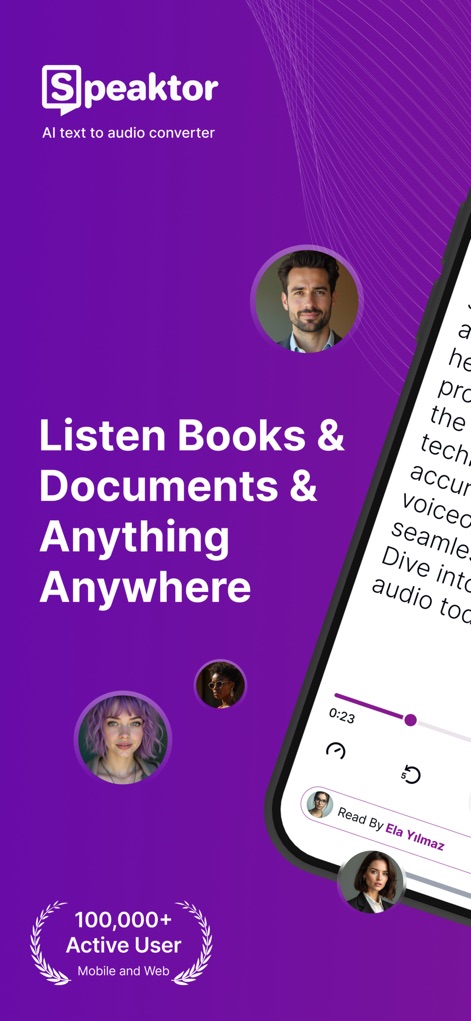
このアプリは、書籍やドキュメントを音声に変換し、10万以上のアクティブユーザーが利用する実績あるプラットフォームで、どこでもコンテンツを音声で楽しむことができます。
いつでもどこでも聴く
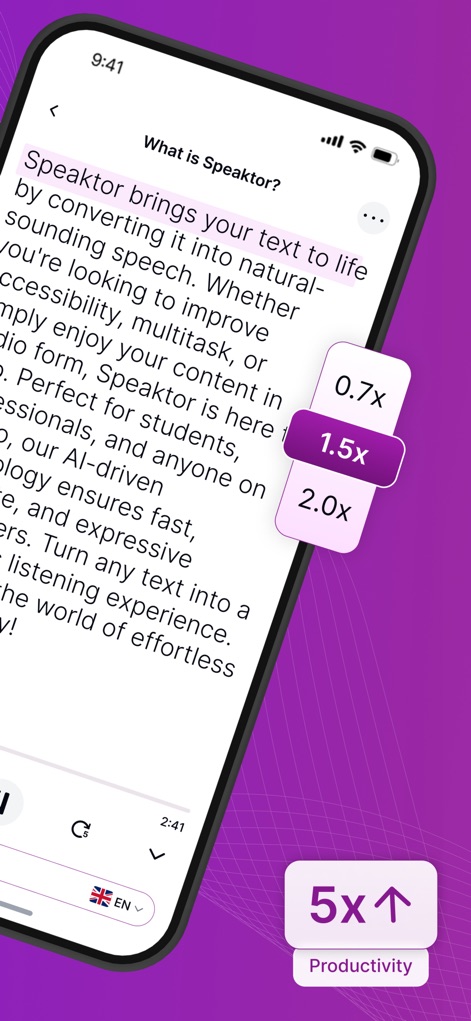
読書速度調整機能により、ユーザーはコンテンツを最適なペースで聴くことができ、最大5倍の生産性向上が期待できます。
生産性を加速

ユーザーは15種類以上のスピーカーの中から選択でき、個性的なスピーカーリストとチェックマークで、好みに合わせて読上げ音声をカスタマイズできます。
多彩な音声を選択
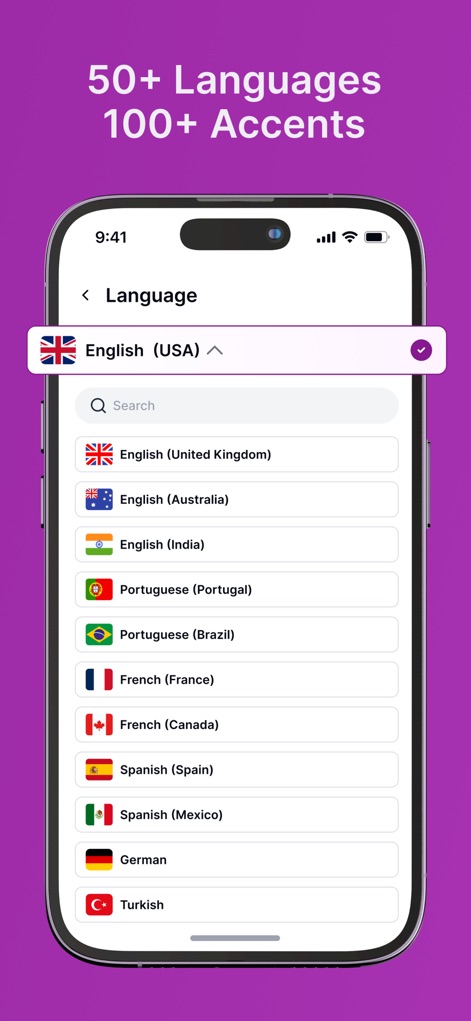
50以上の言語と100以上のアクセントに対応し、ドロップダウンメニューと国旗のアイコンを通じて、ユーザーはグローバルなコンテンツを自分の言語で聴くことができます。
世界中の言語に対応
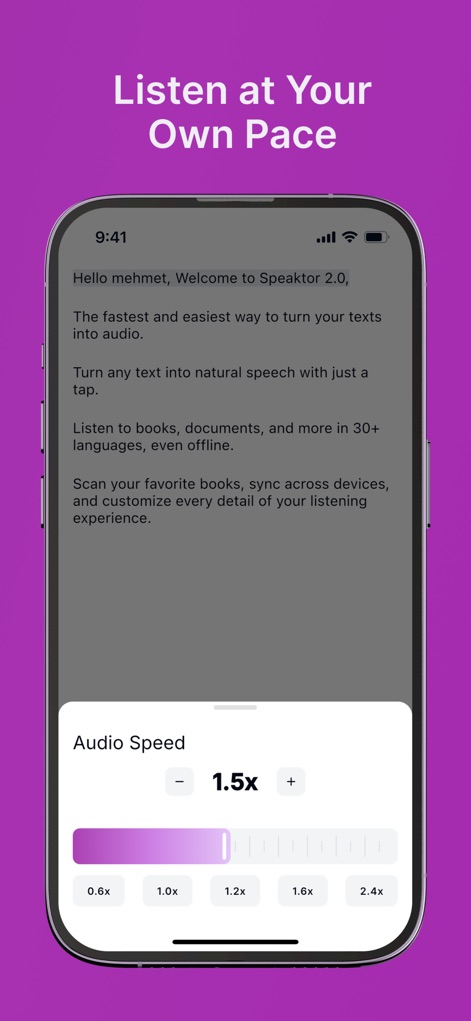
オーディオ速度調整機能により、ユーザーはスライダーと具体的な倍速表示で、0.6xから2.4xまで再生速度を細かく設定し、学習や理解のペースに合わせることが可能です。
自由な再生速度
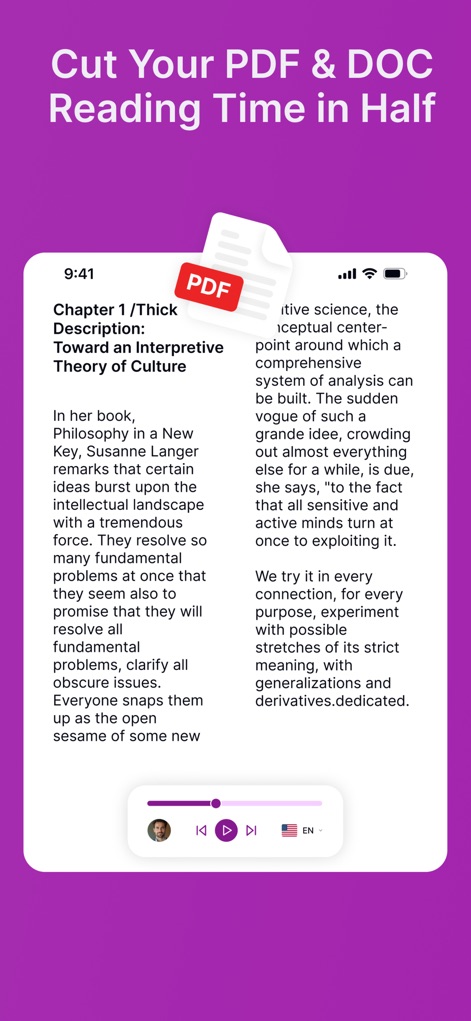
このツールはPDFやDOCファイルを音声に変換し、画面上のPDFアイコンと再生コントロールバーを使って、ユーザーは読書時間を大幅に短縮できます。
文書を効率的に読破
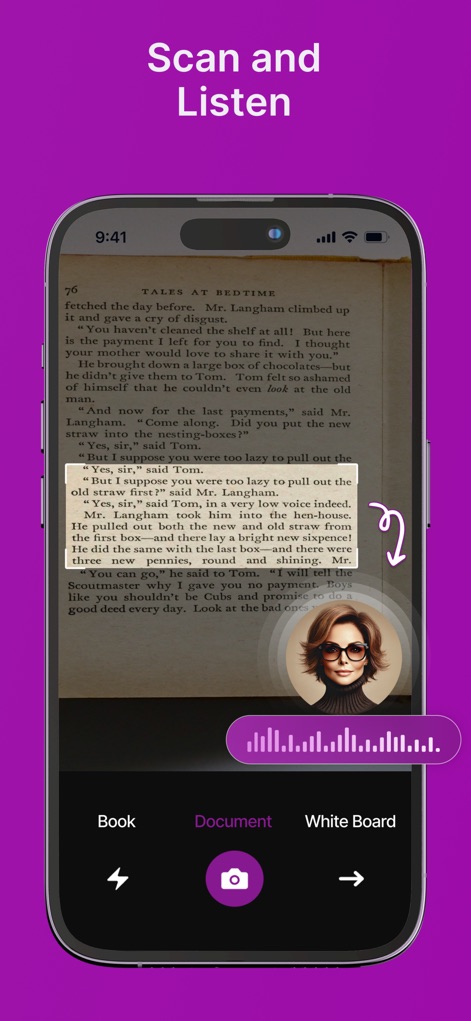
内蔵されたスキャン機能により、ユーザーは物理的な書籍のテキストをハイライト表示された認識範囲と音声波形アニメーションで、その内容を音声で即座に聴くことが可能です。
書籍を瞬時にスキャン
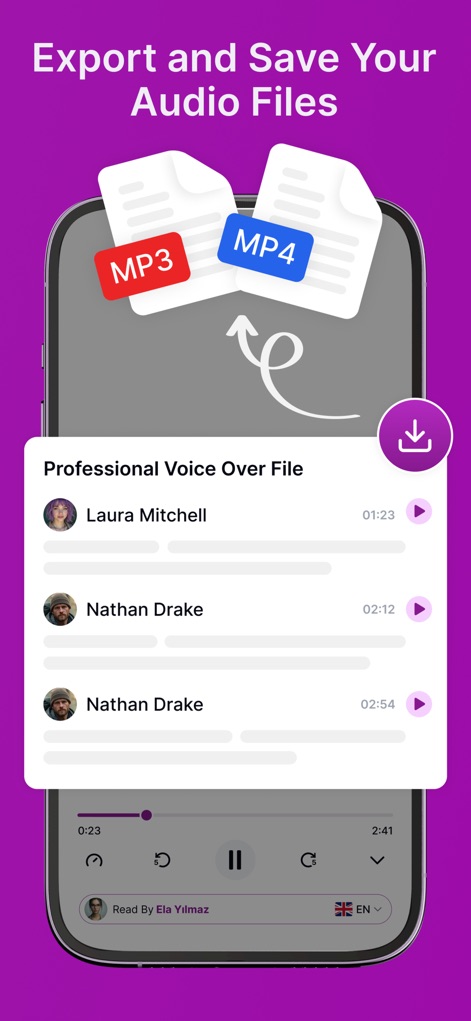
生成された音声ファイルをMP3またはMP4形式でエクスポートし、ユーザーはMP3/MP4アイコンとダウンロードボタンを通じて、いつでもどこでもオフラインで利用できます。
音声ファイルをエクスポート
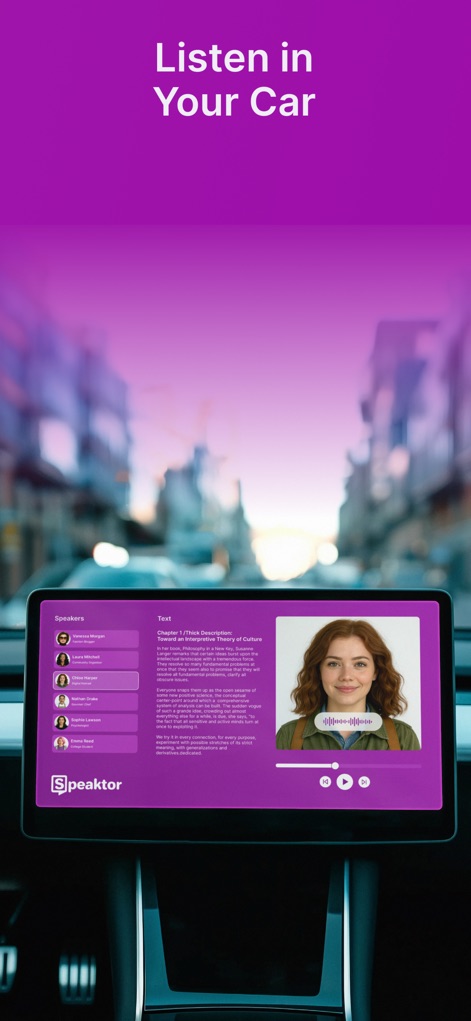
車載インフォテインメントシステムと連携し、ユーザーはダッシュボード上の画面と音声波形のアニメーションで、運転中も安全かつ快適にコンテンツを音声で楽しむことができます。
車内で快適リスニング
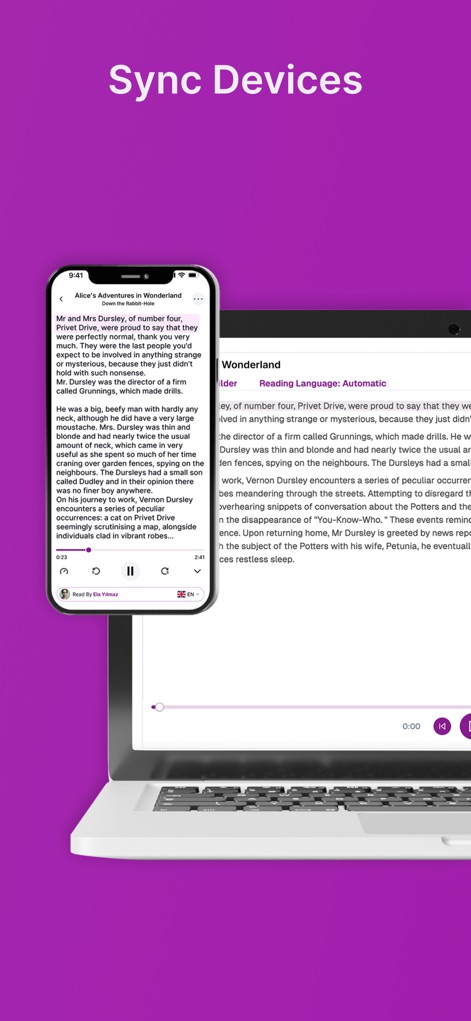
本アプリはスマートフォンとノートパソコン間でシームレスに同期し、両デバイスに表示される同じコンテンツと再生進捗バーにより、ユーザーはどのデバイスからでも中断した箇所からリスニングを再開できます。
デバイス間で同期
説明
Download
類似アプリ
似た機能とユーザー体験を持つアプリ

Speechify – Voice AI Assistant
Speechify Inc.

NaturalReader - Text To Speech
NaturalSoft

ElevenReader - Read Text Aloud
Eleven Labs Inc.
Voice Aloud Reader
Marcin Olawski
Peech: Text to Speech Reader
Dopefin Limited

Text to Speech!
Gwyn Durbridge
ListenMe - Text to Speech
SCALEUP YAZILIM HIZMETLERI ANONIM SIRKETI

Readify: AI Natural Read Aloud
New Port LLC

Labs AI : Text to Speech
James Carter
このページはアプリまたはその開発者の公式ページではなく、情報提供および論評を目的として作成された独立した編集出版物です。明示的に別段の記載がない限り、アプリおよびその開発者は、MWM、Apple、Google Play、アプリのパブリッシャー、またはアプリの開発者と提携、承認、後援、認可、またはその他の公式的な関係はなく、このページのいかなる内容も、アプリがMWMのサービスを使用して開発されたことを意味するものではありません。すべての商標、ロゴ、スクリーンショット、その他のコンテンツはそれぞれの所有者の財産です。