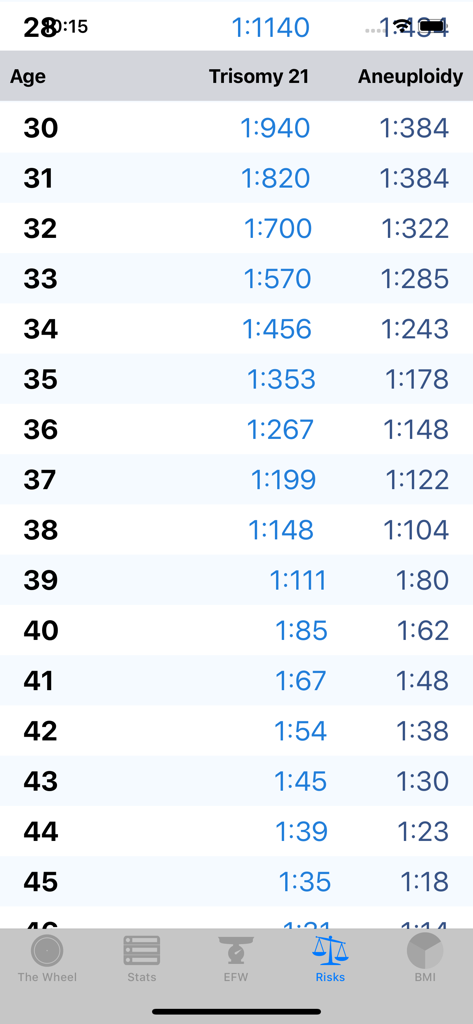
The OB Wheel Pro 7アプリのダウン症候群21トリソミーおよび異数性に関する年齢調整済みリスクテーブル
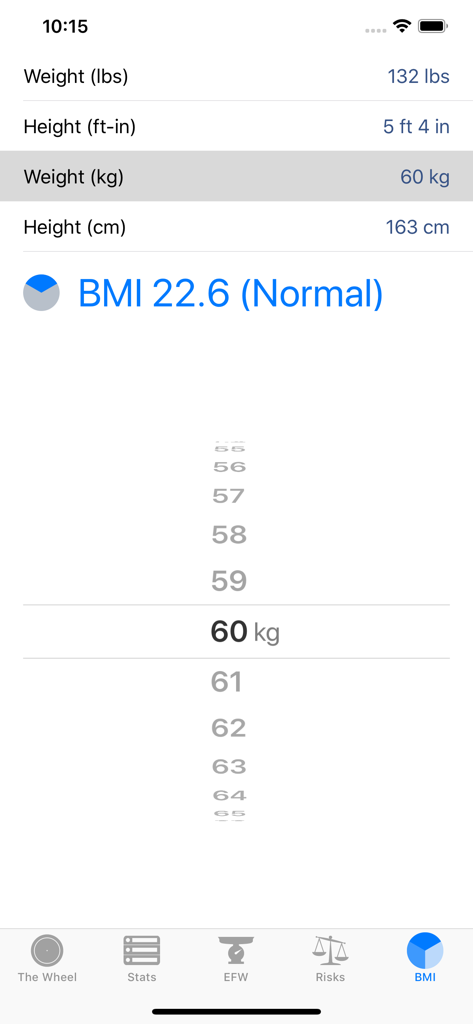
The OB Wheel Pro 7アプリのBMI計算画面で身長と体重の入力フィールドおよび計算された標準BMI結果を表示
説明
The OB Wheel Pro 7 is the most complete, powerful, and easiest-to-use tool for healthcare professionals providing prenatal care. In just ONE app there is 1) a gestational age calculator, 2) an ultrasound biometric calculator, 3) a fetal weight calculator, 4) a list of key weeks and trimesters, 5) an age-adjusted risk table for trisomy 21 and aneuploidy, 6) a BMI calculator, and NOW 7) an Apple Watch app is included with your purchase!
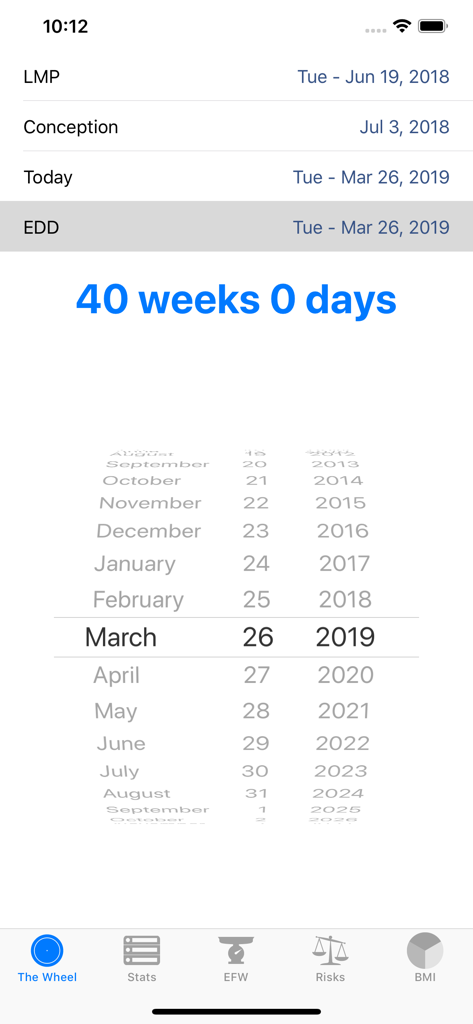
The OB Wheel Pro 7 is a state-of-the-art gestational age calculator (also known as an obstetric or pregnancy wheel) that is used every day by doctors, obstetricians, midwives, nurses, and pregnant women. The OB Wheel Pro 7 is a professional tool that replaces the need for multiple apps and it greatly enhances the functionality of those worn-out cardboard wheels without compromise.
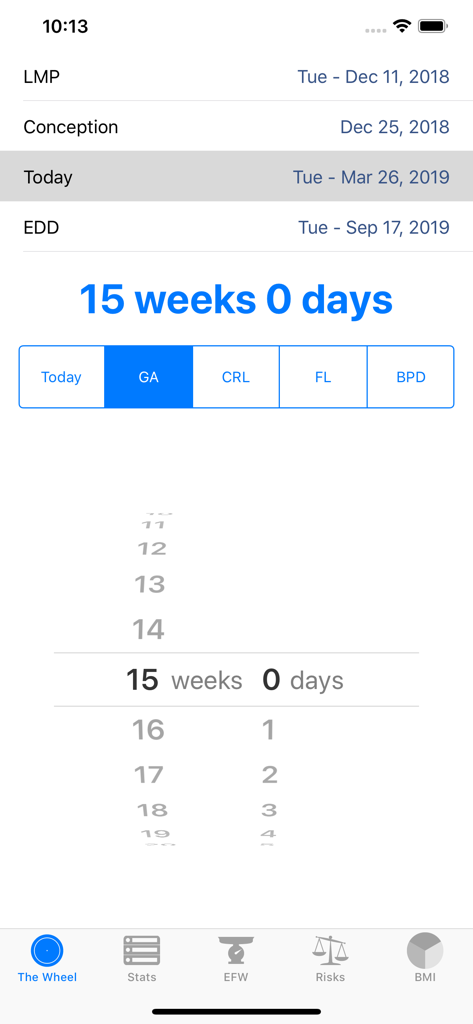
The OB Wheel Pro 7 accurately determines the estimated delivery date (EDD), or due date, of a pregnancy based on the first day of a woman's last menstrual period (LMP), or from the date of conception, or from a known gestational age (GA) on a known date, e.g. from an ultrasound measurement, or from fetal biometry like Crown-Rump Length (CRL), Femur Length (FL), and BiParietal Diameter (BPD). Additionally, for appropriate gestational ages, The The OB Wheel Pro 7 estimates fetal weight and displays the number of days completed and remaining.
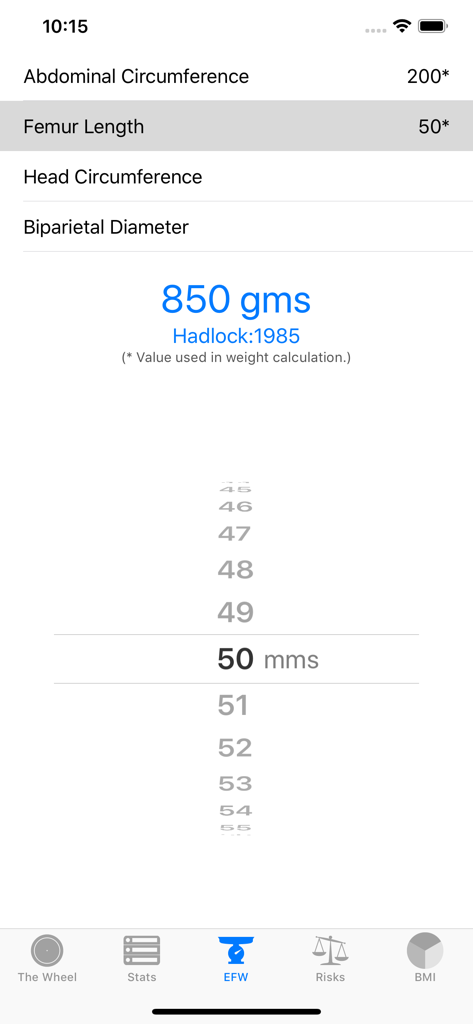
The OB Wheel Pro 7, besides calculating GA from fetal ultrasound biometrics, enables clinicians to also calculate Estimated Fetal Weight (EFW) from FL, BPD, Head Circumference (HC), and Abdominal Circumference (AC) using the most appropriate published reference formula using the maximum and most appropriate parameters.
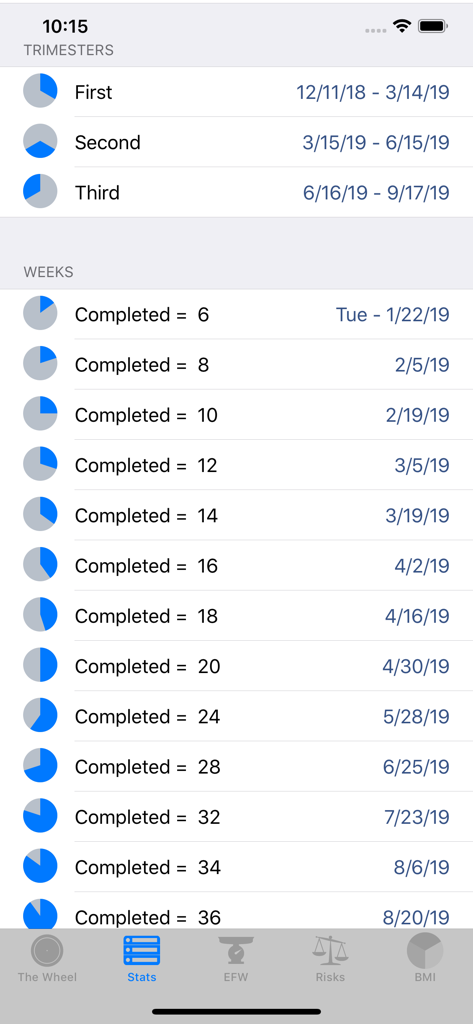
Prenatal care providers know that there are key gestational ages where testing or interventions are needed. The OB Wheel Pro 7 lets providers see at a glance when these items should be scheduled.
FEATURES
• Includes Apple Watch app!
• Gestational Age Calculator from LMP, EDD, Conception Date for any reference date
• Gestational Age calculated from specific date and gestational age (e.g. ultrasound)
• Gestational Age Calculator using fetal biometrics (CRL, FL, BPD)
• Fetal Weight Calculator using HC, AC, FL, BPD
• Body Mass Index (BMI) Calculator
• Age-Adjusted Risk Table for Trisomy 21 and aneuploidy
• List of key completed weeks during pregnancy
• Pregnancy days completed and remaining, and dates for each trimester
• Remembers last-used EDD
PRO TIPS:
• To enter Gestational Age, CRL, FL, or BPD for a specific date (like for an ultrasound exam), tap "Today", enter the desired date, then tap on the button displaying the gestational age to change that button to display options for entering a specific GA, CRL, FL, and BPD.
• When using the GA calculator, double-tap a date to change the value to the current date.
• When using the EFW calculator, double-tap a value to clear the value of the selected parameter.