
このページはアプリまたはその開発者の公式ページではなく、情報提供および論評を目的として作成された独立した編集出版物です。明示的に別段の記載がない限り、アプリおよびその開発者は、MWM、Apple、Google Play、アプリのパブリッシャー、またはアプリの開発者と提携、承認、後援、認可、またはその他の公式的な関係はなく、このページのいかなる内容も、アプリがMWMのサービスを使用して開発されたことを意味するものではありません。すべての商標、ロゴ、スクリーンショット、その他のコンテンツはそれぞれの所有者の財産です。


Thermals
iPhone の動作が遅くなる理由を推測するのはやめましょう。プロレベルの診断機能で、サーマルスロットリング、プロセッサアクティビティ、充電制限に関するリアルタイムデータを入手できます。
ダウンロード
45K+ユーザー評価
評価数
0開発元
カテゴリ
Developer Tools対応言語
1最新バージョン
1.0サイズ
3.0 MBリリース日
2022年12月28日デバイスのパフォーマンスをマスターする
サーマルスロットリングとハードウェアの動作に関するリアルタイムの洞察を得ましょう。デバイスが遅くなったり、暗くなったり、充電が遅くなったりする正確な理由を理解しましょう。
リアルタイム熱追跡
デバイスの熱状態を監視して、iOS がパフォーマンスや画面の明るさをいつ、なぜスロットリングし始めるのかを正確に特定しましょう。
履歴とデータエクスポート
バックグラウンドで熱の変動を記録し、生のデータをエクスポートして、パフォーマンスの低下や充電のボトルネックを診断しましょう。
以下のスクリーンショットと説明は、アプリの公式ストアリスティングから直接取得されたものであり、アプリ開発者の所有物です。
アプリストア
スクリーンショット
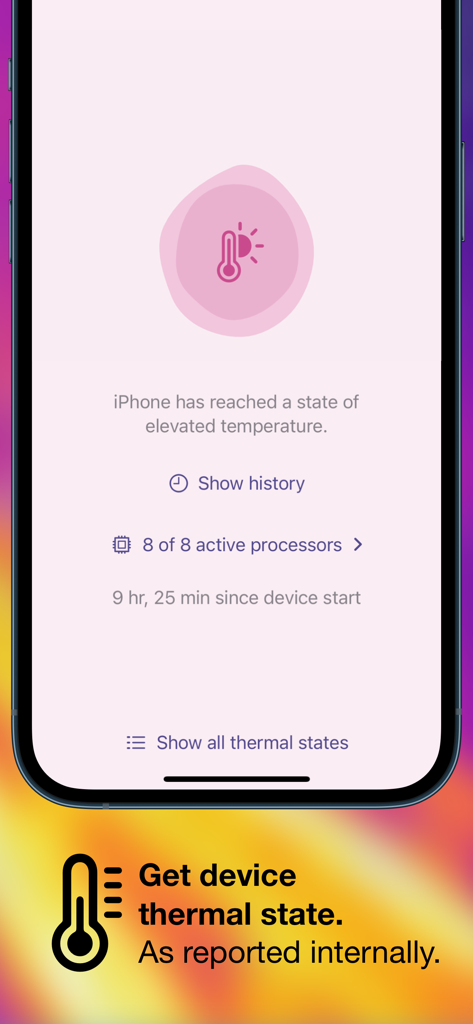
Thermals アプリのインターフェイスに iPhone の高温状態とアクティブなプロセッサ数が表示されています
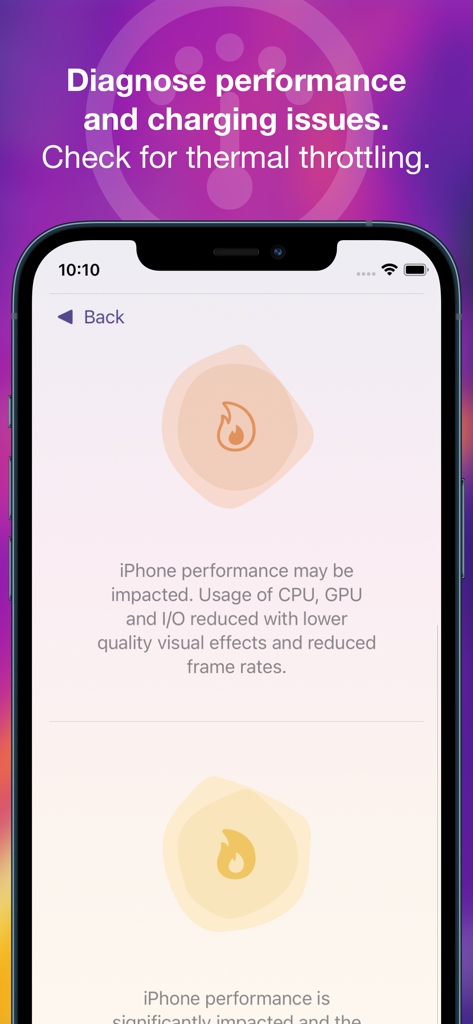
Thermals アプリのスクリーンショットに iPhone のパフォーマンスとサーマルスロットリングの状態が表示されています
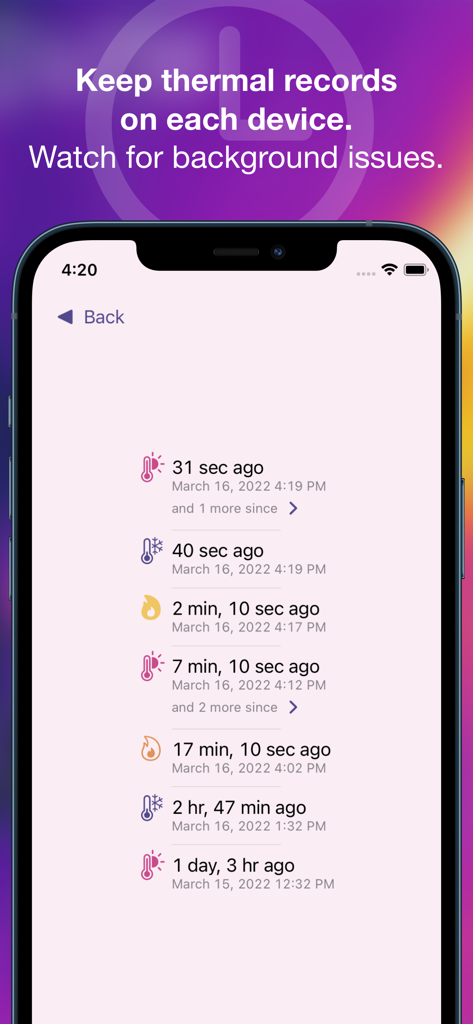
iPhone 上の Thermals アプリのスクリーンショットで、バックグラウンドの熱記録とデバイスのパフォーマンスログの詳細なリストが表示されています。
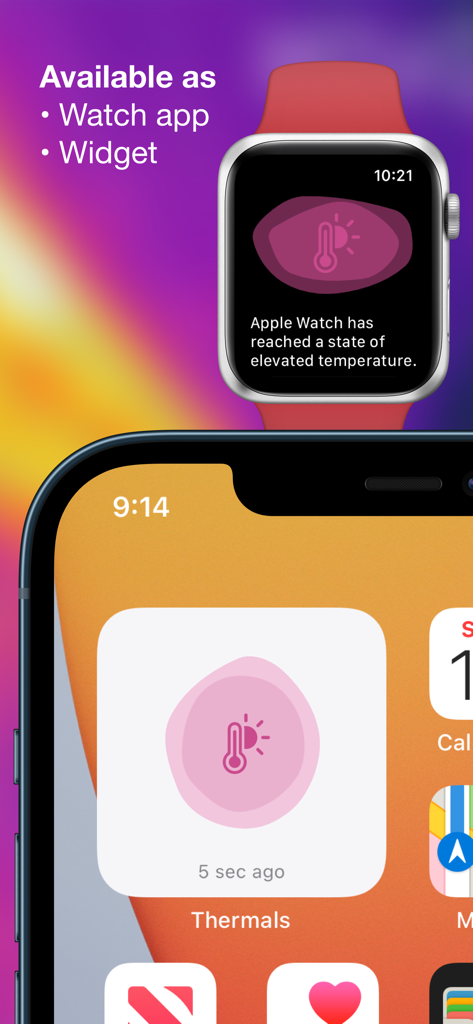
Thermals アプリに Apple Watch と iPhone ウィジェットのデバイス温度が表示されています
説明
Download
類似アプリ
同じカテゴリのトップランクアプリ

TestFlight
Apple Inc.

Replit: Vibe Code Apps
Replit, Inc

GitHub
GitHub

O-KAM Pro
Shenzhen VeePai IoT Intelligent Technology LLC

Apple Developer
Apple Inc.

Expo Go
650 Industries, Inc.

Scriptable
Simon Stovring

App Store Connect
Apple Inc.

Sekai: Create · Remix · Play
Versa AI, Inc.
このページはアプリまたはその開発者の公式ページではなく、情報提供および論評を目的として作成された独立した編集出版物です。明示的に別段の記載がない限り、アプリおよびその開発者は、MWM、Apple、Google Play、アプリのパブリッシャー、またはアプリの開発者と提携、承認、後援、認可、またはその他の公式的な関係はなく、このページのいかなる内容も、アプリがMWMのサービスを使用して開発されたことを意味するものではありません。すべての商標、ロゴ、スクリーンショット、その他のコンテンツはそれぞれの所有者の財産です。