ToonSquid

ToonSquid

ダウンロード: App Store
ロゴ: ToonSquid

ToonSquid:iPadのためのプロフェッショナル2Dアート&アニメーションスタジオ

手描きの魅力と強力なキーフレーミング、ボーンリギングを組み合わせます。フレームごとのスケッチから複雑なキャラクターリグまで、iPadアーティストのために設計されたデスクトップクラスのワークフローで、4Kであなたのビジョンを実現しましょう。

ダウンロード: App Store

開発元

Keiwan Donyagard

カテゴリ

Graphics & Design

ダウンロード

265K+

ユーザー評価

4.6/5

評価数

1K+

対応言語

2

すべてのフレームに宿るパワー

このインターフェースを利用する 265K+ 人のユーザー.

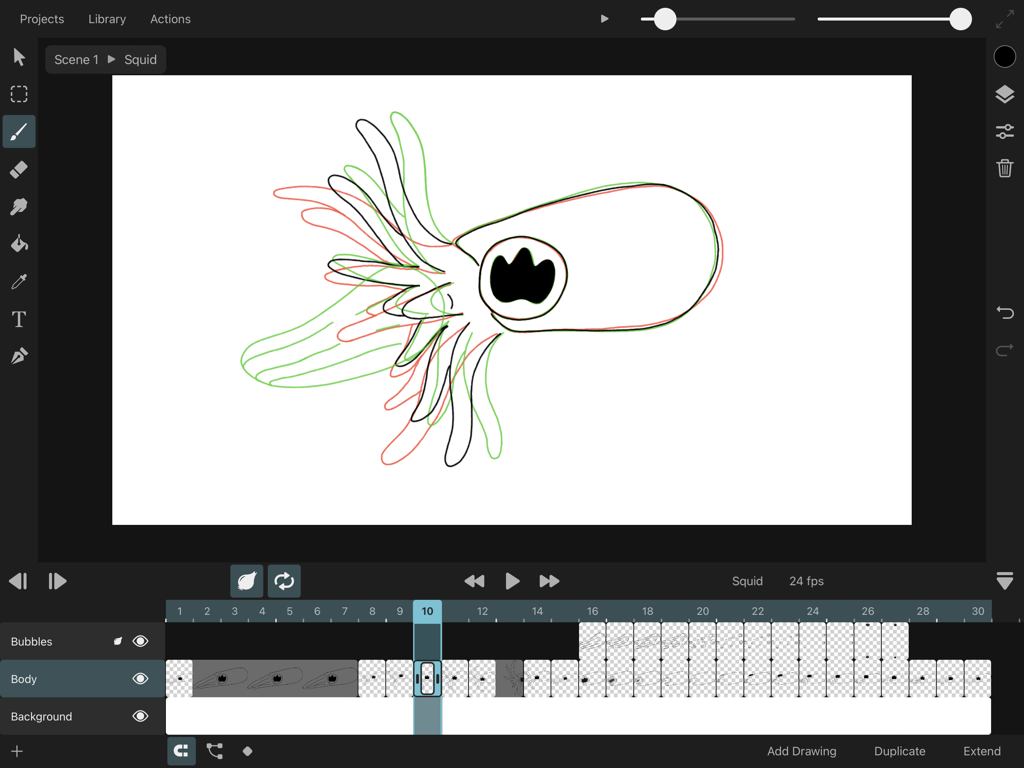
オニオンスキンニングとフレームバイフレームのタイムラインを表示するToonSquid iPadアニメーションインターフェース
オニオンスキンニングとフレームバイフレームのタイムラインを表示するToonSquid iPadアニメーションインターフェース

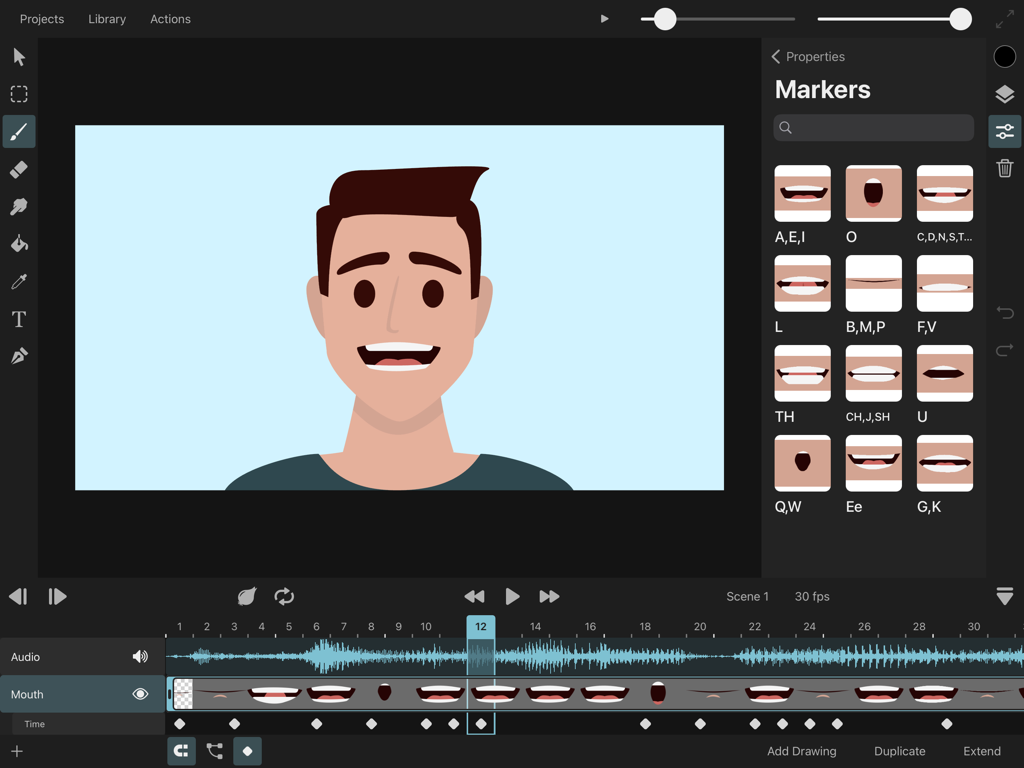
リップシンクの音素マーカーとiPad上のオーディオ波形を表示するキャラクターアニメーションのToonSquidアプリインターフェース
リップシンクの音素マーカーとiPad上のオーディオ波形を表示するキャラクターアニメーションのToonSquidアプリインターフェース

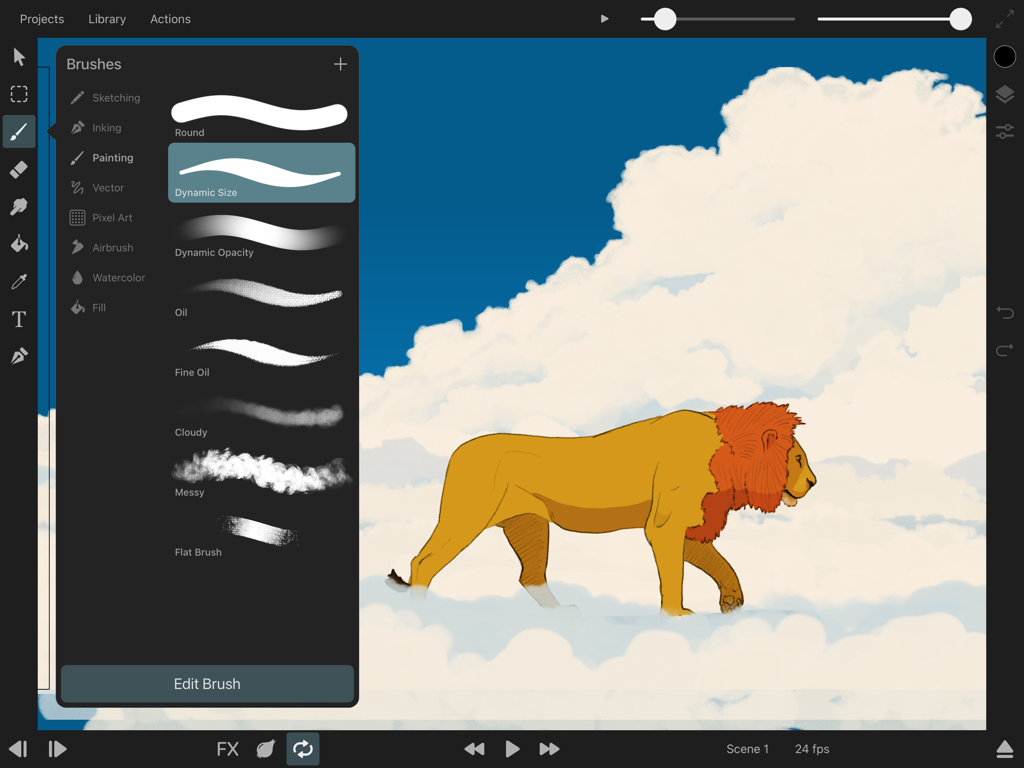
ブラシ選択メニューと雲の上のライオンのイラストを表示するToonSquidアプリインターフェース
ブラシ選択メニューと雲の上のライオンのイラストを表示するToonSquidアプリインターフェース

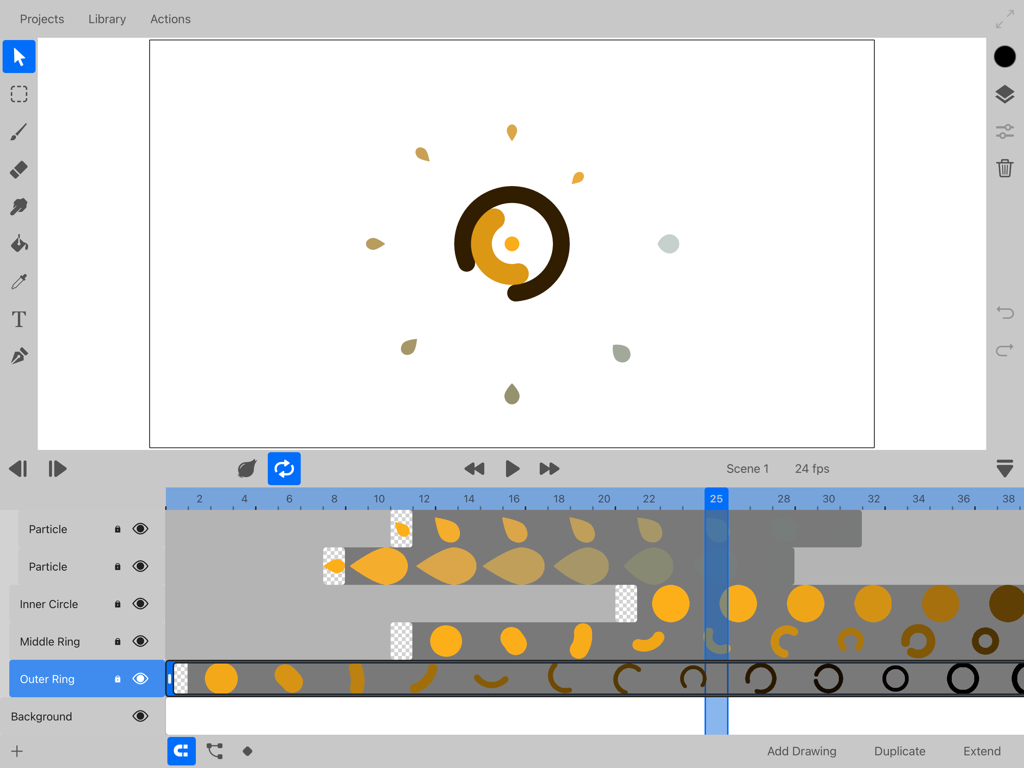
レイヤーとキーフレームを表示する2DアニメーションタイムラインのToonSquidアプリインターフェース
レイヤーとキーフレームを表示する2DアニメーションタイムラインのToonSquidアプリインターフェース

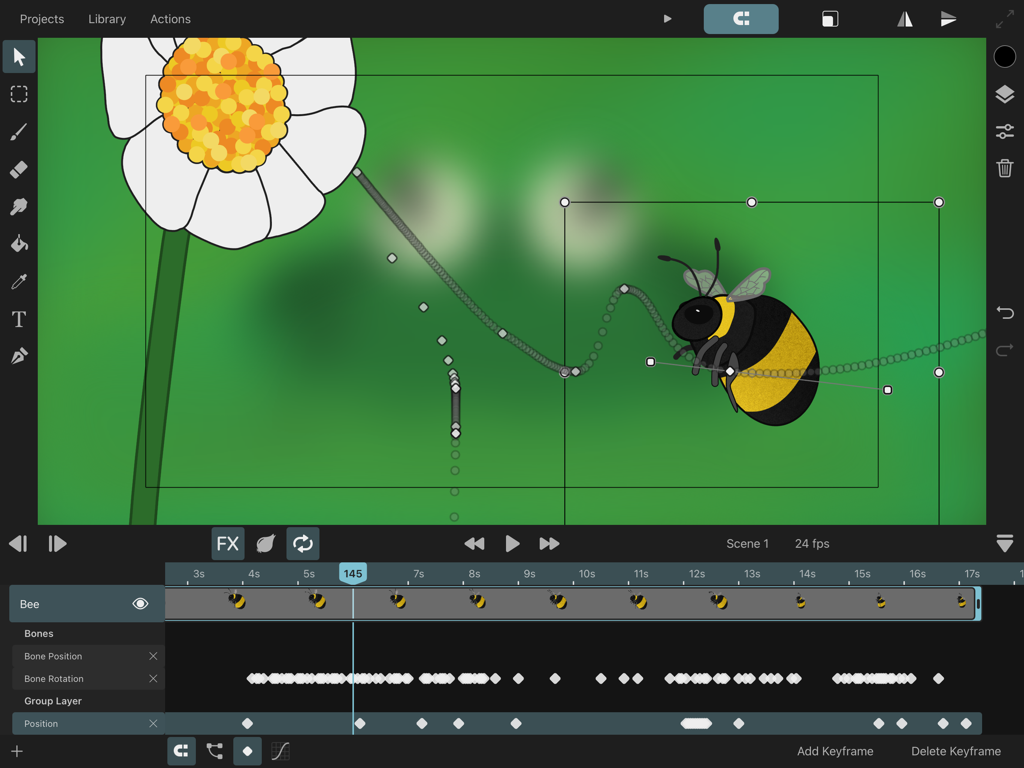
モーションパスとタイムラインキーフレームを表示するミツバチのアニメーションのToonSquidアプリインターフェース
モーションパスとタイムラインキーフレームを表示するミツバチのアニメーションのToonSquidアプリインターフェース

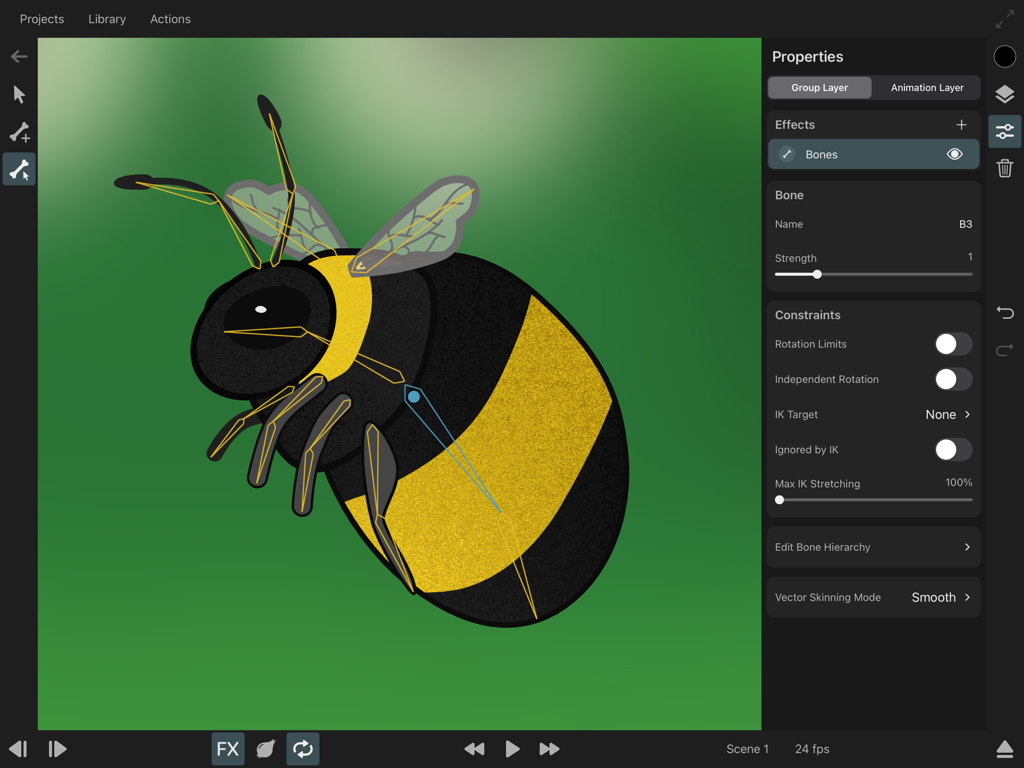
ToonSquidアニメーションアプリで、骨格ボーンと逆運動学(IK)コンストレイントでリギングされているマルハナバチのキャラクター
ToonSquidアニメーションアプリで、骨格ボーンと逆運動学(IK)コンストレイントでリギングされているマルハナバチのキャラクター

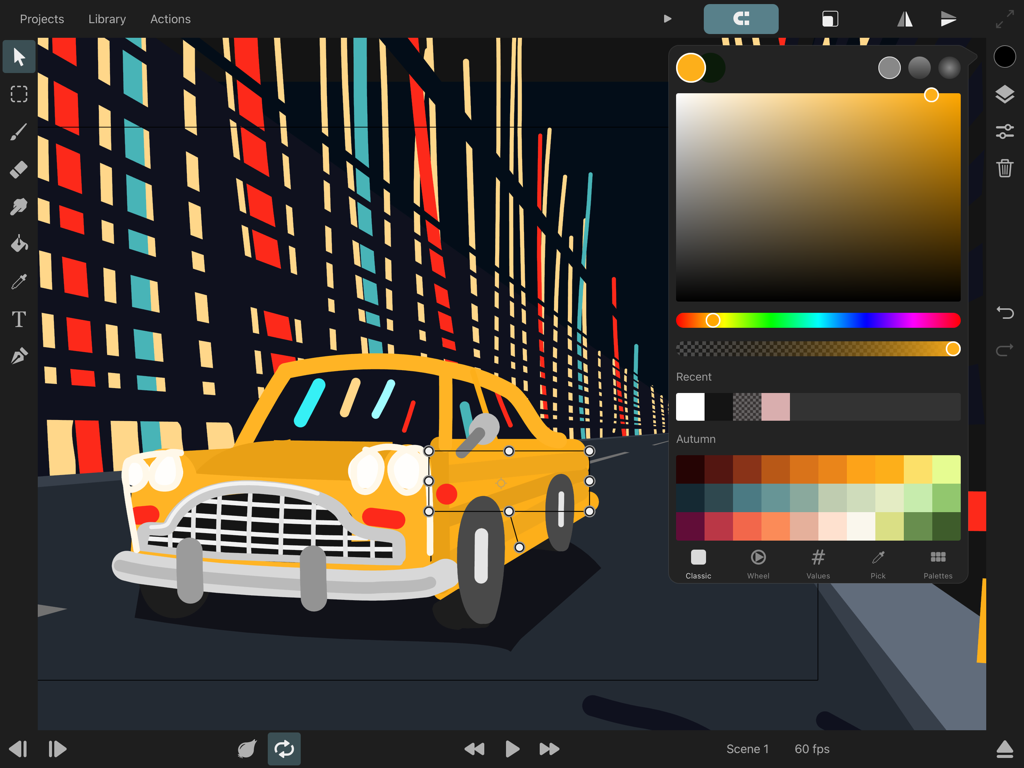
カラーピッカーが開いているiPad上の黄色い車の2Dアニメーションを表示するToonSquidアプリインターフェース
カラーピッカーが開いているiPad上の黄色い車の2Dアニメーションを表示するToonSquidアプリインターフェース

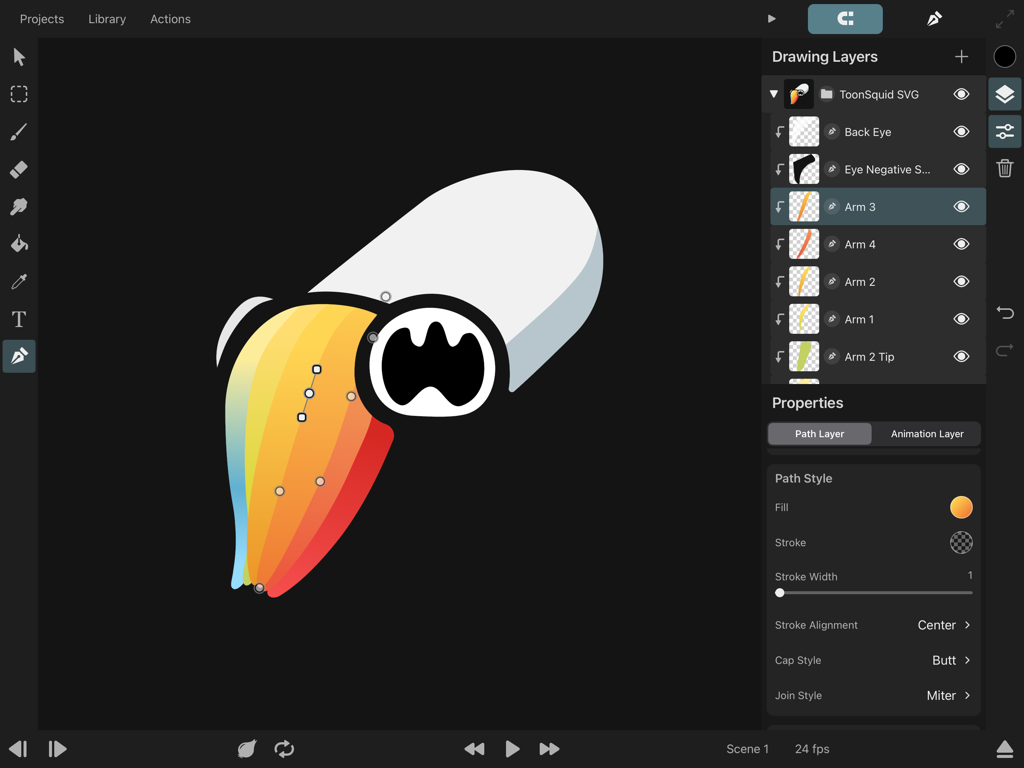
カラフルなキャラクターの描画レイヤーとベクターパス編集を表示するiPad上のToonSquidアニメーションアプリインターフェース
カラフルなキャラクターの描画レイヤーとベクターパス編集を表示するiPad上のToonSquidアニメーションアプリインターフェース

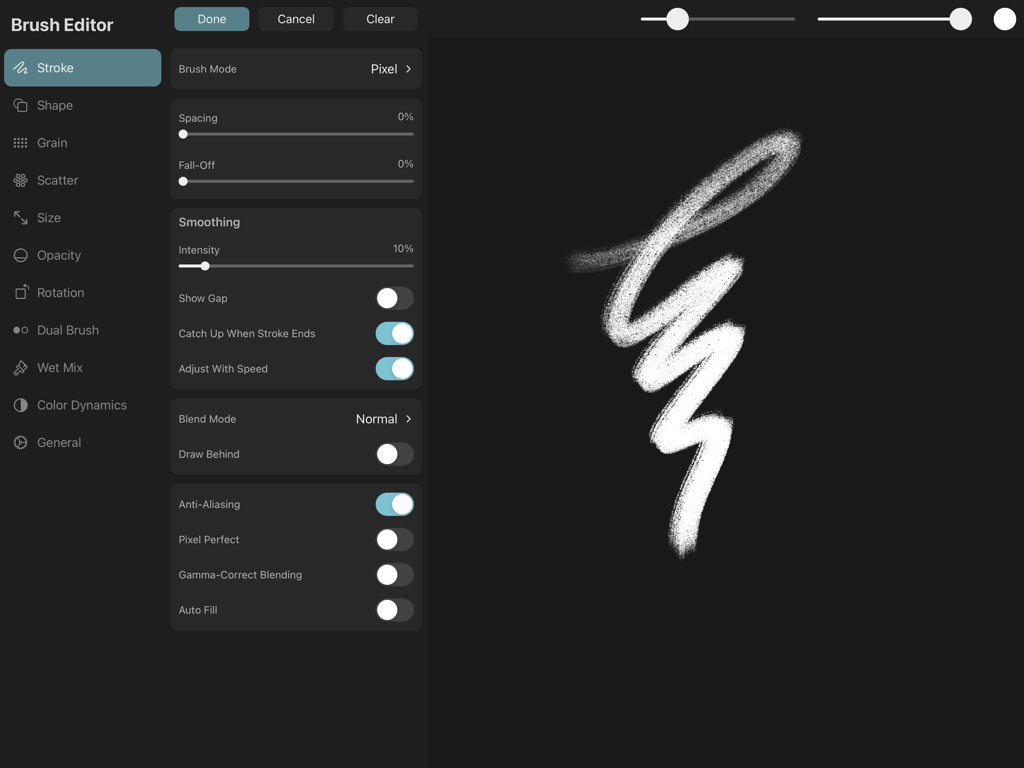
ストローク設定とテクスチャブラシのプレビューを表示するToonSquidのブラシエディタインターフェース。
ストローク設定とテクスチャブラシのプレビューを表示するToonSquidのブラシエディタインターフェース。

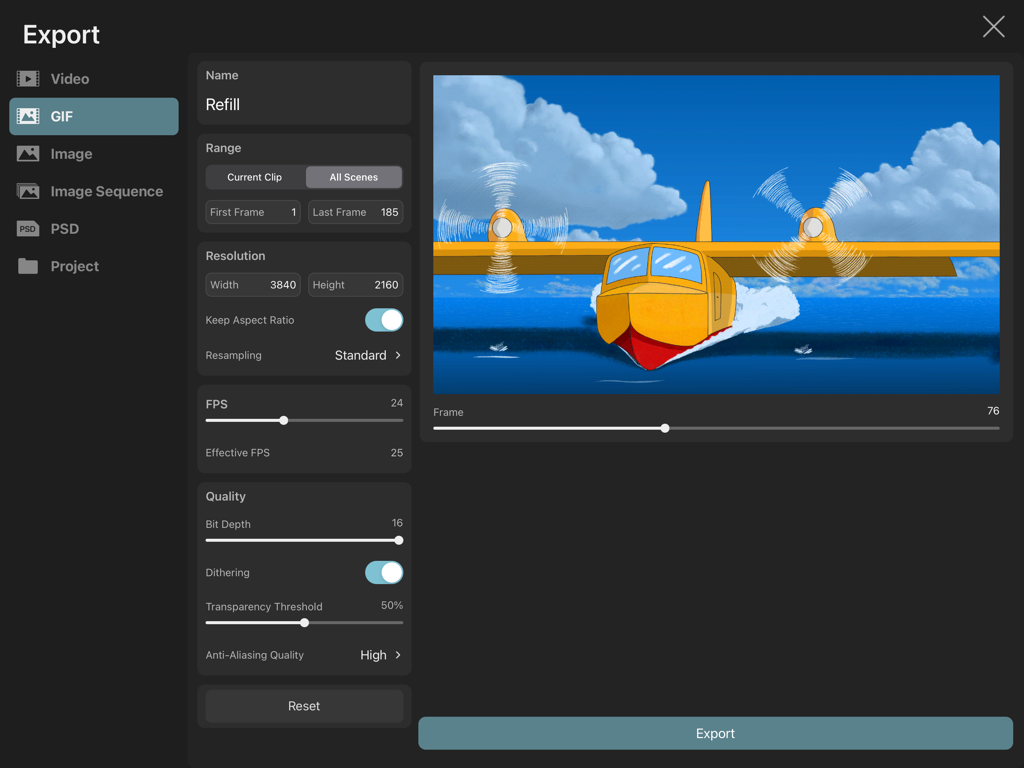
黄色い水上飛行機の4KアニメーションGIFのエクスポート設定を表示するToonSquidアプリインターフェース。

黄色い水上飛行機の4KアニメーションGIFのエクスポート設定を表示するToonSquidアプリインターフェース。

iPadのためのデスクトップクラススタジオ

このアプリを際立たせるツール、 265K+ 人のユーザーが選択.

✏️

フレームバイフレームとキーフレームの融合

両方の長所を活かせます:アニメーションを手描きするか、プロのイージングカーブを使用して、動きやレイヤープロパティを即座に自動化します。

🦴

高度なリギング&ボーン

逆運動学(IK)でキャラクターに命を吹き込みます。すべてのフレームを再描画する必要なく、自然に動く洗練されたリグを作成します。

💎

プロフェッショナル4Kパイプライン

カスタムPhotoshopブラシのインポートから4Kビデオのエクスポートまで、ハイエンドなTikTokやYouTubeコンテンツに必要なすべてがあなたの指先にあります。

アプリについて

について知っておくべきこと ToonSquid.

説明

ToonSquid is the powerful 2D art and animation studio for your iPad. Its flexible layer system allows you to combine the charm of hand-drawn traditional animation with keyframes that automatically animate layer properties over time. With a library full of beautiful, blazing-fast and fully customizable pixel and vector brushes, animatable effects, a smudge tool, animated text and vector shapes, bones with inverse kinematics, video and audio layers, camera movements, symbols and many more features, ToonSquid makes it easy to bring your vision to life. Traditional Animation - Create hand-drawn frame-by-frame animations - Control how long you want to show each drawing in the timeline - Draw in resolutions of up to 4k Keyframe Animation - Add keyframes to automatically animate layer and effects properties over time - Choose from an extensive list of customizable easing curve presets to create organic motion between keyframes - Easily loop your keyframe animation Powerful Layer System - Define the order and length of each element in your animation using layers and drawings and a flexible timeline - Organize your layers into groups for a clean workflow or to animate multiple layers at once - Use the camera layer to quickly define the visible portion of your animation in the export - Mask layers to other layers, even when their contents are animated - Choose from 27 industry-standard layer blend modes for beautiful compositing effects Fully-customizable Brushes - Draw gorgeous brush strokes with ToonSquid's state-of-the-art digital brush engine - Take full advantage of Apple Pencil's pressure and tilt sensitivity and the iPad Pro's 120Hz display for lag-free drawing - Use vector brushes to create brush strokes that are sharp at every zoom level - Edit the 60+ brush settings and import custom textures to create a brush library that is perfectly tailored to your art style - Blend your strokes together using the smudge tool - Draw in a variety of styles such as sketching, inking, wet mixing, pixel art, and more - Export and share your custom brushes with others - Import your existing library of Adobe® Photoshop® brushes Vector Shapes - Create custom shapes using the path tool by placing and editing each curve control point - Quickly add common vector shapes from the shape library - Import SVG files - Fill and stroke your shapes with beautiful gradients and edit them directly on the canvas - Animate the visible length of a path using its trim properties Animatable Effects - Create character rigs using bones and add inverse kinematics constraints - Create custom meshes to deform pixel layers when they are part of a bone rig - Animate perspective and warp effects - Apply adjustments, blur, pixelation, drop shadow, chroma key, halftone, parallax and more effects Efficient symbol workflow - Split your animation into separate clips that you can then reuse multiple times using symbols - Make edits to an animation clip and immediately see the changes in all of its symbol instances - Use frame markers to speed up your lip-syncing workflow Text - Add text layers and animate their appearance - Import your favorite fonts Color - Use ToonSquid's powerful color picker with plenty of different interfaces to choose the exact colors you need - Create custom color palettes and share them outside the application - Pick colors straight from the canvas using the pipette tool - Fill connected regions quickly with the fill tool Audio and Video - Add audio clips to your timeline and perform lip-syncing animations - Import videos, GIFs and images into your project and work with them through symbols Transform - Animate a layer's position, rotation and scale properties using keyframes - Build transform hierarchies to achieve more advanced movements - Edit your layer's motion path directly on the canvas Numerous Export Formats - Export your work in one of many common file formats such as MP4, MOV, GIF, PNG, JPEG, PSD, and more.

最新バージョン

2.0.17

サイズ

46.3 MB

リリース日

2022年8月1日

最高の物語を4Kで実現しましょう

デスクトップを捨て、iPadで最も強力な2Dアニメーションスタジオを選んだ265,000人以上のクリエイターに加わりましょう。サブスクリプションなし、純粋なプロフェッショナルツールのみ。

ダウンロード: App Store
FAQ

よくある質問

について知っておくべきこと ToonSquid

ToonSquidとは何ですか?

ToonSquidは、iPad向けの強力な2Dアート&アニメーションスタジオです。手描きの伝統的なアニメーションとキーフレーム、柔軟なレイヤーシステム、そしてビジョンを形にするためのカスタマイズ可能な豊富なアートツールを組み合わせています。

ToonSquidは、伝統的なフレームバイフレームアニメーションをサポートしていますか?

はい、ToonSquidは手描きの伝統的なフレームバイフレームアニメーションをサポートしています。ユーザーは個々の描画を作成し、タイムライン内で表示時間を制御することで、正確なアニメーションシーケンスを作成できます。

キーフレームを使用して、レイヤープロパティをアニメートできますか?

はい、ToonSquidでは、キーフレームを使用してレイヤーやエフェクトのプロパティを時間とともにアニメートできます。豊富なカスタマイズ可能なイージングカーブプリセットを提供し、キーフレーム間のスムーズで有機的な動きを作成します。

ToonSquidで利用できるブラシの種類は何ですか?

ToonSquidは、スケッチ、インキング、ペイント、ピクセルアート用のカスタマイズ可能なピクセルブラシとベクターブラシのライブラリを提供しています。ユーザーはカスタムテクスチャや既存のAdobe Photoshopブラシをインポートすることもできます。

ToonSquidにはベクターシェイプツールが含まれていますか?

はい、ToonSquidにはベクターシェイプツールが含まれています。ユーザーはパスツールでカスタムシェイプを作成したり、ライブラリから一般的なベクターシェイプを追加したり、SVGファイルをインポートしてグラデーションで塗りつぶしたり、ストロークしたりできます。

ToonSquidは、リップシンクアニメーションをどのように容易にしますか?

ToonSquidは、タイムラインにオーディオクリップを追加できるようにすることで、リップシンクを容易にします。効率的なシンボルワークフローとフレームマーカーを統合し、キャラクターのセリフの同期プロセスをスピードアップします。

ToonSquidはどのようなエクスポート形式をサポートしていますか?

ToonSquidは、MP4、MOV、GIF、PNG、JPEG、PSDなど、多数のエクスポート形式をサポートしています。ユーザーは、ビデオ、画像、または画像シーケンスとして作品をエクスポートし、解像度とFPS設定を調整できます。

ToonSquidで、逆運動学(IK)を使用したキャラクターリグを作成できますか?

はい、ToonSquidでは、ボーンを使用したキャラクターリグを作成し、逆運動学(IK)制約を適用できます。また、ボーンリグの一部であるピクセルレイヤーを変形するためのカスタムメッシュもサポートしています。

ToonSquidのレイヤーシステムにはどのような機能が含まれていますか?

ToonSquidのレイヤーシステムは、柔軟なタイムライン、レイヤーグループ化、エクスポート制御用のカメラレイヤー、レイヤーマスキング、そして美しいコンポジット効果のための27の業界標準ブレンドモードを提供します。

ToonSquidでサポートされている最大描画解像度はどれくらいですか?

ToonSquidは最大4Kの解像度での描画をサポートしています。これにより、アニメーターはさまざまなプロフェッショナルおよび個人的なプロジェクトに適した高品質のアートワークとアニメーションを作成できます。

App information, icons, screenshots, and descriptions displayed on this page are sourced from the Apple App Store and are the property of their respective developers. Download estimates and rankings are based on MWM's proprietary models and may not reflect actual figures. This page is provided for informational and analytical purposes only.

Believe this page infringes your intellectual property? File a dispute