
このページはアプリまたはその開発者の公式ページではなく、情報提供および論評を目的として作成された独立した編集出版物です。明示的に別段の記載がない限り、アプリおよびその開発者は、MWM、Apple、Google Play、アプリのパブリッシャー、またはアプリの開発者と提携、承認、後援、認可、またはその他の公式的な関係はなく、このページのいかなる内容も、アプリがMWMのサービスを使用して開発されたことを意味するものではありません。すべての商標、ロゴ、スクリーンショット、その他のコンテンツはそれぞれの所有者の財産です。

Tracover - File Transfer
6桁の暗号化キーで写真、動画、ドキュメントを即座に共有し、パスワードで保護されたプライベートスペースに最も機密性の高いデータを安全に保管しましょう。
ダウンロード
79K+ユーザー評価
評価数
0開発元
カテゴリ
Utilities対応言語
1最新バージョン
1.0.16サイズ
20.0 MBリリース日
2019年5月7日スムーズな共有と究極のプライバシー
最も機密性の高いデータを覗き見から保護しながら、プロフェッショナルおよび個人的なファイルを移動する最速の方法を体験してください。
インスタントセキュア転送
ユニークな6桁のセキュリティキーまたはシンプルなQRコードスキャンを使用して、数秒でデバイス間で写真、動画、ドキュメントを移動します。
暗号化されたプライベートスペース
機密性の高い思い出や機密の仕事ファイルを、パスワードで保護されたストレージに保存します。これにより、他の人があなたの携帯電話を使用してもデータは非表示になります。
よくある質問
について知っておくべきこと Tracover - File Transfer
Tracoverとは何ですか?どのような機能がありますか?
Tracoverは、写真、動画、連絡先、ドキュメントなどのファイルをデバイス間で高速かつ安全に転送できるアプリです。また、WhatsAppのデュアルアカウント管理機能や、安全なプライベートスペース機能も備えています。
Tracoverでファイルを転送するにはどうすればよいですか?
Tracoverでファイルを転送するには、両方のデバイスにアプリをインストールし、ログインして、ファイルを選択し、6桁のコードまたはQRコードを生成します。受信側デバイスでコードを入力するかQRコードをスキャンすると、転送が完了します。
TracoverはWhatsAppのデュアルアカウントを管理できますか?
はい、TracoverはWhatsAppのデュアルアカウントを管理できます。ユーザーは、QRコードベースの簡単なペアリングを通じてWhatsAppアカウントをリンクし、Tracoverアプリ内で異なるアカウントを簡単に切り替えることができます。
Tracoverは一時的なWhatsAppチャットメディアを保存しますか?
はい、TracoverのWAリカバリー機能は一時的なチャットメディアを保存します。QRスキャンによるリンク後、ユーザーはチャットの一時的な写真、動画、ボイスメモをワンタップで保存し、プライベートスペースで保護することができます。
Tracoverのプライベートスペースは個人ファイルに対して安全ですか?
はい、Tracoverのプライベートスペースは安全です。パスワードで保護された暗号化された環境で機密性の高い写真、動画、ドキュメントを保護し、ロックされたコンテンツにはユーザーのみがアクセスできるようにします。
Tracoverの無料ユーザーの転送制限はありますか?
Tracoverの無料ユーザーは、1回の送信あたり最大10MBまで転送できます。サブスクリプションにアップグレードすると、クォータは最大20GBに増加し、追加のプレミアム機能が利用可能になります。
Tracoverで共有リンクはどのくらいの期間有効ですか?
Tracoverで生成されるファイル転送用の共有リンクは7日間有効です。これにより、受信者はその期間内に都合の良い時に共有ファイルをダウンロードできます。
Tracoverで転送できるファイルの種類は何ですか?
Tracoverは、さまざまな種類のファイルの転送をサポートしています。ユーザーは、写真、動画、連絡先、ドキュメントなどを、異なるデバイス間で迅速かつ効率的に移動できます。
以下のスクリーンショットと説明は、アプリの公式ストアリスティングから直接取得されたものであり、アプリ開発者の所有物です。
アプリストア
スクリーンショット
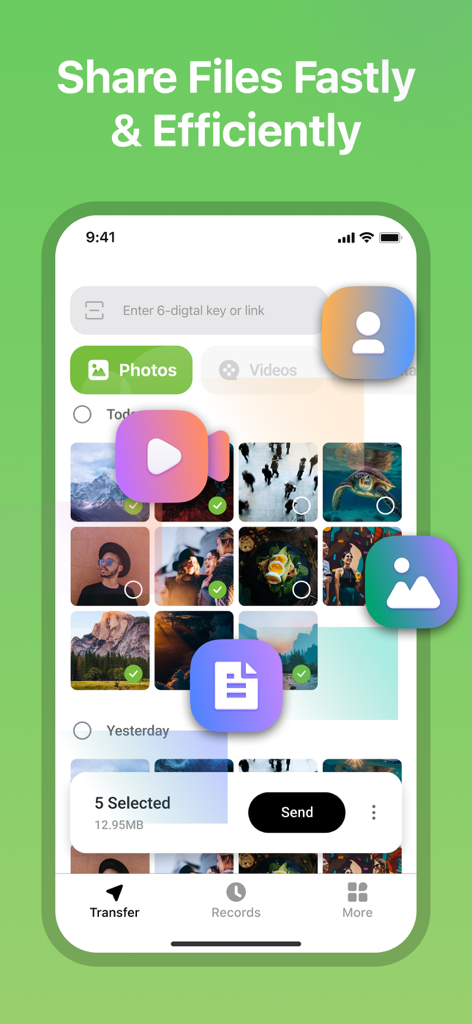
Tracoverアプリのユーザーインターフェース。高速で効率的なファイル共有のために写真を選択しています。
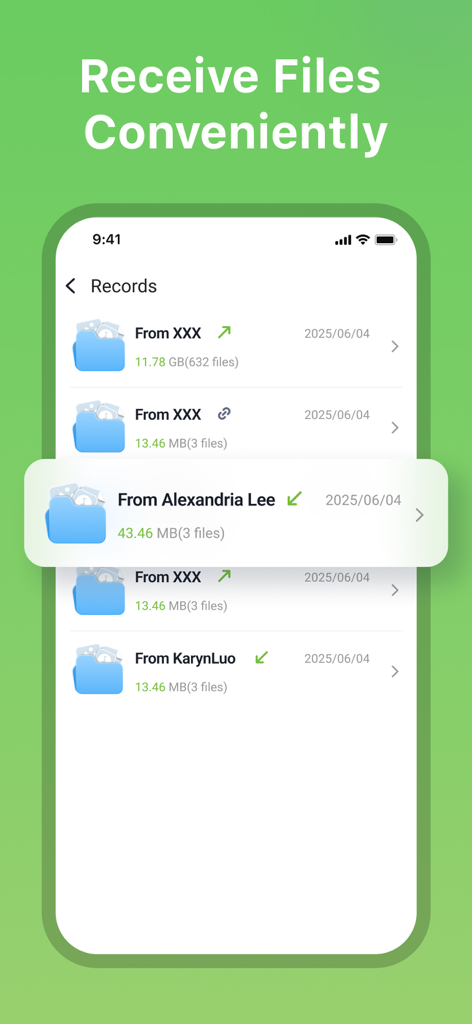
Tracoverアプリで受信したファイルレコードのリスト。送信者名とファイルサイズが表示されます。
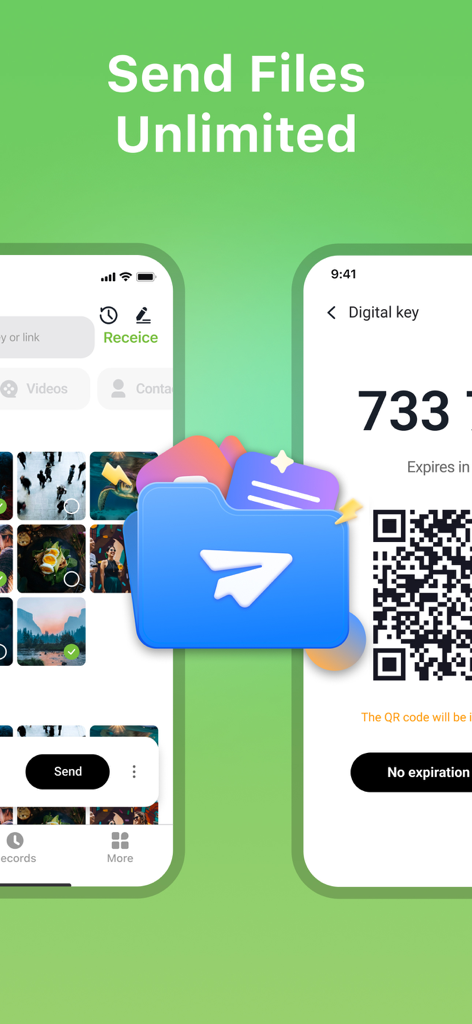
Tracoverアプリのインターフェース。写真の選択と無制限のファイル転送用のQRコードが表示されます。
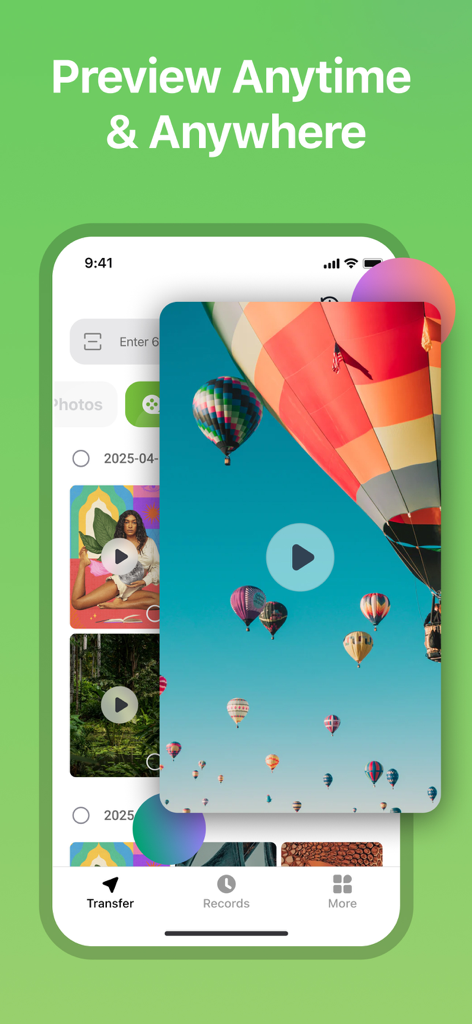
Tracoverアプリのインターフェース。メディアギャラリーにホットエアバルーンのビデオプレビューが表示されます。
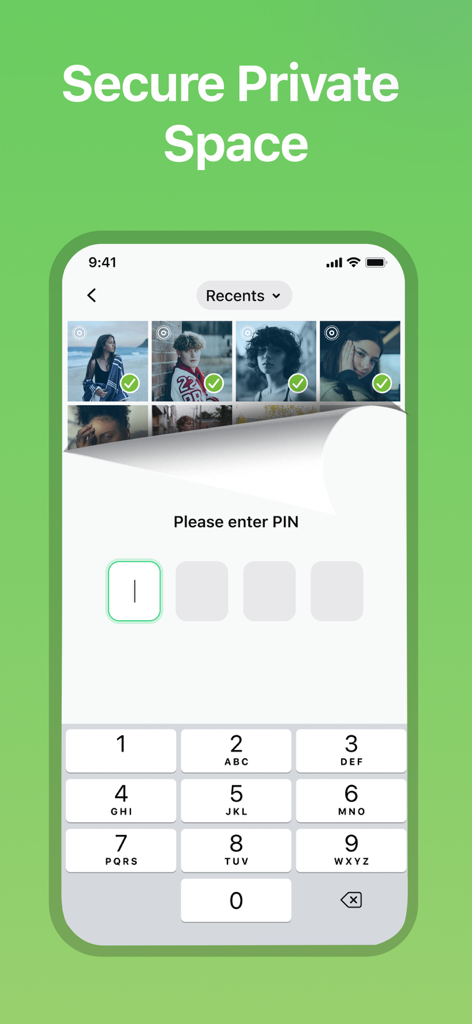
Tracoverアプリの安全なプライベートスペースロック画面。非表示の写真にアクセスするにはPINが必要です。
説明
Download
類似アプリ
同じカテゴリのトップランクアプリ

Google LLC

Google Chrome
Google LLC

中国移动(手机营业厅)
China Mobile Online Services Co., Ltd.

Google Authenticator
Google LLC

CNH do Brasil
Servicos e Informacoes do Brasil

Cleanup: Phone Storage Cleaner
DEEP FLOW SOFTWARE SERVICES - FZCO

gov.br
Servicos e Informacoes do Brasil

中国电信-全国统一官方服务平台
CHINA TELECOM Corporation Ltd.

Microsoft Edge: AI Browser
Microsoft Corporation
このページはアプリまたはその開発者の公式ページではなく、情報提供および論評を目的として作成された独立した編集出版物です。明示的に別段の記載がない限り、アプリおよびその開発者は、MWM、Apple、Google Play、アプリのパブリッシャー、またはアプリの開発者と提携、承認、後援、認可、またはその他の公式的な関係はなく、このページのいかなる内容も、アプリがMWMのサービスを使用して開発されたことを意味するものではありません。すべての商標、ロゴ、スクリーンショット、その他のコンテンツはそれぞれの所有者の財産です。