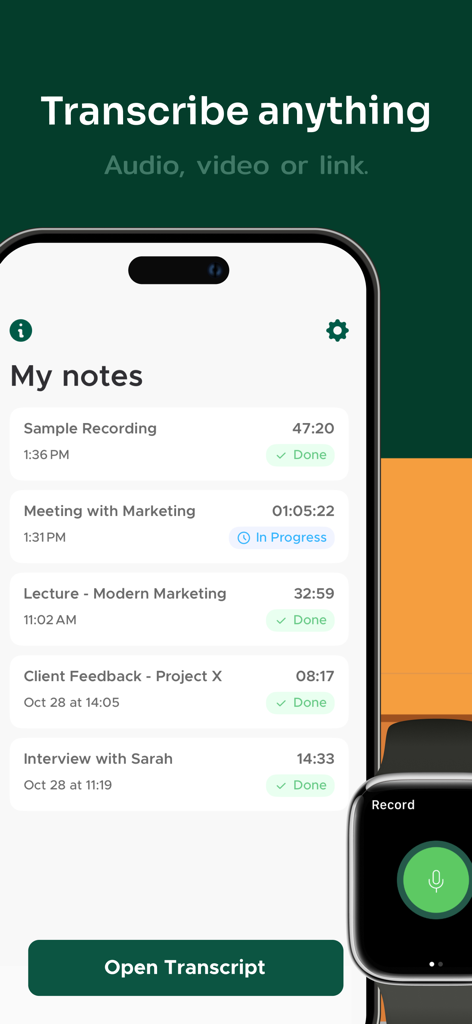
From lectures to meetings, interviews to videos, Transcriber is your smart AI notes taker. With advanced AI transcription audio to text, you can transcribe audio to text, create summaries, or rewrite recordings in seconds—making your Notes easier to study, share, and remember.
Built for flexibility, Transcriber adapts to your needs: get a full transcript when accuracy matters, or let AI transform long Notes into concise highlights, key points, or polished content. Whether you want to live transcribe conversations, transcribe voice to text, or convert any audio to text, Transcriber adapts to your needs.
Powered by secure speech to text technology, Transcriber helps students, professionals, and creators save time and stay organized. Every Note is encrypted, stored privately, and always accessible when you need it.
Why You’ll Love Transcriber
• Record or import and quickly transcribe with high accuracy
• Summarize or restructure Notes with smart AI tools
• Chat with your Notes to extract ideas and insights
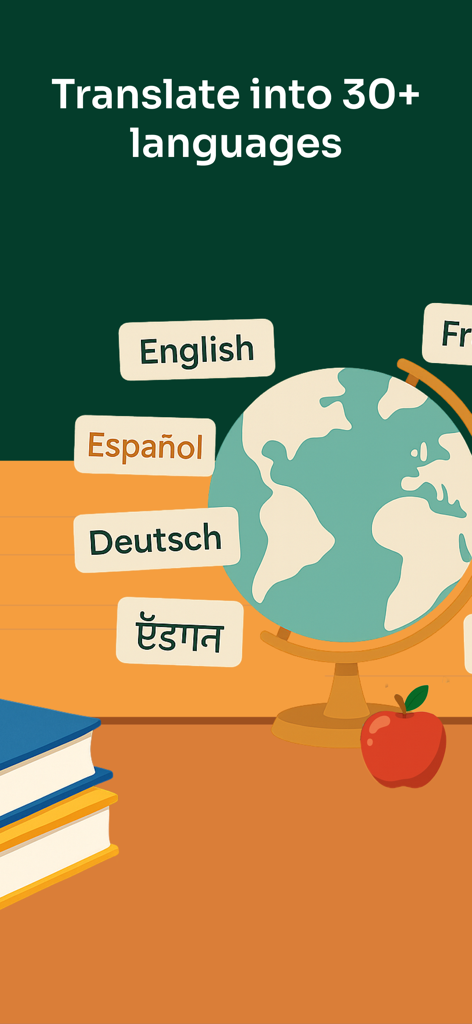
• Translate instantly into multiple languages
• Export anywhere as PDF, TXT, or DOCX
Key Features
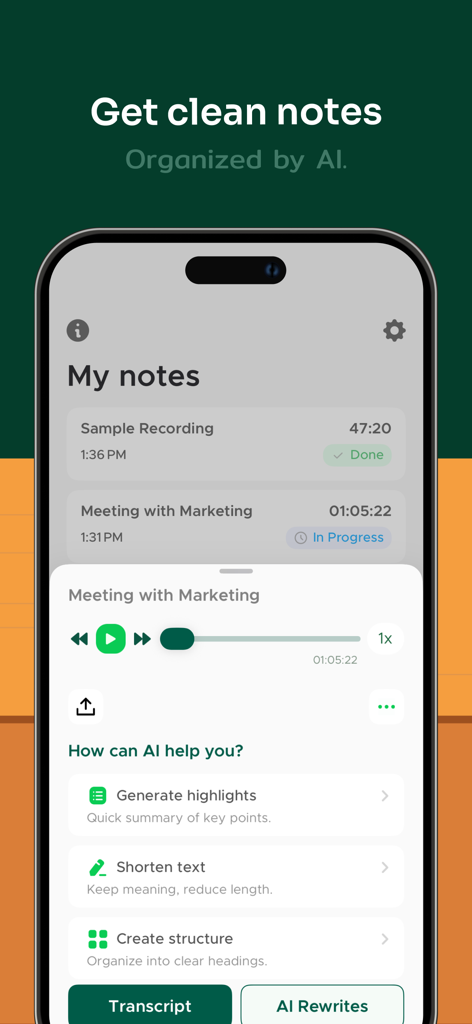
AI REWRITES & SUMMARIES
Turn Notes into quick highlights, organize into bullet points, or polish text. Choose from various rewrite options to fit any purpose.
ACCURATE TRANSCRIPTION
Convert speech to text accurately in seconds. Perfect when you need to transcribe audio to text, transcribe voice to text, or live transcribe meetings.
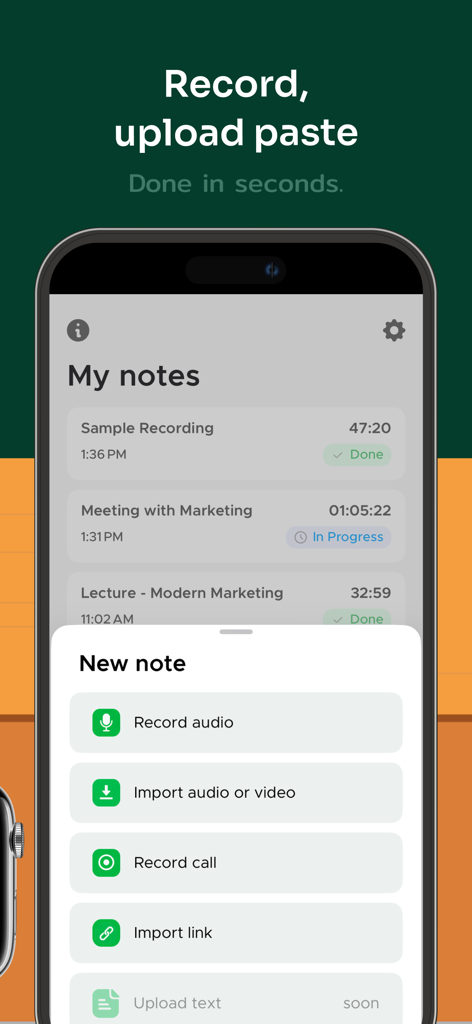
RECORD OR IMPORT AUDIO & VIDEO
Easily record audio and phone calls, import files, or paste links from YouTube, TikTok, Instagram, and more.
SPEAKER IDENTIFICATION
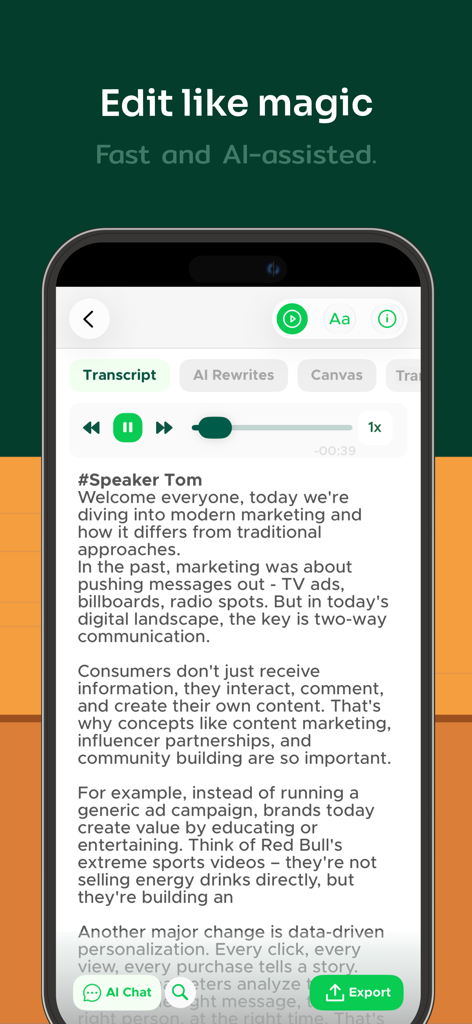
Automatically detects and labels different speakers in conversations for clearer transcripts.
INSTANT TRANSLATION
Translate Notes between multiple languages in seconds. Ideal for global teams, language learners, and international communication.
BUILT-IN TEXT EDITOR
Refine transcripts with a powerful text editor. Rename speakers, correct typos, and adjust formatting before export.
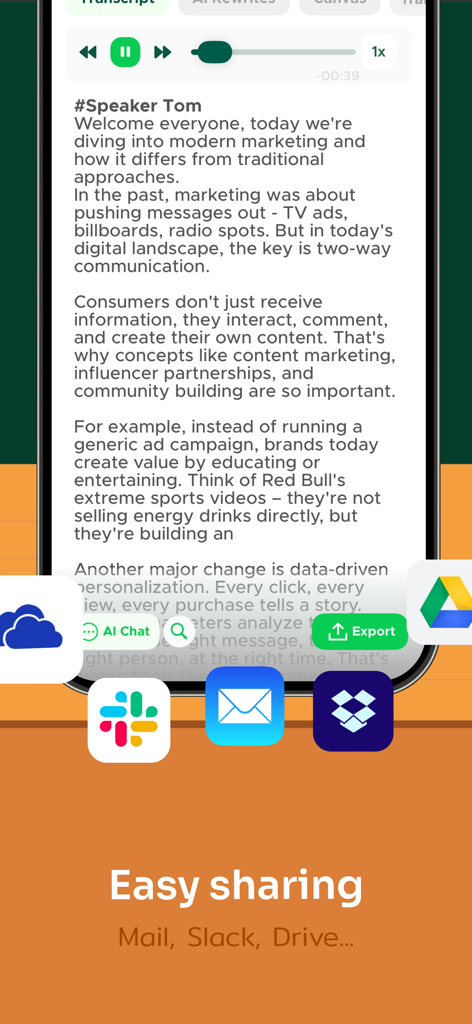
SEAMLESS SHARING
Export Notes as PDF, TXT, or DOCX formats via Google Drive, OneDrive, Dropbox, Slack, Microsoft Teams, Skype, Mail, and more.
PRIVATE & SECURE
All Notes are encrypted. Your data stays private, always.
100% AD-FREE
Enjoy a clean, distraction-free experience with no ads—ever.
SUBSCRIPTION:
We offer two subscription options with unlimited access to all Transcriber’s features: Yearly Unlimited and Weekly Unlimited. If you choose to get one of our plans, your payment will be charged to your iTunes Account at confirmation of purchase. Subscription automatically renews unless auto-renew is turned off at least 24-hours before the end of the current period. The cost of the renewal depends on your Subscription Plan. Subscriptions may be managed by the user and auto-renewal may be turned off by going to the user's Account Settings after purchase. When canceling a subscription, your subscription will remain active until the end of the period. Auto-renewal will be disabled, but the current subscription will not be refunded.
We’d love your feedback! Please take a moment to rate us on the App Store.
Privacy Policy: https://legal.apptoro.support/hc/en-us/articles/4417735186193
Terms of Use: https://legal.apptoro.support/hc/en-us/articles/4417715505041