TurboCollage - Collage Creator
ダウンロード: App Store

このページはアプリまたはその開発者の公式ページではなく、情報提供および論評を目的として作成された独立した編集出版物です。明示的に別段の記載がない限り、アプリおよびその開発者は、MWM、Apple、Google Play、アプリのパブリッシャー、またはアプリの開発者と提携、承認、後援、認可、またはその他の公式的な関係はなく、このページのいかなる内容も、アプリがMWMのサービスを使用して開発されたことを意味するものではありません。すべての商標、ロゴ、スクリーンショット、その他のコンテンツはそれぞれの所有者の財産です。


ロゴ: TurboCollage - Collage Creator
ダウンロード: App Store

TurboCollage - Collage Creator

プロフェッショナルなピクチャーパイル、グリッド、モザイクをデザインするための直感的な方法。お気に入りの写真を美しいストーリーに簡単に変換し、愛する人々と共有しましょう。

主要数値

ダウンロード

173K+

ユーザー評価

4.6/5

評価数

1K+

開発元

Gaurav Agarwal

カテゴリ

Photo & Video

対応言語

1

最新バージョン

2.3.1

サイズ

12.6 MB

リリース日

2011年11月29日
機能

すべての思い出を傑作に変える

デジタルスクラップブックからプロフェッショナルなグリッドまで、TurboCollageは、人生で最も大切な瞬間をキュレーション、カスタマイズ、共有するための直感的なツールを提供します。

6つのプロフェッショナルなスタイル

ピクチャーパイル、モザイク、またはセンターフレームから選択して、ノスタルジックで手作りの感触、またはクリーンでモダンな外観を写真に与えます。

完全なクリエイティブコントロール

無制限の写真を加えて、すべての詳細を微調整します。個々の画像をパン、ズーム、回転して、すべての顔と笑顔が完璧に配置されるようにします。

以下のスクリーンショットと説明は、アプリの公式ストアリスティングから直接取得されたものであり、アプリ開発者の所有物です。

アプリストア

スクリーンショット
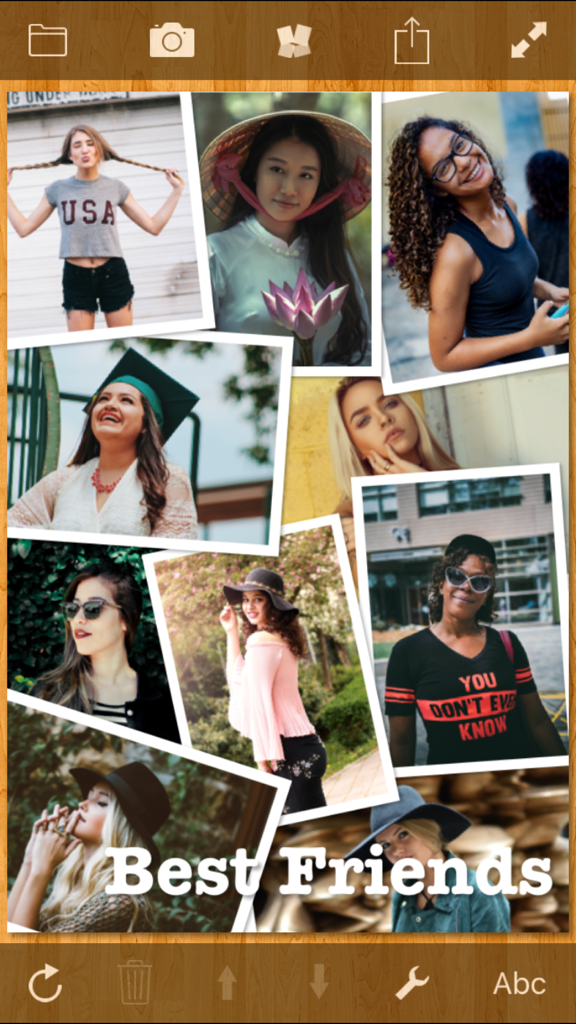
TurboCollage - Collage Creator - 木製の背景に「Best Friends」というテキストが入った、女性たちのピクチャーパイルフォトコラージュ
木製の背景に「Best Friends」というテキストが入った、女性たちのピクチャーパイルフォトコラージュ

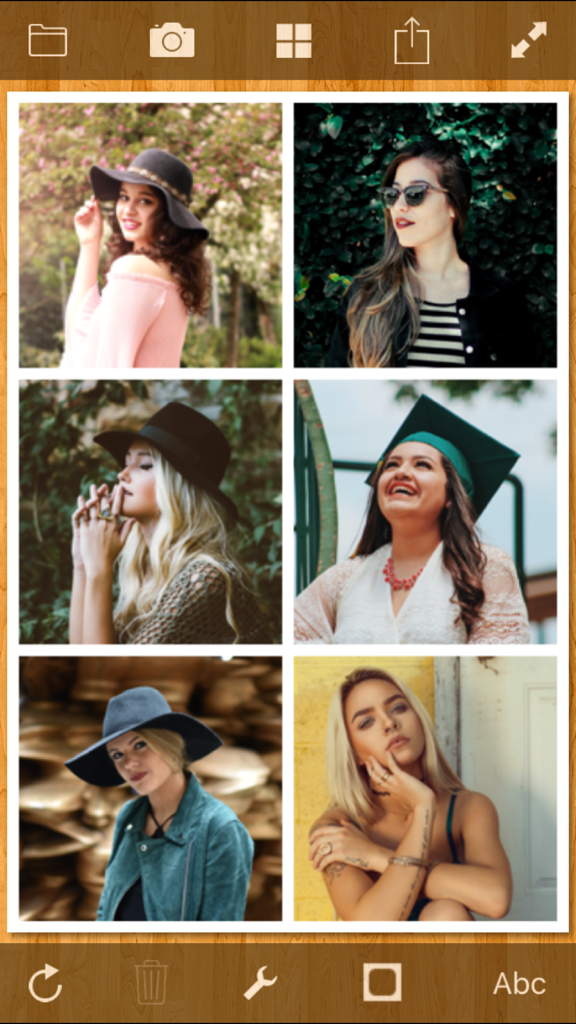
TurboCollage - Collage Creator - TurboCollageアプリのインターフェースで編集中の女性6人の写真グリッドコラージュ

TurboCollageアプリのインターフェースで編集中の女性6人の写真グリッドコラージュ

TurboCollage - Collage Creator - 「Best Friends」というテキストオーバーレイ付きの友人の六角形フォトコラージュ
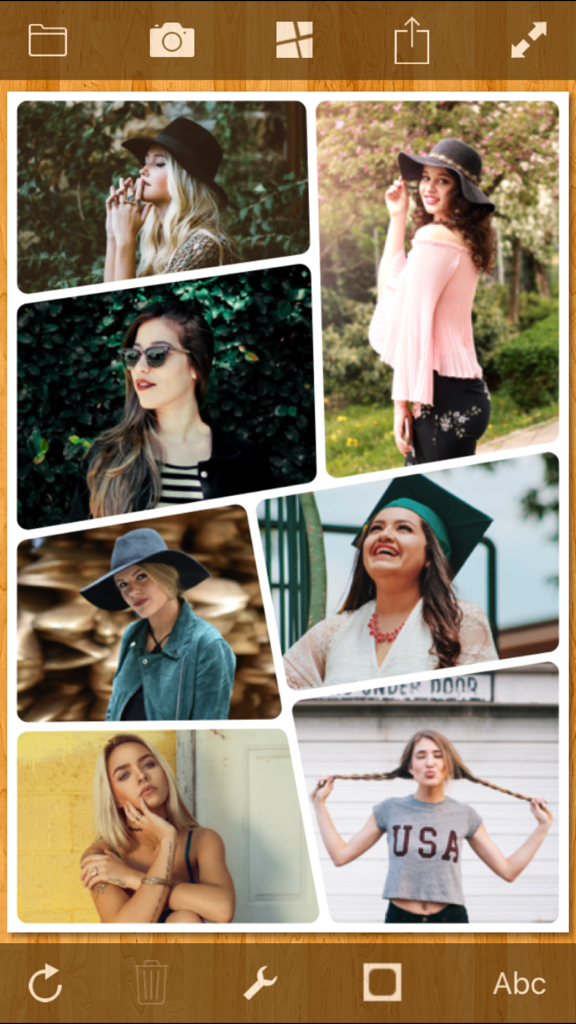
「Best Friends」というテキストオーバーレイ付きの友人の六角形フォトコラージュ

TurboCollage - Collage Creator - 女性6人の写真が入ったスタイリッシュなフォトコラージュを表示するモバイルアプリのインターフェース
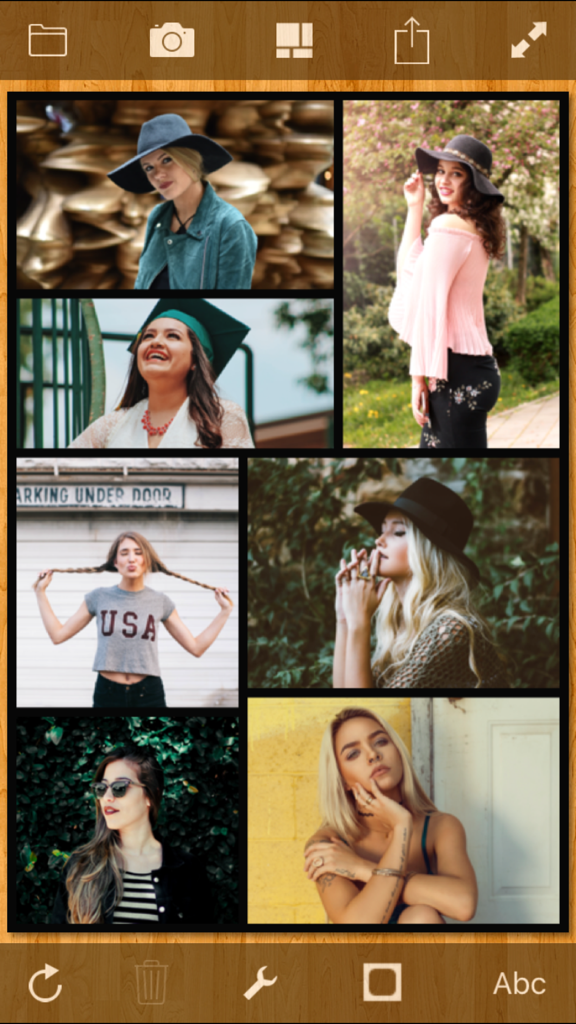
女性6人の写真が入ったスタイリッシュなフォトコラージュを表示するモバイルアプリのインターフェース

TurboCollage - Collage Creator - モザイクグリッドレイアウトのフォトコラージュを表示するTurboCollageアプリのインターフェース

モザイクグリッドレイアウトのフォトコラージュを表示するTurboCollageアプリのインターフェース

説明

Create stunning picture collages on your iPhone. Setup a collage with a prominent center picture, arrange pictures in a regular grid, or create a random picture pile. Tie fond memories together into gorgeous picture mosaics. With an intuitive interface, TurboCollage gives you complete control over your collage design. Simply start by adding a few pictures to your collage. Choose a collage style from six exciting variants. Select from a range of aspect ratios. Select Landscape or Portrait orientation. Exchange pictures by dragging one picture on another. Add text to your collage. Shuffle the collage to get another exciting layout. TurboCollage even lets you pan and zoom individual pictures within their frames so that they are positioned just as you wish. COLLAGE STYLES • Picture Pile • Picture Grid • Mosaic • Center Frame • Zig Mosaic • Photohive FEATURES • Add unlimited number of pictures to collage • Add text to collage • Drag a picture on another picture to exchange them • Shuffle collage to get a completely new layout • Pan and zoom pictures within their frames • Drag, scale, or rotate pile pictures • Change pile order to bring more prominent pictures on top • Create Landscape or Portrait collages • Customize text color, opacity, and alignment • Resize, rotate, or move text • Use Instant Camera or Postage Stamp border styles in Pile collage • Set rounded corners on pictures in Grid, Mosaic, Center Frame, Zig Mosaic, and Photohive collages • Upload collage directly to Facebook • Share collage on Twitter • Save collage design to edit later • Works in both Landscape and Portrait orientations FEEDBACK & SUGGESTIONS We love to hear from our users. You might have a suggestion for a feature or you might like to report an issue you faced. Please email us at apps@silkenmermaid.com

Download

ダウンロード: App Store

このページはアプリまたはその開発者の公式ページではなく、情報提供および論評を目的として作成された独立した編集出版物です。明示的に別段の記載がない限り、アプリおよびその開発者は、MWM、Apple、Google Play、アプリのパブリッシャー、またはアプリの開発者と提携、承認、後援、認可、またはその他の公式的な関係はなく、このページのいかなる内容も、アプリがMWMのサービスを使用して開発されたことを意味するものではありません。すべての商標、ロゴ、スクリーンショット、その他のコンテンツはそれぞれの所有者の財産です。








