
このページはアプリまたはその開発者の公式ページではなく、情報提供および論評を目的として作成された独立した編集出版物です。明示的に別段の記載がない限り、アプリおよびその開発者は、MWM、Apple、Google Play、アプリのパブリッシャー、またはアプリの開発者と提携、承認、後援、認可、またはその他の公式的な関係はなく、このページのいかなる内容も、アプリがMWMのサービスを使用して開発されたことを意味するものではありません。すべての商標、ロゴ、スクリーンショット、その他のコンテンツはそれぞれの所有者の財産です。

TV Cast Mirror for Chromecast
画面のミラーリング、写真のキャスト、Webの閲覧をChromecast、Fire TV、スマートTVで簡単に行えます。シンプルなワンタップ接続で、お気に入りのコンテンツを大画面でお楽しみください。
ダウンロード
693K+ユーザー評価
評価数
4K+開発元
カテゴリ
Lifestyle対応言語
1最新バージョン
1.0.8サイズ
24.6 MBリリース日
2020年10月20日テレビの潜在能力を最大限に引き出す
iPhoneとホームエンターテイメントシステムをつなぐ究極のブリッジ。画面のミラーリング、思い出の共有、Webコンテンツのストリーミングを、ChromecastまたはFire TVデバイスに簡単に実現します。
ユニバーサルデバイスサポート
Apple TVがなくても問題ありません。iPhoneまたはiPadをChromecast、Fire TV、およびSony、TCL、VizioなどのスマートTVにシームレスに接続できます。
Web上のあらゆるものをストリーミング
ライブスポーツ、ニュース、ニッチな動画をモバイルブラウザから直接大画面にキャスト — ネイティブTVアプリがないウェブサイトに最適です。
よくある質問
について知っておくべきこと TV Cast Mirror for Chromecast
TV Cast Mirror for Chromecast はどのように機能しますか?
ユーザーは TV Cast Mirror for Chromecast をダウンロードし、キャストデバイスを選択してから、携帯電話からテレビへの画面ミラーリングを開始します。ミラーリングを停止するには、アプリ内のボタンまたはデバイスの赤いトップバーを使用します。
TV Cast Mirror for Chromecast はどのデバイスと互換性がありますか?
TV Cast Mirror for Chromecast は、すべての Google Chromecast世代、Chromecast built-in テレビ、ゲーム機、およびすべての Fire TV バージョンをサポートしています。これには、Sony、TCL、Vizio、Xiaomi MI Box などのブランドが含まれます。
TV Cast Mirror for Chromecast は Fire TV デバイスをサポートしていますか?
はい、TV Cast Mirror for Chromecast はすべてのバージョンの Fire TV と互換性があります。また、さまざまな Google Chromecast デバイスや Android TV システムもサポートしています。
TV Cast Mirror for Chromecast の Wi-Fi 要件は何ですか?
TV Cast Mirror for Chromecast が機能するためには、iPhone/iPad と対象の Chromecast デバイスの両方が、まったく同じ Wi-Fi ネットワークに接続されている必要があります。これにより、画面ミラーリングが成功します。
TV Cast Mirror for Chromecast は私の画面録画データを収集しますか?
いいえ、TV Cast Mirror for Chromecast は画面録画にアクセスしません。画面録画に関する通知はありますが、コンテンツは収集されずに、Chromecast デバイスにストリーミングされるだけです。
TV Cast Mirror for Chromecast でミラーリング中に一部のアプリが黒い画面になるのはなぜですか?
Amazon Prime や Netflix などの一部のアプリは、デジタル著作権管理 (DRM) の制限を実装しています。これにより画面キャプチャが防止され、テレビにミラーリングされたコンテンツが黒い画面として表示されます。
TV Cast Mirror for Chromecast でミラーリングを解除するにはどうすればよいですか?
iPhone または iPad の赤いトップバー/ボタンをクリックしてミラーリングを停止できます。または、TV Cast Mirror for Chromecast アプリを開き、「ミラーリングを停止」オプションを選択します。
TV Cast Mirror for Chromecast は Google または Amazon の公式アプリですか?
いいえ、TV Cast Mirror for Chromecast は Google LLC、Amazon、または言及されているその他の商標とは提携していません。独立して運営されています。
以下のスクリーンショットと説明は、アプリの公式ストアリスティングから直接取得されたものであり、アプリ開発者の所有物です。
アプリストア
スクリーンショット
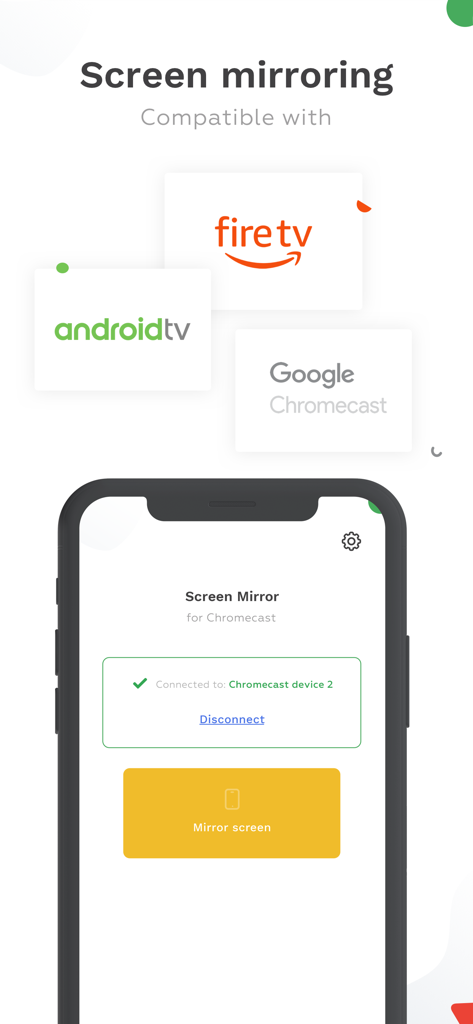
Fire TVとGoogle Chromecastとの互換性を示す、iPhone画面ミラーリングアプリのインターフェース
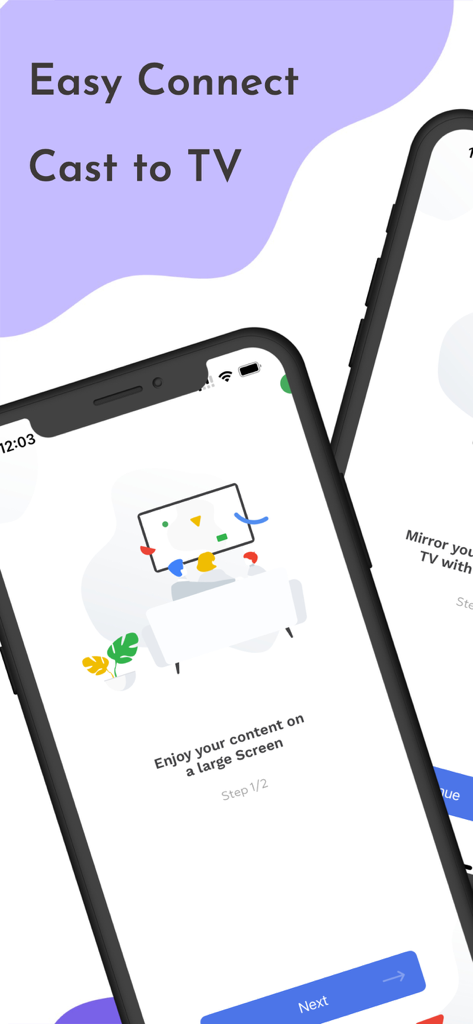
TVキャストミラーアプリのオンボーディングプロセスを、イージーコネクトとキャスト・トゥ・TV機能とともに示すスマートフォン画面
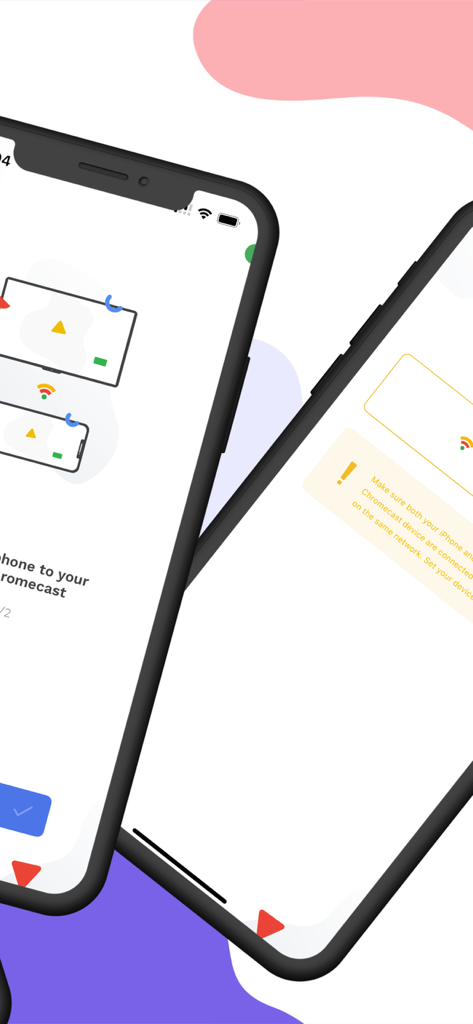
Chromecastへのミラーリング設定画面を表示するiPhone
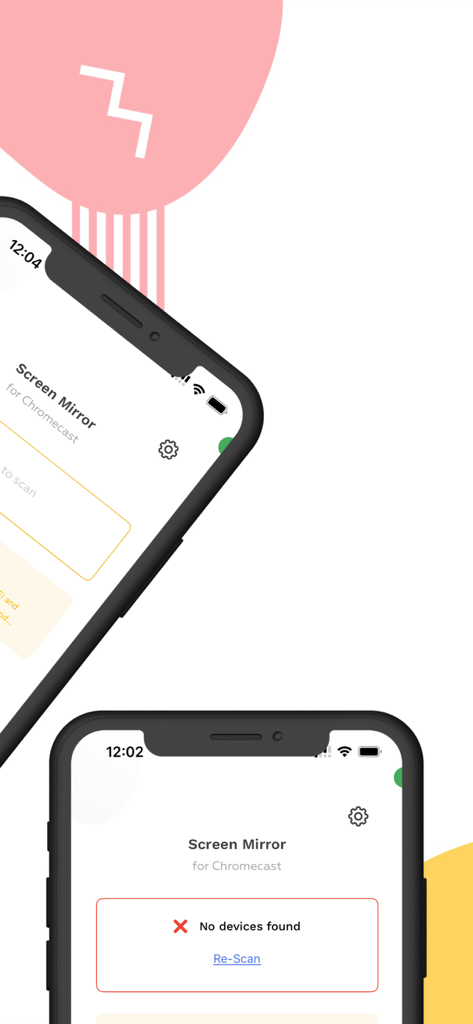
TVキャストミラーアプリのiPhone上でのインターフェース、画面ミラーリング設定とデバイススキャン状況を表示
説明
Download
類似アプリ
似た機能とユーザー体験を持つアプリ

Web Video Cast | Browser to TV
InstantBits Inc

PigeonCast:Send by Google Cast
Sichuan FalconAI Technology Co., Ltd.

Screen Mirroring • Smart TV
Mihkel Pikk

Screen Mirroring | Cast to TV
Ozuna Limited

Screen Mirroring・Smart View TV
TOGGLE APPS SP Z O O

UbeCast: Music Streamer & PiP
AER SOFTWARE COMPANY LIMITED

AirDroid Cast-screen mirroring
SAND STUDIO CORPORATION LIMITED

Miracast: Screen Mirroring TV
Hainan Delta Software Co., Ltd

Screen Mirroring・Air Cast TV
Dalma Innovation Solutions d.o.o.
このページはアプリまたはその開発者の公式ページではなく、情報提供および論評を目的として作成された独立した編集出版物です。明示的に別段の記載がない限り、アプリおよびその開発者は、MWM、Apple、Google Play、アプリのパブリッシャー、またはアプリの開発者と提携、承認、後援、認可、またはその他の公式的な関係はなく、このページのいかなる内容も、アプリがMWMのサービスを使用して開発されたことを意味するものではありません。すべての商標、ロゴ、スクリーンショット、その他のコンテンツはそれぞれの所有者の財産です。