TV Remote Control For Roku
ダウンロード: App Store

このページはアプリまたはその開発者の公式ページではなく、情報提供および論評を目的として作成された独立した編集出版物です。明示的に別段の記載がない限り、アプリおよびその開発者は、MWM、Apple、Google Play、アプリのパブリッシャー、またはアプリの開発者と提携、承認、後援、認可、またはその他の公式的な関係はなく、このページのいかなる内容も、アプリがMWMのサービスを使用して開発されたことを意味するものではありません。すべての商標、ロゴ、スクリーンショット、その他のコンテンツはそれぞれの所有者の財産です。

ロゴ: TV Remote Control For Roku
ダウンロード: App Store

TV Remote Control For Roku

クッションの間でリモコンを探すのはもうやめましょう。Wi-Fi経由でRoku、TCL、Insignia TVに瞬時に接続し、手間なくストリーミング体験を完全にコントロールできます。

主要数値

ダウンロード

8K+

ユーザー評価

4.0/5

評価数

100

開発元

On Hand Apps - FZCO

カテゴリ

Utilities

対応言語

1

最新バージョン

1.2.0

サイズ

4.3 MB

リリース日

2021年2月6日
機能

スマホから完全なコントロールを

スマホを手放したり、ソファのクッションを探したりすることなく、Roku TVを管理できる究極の利便性を体験してください。

瞬時のWi-Fiペアリング

コードを探す必要はもうありません。ホームネットワーク経由でRokuデバイスを自動検出します。数秒でシームレスに接続できます。

決して失くならないリモコン

あなたのiPhoneは常にあなたのそばにあります。毎日使うデバイスで音量、電源、ナビゲーションをコントロールできます。

以下のスクリーンショットと説明は、アプリの公式ストアリスティングから直接取得されたものであり、アプリ開発者の所有物です。

アプリストア

スクリーンショット
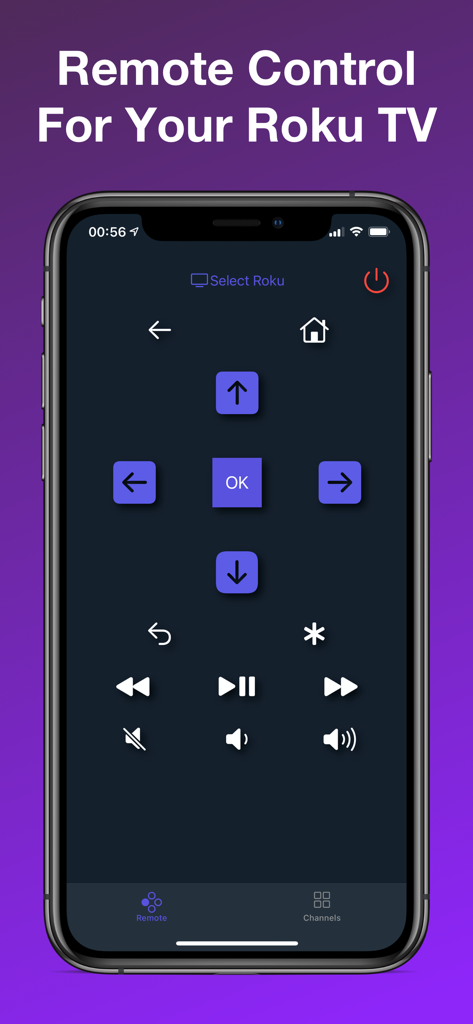
TV Remote Control For Roku - モバイルデバイス上のRoku TV用デジタルリモコンインターフェイス。ナビゲーションボタンと再生ボタンが表示されています。
モバイルデバイス上のRoku TV用デジタルリモコンインターフェイス。ナビゲーションボタンと再生ボタンが表示されています。

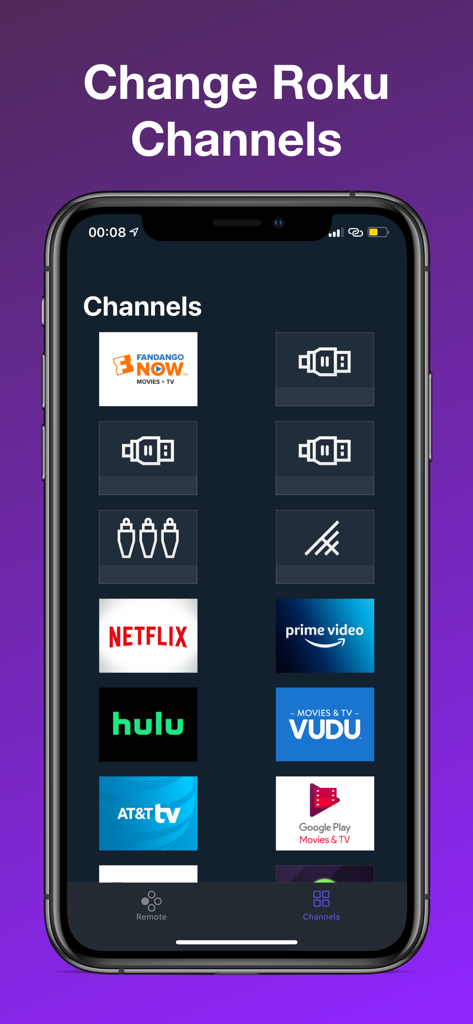
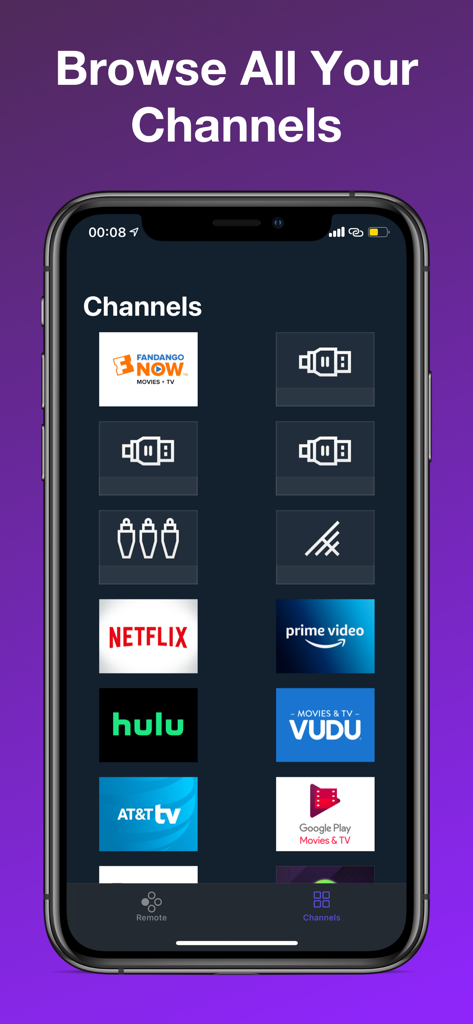
TV Remote Control For Roku - Netflix、Hulu、Prime Videoのアイコンが表示されたチャンネルリストを示す「Roku用テレビリモコン」アプリ画面
Netflix、Hulu、Prime Videoのアイコンが表示されたチャンネルリストを示す「Roku用テレビリモコン」アプリ画面

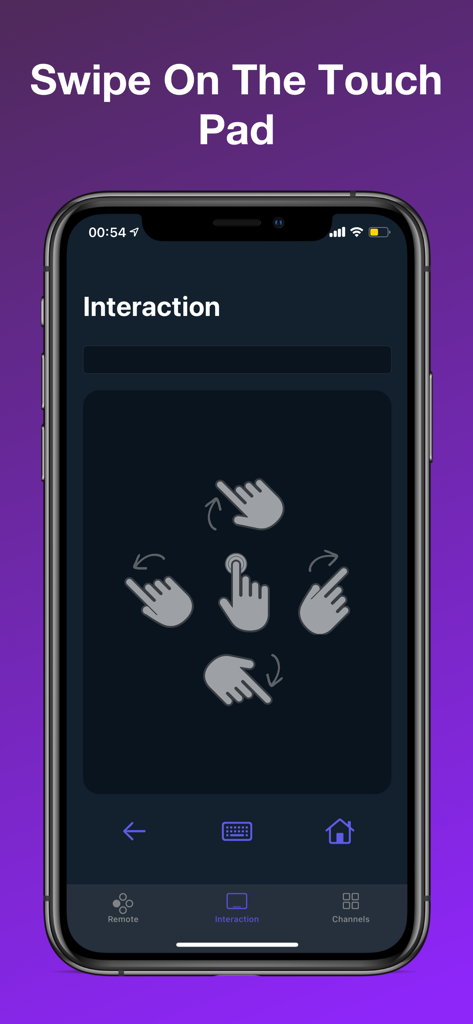
TV Remote Control For Roku - スワイプ操作によるナビゲーション用のタッチパッドを備えたRokuリモートアプリインターフェイス
スワイプ操作によるナビゲーション用のタッチパッドを備えたRokuリモートアプリインターフェイス

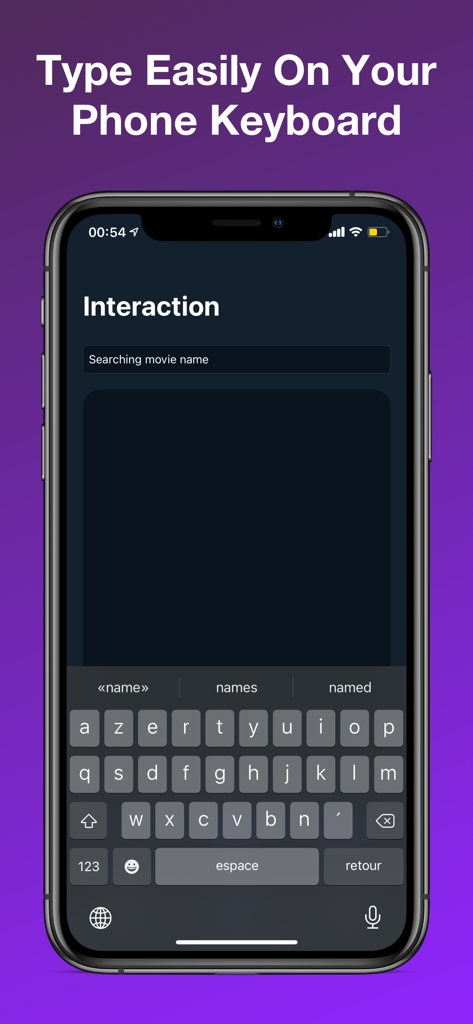
TV Remote Control For Roku - Roku TVで映画を検索・入力するためのキーボードが表示されたスマートフォンの画面

Roku TVで映画を検索・入力するためのキーボードが表示されたスマートフォンの画面

TV Remote Control For Roku - 方向ボタンと再生コントロールを備えたRoku TVリモートコントロールアプリインターフェイスが表示されたスマートフォンの画面
方向ボタンと再生コントロールを備えたRoku TVリモートコントロールアプリインターフェイスが表示されたスマートフォンの画面

TV Remote Control For Roku - スマートフォン画面にNetflixやHuluなどの様々なRokuチャンネルが表示されたインターフェイス

スマートフォン画面にNetflixやHuluなどの様々なRokuチャンネルが表示されたインターフェイス

説明

Remote Control For Your Roku® TV This app allows you to control any Roku device connected to your WiFi. It can also control any TV that is Roku compatible such as TCL and Insignia. EASILY CONNECT TO YOUR ROKU TV Any Roku connected to your WiFi will appear in a list of devices. Simply pick your Roku from that list and the remote is ready to be used. Effortless connection to your Roku. REMOTE FOR YOUR ROKU TV This remote has all the buttons you need to control your TV. You will not need a physical remote any longer. Switch channels, increase the volume, turn on/off your TV and more! ROKU CHANNELS The remote Smart and retrieves all the channels you have in your Roku. You will be able to switch from one channel to the other very easily. Browse all your channels and switch from one to the other in one click. If you have any questions, please email us at rokuremoteapp@gmail.com This app is not affiliated with Roku® or any other brand shown. Premium Subscriptions: • Subscribed user has access to the remote services • User can subscribe for one week or one month or one year auto renewing subscriptions • Unsubscribed user may only use limited services • Payment will be charged to iTunes Account at confirmation of purchase • Subscription automatically renews unless auto-renew is turned off at least 24-hours before the end of the current period • Account will be charged for renewal within 24-hours prior to the end of the current period • Subscriptions may be managed by the user and auto-renewal may be turned off by going to the user Account Settings after purchase Privacy Policy: https://tv-remote-control-fo.flycricket.io/privacy.html Terms of service: https://www.apple.com/legal/internet-services/itunes/dev/stdeula/

Download

ダウンロード: App Store

このページはアプリまたはその開発者の公式ページではなく、情報提供および論評を目的として作成された独立した編集出版物です。明示的に別段の記載がない限り、アプリおよびその開発者は、MWM、Apple、Google Play、アプリのパブリッシャー、またはアプリの開発者と提携、承認、後援、認可、またはその他の公式的な関係はなく、このページのいかなる内容も、アプリがMWMのサービスを使用して開発されたことを意味するものではありません。すべての商標、ロゴ、スクリーンショット、その他のコンテンツはそれぞれの所有者の財産です。








