TV Remote Control Universal +

TV Remote Control Universal +

ダウンロード: App Store
ロゴ: TV Remote Control Universal +

TVリモコンユニバーサル+: オールインワンのスマートTVコマンドセンター

リモコンの散らかりや電池切れに悩むのはもう終わり。お使いのデバイスで、家のすべてのテレビを簡単に操作し、スマートフォンのキーボードで素早く入力し、音声で検索できます。

開発元

TVSMART.APP COMPANY LIMITED

カテゴリ

Utilities

ダウンロード

2M+

ユーザー評価

4.4/5

評価数

16K+

対応言語

8

あなたのリモコン、再考

このインターフェースを利用する 2M+ 人のユーザー.

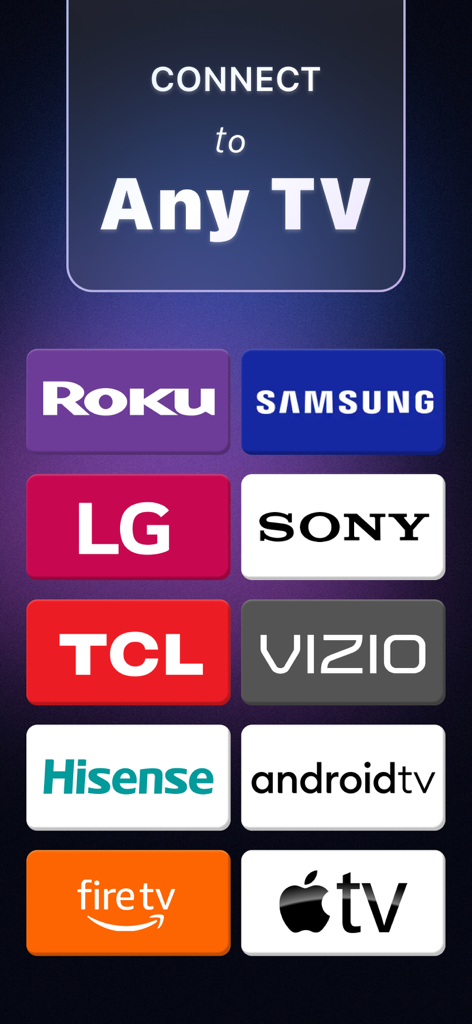
Roku Samsung LG Sony TCL Vizio Hisense Android TV Fire TV Apple TVなどの対応テレビブランドのリスト
Roku Samsung LG Sony TCL Vizio Hisense Android TV Fire TV Apple TVなどの対応テレビブランドのリスト

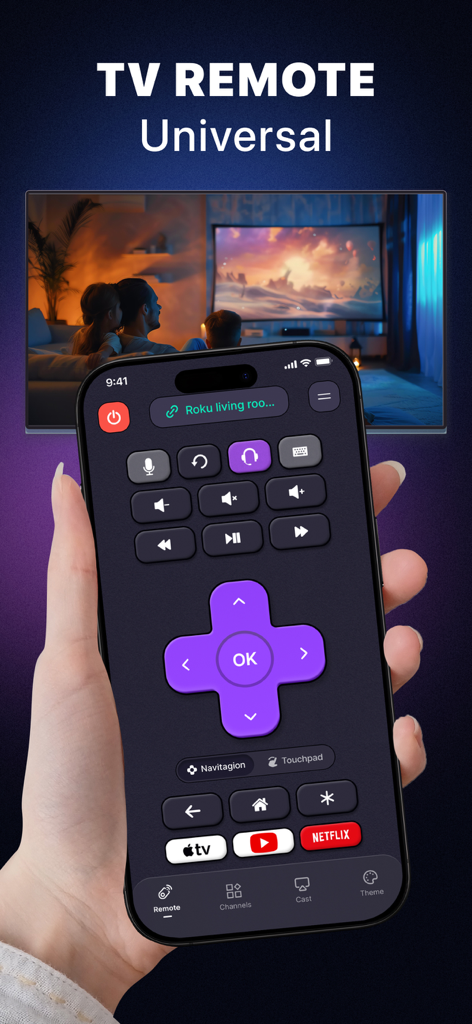
スマートTVを背景にTVリモコンユニバーサルアプリのインターフェースを表示しているiPhoneを持つ手
スマートTVを背景にTVリモコンユニバーサルアプリのインターフェースを表示しているiPhoneを持つ手

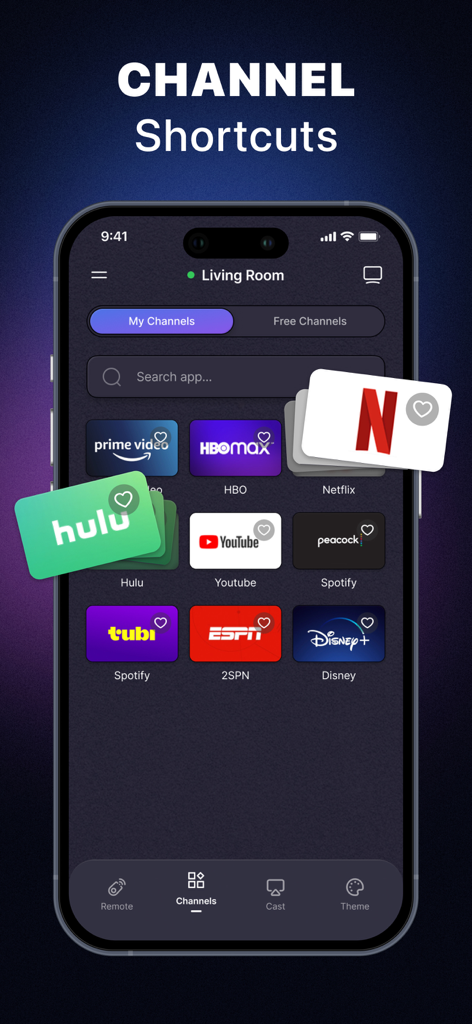
NetflixやHuluなどのストリーミングプラットフォームのショートカットを表示するユニバーサルTVリモートアプリ画面
NetflixやHuluなどのストリーミングプラットフォームのショートカットを表示するユニバーサルTVリモートアプリ画面

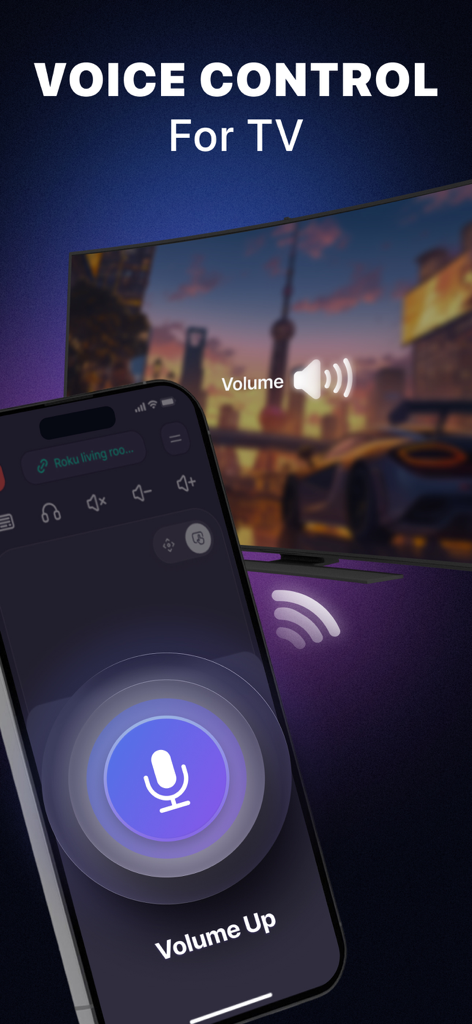
大きなマイクアイコンと音量アップのテキストが表示されたユニバーサルTVリモートアプリの音声コントロール機能を備えたスマートフォン画面
大きなマイクアイコンと音量アップのテキストが表示されたユニバーサルTVリモートアプリの音声コントロール機能を備えたスマートフォン画面

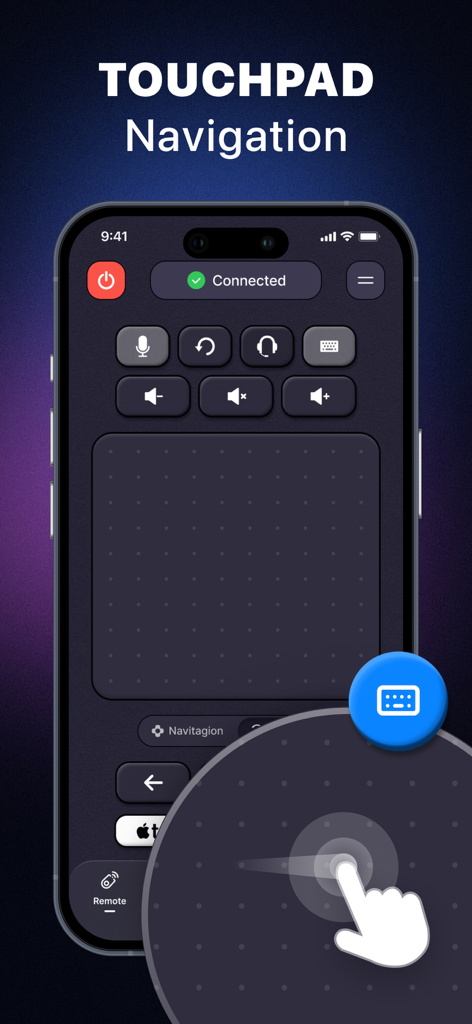
ユニバーサルTVリモートアプリのタッチパッドナビゲーションインターフェースと手のスワイプジェスチャーを表示するiPhone画面
ユニバーサルTVリモートアプリのタッチパッドナビゲーションインターフェースと手のスワイプジェスチャーを表示するiPhone画面

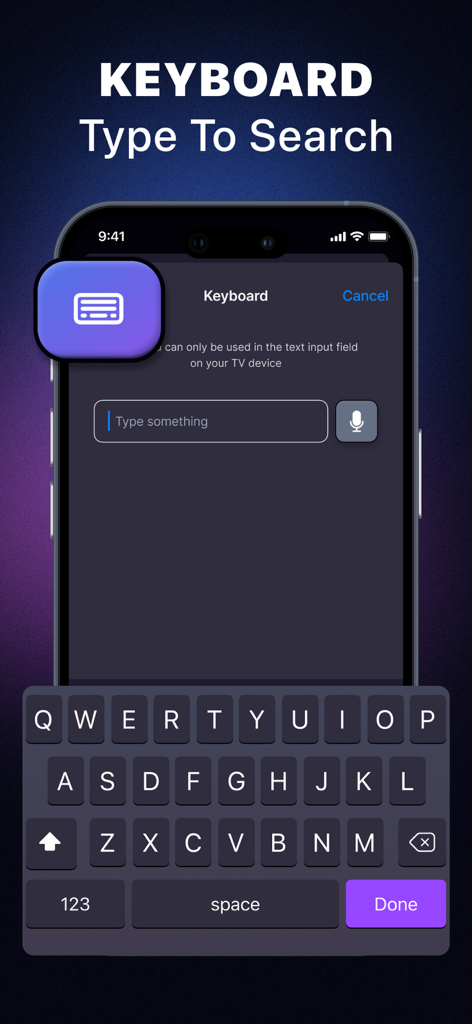
ユニバーサルリモートアプリを使用してスマートTVでコンテンツを検索するためのキーボードインターフェースを表示するiPhone画面
ユニバーサルリモートアプリを使用してスマートTVでコンテンツを検索するためのキーボードインターフェースを表示するiPhone画面

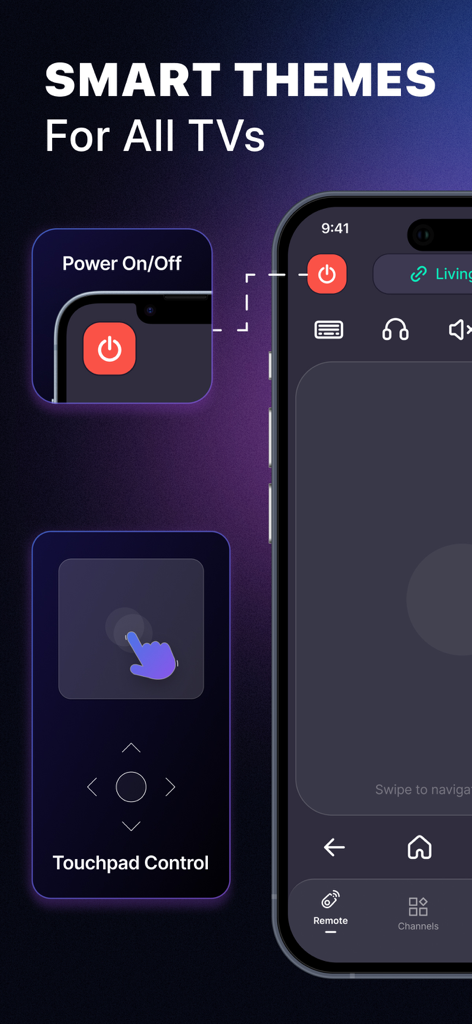
スマートテーマとタッチパッドコントロールを備えたユニバーサルTVリモートアプリ
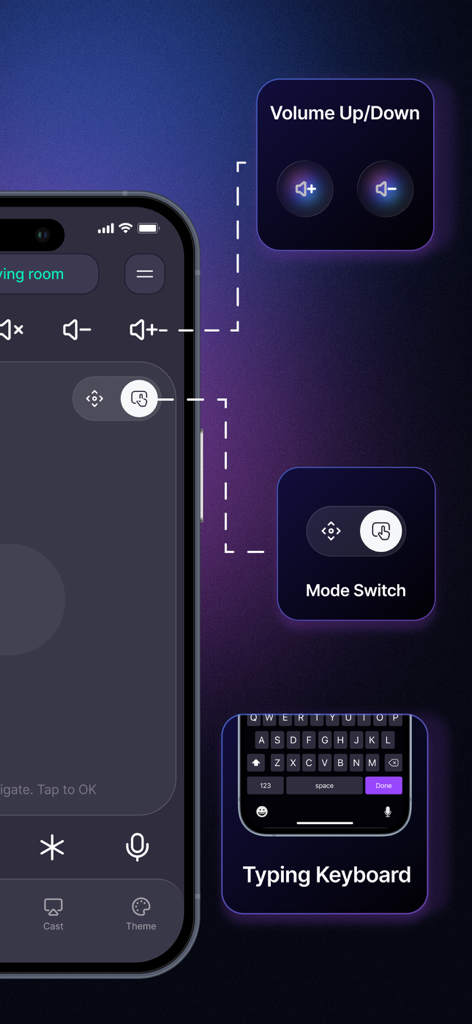
スマートテーマとタッチパッドコントロールを備えたユニバーサルTVリモートアプリ

iPhone上の音量コントロールモード切り替えとタイピングキーボード機能を備えたユニバーサルTVリモートアプリ
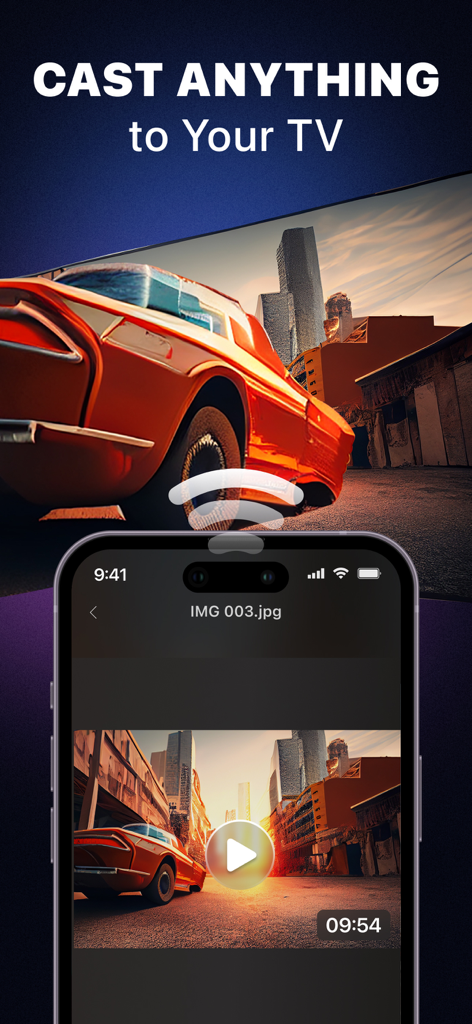
iPhone上の音量コントロールモード切り替えとタイピングキーボード機能を備えたユニバーサルTVリモートアプリ

大きなスマートTV画面に車のビデオをキャストしているスマートフォンアプリ

大きなスマートTV画面に車のビデオをキャストしているスマートフォンアプリ

ホームエンターテイメントをすべて統合

このアプリを際立たせるツール、 2M+ 人のユーザーが選択.

⌨️

より速く入力、より賢く検索

画面上の入力の手間を省きましょう。スマートフォンのキーボードを使って、数秒で映画のタイトル、パスワード、検索語句を入力できます。

📱

あらゆるブランドに対応する1つのリモコン

寝室のRokuもリビングのSamsungも、ハードウェアを切り替えることなく、1つのアプリからすべてのデバイスを操作できます。

🖱️

精密タッチパッドコントロール

流れるようなジェスチャーとスワイプでメニューを操作しましょう。直感的なタッチパッドが、硬いボタンに代わって、モダンでスムーズなストリーミング体験を提供します。

レビュー分析

ユーザーレビューの分析.

感情スコア

7%
ネガティブ

概要

This remote control app receives overwhelmingly negative feedback, primarily due to its aggressive monetization model. Users frequently complain about high weekly or annual subscription costs, with many features locked behind a paywall and inaccessible without payment. Several reports detail accidental or unauthorized charges, often occurring after misleading free trial offers. Additionally, users experience significant frustration with the app's functionality, citing issues such as inability to connect to TVs, frequent disconnections, and general unresponsiveness.

主なテーマ

Subscription Cost(29)
Functionality & Connectivity Issues(10)
Unauthorized Charges(8)
Misleading Free Trial(5)
Intrusive Ads/Pop-ups(4)

アプリについて

について知っておくべきこと TV Remote Control Universal +.

説明

Universal TV Remote – Smart Control for All Your TVs Tired of juggling multiple remotes for every device in your home? Transform your smartphone into a smart, all-in-one remote control for your TV. Whether you're watching your favorite movie, switching between streaming apps, or searching for a show — everything becomes effortless. Our app is built to work with all major smart TV brands, from Roku, Samsung to Chromecast TV, Apple TV, and more. Just connect and take full control of your entertainment. ONE APP - FULL REMOTE CONTROL No more lost remotes or dead batteries. Our full-featured remote gives you everything: - Power on/off your TV - Adjust volume & mute instantly - Change input sources - Navigate menus with smart gestures - Control playback and channel navigation Whether you’re watching cable, streaming films, or casting a video — control it all from your phone. UNIVERSAL TV REMOTE CONTROL - ADVANCED FEATURES: - Quick Access to Streaming Channels: Jump right into your favorite shows and apps with a single tap. Instantly launch popular platforms. No more endless navigation. Just tap and go. - Control with Your Voice: Use your voice to search, switch channels, adjust volume, or open an app. Say it, and let the app do it for you. Perfect for hands-free control or when you're across the room. - Smart Touchpad & Swipe Navigation: Replace clunky buttons with smooth gesture-based control. Swipe to scroll, tap to select — just like using a smart touch controller. Navigating your TV has never been this intuitive. - Built-in Keyboard: Typing on a TV is painful. Use your phone’s keyboard to enter search terms, login info, or type messages — fast and easy, just like texting. - Customizable Smart Themes: Make your remote interface match your style and TV type. Choose from smart layouts designed for better visibility, quick access, and ease of use. - Cast to Your TV: Want to share photos, videos, or web content on your TV? Use the Cast feature to project directly from your phone to the big screen — great for family moments, presentations, or binge nights. - Private Listening (Roku Only): Watching late at night? Use your headphones and stream your TV audio directly to your phone for a private and immersive experience — without disturbing anyone. * Reclaim control of your TV with just one app. Whether you're relaxing on the couch, in bed, or even hosting friends — our Universal TV Remote gives you everything you need at your fingertips. * Download now and experience TV control the smart way. SUBSCRIPTION PRICING & TERMS - Payment will be charged to your iTunes Account as soon as you confirm your purchase while using Universal TV Remote Control App. - You can manage your subscriptions and turn off auto-renewal from your Account Settings after the purchase. - Subscriptions will renew automatically unless you turn off auto-renew at least 24 hours before the end of the current period. The renewal cost will be charged to your account 24 hours before the end of the current period. - When the subscription is canceled, it will stay active until the end of the period. Auto-renewal will be disabled, but the current subscription will not be refunded. - If offered, any unused portion of a free trial period will be forfeited when you purchase a subscription. DISCLAIMER: TV Remote Control Universal is not affiliated with any trademark mentioned. Thanks for downloading our app. If you have any problems with this app, please contact us at: contact.tvsmart@gmail.com Privacy Policy: https://smarttvcast-screenmirroring.web.app/policy.html Terms of Service: https://smarttvcast-screenmirroring.web.app/term.html

最新バージョン

4.3

サイズ

136.1 MB

リリース日

2022年9月28日

ホームエンターテイメントをシンプルにしませんか?

プラスチック製リモコンを捨て、よりスマートな視聴方法を選んだ200万人以上のユーザーに加わりましょう。今すぐダウンロードして、iPhoneを唯一必要なコントローラーに変えましょう。

ダウンロード: App Store
FAQ

よくある質問

について知っておくべきこと TV Remote Control Universal +

Is the TV Remote Control Universal + app compatible with different TV brands?

はい、TVリモコンユニバーサル+アプリは、Roku、Samsung、Chromecast TV、Apple TV、LG、Sony、TCL、Vizio、Hisense、Android TV、Fire TVなど、主要なスマートTVブランドに対応しています。

What core remote control functions does the TV Remote Control Universal + app provide?

TVリモコンユニバーサル+アプリは、電源のオン/オフ、音量調整、ミュート、入力ソースの変更、スマートジェスチャーによるメニュー操作、再生やチャンネルの操作などの機能を提供します。

Does the TV Remote Control Universal + app include voice control capabilities?

はい、TVリモコンユニバーサル+アプリには音声コントロール機能が含まれています。ユーザーはハンズフリーで、音声を使ってTVで検索、チャンネル切り替え、音量調整、アプリの起動ができます。

Can I use my phone's keyboard with the TV Remote Control Universal + app for TV input?

はい、TVリモコンユニバーサル+アプリにはキーボードが内蔵されています。これにより、ユーザーはスマートフォンに接続したキーボードを使って、TVでの検索語句、ログイン情報、メッセージなどを素早く入力できます。

Can the TV Remote Control Universal + app cast content from my phone to the TV?

はい、TVリモコンユニバーサル+アプリにはキャスト機能があります。ユーザーは、写真、動画、ウェブコンテンツなどをスマートフォンから直接大画面に投影できます。

Does TV Remote Control Universal + offer private listening?

はい、TVリモコンユニバーサル+は、Rokuデバイス向けのプライベートリスニング機能を提供しています。ユーザーはTVの音声ストリームを直接スマートフォンに送り、ヘッドホンを使って没入感のある体験ができます。

How does auto-renewal work for the TV Remote Control Universal + app subscription?

TVリモコンユニバーサル+アプリのサブスクリプションは、現在の期間が終了する少なくとも24時間前にオフにしない限り、自動的に更新されます。更新費用は24時間前までにアカウントに請求されます。

How can I manage my subscription or turn off auto-renewal for TV Remote Control Universal +?

TVリモコンユニバーサル+のサブスクリプションの管理や自動更新のオフは、初回購入後にiTunesアカウント設定から行うことができます。

Is TV Remote Control Universal + affiliated with any TV brands?

いいえ、TVリモコンユニバーサル+は、言及されているいかなる商標とも提携していません。このアプリは、独立したユニバーサルリモートコントロールソリューションとして機能します。

How does the TV Remote Control Universal + app help navigate TV menus?

TVリモコンユニバーサル+アプリは、スマートジェスチャーによるメニュー操作を支援し、スマートタッチコントローラーに似た直感的な操作を提供するスマートタッチパッド&スワイプナビゲーション機能を備えています。

App information, icons, screenshots, and descriptions displayed on this page are sourced from the Apple App Store and are the property of their respective developers. Download estimates and rankings are based on MWM's proprietary models and may not reflect actual figures. This page is provided for informational and analytical purposes only.

Believe this page infringes your intellectual property? File a dispute