
このページはアプリまたはその開発者の公式ページではなく、情報提供および論評を目的として作成された独立した編集出版物です。明示的に別段の記載がない限り、アプリおよびその開発者は、MWM、Apple、Google Play、アプリのパブリッシャー、またはアプリの開発者と提携、承認、後援、認可、またはその他の公式的な関係はなく、このページのいかなる内容も、アプリがMWMのサービスを使用して開発されたことを意味するものではありません。すべての商標、ロゴ、スクリーンショット、その他のコンテンツはそれぞれの所有者の財産です。

ダウンロード
72K+ユーザー評価
評価数
400開発元
カテゴリ
Utilities対応言語
3最新バージョン
1.4.1サイズ
108.4 MBリリース日
2025年10月24日エンターテイメントを完全にコントロール
紛失したリモコンを探すのはやめ、iPhoneから直接、お気に入りのコンテンツをナビゲート、キャスト、ミラーリングするスマートな方法をお楽しみください。
高速キーボード入力
画面上での文字入力のイライラから解放されます。スマホのキーボードを使って、映画やアプリを瞬時に検索できます。
思い出をキャスト
写真や動画を大画面で鮮やかに再生しましょう。ワンタップで、お気に入りの瞬間を友人や家族と共有できます。
よくある質問
について知っておくべきこと TV Remote for Roku Devices
"TV Remote for Roku Devices"アプリとは何ですか?
「TV Remote for Roku Devices」アプリは、スマートフォンをテレビのリモコンに変え、操作、キャスト、画面ミラーリング機能を提供します。様々なRokuデバイスに対応しています。
"TV Remote for Roku Devices"はすべてのテレビモデルに対応していますか?
はい、「TV Remote for Roku Devices」アプリは主要なテレビモデルや様々なRokuデバイスに対応しています。Roku Ultra、Roku TV、Roku Streaming Stickモデルに接続できます。
"TV Remote for Roku Devices"アプリの主な機能は何ですか?
主な機能には、直感的なリモコン操作(チャンネル、音量、キーボード、タッチパッド、ボイスモード)、写真や動画のキャスト、スマホからテレビへの画面ミラーリングが含まれます。
"TV Remote for Roku Devices"アプリで、スマートフォンのキーボードを使って文字を入力できますか?
はい、「TV Remote for Roku Devices」アプリでは、スマートフォンのキーボードを使って直接入力できるため、テレビでの文字入力を簡単に行えます。タッチパッドやボイスモードも搭載されています。
"TV Remote for Roku Devices"は画面ミラーリング機能を提供していますか?
はい、「TV Remote for Roku Devices」は画面ミラーリング機能を提供しています。これにより、ゲーム、プレゼンテーション、ストリーミングコンテンツのために、スマートフォンの画面をテレビにミラーリングできます。
"TV Remote for Roku Devices"アプリで写真や動画をキャストできますか?
はい、「TV Remote for Roku Devices」アプリを使えば、お気に入りの写真や動画をスマートフォンからすぐに大画面にキャストできます。
"TV Remote for Roku Devices"のサブスクリプションに含まれるプレミアム機能は何ですか?
「TV Remote for Roku Devices」のプレミアムアクセスには、無制限のキャスト、強化された画面ミラーリング、広告なしの体験が含まれます。無料トライアルも利用可能です。
"TV Remote for Roku Devices"はプレミアム機能の無料トライアルを提供していますか?
はい、「TV Remote for Roku Devices」は無料トライアル期間を提供しています。サブスクリプションを申し込む前に、トライアル期間中にすべてのプレミアムツールを無料で試すことができます。
"TV Remote for Roku Devices"のサブスクリプションをキャンセルするにはどうすればよいですか?
「TV Remote for Roku Devices」のサブスクリプションは、いつでもApp Storeのアカウント設定で管理またはキャンセルできます。キャンセルは、現在の請求期間が終了する少なくとも24時間前までに行う必要があります。
"TV Remote for Roku Devices"はRokuデバイスにどのように接続しますか?
「TV Remote for Roku Devices」は、RokuデバイスとiPhoneの両方が同じWi-Fiネットワーク上にある場合にRokuデバイスに接続し、安定した接続を確保します。
以下のスクリーンショットと説明は、アプリの公式ストアリスティングから直接取得されたものであり、アプリ開発者の所有物です。
アプリストア
スクリーンショット
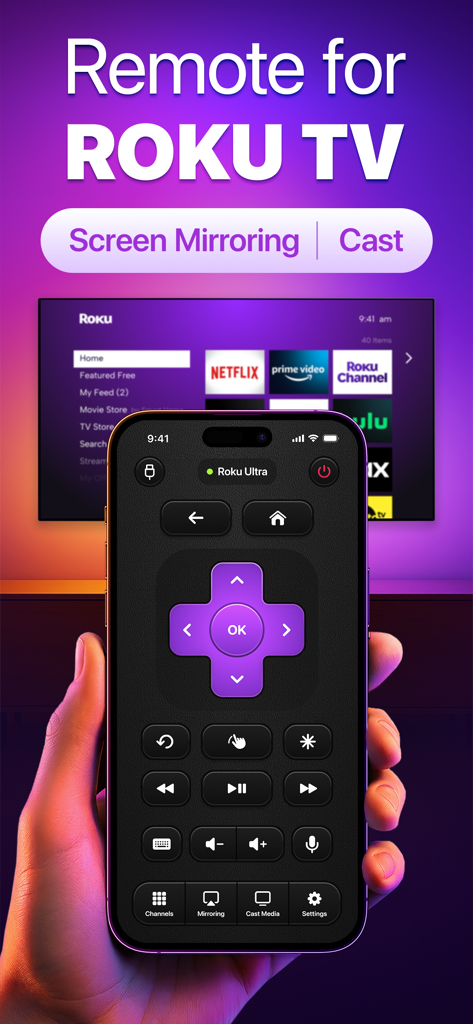
Roku TVリモコンアプリのインターフェース(キャストとミラーリングオプションを表示)を手に持った人物。
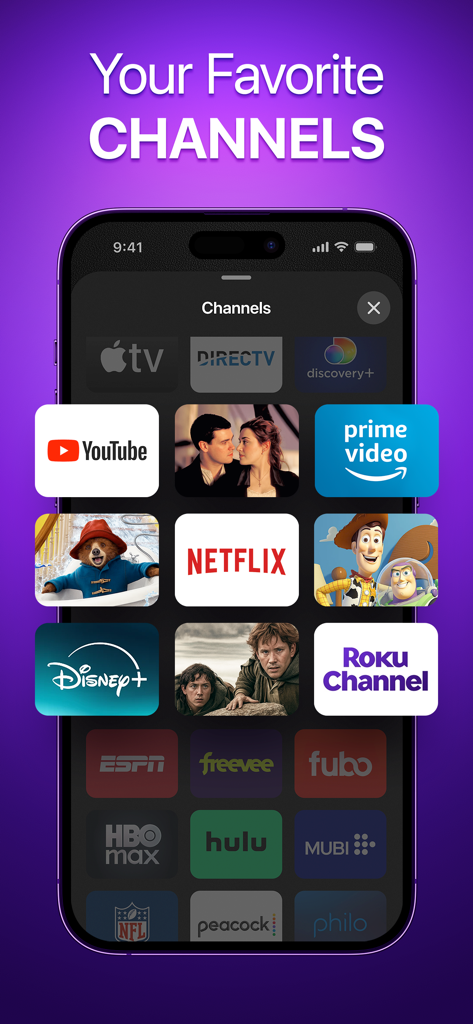
iPhone画面に、Rokuリモコンアプリ内のNetflix、Disney Plus、YouTubeなどのストリーミングサービスロゴのグリッドが表示されている。
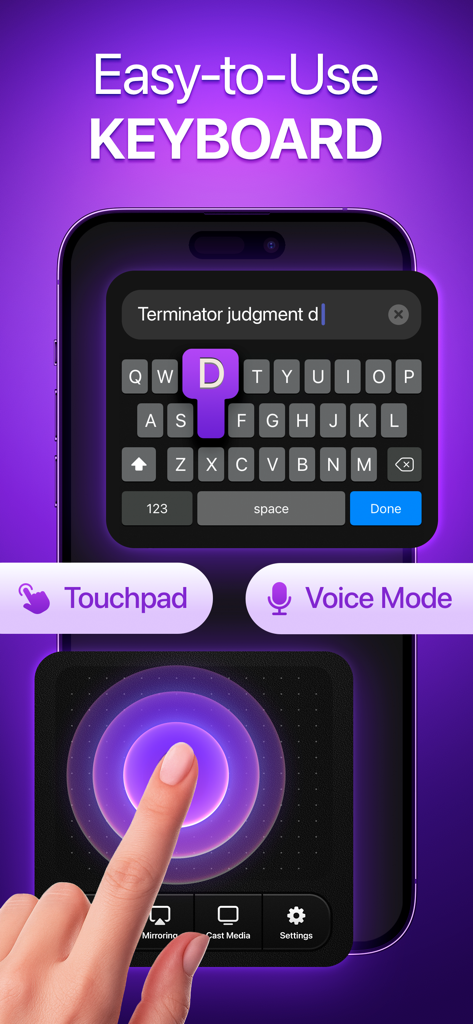
TV Remote for Roku Devicesアプリの使いやすいキーボードとタッチパッド機能を備えたスマートフォン。
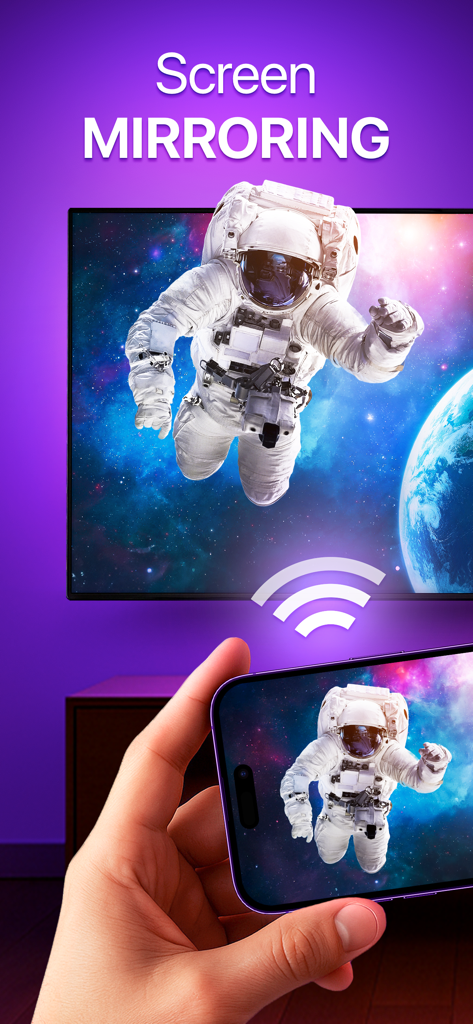
スマートフォンを使用して、宇宙飛行士の画像をスマートテレビ画面にミラーリングしている人物。
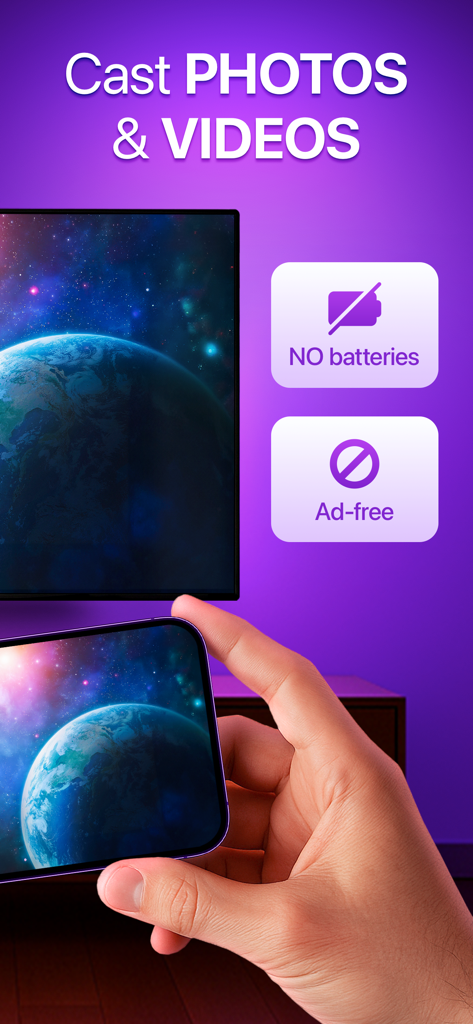
Rokuリモートアプリを使用して、地球の写真を大画面にキャストしているスマートフォンを持つ手。
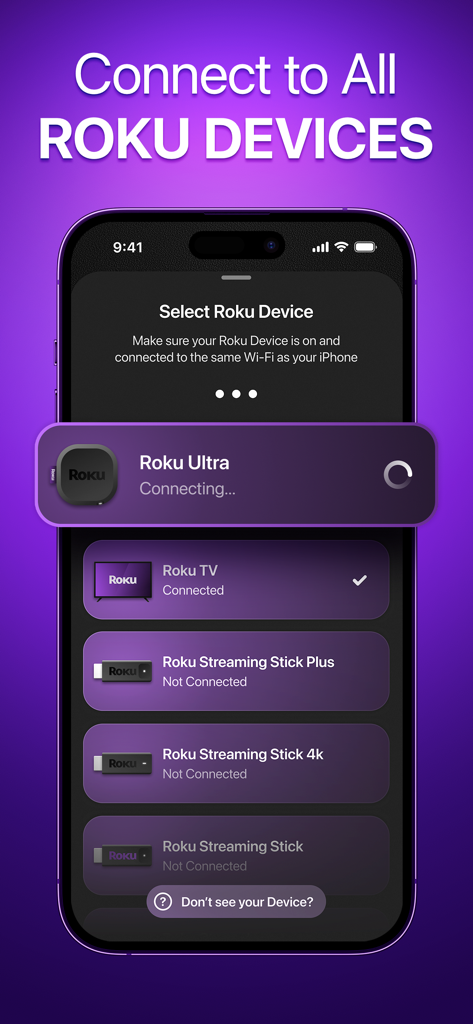
リモートコントロールのために利用可能なRokuデバイスのリストを表示するモバイルアプリのインターフェース。
説明
Download
類似アプリ
同じカテゴリのトップランクアプリ

Google LLC

Google Chrome
Google LLC

中国移动(手机营业厅)
China Mobile Online Services Co., Ltd.

Google Authenticator
Google LLC

CNH do Brasil
Servicos e Informacoes do Brasil

Cleanup: Phone Storage Cleaner
DEEP FLOW SOFTWARE SERVICES - FZCO

gov.br
Servicos e Informacoes do Brasil

中国电信-全国统一官方服务平台
CHINA TELECOM Corporation Ltd.

Microsoft Edge: AI Browser
Microsoft Corporation
このページはアプリまたはその開発者の公式ページではなく、情報提供および論評を目的として作成された独立した編集出版物です。明示的に別段の記載がない限り、アプリおよびその開発者は、MWM、Apple、Google Play、アプリのパブリッシャー、またはアプリの開発者と提携、承認、後援、認可、またはその他の公式的な関係はなく、このページのいかなる内容も、アプリがMWMのサービスを使用して開発されたことを意味するものではありません。すべての商標、ロゴ、スクリーンショット、その他のコンテンツはそれぞれの所有者の財産です。