TV Remote for Smart TVs

TV Remote for Smart TVs

ダウンロード: App Store
ロゴ: TV Remote for Smart TVs

スマートテレビ用テレビリモコン:Samsung TVを操作する最もスマートな方法

物理的なリモコンの煩雑さから解放され、スムーズな体験にアップグレードしましょう。反応性の高いタッチパッドで操作し、iPhoneキーボードでより速く入力し、お気に入りの思い出をすぐに大画面にキャストしましょう。

ダウンロード: App Store

開発元

Stream Cast TV LLC

カテゴリ

Utilities

ダウンロード

34K+

ユーザー評価

4.5/5

評価数

300

対応言語

15

指先で操作

このインターフェースを利用する 34K+ 人のユーザー.

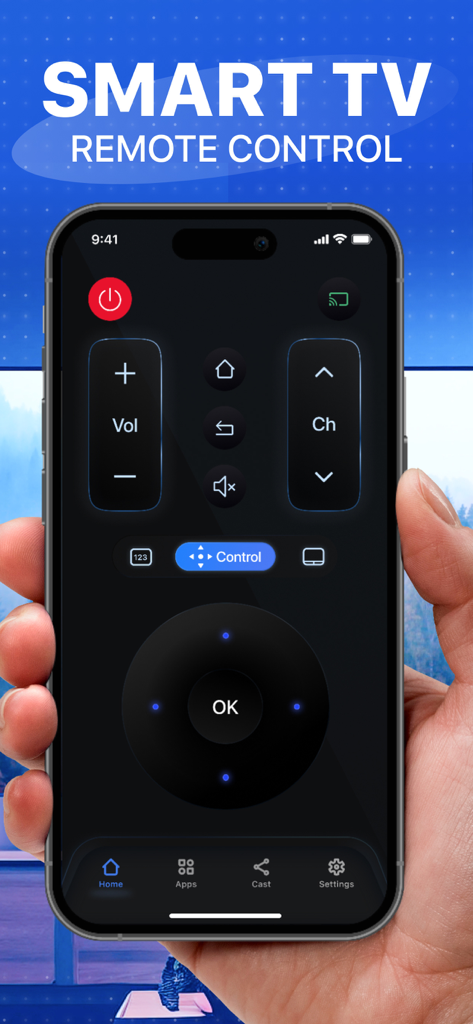
スマートテレビリモコンアプリのナビゲーションボタンが表示されたスマートフォンの画面を持つ手。
スマートテレビリモコンアプリのナビゲーションボタンが表示されたスマートフォンの画面を持つ手。

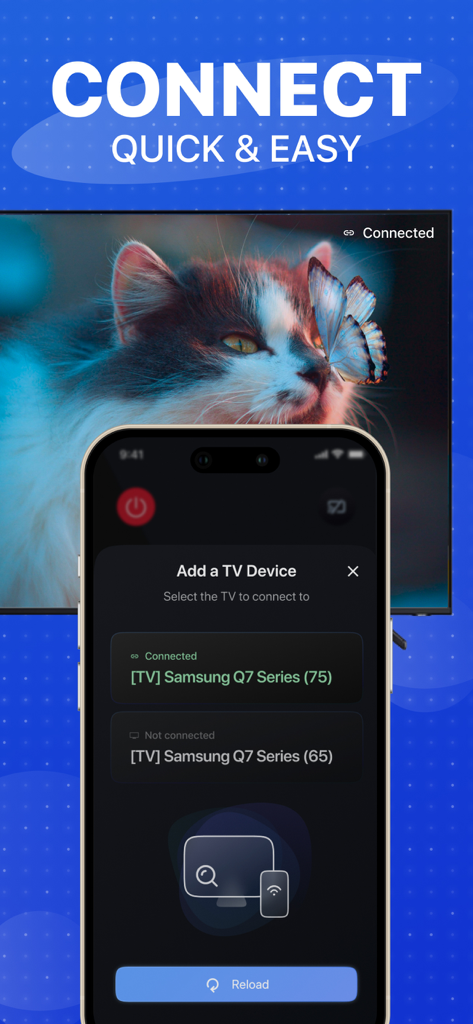
TV RemoteアプリでSamsung Smart TVの接続セットアップが表示されているiPhone画面。
TV RemoteアプリでSamsung Smart TVの接続セットアップが表示されているiPhone画面。

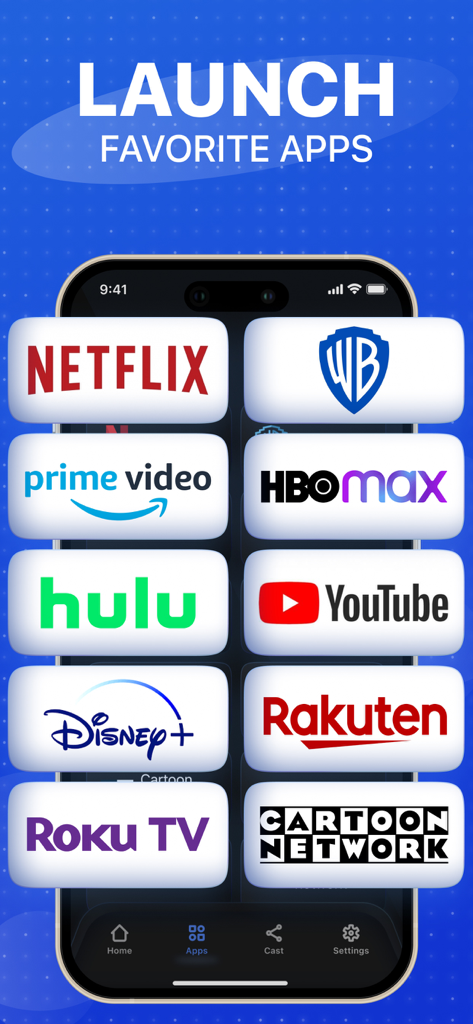
スマートTVでNetflixやDisney Plusなどのストリーミングサービスを起動するためのモバイルアプリインターフェース。
スマートTVでNetflixやDisney Plusなどのストリーミングサービスを起動するためのモバイルアプリインターフェース。

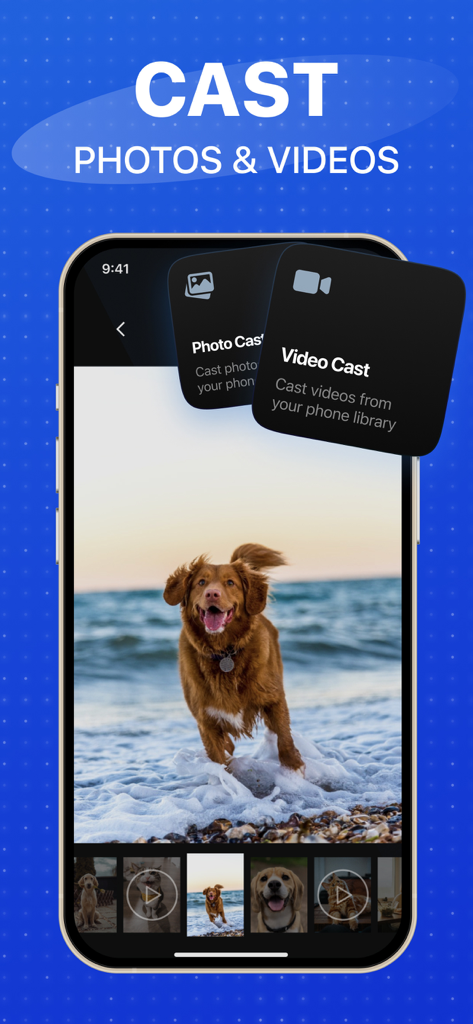
iPhoneからスマートTVに写真や動画をキャストする機能を示すTV Remoteアプリのインターフェース。
iPhoneからスマートTVに写真や動画をキャストする機能を示すTV Remoteアプリのインターフェース。

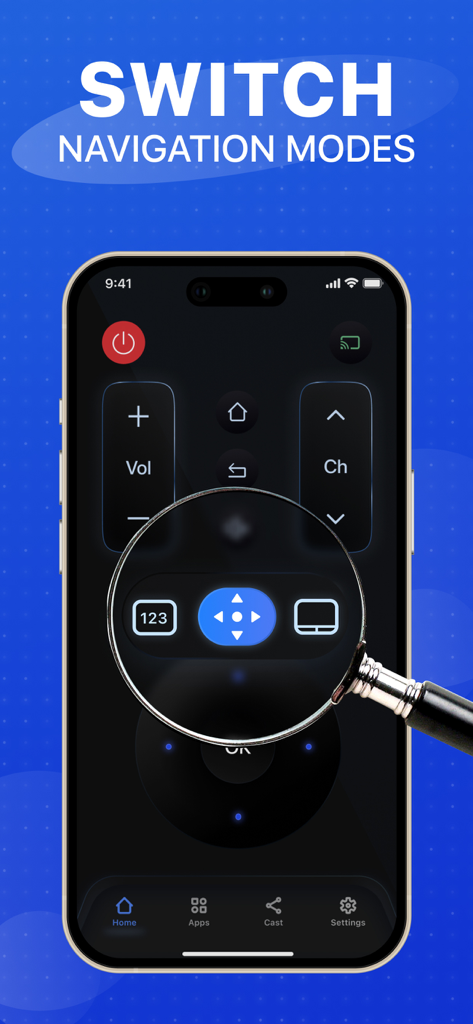
タッチパッドや方向矢印などの異なるナビゲーションモードを切り替えるための虫眼鏡がハイライトされたスマートTVリモートアプリインターフェースが表示されているiPhone。
タッチパッドや方向矢印などの異なるナビゲーションモードを切り替えるための虫眼鏡がハイライトされたスマートTVリモートアプリインターフェースが表示されているiPhone。

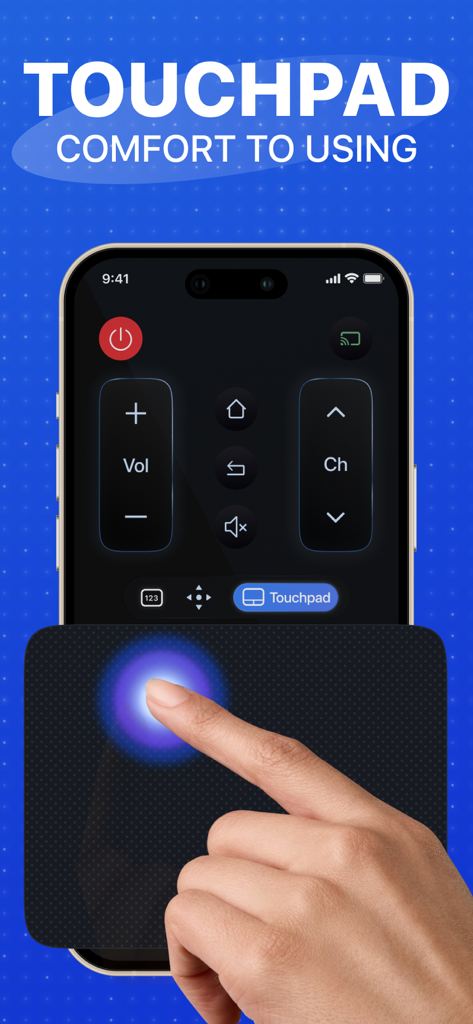
直感的なナビゲーションのために、スマートTVリモートアプリインターフェースの大きなタッチパッド機能を使用している手。
直感的なナビゲーションのために、スマートTVリモートアプリインターフェースの大きなタッチパッド機能を使用している手。

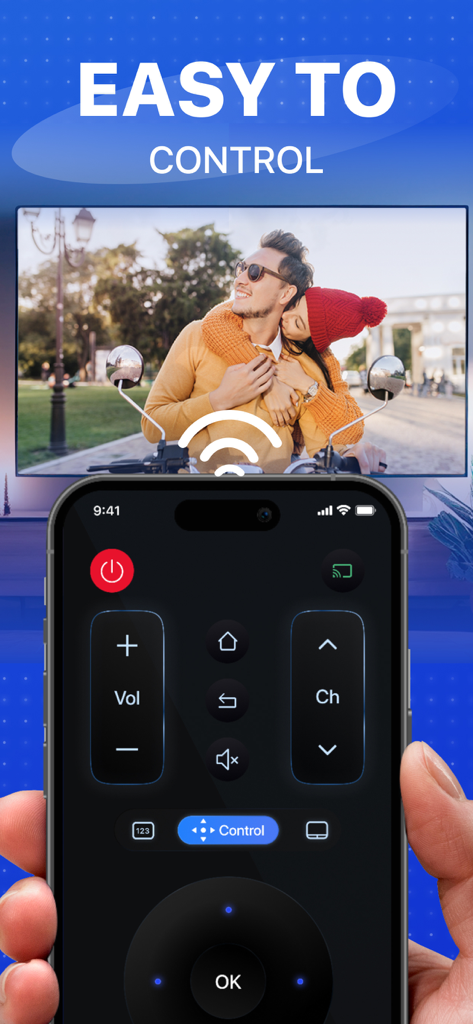
背景のTVに写真がキャストされ、ナビゲーションボタンが表示されたデジタルTVリモコンを示すスマートフォンの画面。

背景のTVに写真がキャストされ、ナビゲーションボタンが表示されたデジタルTVリモコンを示すスマートフォンの画面。

Samsung TV体験を変革する

このアプリを際立たせるツール、 34K+ 人のユーザーが選択.

📱

スマートタッチパッドナビゲーション

イライラする物理ボタンはもう不要です。スマートフォンの画面を高精度トラックパッドとして使用し、数秒でアプリを閲覧したり、映画を検索したりできます。

📸

思い出を即座にキャスト

カメラロールからお気に入りの瞬間を直接大画面にキャストし、家族全員で楽しみましょう。

摩擦ゼロのセットアップ

リモコンを失くす心配はもうありません。TVへの自動で信頼性の高い接続を体験し、複雑なペアリングなしで即座に視聴を開始できます。

アプリについて

について知っておくべきこと TV Remote for Smart TVs.

説明

With Remote for Smart TV you can effortlessly connect and control your Samsung TV using your phone or tablet. Bring your TV experience to a new level! Our Remote for Smart TV provides an intuitive interface for seamlessly controlling your Samsung TV, making navigation and management easier than ever. Use our App's features to search for your favorite movies, TV shows, and videos. This app also allows to cast your favorite photos and videos from your camera rolls to Samsung TV, making sharing photos and videos with family and friends easier than ever. Key features: - Intuitive remote control - Large touchpad - Cast photos & videos from your camera roll - Photo slideshow casting - Favorite channels - one click gets you to your favorite channels - Automatic connection to a device SETUP GUIDE: Please make sure your phone and Smart TV are connected to the same Wi-Fi network. Having questions or comments? Please email us and we'll do our best to help! Subscription Terms & Conditions: - Users can subscribe to four different plans: Weekly, Monthly, Yearly, Quarterly auto-renewing subscriptions for which they will receive all updates and new features forever. - Payment will be charged to iTunes account at confirmation of purchase. - Subscription automatically renews unless auto-renew is disabled at least 24 hours before the end of the current period. - Account will be charged for renewal within 24-hour prior to the end of the current period, and identify the cost of renewal. - Subscriptions may be managed by the user and auto-renewal may be turned off by going to the user's Account Settings after purchase. - Any unused portion of a free trial period, if offered, will be forfeited when the user purchases a subscription to that publication, where applicable. Terms of Use: https://remote-control-for-samsung.s3.amazonaws.com/docs/terms_of_use.txt Privacy Policy: https://remote-control-for-samsung.s3.amazonaws.com/docs/privacy_policy.txt DISCLAIMER: TV Remote Control is neither an official Samsung product, nor are we affiliated with the Samsung Electronics company.

最新バージョン

1.1.6

サイズ

125.2 MB

リリース日

2021年7月22日

探すのをやめて、見始める

iPhoneを究極のSamsung TVコマンドセンターに変えましょう。34,000人以上のユーザーに加わり、今日の簡単なタッチパッドナビゲーションとインスタント写真キャストをお楽しみください。

ダウンロード: App Store

App information, icons, screenshots, and descriptions displayed on this page are sourced from the Apple App Store and are the property of their respective developers. Download estimates and rankings are based on MWM's proprietary models and may not reflect actual figures. This page is provided for informational and analytical purposes only.

Believe this page infringes your intellectual property? File a dispute