
このページはアプリまたはその開発者の公式ページではなく、情報提供および論評を目的として作成された独立した編集出版物です。明示的に別段の記載がない限り、アプリおよびその開発者は、MWM、Apple、Google Play、アプリのパブリッシャー、またはアプリの開発者と提携、承認、後援、認可、またはその他の公式的な関係はなく、このページのいかなる内容も、アプリがMWMのサービスを使用して開発されたことを意味するものではありません。すべての商標、ロゴ、スクリーンショット、その他のコンテンツはそれぞれの所有者の財産です。

UniRemote: Smart TV Control
紛失したリモコンを探すのはもうやめて、iPhoneのキーボードで10倍速く文字入力しましょう。直感的なタッチパッド、大型ボタンのイージーモード、シームレスなメディアキャスト機能で、家中のあらゆるテレビを操作できます。
ダウンロード
589K+ユーザー評価
評価数
10K+開発元
カテゴリ
Utilities対応言語
8最新バージョン
1.5.5サイズ
254.8 MBリリース日
2024年8月19日エンターテイメントを完全にコントロール
失くしたリモコンを探し回るのはやめて、手の中にあるiPhoneで家中のあらゆるテレビを操作しましょう。
スマートキーボード&タッチパッド
テレビ画面でのイライラするような文字入力をやめましょう。iPhoneキーボードを使って、映画のタイトル入力やメニュー操作を瞬時に行えます。
1つのアプリで、あらゆるテレビに
Samsung、LG、Sony、Rokuなど、UniRemoteはWi-Fi経由で自動的に同期し、追加のハードウェアなしで完全なコントロールを提供します。
よくある質問
について知っておくべきこと UniRemote: Smart TV Control
UniRemote: Smart TV Controlとは何ですか?
UniRemote: Smart TV Controlは、お使いのiPhoneをユニバーサルTVリモコンに変えるiPhoneアプリです。従来のテレビリモコンの機能を再現し、チャンネル、音量、ナビゲーションを操作して、テレビ視聴体験を向上させることができます。
UniRemoteはどのように私のテレビに接続しますか?
UniRemoteは、iPhoneとテレビが同じWi-Fiネットワーク上にある場合に接続します。IR(赤外線)テレビの場合、お使いのスマートフォンにIR機能が内蔵されている必要があります。
UniRemoteはメディアキャストをサポートしていますか?
はい、UniRemote: Smart TV Controlはメディアキャストをサポートしています。ユーザーは、アプリを通じて数回のクリックでiPhoneからテレビに写真や動画を直接キャストできます。
UniRemoteの主な操作機能は何ですか?
UniRemoteは、チャンネル、音量、ナビゲーションメニューの調整を含む包括的な操作機能を提供します。D-pad、Touchpad、Numpad、および再生/一時停止/停止などのメディア再生コントロールをサポートし、従来のテレビリモコンを再現します。
UniRemote: Smart TV Controlは無料で利用できますか?
いいえ、UniRemote: Smart TV Controlは、全機能にアクセスするにはプレミアムサブスクリプションが必要です。購入の確認時に、iTunesアカウントに支払いが発生します。
UniRemoteのプレミアムサブスクリプションをキャンセルするにはどうすればよいですか?
UniRemoteプレミアムサブスクリプションと自動更新は、iTunesアカウント設定を通じて管理します。自動更新は、現在のサブスクリプション期間が終了する少なくとも24時間前までにオフにする必要があります。
UniRemoteはネットワーク上のテレビを自動検出しますか?
はい、UniRemoteは自動セットアップ機能を備えています。アプリは、お使いのiPhoneと同じWi-Fiネットワークに接続されている互換性のあるテレビを自動的に検出し、迅速な操作を可能にします。
UniRemote: Smart TV Controlはシンプルなインターフェースを提供していますか?
はい、UniRemoteは「イージーモード」を提供しています。この機能により、ユーザーはリモート画面を簡素化し、より大きなナビゲーションおよび音量コントロールを提供することで、使いやすさを向上させることができます。
UniRemoteは複数のテレビデバイスを操作できますか?
はい、UniRemoteはマルチデバイス操作をサポートしています。ユーザーは、アプリ内で複数のテレビデバイスに簡単に接続して切り替えることができ、1つのiPhoneでさまざまなテレビを管理できます。
UniRemoteはSamsungやLGのような主要テレビブランドの公式リモコンアプリですか?
いいえ、UniRemote・Universal TV Controlは、Samsung、LG、Sony、Philips、Panasonicのような主要テレビブランドの公式アプリケーションではありません。これらの会社や他の会社とは一切関係ありません。
以下のスクリーンショットと説明は、アプリの公式ストアリスティングから直接取得されたものであり、アプリ開発者の所有物です。
アプリストア
スクリーンショット
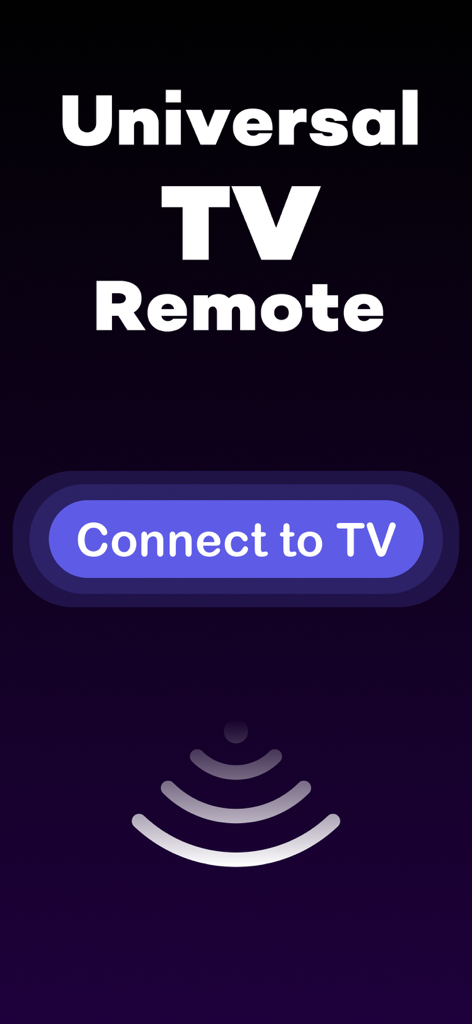
ユニバーサルTVリモコンアプリのスプラッシュ画面、接続ボタンと信号アイコンが表示されています
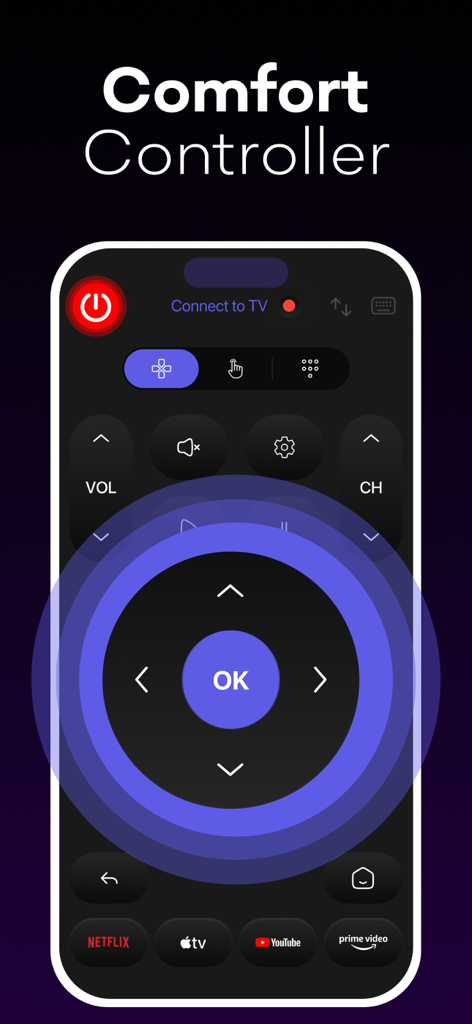
スマートTVリモコンアプリのインターフェース、ナビゲーションDパッドとストリーミングショートカットが表示されています
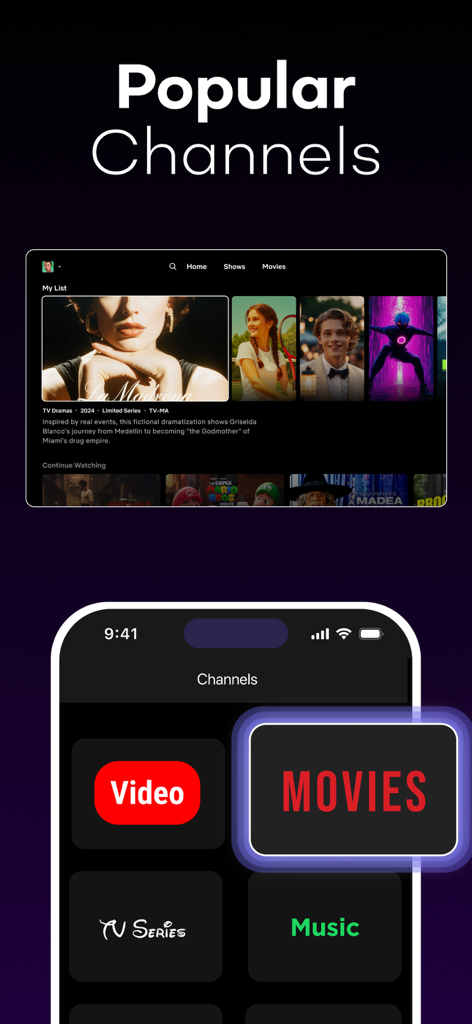
iPhoneにUniRemoteアプリが表示され、スマートTVインターフェースの横に映画、TVシリーズ、音楽のショートカットボタンが表示されています。
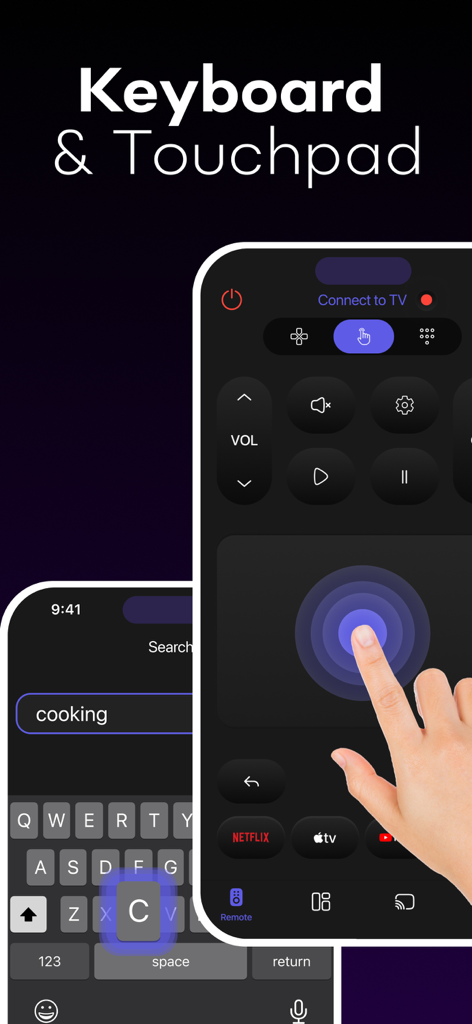
iPhoneにUniRemoteスマートTVコントロールアプリのキーボードとタッチパッド機能が表示されています
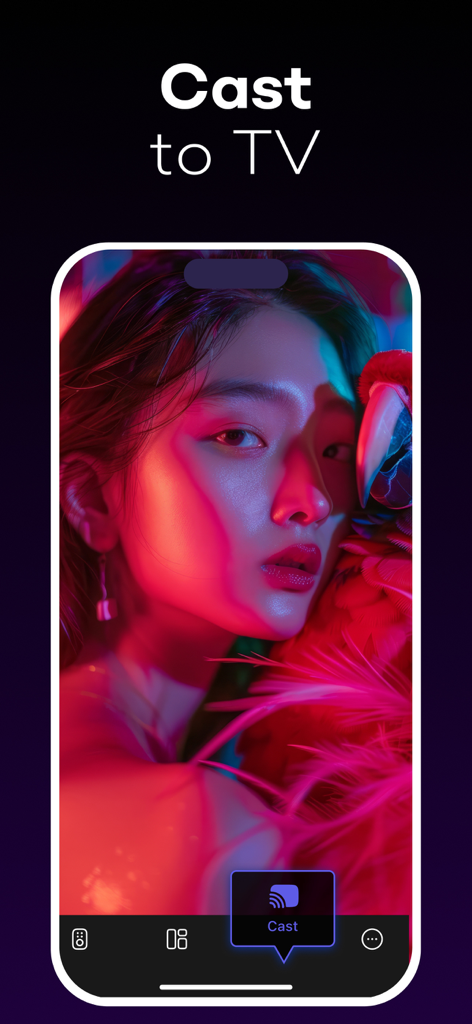
UniRemoteアプリの「キャスト・トゥ・TV」機能が表示されたスマートフォンの画面
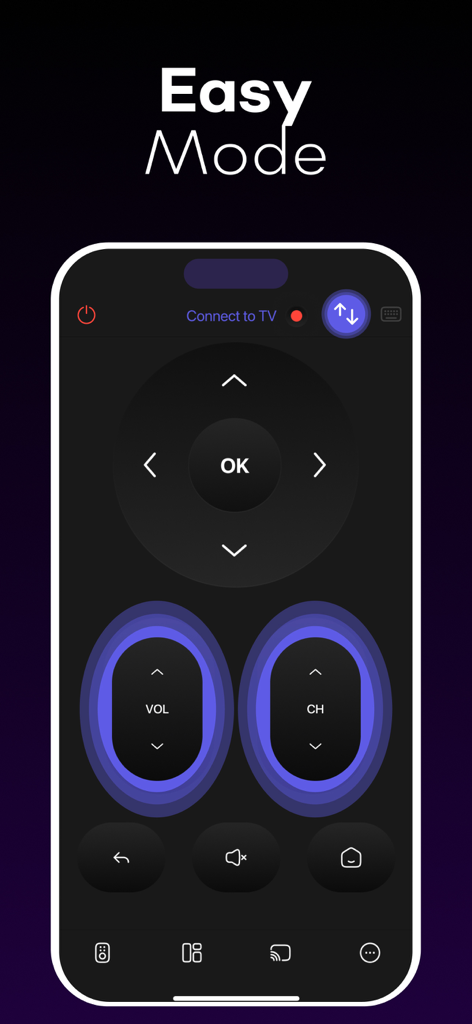
UniRemoteスマートTVコントロールアプリに、大きなボタンを備えたイージーモードインターフェースが表示されています
説明
Download
類似アプリ
似た機能とユーザー体験を持つアプリ

The Roku App (Official)
ROKU INC

TV Remote & Smart TV Control
To Ngoc Mai

Universal TV Remote Control .
Apps Venture Inc.

TV Remote, Universal Remote
Hangzhou Yingshitong Technology Co., Ltd.

TV Remote Control “Universo”
Nemo Apps LLC

TV Remote・Universal Control #1
Mihai Turlea

Remote Smart Tv Universal
clement gasner

Remote TV Control TCL Onn App
CEMAL CAGLAR KIRICI

TV Remote Control Universal AI
Anh Ngo
このページはアプリまたはその開発者の公式ページではなく、情報提供および論評を目的として作成された独立した編集出版物です。明示的に別段の記載がない限り、アプリおよびその開発者は、MWM、Apple、Google Play、アプリのパブリッシャー、またはアプリの開発者と提携、承認、後援、認可、またはその他の公式的な関係はなく、このページのいかなる内容も、アプリがMWMのサービスを使用して開発されたことを意味するものではありません。すべての商標、ロゴ、スクリーンショット、その他のコンテンツはそれぞれの所有者の財産です。