
このページはアプリまたはその開発者の公式ページではなく、情報提供および論評を目的として作成された独立した編集出版物です。明示的に別段の記載がない限り、アプリおよびその開発者は、MWM、Apple、Google Play、アプリのパブリッシャー、またはアプリの開発者と提携、承認、後援、認可、またはその他の公式的な関係はなく、このページのいかなる内容も、アプリがMWMのサービスを使用して開発されたことを意味するものではありません。すべての商標、ロゴ、スクリーンショット、その他のコンテンツはそれぞれの所有者の財産です。

ダウンロード
2.5M+ユーザー評価
評価数
34.0K開発元
カテゴリ
Utilities対応言語
15最新バージョン
4.1サイズ
78.6 MBリリース日
2018年4月26日テックアナリストによる主要機能とユーザーインパクト評価
Roku TV用ユニバーサルリモート アプリの機能分析
紛失・破損リモコン問題の解決
物理リモコンの紛失や破損といった一般的な問題に対する信頼性の高い代替手段を提供します。
Rokuデバイスのモバイル制御
iPhoneやiPadから直接、Roku TVまたはRoku Stickデバイスを簡単に操作できます。
簡単なセットアップと自動検出
同じWiFiネットワークに接続するだけで、アプリがRokuデバイスを自動検出し、迅速に利用を開始できます。
元リモコン機能の完全再現
物理的なRokuリモコンが持つすべての機能をモバイルデバイス上で再現し、包括的な操作を提供します。
Wi-Fi経由の安定した接続
Wi-Fiネットワークを利用してRokuデバイスと接続するため、安定した信頼性の高いリモート操作が可能になります。
直感的なユーザーインターフェース
スマートフォンに最適化されたインターフェースにより、ユーザーはRokuデバイスを直感的かつ容易に操作できます。
iPhoneおよびiPad対応
アプリはiPhoneとiPadの両方で利用できるため、ユーザーは好みのiOSデバイスでRokuを制御する柔軟性を享受できます。
Rokuシステム内蔵TVとの互換性
Rokuシステムが組み込まれたテレビデバイスとの互換性が明記されており、対象ユーザーは自身のデバイスでアプリが機能することを安心して確認できます。
よくある質問
について知っておくべきこと Universal remote for Roku tv
What is Universal Remote for Roku TV?
Universal Remote for Roku TV allows users to control their Roku TV or Roku stick device directly from their iPhone or iPad. It functions as an original remote control with all features.
Does Universal Remote for Roku TV work on iPhone?
Yes, Universal Remote for Roku TV works with iPhones and iPads. The app enables users to control their Roku devices directly from their Apple mobile devices.
How do I set up Universal Remote for Roku TV?
To set up Universal Remote for Roku TV, connect your iPhone or iPad to the same WiFi network as your Roku TV. The application automatically detects the device for control.
Is Universal Remote for Roku TV compatible with all TVs?
Yes, this app only works with TVs that have a Roku system embedded. It supports both Roku TVs and Roku stick devices.
Is Universal Remote for Roku TV an official Roku app?
No, Universal Roku is not an official ROKU product. It is also not affiliated with the RCA/Roku company. This is stated as a disclaimer.
How does the subscription for Universal Remote for Roku TV work?
The Universal Remote for Roku TV app offers auto-renewing subscriptions with weekly, monthly, or yearly lengths. Payment is charged to your iTunes Account upon purchase confirmation.
How can I cancel my Universal Remote for Roku TV subscription?
You can cancel your Universal Remote for Roku TV subscription or turn off auto-renewal via your Apple Account Settings. This must be done at least 24 hours before the current period ends.
Do I need a subscription to access all features of Universal Remote for Roku TV?
Yes, the Universal Remote for Roku TV application allows access to premium features for the duration of an active subscription.
Where can I find the privacy policy for Universal Remote for Roku TV?
The privacy policy for Universal Remote for Roku TV is available at https://nstx.io/URR/URR_privacy.html. Users can review it for information on data handling.
以下のスクリーンショットと説明は、アプリの公式ストアリスティングから直接取得されたものであり、アプリ開発者の所有物です。
アプリストア
スクリーンショット
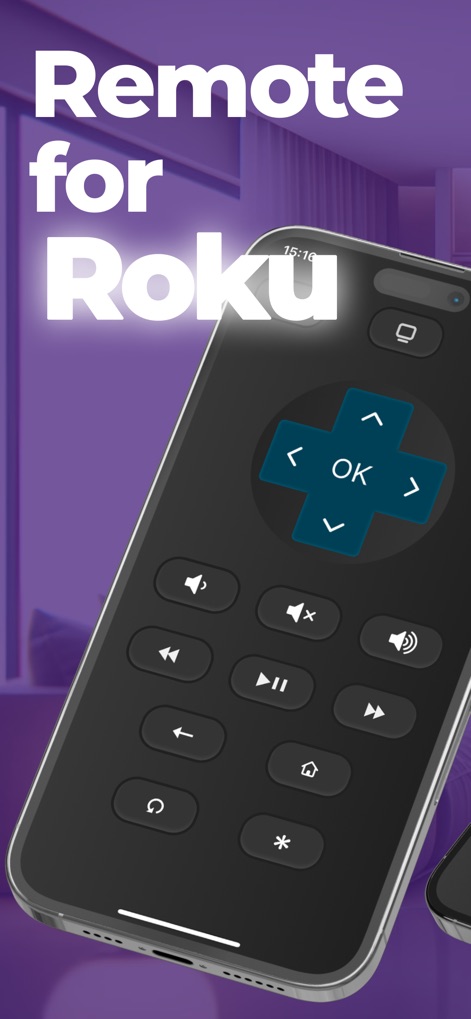
このアプリは、ユーザーがRoku TVをスマートフォンから直接操作できるようにします。画面には、直感的な方向パッドと応答性の高いメディア再生コントロールが表示され、シームレスな操作体験を提供します。
Rokuを指先で
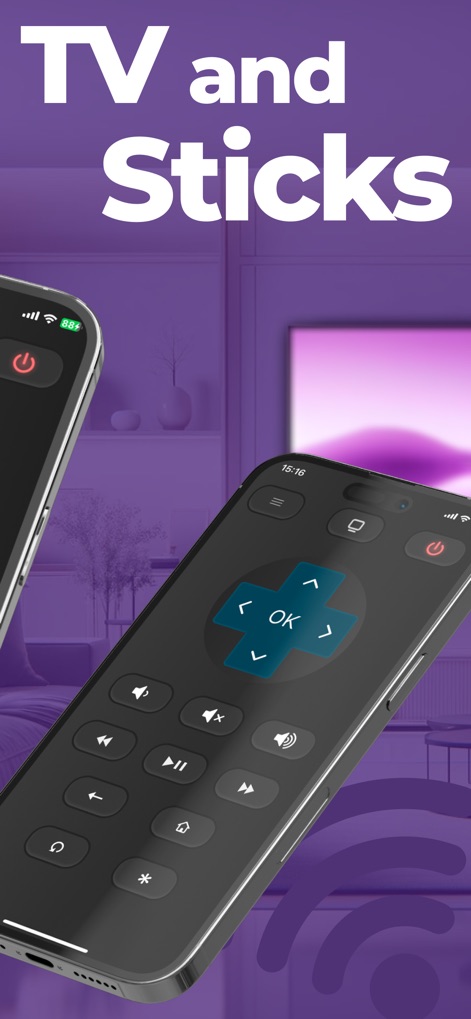
Roku TVやRoku Streaming Stickといった多様なデバイスへの互換性を示しています。ユーザーは、この画面に表示されるリモートコントロールインターフェースを通して、あらゆるRokuデバイスを簡単に制御できます。
全てのRokuに対応
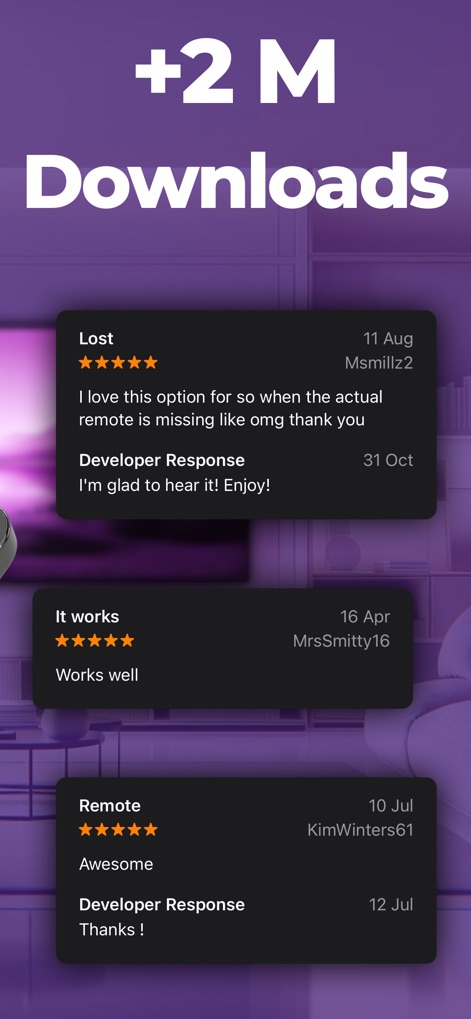
アプリの高い人気とユーザーからの信頼を強調しています。このスクリーンショットは、200万以上のダウンロード数と、アプリの使いやすさを称賛するポジティブなユーザーレビューを紹介しています。
信頼されるリモコン
説明
Download
類似アプリ
同じカテゴリのトップランクアプリ

Google LLC

Google Chrome
Google LLC

中国移动(手机营业厅)
China Mobile Online Services Co., Ltd.

Google Authenticator
Google LLC

CNH do Brasil
Servicos e Informacoes do Brasil

Cleanup: Phone Storage Cleaner
DEEP FLOW SOFTWARE SERVICES - FZCO

gov.br
Servicos e Informacoes do Brasil

中国电信-全国统一官方服务平台
CHINA TELECOM Corporation Ltd.

Microsoft Edge: AI Browser
Microsoft Corporation
このページはアプリまたはその開発者の公式ページではなく、情報提供および論評を目的として作成された独立した編集出版物です。明示的に別段の記載がない限り、アプリおよびその開発者は、MWM、Apple、Google Play、アプリのパブリッシャー、またはアプリの開発者と提携、承認、後援、認可、またはその他の公式的な関係はなく、このページのいかなる内容も、アプリがMWMのサービスを使用して開発されたことを意味するものではありません。すべての商標、ロゴ、スクリーンショット、その他のコンテンツはそれぞれの所有者の財産です。