Unzip - Zip Files Extractor

Unzip - Zip Files Extractor

ダウンロード: App Store
ロゴ: Unzip - Zip Files Extractor

Unzip - Zip Files Extractor: 究極のプロ向けファイルマネージャー&コンプレッサー

RARおよび7Zアーカイブを簡単に開き、大容量ビデオを縮小してストレージを節約し、プログレードのセキュアな金庫でプライベートドキュメントを保護します。

ダウンロード: App Store

開発元

shenzhen Aisha Technology Co., Ltd.

カテゴリ

Utilities

ダウンロード

14K+

ユーザー評価

4.3/5

評価数

0

対応言語

18

内部を詳しく見る

このインターフェースを利用する 14K+ 人のユーザー.

iPhone用Unzip Zip Files Extractorアプリのプロモーション画面。ファイルアイコンと5つ星評価が表示されています。
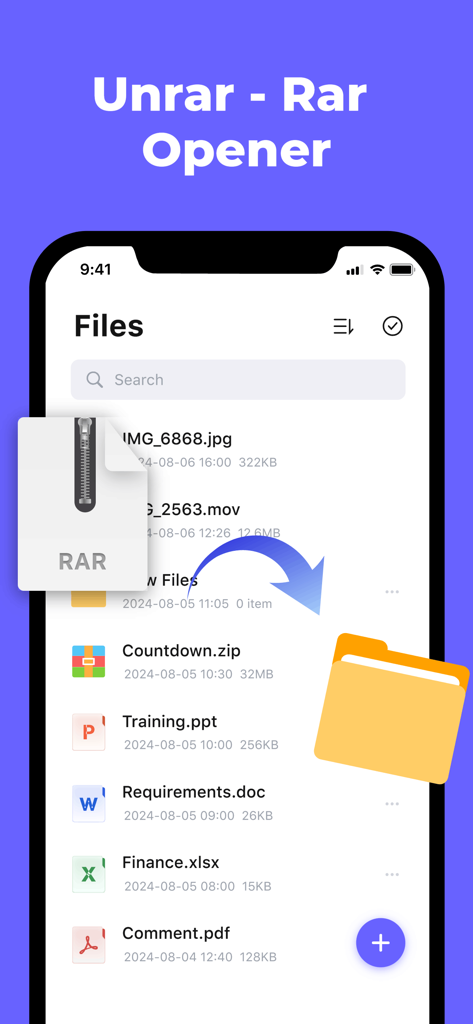
iPhone用Unzip Zip Files Extractorアプリのプロモーション画面。ファイルアイコンと5つ星評価が表示されています。

RARファイルがフォルダに抽出されている、ファイルリストを表示するUnrarアプリのインターフェース。
RARファイルがフォルダに抽出されている、ファイルリストを表示するUnrarアプリのインターフェース。

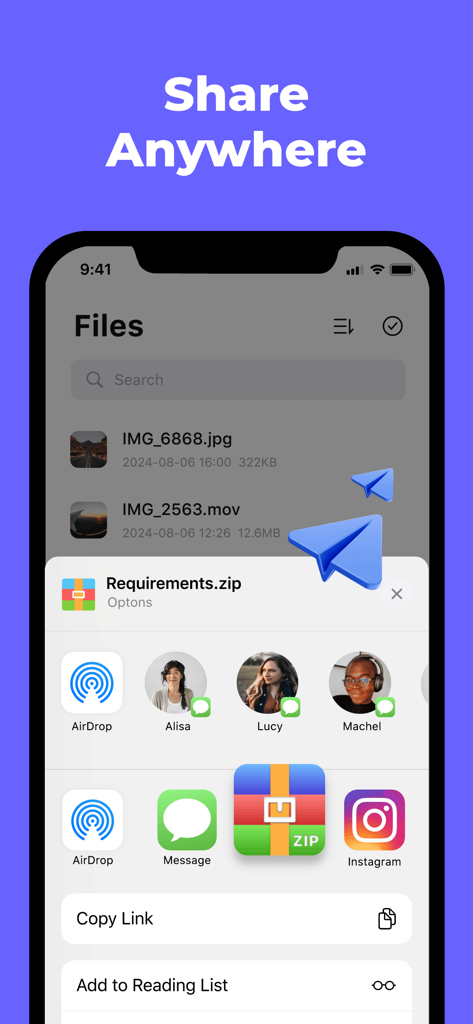
zipファイル用のiOS共有シートとAirDropおよびメッセージングオプションを表示するUnzipアプリのスクリーンショット。
zipファイル用のiOS共有シートとAirDropおよびメッセージングオプションを表示するUnzipアプリのスクリーンショット。

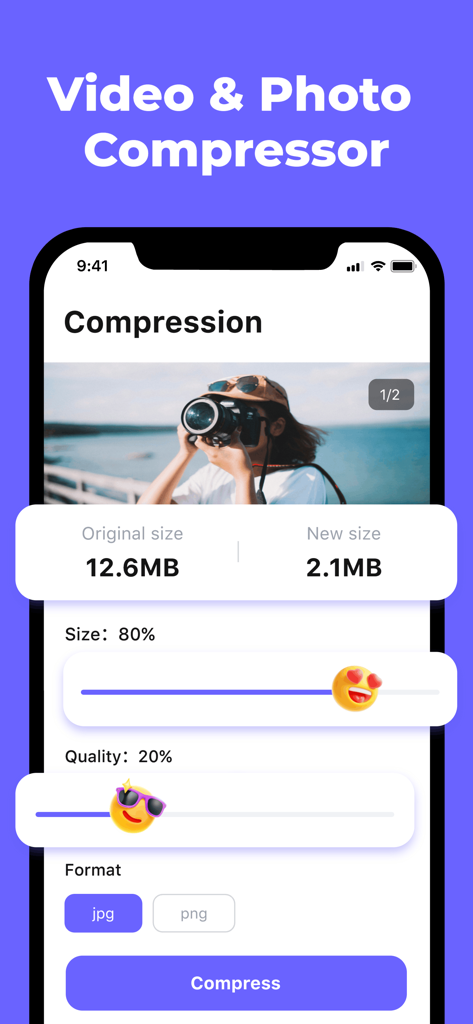
12.6MBの画像を2.1MBに縮小する写真圧縮を示すモバイルアプリのインターフェース。サイズと品質のスライダーを調整可能。
12.6MBの画像を2.1MBに縮小する写真圧縮を示すモバイルアプリのインターフェース。サイズと品質のスライダーを調整可能。

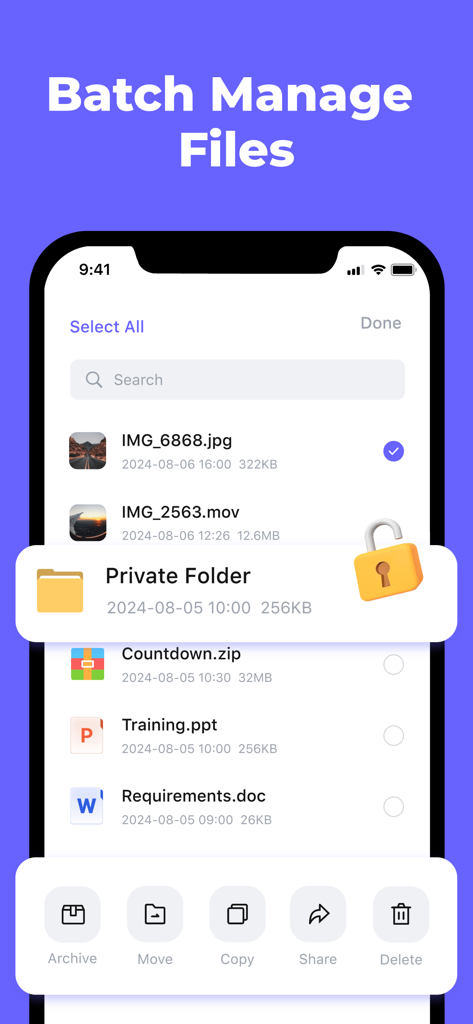
アーカイブ、移動、コピー、削除のオプションを備えたUnzipアプリでのバッチファイル管理のインターフェース。
アーカイブ、移動、コピー、削除のオプションを備えたUnzipアプリでのバッチファイル管理のインターフェース。

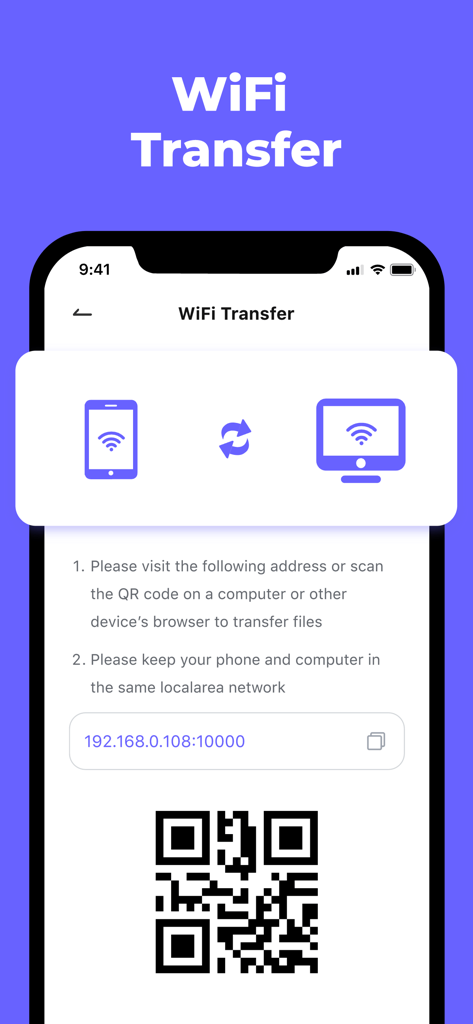
コンピュータとファイルを同期するための指示とQRコードを表示するUnzipアプリのWiFi転送画面。
コンピュータとファイルを同期するための指示とQRコードを表示するUnzipアプリのWiFi転送画面。

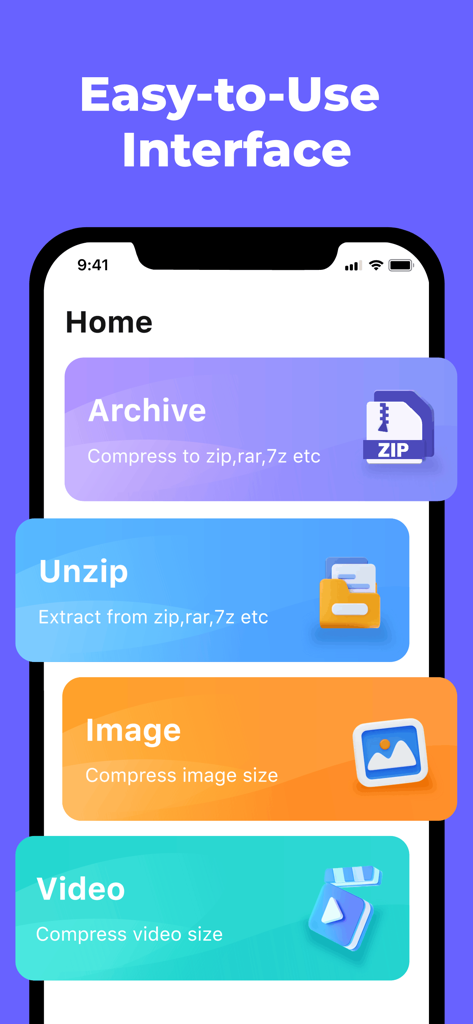
アーカイブ、解凍、画像やビデオの圧縮ボタンを表示するUnzipアプリのホーム画面。使いやすいインターフェース。

アーカイブ、解凍、画像やビデオの圧縮ボタンを表示するUnzipアプリのホーム画面。使いやすいインターフェース。

モバイル生産性を最大化するパワーハウス

このアプリを際立たせるツール、 14K+ 人のユーザーが選択.

📦

フォーマットの壁を壊す

RAR、7Z、ZIPファイルを即座に開き、PCとモバイルデバイス間の互換性の問題を心配することなく、シームレスなコラボレーションを保証します。

ストレージ容量を回復する

大容量の4Kビデオや高解像度写真を数秒で縮小し、お気に入りのコンテンツを削除せずにギガバイト単位のスペースを解放します。

🔐

仕事とプライベートのプライバシーを保護する

機密の契約書、学校のプロジェクト、プライベートファイルを、専用のアプリロックで保護された暗号化された金庫に保管します。

アプリについて

について知っておくべきこと Unzip - Zip Files Extractor.

説明

Zip File Opener & File Extractor: Quickly open, extract, and manage zip files. Unarchive rar, zips in seconds, preview contents, and compress folders with ease. Handles encrypted zips and supports multiple formats like zip, rar, 7z, gzip, tar, lz4. Also compresses videos/images to save space. Fast, secure, and user-friendly! Highlight feature of the Zip File Opener: Advanced Zip File Compression - This Zip File Opener quickly handles Word, Excel, PPT, PDF, TXT. - This zip extractor quickly handles images and videos. - Supports one-click compression for fast file manager. - Supports encrypted file compression for added security. Fast and Easy File Unzip - Rar extractor & zip extractor can quickly Unzip files in zip, rar, 7z, gzip, tar, lz4 and other formats File Manager with Unzip Support As a unzip app, it includes four main functions: file import, batch selection, folders and compressed package. - File Import: This file manager lets you create files and folders, import photos and local files, and transfer files wirelessly via WiFi or from other apps. - Batch Selection: You can unarchive, move, copy, share, or delete multiple files with ease. - Folders: You can set up encrypted files and folders. - Compressed Package: You can preview the zip file contents Photo Compressor - Easily shrink image sizes with adjustable compression settings. - Can convert jpg, png formats - Supports single/batch compression, real-time preview, clear results, and one-click original deletion. Video Compress - Shrink video size without quality loss. - Customize 2k, 1080, 720, 480, 360 and other resolutions - Can be converted to mp4, mov, mkv, avi, wmv formats Seamless WiFi File Transfer via Zip Extractor - Easily transfer files wirelessly between devices Secure File Vault in Rar Extractor - Protect sensitive files with password encryption Advanced File Viewer - Built-in Media Player: Play audio and video files MP4, MP3, AVI, MKV, FLV, WMA, MOV, and more. - Text Document Reader: Open DOC, XLSX, PPT, TXT, RTF, Pages, JPG, GIF, PNG files directly. - Instant File Preview: View RAR, APK, and other archive contents without extraction. Zip File Opener Recycle Bin Functionality - Deleted files automatically move to the Recycle Bin (held 10-30 days). App Lock – Protect Your Unzip Files - Launch the unzip app, and enter the password to prevent unauthorized access. Our unzip app is a versatile rar extractor, zip extractor, and zip file opener, compatible with tools like popular software WinRAR, 7-Zip, and WinZip. This unzip tool offers a simple alternative to unrar, rar opener, and other rar extractors, supporting rar files, zip files, and more — with smooth unzip functionality. Download today and enjoy rar extractor & zip extractor!!! Note: If you subscribe through Apple, payment will be charged to your App Store account at confirmation of purchase. Subscription automatically renews unless auto-renew is turned off at least 24 hours before the end of the current period. The account will be charged for renewal at the selected plan rate within 24 hours before the end of the current period. Subscriptions and auto-renewal can be managed after purchase by going to your App Store account settings. Feedback —If you like Unzip - Zip Files Extractor, please rate it 5 stars and give us a good review. —If you have any suggestions or usage questions, please email 3471894416@qq.com. Privacy policy: https://cmp.aifontkeyboard.xyz/privacy-policy/privacy/index.html Terms of services: https://cmp.aifontkeyboard.xyz/privacy-policy/terms/index.html

最新バージョン

1.0.7

サイズ

40.5 MB

リリース日

2024年11月11日

モバイルファイルをマスターする準備はできましたか?

何千人ものプロや学生に加わり、外出先でデータを解凍、圧縮、保護しましょう。今すぐiOS向けの究極のファイルツールキットをダウンロードしてください。

ダウンロード: App Store

App information, icons, screenshots, and descriptions displayed on this page are sourced from the Apple App Store and are the property of their respective developers. Download estimates and rankings are based on MWM's proprietary models and may not reflect actual figures. This page is provided for informational and analytical purposes only.

Believe this page infringes your intellectual property? File a dispute