
This page is not an official page of the app or its developer, but an independent editorial publication created for informational and commentary purposes. Unless expressly stated otherwise, neither the app nor its developer is affiliated with, endorsed by, sponsored by, authorized by, or otherwise officially connected with MWM, Apple, Google Play, the app publisher, or the app's developer, and nothing on this page implies that the app was developed using MWM's services. Any trademarks, logos, screenshots, and other content remain the property of their respective owners.
Vibration - Seismograph Meter
Monitor real-time seismic activity, structural stability, and machinery vibrations with laboratory-grade precision. Map intensity to the USGS scale and export CSV data for analysis—all in a private, offline-first tool designed for engineers and safety-conscious homeowners.
Downloads
0User Rating
Total Ratings
0Publisher
Category
TravelLocales
32Latest Version
1.0Size
3.1 MBFirst Released
Mar 25, 2026Professional-Grade Vibration Analysis in Your Pocket
Harness your iPhone’s advanced sensors to monitor seismic activity, test structural stability, and analyze environmental vibrations with laboratory-grade precision.
Real-Time Seismograph
Track motion across X, Y, and Z axes at 100 samples per second, automatically mapped to the USGS Instrumental Intensity Scale for immediate impact assessment.
Precision Data Export
Capture high-fidelity recordings and export them as CSV files for deep technical analysis in Excel, Google Sheets, or specialized engineering software.
The following screenshots and description are sourced directly from the app's official store listing and are the property of the app developer.
App Store
Screenshots
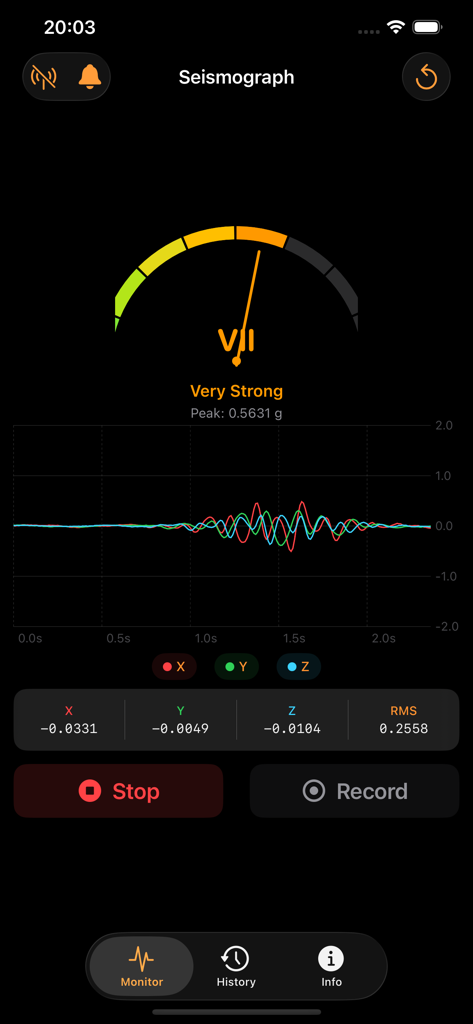
Vibration app monitor screen showing a very strong intensity level and seismic waveform graph
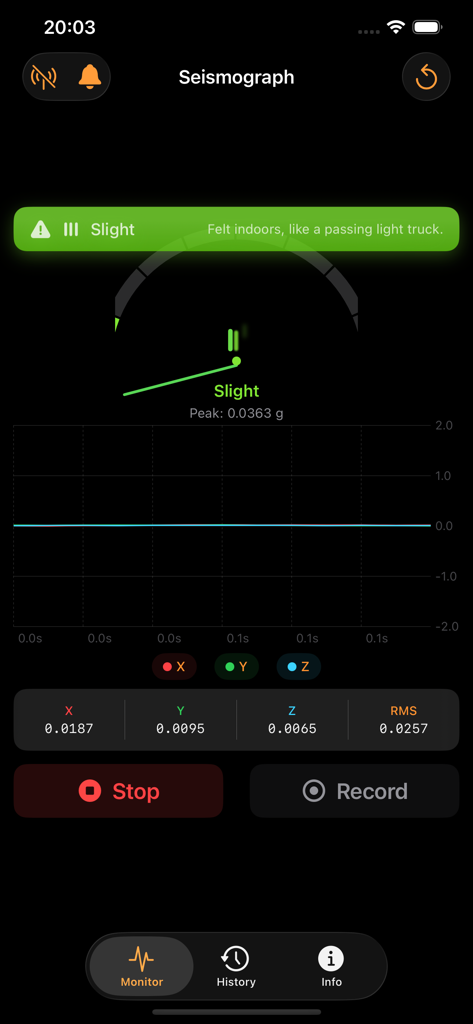
Real-time seismograph display showing vibration intensity and acceleration data on three axes
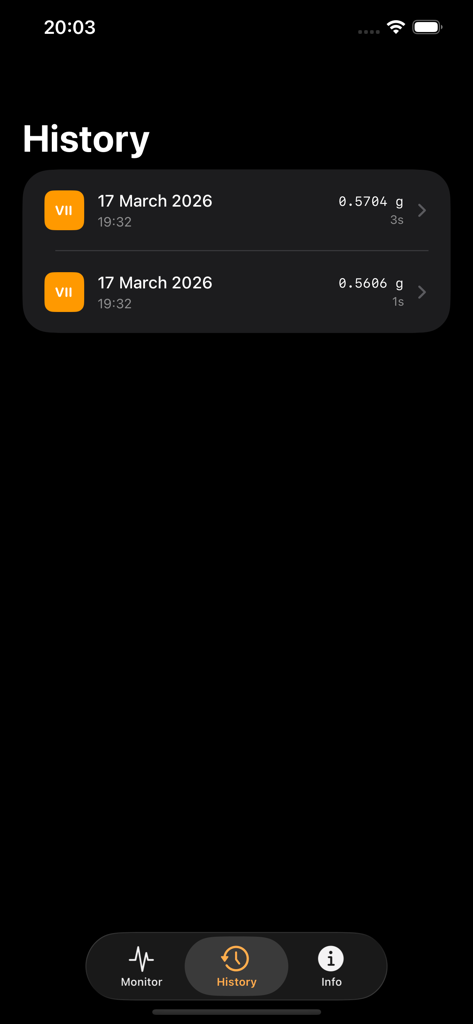
History screen of the Vibration app showing a list of recorded seismic events with g-force data and intensity levels.
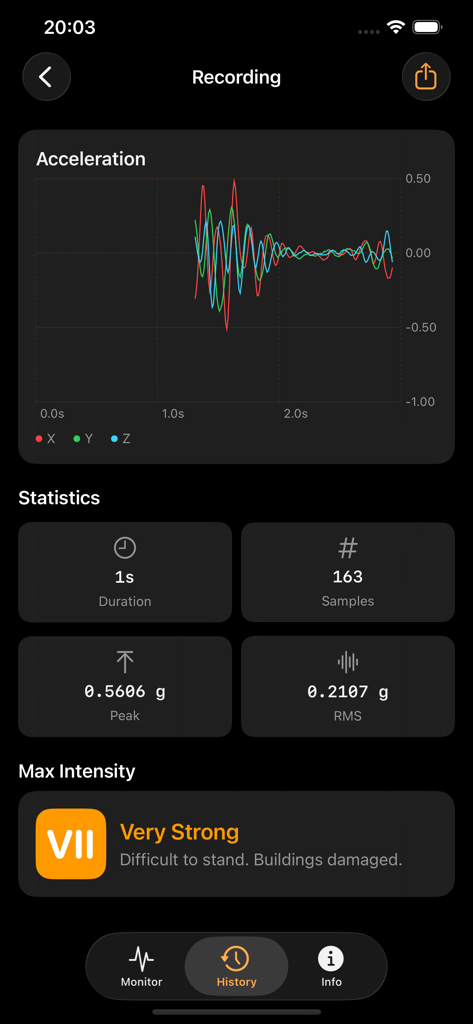
Vibration app recording screen showing acceleration waveform and Mercalli intensity level seven.
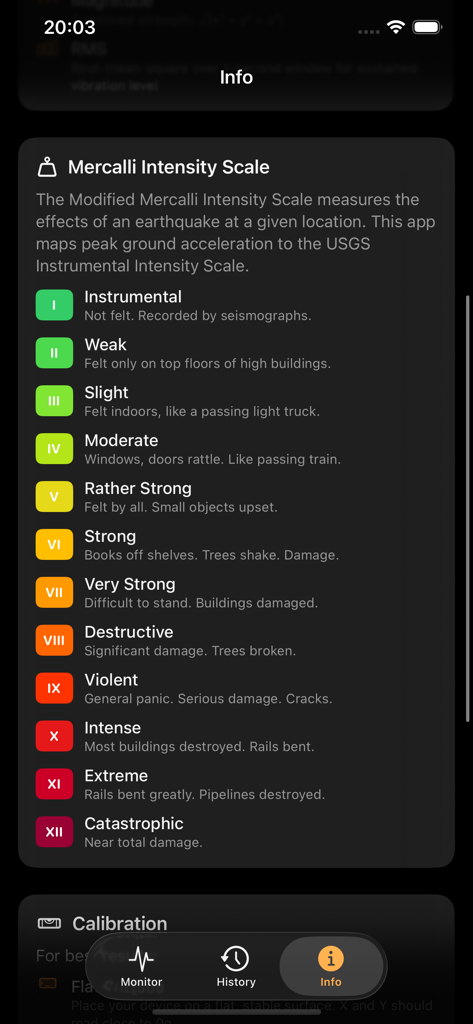
Modified Mercalli Intensity Scale reference guide in the Vibration Seismograph Meter app listing earthquake severity levels.
Description
Download
More Like This
Top-ranked apps in the same category

Uber - Request a ride
Uber Technologies, Inc.

铁路12306
ACADEMY OF RAILWAY SCIENCES CO., ltd.

Airbnb
Airbnb, Inc.

Grab: Taxi Ride, Food Delivery
GRABTAXI HOLDINGS PTE. LTD.

Booking.com: Hotels & Travel
Booking.com B.V.

DiDi China: Ride Hailing
Didi Chuxing (Beijing) Network Platform Technology Co., Ltd

Trip.com: Book Flights, Hotels
Trip.com Travel Singapore Pte. Ltd.

去哪儿旅行-订酒店机票火车票
Beijing Qunar Information Technology Company Limit

Bolt: Request a Ride
BOLT TECHNOLOGY OU
This page is not an official page of the app or its developer, but an independent editorial publication created for informational and commentary purposes. Unless expressly stated otherwise, neither the app nor its developer is affiliated with, endorsed by, sponsored by, authorized by, or otherwise officially connected with MWM, Apple, Google Play, the app publisher, or the app's developer, and nothing on this page implies that the app was developed using MWM's services. Any trademarks, logos, screenshots, and other content remain the property of their respective owners.