Video Plus - Music Editor Crop

Video Plus - Music Editor Crop

ダウンロード: App Store
ロゴ: Video Plus - Music Editor Crop

Video Plus:完璧なクロップなしソーシャルメディアビデオを数秒で作成

ぼかし背景、トレンドの音楽、プロフェッショナルなエフェクトで美的感覚を高めましょう。Instagram、TikTok、その他でコンテンツを目立たせたいクリエイターのために設計されたオールインワンエディターです。

ダウンロード: App Store

開発元

pixel force private limited

カテゴリ

Photo & Video

ダウンロード

87K+

ユーザー評価

4.3/5

評価数

1K+

対応言語

1

完璧な編集

このインターフェースを利用する 87K+ 人のユーザー.

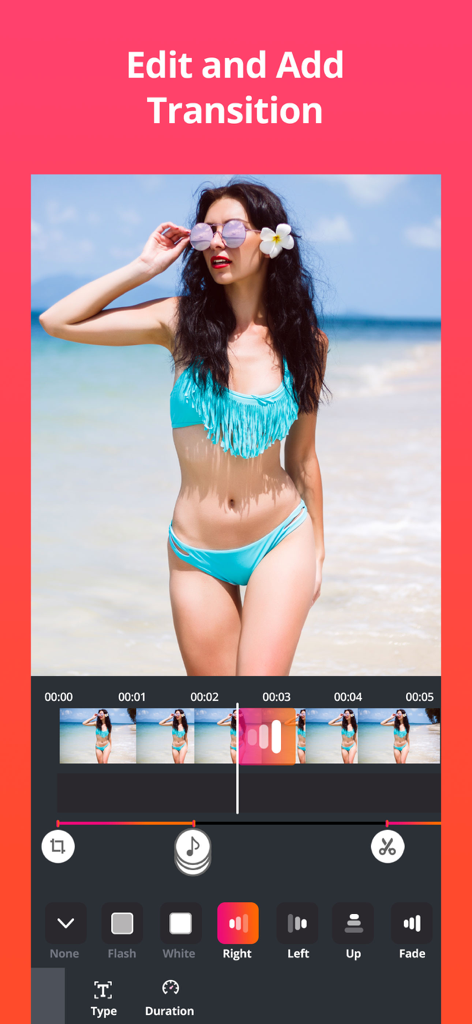
ビーチビデオ用のフラッシュやフェードなどのトランジションエフェクトを示すモバイルビデオ編集インターフェース
ビーチビデオ用のフラッシュやフェードなどのトランジションエフェクトを示すモバイルビデオ編集インターフェース

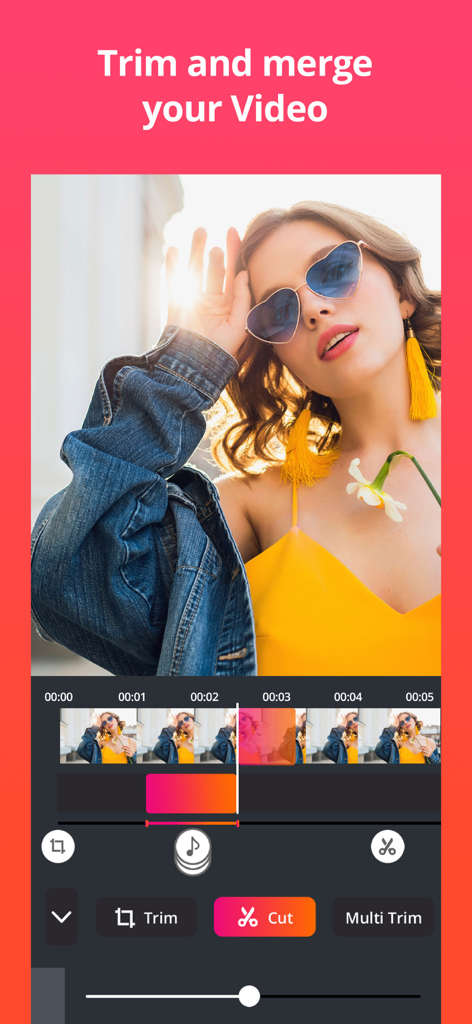
タイムライン付きのビデオトリミングおよびカットツールを示すVideo Plusアプリインターフェース
タイムライン付きのビデオトリミングおよびカットツールを示すVideo Plusアプリインターフェース

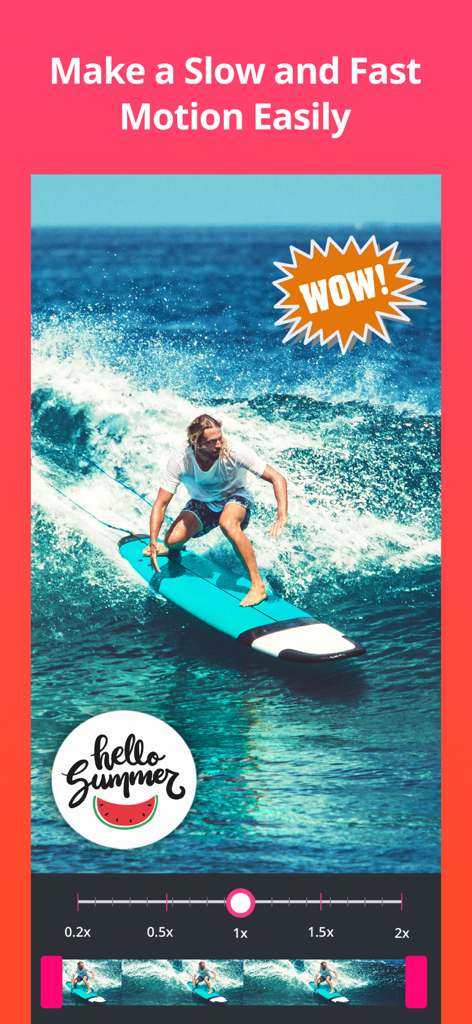
ステッカー付きのサーフィンビデオでスローモーションおよびファストモーション用の速度調整スライダーを示すVideo Plusアプリインターフェース
ステッカー付きのサーフィンビデオでスローモーションおよびファストモーション用の速度調整スライダーを示すVideo Plusアプリインターフェース

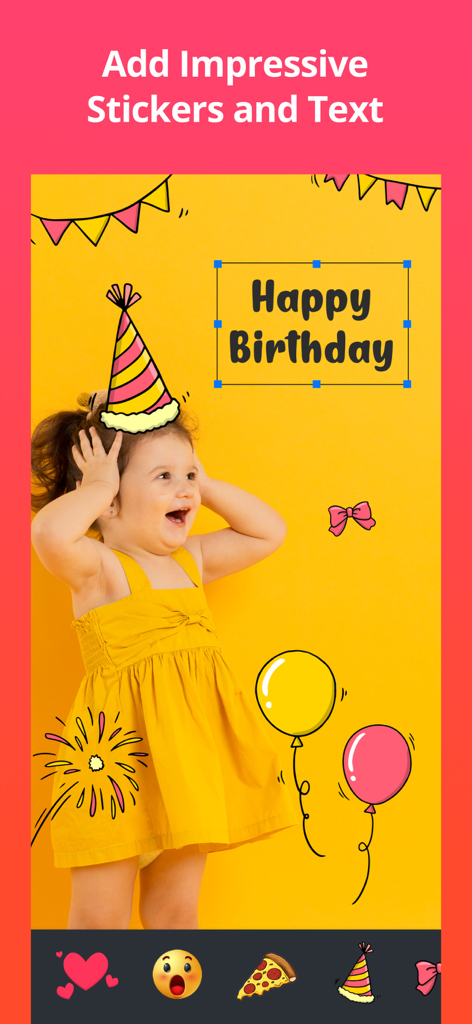
ビデオにハッピーバースデーステッカーやテキストオーバーレイを示すVideo Plusアプリのインターフェース
ビデオにハッピーバースデーステッカーやテキストオーバーレイを示すVideo Plusアプリのインターフェース

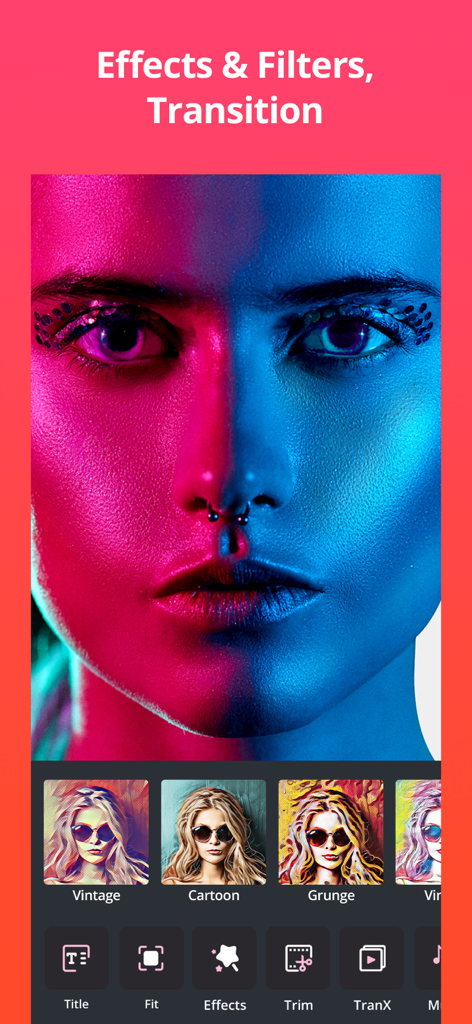
ソーシャルメディアクリエイター向けの芸術的なフィルターやビデオ編集ツールを表示するVideo Plusアプリのインターフェース
ソーシャルメディアクリエイター向けの芸術的なフィルターやビデオ編集ツールを表示するVideo Plusアプリのインターフェース

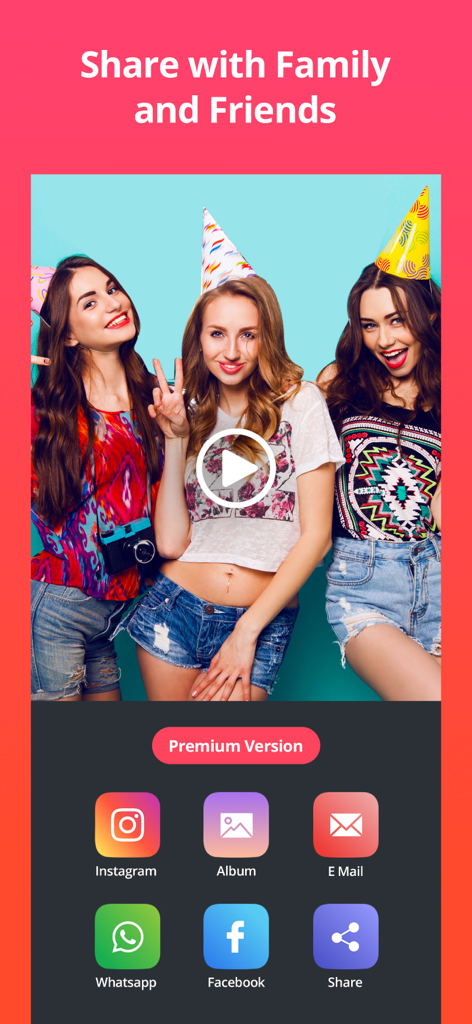
Video Plusアプリで編集されたビデオのソーシャルメディア共有オプションを示すインターフェース
Video Plusアプリで編集されたビデオのソーシャルメディア共有オプションを示すインターフェース

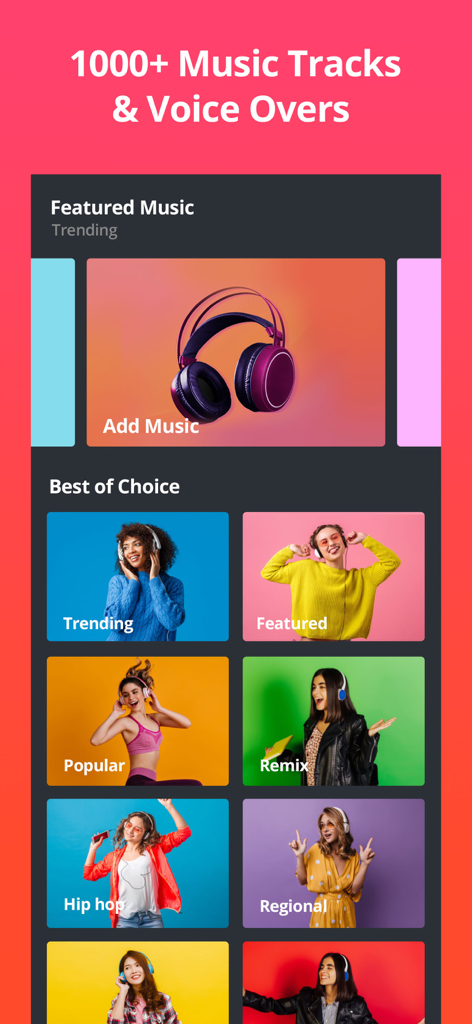
トレンド、人気、ヒップホップなどのカテゴリがあり、1000以上のトラックが利用可能なVideo Plusアプリの音楽選択画面のスクリーンショット

トレンド、人気、ヒップホップなどのカテゴリがあり、1000以上のトラックが利用可能なVideo Plusアプリの音楽選択画面のスクリーンショット

数秒でバイラル対応コンテンツを作成

このアプリを際立たせるツール、 87K+ 人のユーザーが選択.

🖼️

完璧なフィット感

風景ビデオをクロップせずに縦長のストーリーに投稿。スタイリッシュなぼかし背景やカラー境界線を使用して、グリッドをきれいに保ちます。

🎵

あなたのバイブにサウンドトラックを

複数のオーディオトラックを重ねたり、BGMを追加したり、カスタムボイスオーバーを録音して、完璧に同期したリップシンクと魅力的なリールを作成します。

プロレベルのエフェクト

40以上のシネマティックフィルター、トレンドのステッカー、高エンゲージメントのストーリーテリングのために設計された精密な速度制御で、あなたの映像を格上げしましょう。

アプリについて

について知っておくべきこと Video Plus - Music Editor Crop.

説明

Video Plus is a perfect video editor to post entire video to Instagram, Facebook or any other social media without cropping and with blur background or colourful backgrounds. You can add background music to your video, blur border, apply filters, add stickers, add text, audio recording and the list goes on Features Color border for video Blur border for video Add background music Can add multiple background audio files Record audio to lip-sync with the video add text on video crop and cut your videos Add stickers on video Added 40+ new video effects Added multiple video fit features full control on adjusting the placement of audio, stickers and text list goes on, why waiting its absolutely free, download it and enjoy in editing videos for free RESTORE: You can restore your paid in app purchases without paying again. Follow these steps: 1. Open the app 2. Click on Top Right to open the Premium window 3. Click on RESTORE to re-activate your in app purchases again 4. DONE VideoPlus Premium Subscription ========================== 1. Enjoy professional video editing tools with Pro-Level Features & Amazing Members-Only Benefits. 2. Get unlimited access to all premium Video Themes. 3. Get unlimited access to all premium filters and tools 4. Get access to multiple speed controls, Stickers and Fonts 5. Get rid of ads and watermark • Subscriptions may be managed by the user and auto-renewal may be turned off by going to the user's Account Settings after purchase • Any unused portion of a free trial period, if offered, will be forfeited when the user purchases a subscription to that publication, where applicable Subscription plans: 1. USD $30.99/Year with 1 Week Free Trial 2. USD $20.99/6 Months with 1 Week Free Trial 3. USD $6.99/Month Subscriptions automatically renew unless they are turned off at least 24 hours before the end of the current period in account settings. Renewals are charged within 24-hours preceding the end of the current period. Payment is charged to iTunes Account at confirmation of purchase. Subscriptions are managed by the user. Terms of Service: http://206.189.130.170/ps_tc.html Privacy: http://206.189.130.170/ps_privacy.html

最新バージョン

1.4.17

サイズ

94.2 MB

リリース日

2016年12月8日

クロップはやめて、クリエイティブを始めよう。

87,000人以上のクリエイターがフィードを完璧に仕上げています。Video Plusを今すぐダウンロードして、ぼかし境界線、プロフィルター、トレンドの音楽で完璧な美的感覚を手に入れましょう。

ダウンロード: App Store

App information, icons, screenshots, and descriptions displayed on this page are sourced from the Apple App Store and are the property of their respective developers. Download estimates and rankings are based on MWM's proprietary models and may not reflect actual figures. This page is provided for informational and analytical purposes only.

Believe this page infringes your intellectual property? File a dispute