
このページはアプリまたはその開発者の公式ページではなく、情報提供および論評を目的として作成された独立した編集出版物です。明示的に別段の記載がない限り、アプリおよびその開発者は、MWM、Apple、Google Play、アプリのパブリッシャー、またはアプリの開発者と提携、承認、後援、認可、またはその他の公式的な関係はなく、このページのいかなる内容も、アプリがMWMのサービスを使用して開発されたことを意味するものではありません。すべての商標、ロゴ、スクリーンショット、その他のコンテンツはそれぞれの所有者の財産です。

Ai Photo Retouch -Video Editor
あなたのクリップをバイラル対応の傑作に変えましょう。ワンタップで動画をトリミング、結合、レタッチして、TikTokやInstagramに最適な美的感覚を作り出しましょう。
ダウンロード
2M+ユーザー評価
評価数
84K+開発元
カテゴリ
Photo & Video対応言語
1最新バージョン
9.1サイズ
534.4 MBリリース日
2019年5月21日デジタル美学を高める
次世代のクリエイターのために設計されたプロフェッショナルグレードのAIツールで、生の映像をバイラル対応コンテンツに変えましょう。
AI搭載のグローアップ
スマートなレタッチで、あらゆるフレームの見た目と照明を最適化し、楽に完璧な仕上がりを実現します。
シームレスなストーリーテリング
最高のテイクを結合し、ノイズをトリミングして、視聴者をスクロールし続ける、まとまりのあるエネルギッシュなVlogやリールを作成します。
以下のスクリーンショットと説明は、アプリの公式ストアリスティングから直接取得されたものであり、アプリ開発者の所有物です。
アプリストア
スクリーンショット
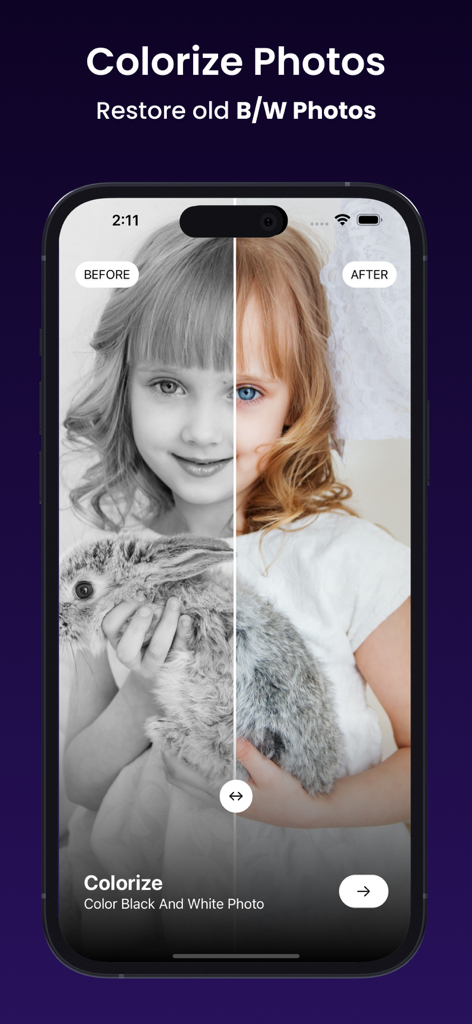
Ai Photo Retouchアプリで白黒写真がカラー化された前後の比較
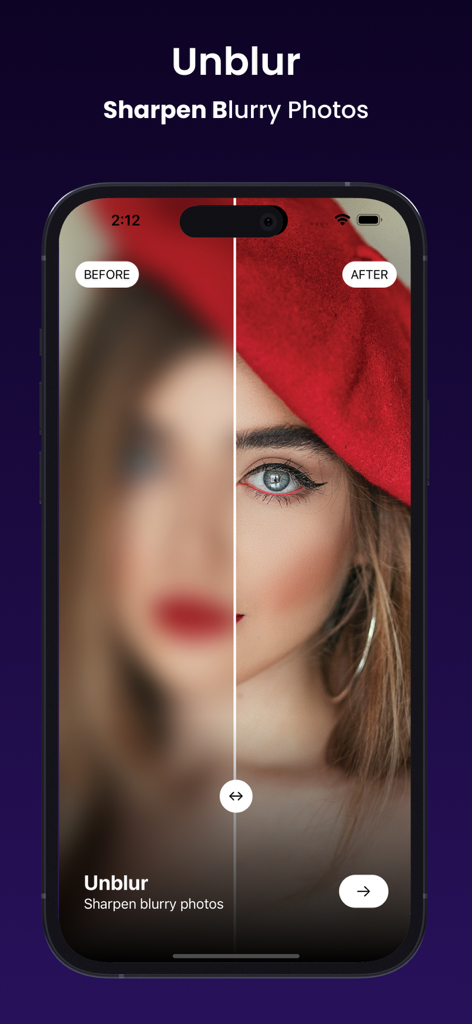
ポートレートにAIのぼかし解除・シャープ機能が適用された前後の比較
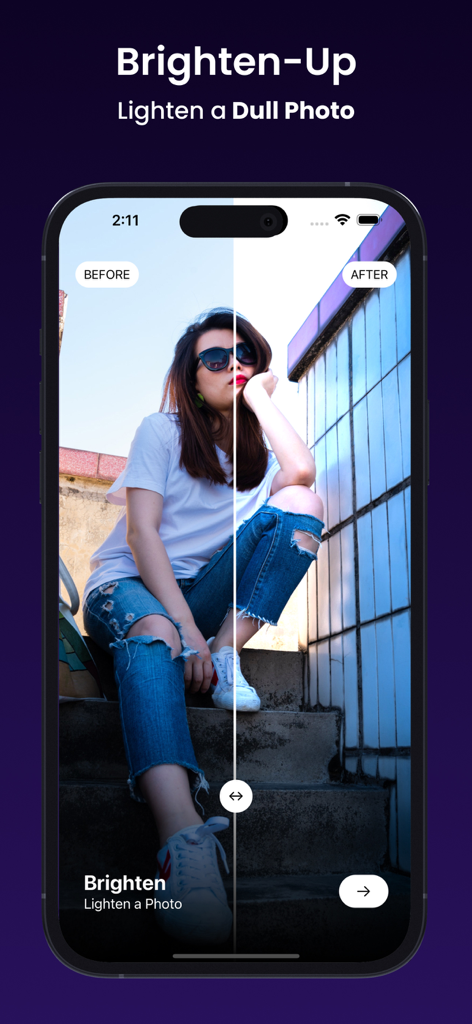
Ai Photo RetouchアプリのBrighten-Up機能を使用した写真の前後の比較
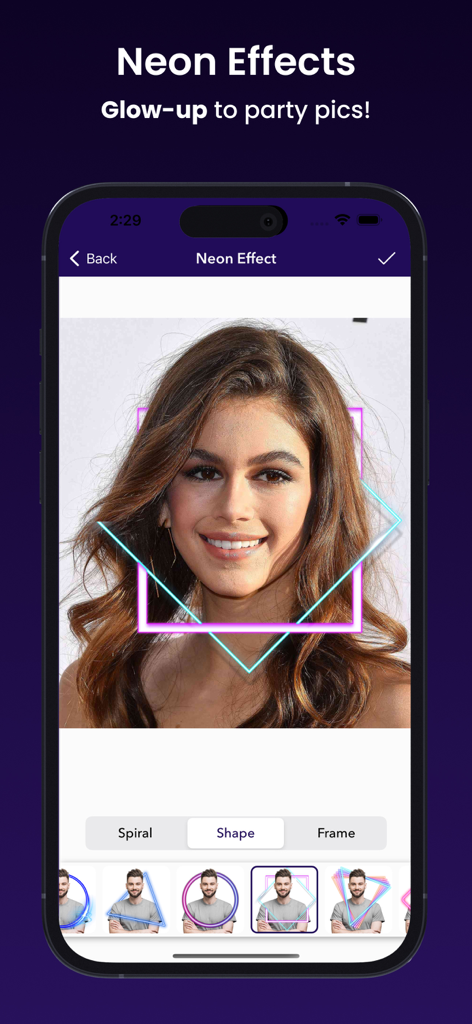
写真編集用のネオングリーン図形とフレームを表示するモバイルアプリのインターフェース
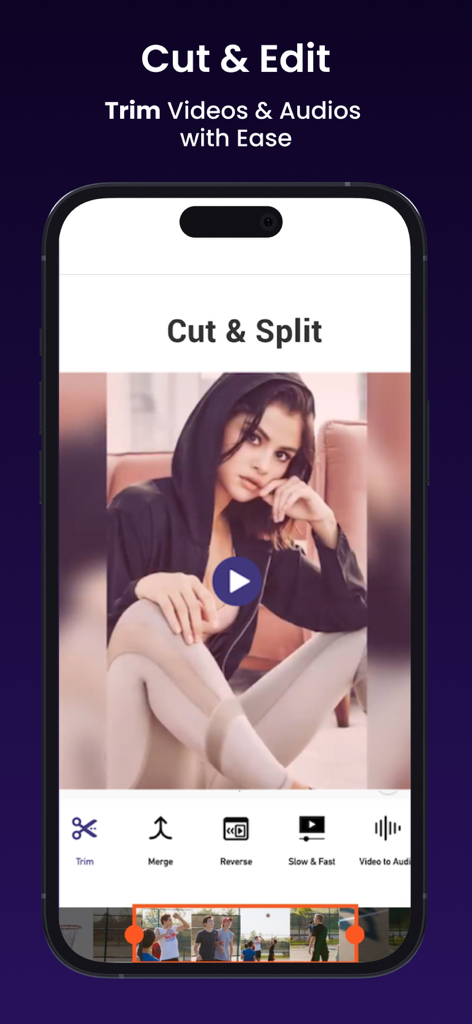
ソーシャルメディアコンテンツ用のカットおよび分割機能を示すモバイルビデオエディタのインターフェース
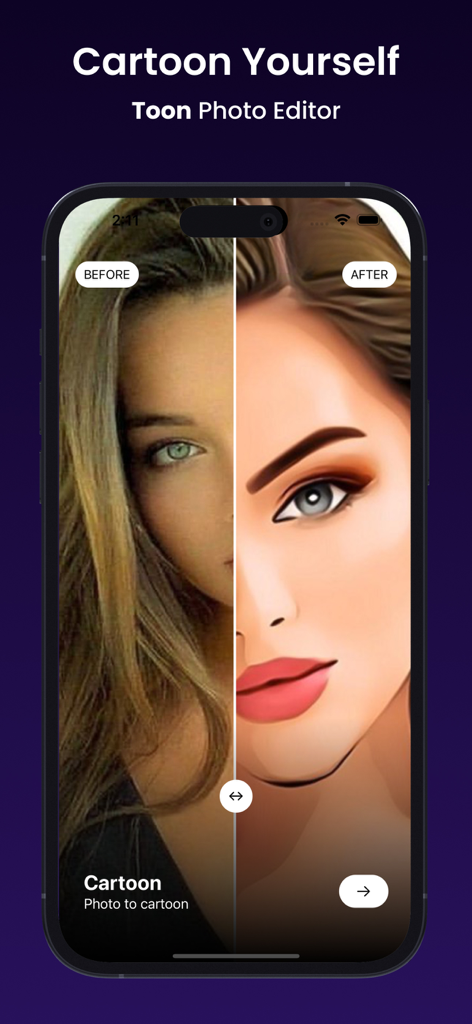
トーンエディタ機能を使用して写真が漫画スタイルに変換された前後の比較
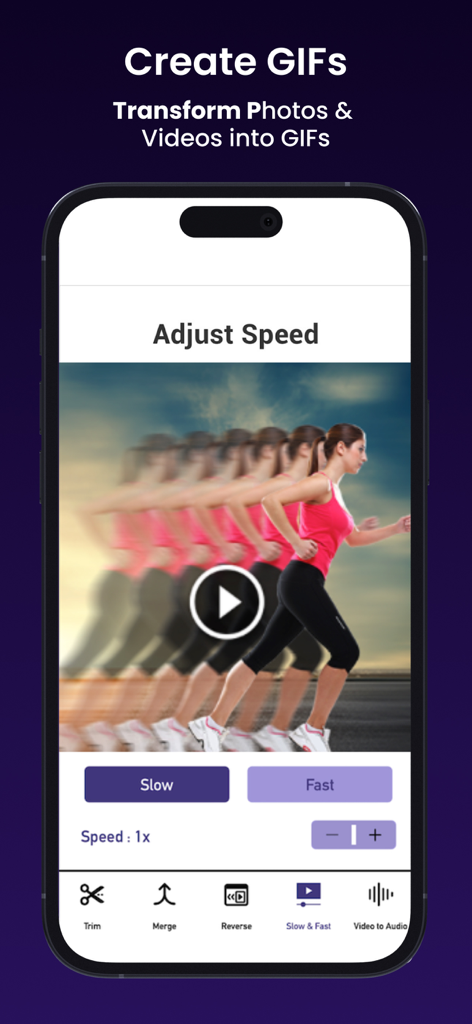
スローモーションおよびファストモーションコントロールを備えたビデオ再生速度調整用のモバイルインターフェース
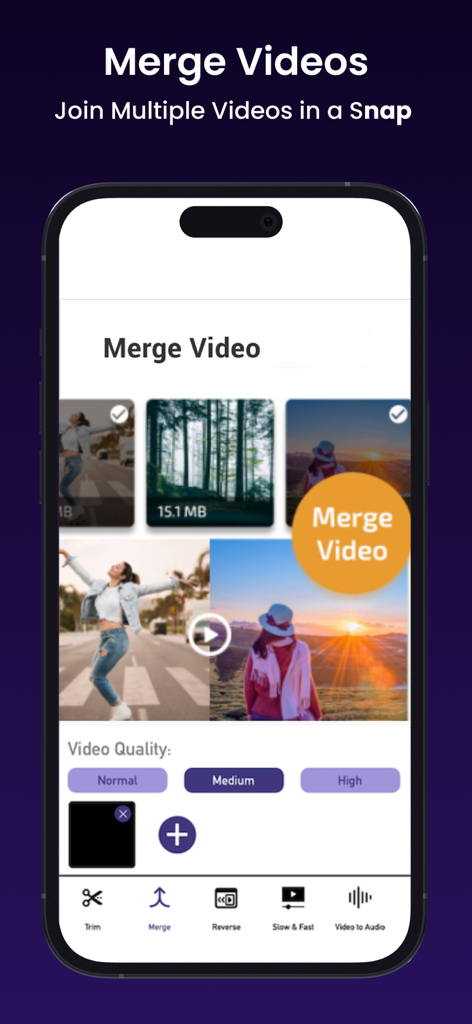
複数のビデオクリップと品質設定を表示するモバイルアプリのインターフェース、Merge Videos機能
説明
Download
類似アプリ
似た機能とユーザー体験を持つアプリ

No Crop Photo Video Resize
Honk Honk Punch Pty Ltd
Blackhole Lite - Black Hole
Parth Talpara

CutStory: AI Reels Editor
LLC Sport Star Management

No Crop - Square quick sized
HOANG PHAM

TikEdit-国际版国外热门短视频编辑器
琼 周

Quick Edit: Video,Photo Editor
Monjur Morshed

Edit Up: AI Photo Video Editor
Debotosh Dey

BlackSave Video Spliter
Milinda Dsouza

Video Plus - Music Editor Crop
pixel force private limited
このページはアプリまたはその開発者の公式ページではなく、情報提供および論評を目的として作成された独立した編集出版物です。明示的に別段の記載がない限り、アプリおよびその開発者は、MWM、Apple、Google Play、アプリのパブリッシャー、またはアプリの開発者と提携、承認、後援、認可、またはその他の公式的な関係はなく、このページのいかなる内容も、アプリがMWMのサービスを使用して開発されたことを意味するものではありません。すべての商標、ロゴ、スクリーンショット、その他のコンテンツはそれぞれの所有者の財産です。