Voice Aloud Reader TTS reader

Voice Aloud Reader TTS reader

ダウンロード: App Store
ロゴ: Voice Aloud Reader TTS reader

Voice Aloud Reader TTSリーダー:あらゆるテキストをあなたのパーソナルポッドキャストに

PDF、Webページ、写真を自然な音声に変換します。通勤中、運動中、または目を休ませている間に、生産性を向上させ、読書リストをマスターしましょう。

ダウンロード: App Store

開発元

汇杭 钟

カテゴリ

Utilities

ダウンロード

6K+

ユーザー評価

5.0/5

評価数

0

対応言語

19

あなたの読書を、視覚化する

このインターフェースを利用する 6K+ 人のユーザー.

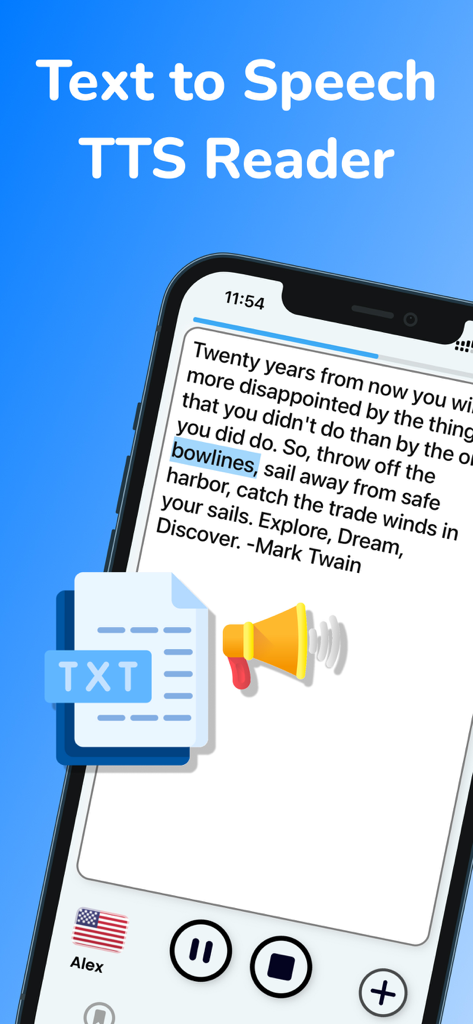
テキスト読み上げアプリが、単語のハイライトと音声コントロールを備えた引用を表示しています
テキスト読み上げアプリが、単語のハイライトと音声コントロールを備えた引用を表示しています

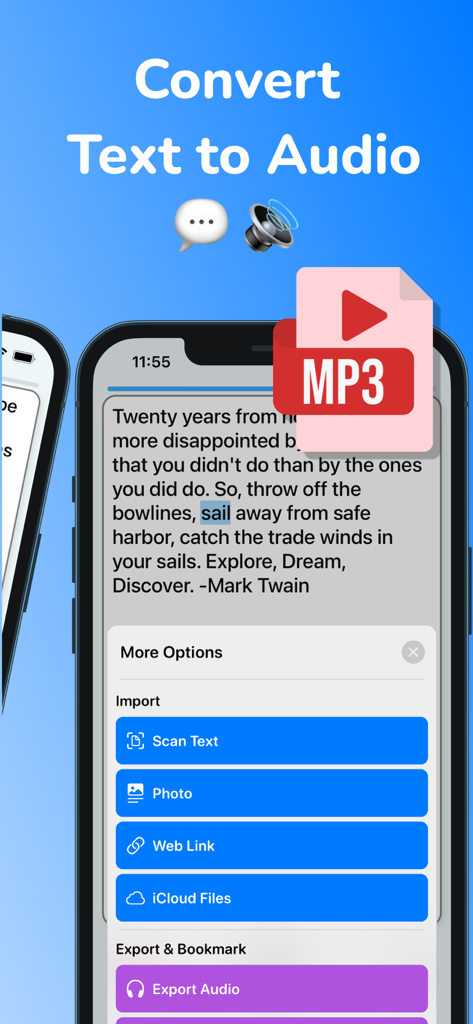
Voice Aloud Readerアプリのインターフェースが、テキストから音声への変換と、テキストをスキャンしてMP3にエクスポートするオプションを表示しています
Voice Aloud Readerアプリのインターフェースが、テキストから音声への変換と、テキストをスキャンしてMP3にエクスポートするオプションを表示しています

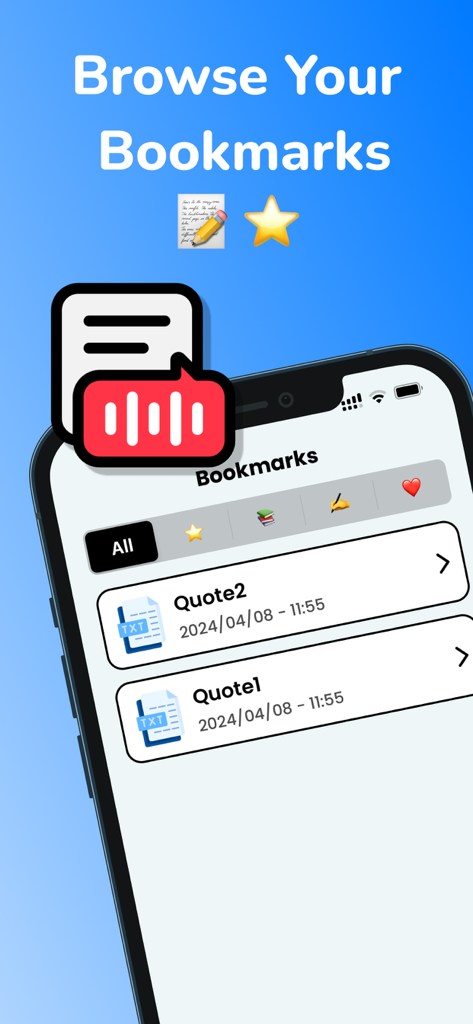
テキスト読み上げアプリのインターフェースが、ブックマークされたテキスト引用のリストを表示しています
テキスト読み上げアプリのインターフェースが、ブックマークされたテキスト引用のリストを表示しています

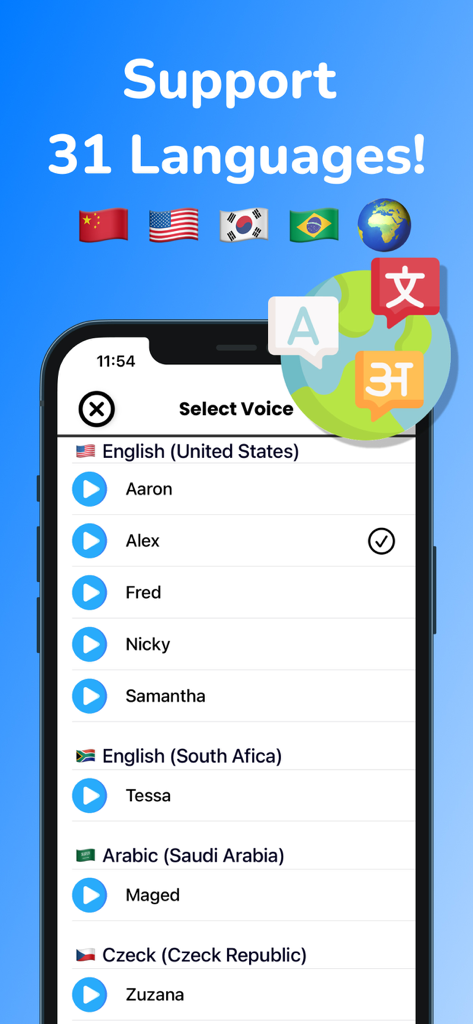
Voice Aloud Readerアプリの音声選択メニュー画面。31言語をサポートしています。

Voice Aloud Readerアプリの音声選択メニュー画面。31言語をサポートしています。

よりスマートに、より楽に読む

このアプリを際立たせるツール、 6K+ 人のユーザーが選択.

🎧

いつでも、どこでも聞く

PDF、Web記事、ドキュメントを高品質なオーディオに変換します。MP3にエクスポートして、通勤中やワークアウト中に読書リストをこなしましょう。

📸

インスタントペーパー・トゥ・スピーチ

高度なOCRを使用して、物理的な本や写真をスキャンします。写真を撮ってすぐに聞くことができ、紙とデジタル生産性のギャップを埋めます。

集中力と記憶力の向上

リアルタイムのテキストハイライトで理解力を向上させます。失読症、ADHD、または言語学習に最適で、聞きながら視覚的に追従できます。

アプリについて

について知っておくべきこと Voice Aloud Reader TTS reader.

説明

Are you looking for an easy-to-use and versatile text to speech app? Look no further than Text To Speech - TTS Reader. This app allows you to convert text to speech in 31 different languages, making it perfect for international users. You can even change the speaker, speed, and pitch to create a personalized listening experience. In addition to converting text to speech, Text To Speech - TTS Reader also works as a text reader, allowing you to read text aloud and scan text or photos via OCR. It's perfect for people with dyslexia and other reading difficulties. Other features of this app include the ability to export audio files in mp3 format, add bookmarks, and import text from weblinks and iCloud files (including PDFs). You can even highlight spoken text to keep track of your reading progress. Using Text To Speech - TTS Reader is easy. Simply import your text, select a speaker, adjust the speed and pitch, and tap the play button to hear your text read aloud. We value your feedback and are always looking for ways to improve our app. If you have any suggestions or issues, please contact us at andychung.cc@gmail.com. === Subscription options === The app is free to download, but to access premium features, a subscription is required. With the subscription, you'll enjoy uninterrupted access to our premium features. Your subscription will automatically renew at the end of each term, and your credit card will be charged through your iTunes account within 24 hours before the end of the current period. If you wish to cancel the automatic renewal of your subscription, you can do so at any time by accessing your iTunes account settings. However, please note that refunds will not be provided for any unused portion of the term. To ensure a successful cancellation, please make sure to turn off auto-renewal at least 24 hours before the end of the current period. Terms of use: https://tts.andyrgb.com/terms Privacy Policy: https://tts.andyrgb.com/privacy

最新バージョン

1.8

サイズ

32.9 MB

リリース日

2022年4月4日

あらゆるドキュメントをパーソナルオーディオブックに

外出先で読書リストをこなす何千人もの学生や専門家に加わりましょう。今すぐダウンロードして、PDF、Web記事、写真をすぐに聞き始めましょう。

ダウンロード: App Store

App information, icons, screenshots, and descriptions displayed on this page are sourced from the Apple App Store and are the property of their respective developers. Download estimates and rankings are based on MWM's proprietary models and may not reflect actual figures. This page is provided for informational and analytical purposes only.

Believe this page infringes your intellectual property? File a dispute