
このページはアプリまたはその開発者の公式ページではなく、情報提供および論評を目的として作成された独立した編集出版物です。明示的に別段の記載がない限り、アプリおよびその開発者は、MWM、Apple、Google Play、アプリのパブリッシャー、またはアプリの開発者と提携、承認、後援、認可、またはその他の公式的な関係はなく、このページのいかなる内容も、アプリがMWMのサービスを使用して開発されたことを意味するものではありません。すべての商標、ロゴ、スクリーンショット、その他のコンテンツはそれぞれの所有者の財産です。

Voice Recorder・Audio Recording
すべての会議や講義をクリアな音質でキャプチャしましょう。音声を簡単にテキストに変換し、プロのように編集し、内蔵のアプリ保護機能で機密性の高い録音を安全に保ちます。
ダウンロード
124K+ユーザー評価
評価数
200開発元
カテゴリ
Productivity対応言語
31最新バージョン
4.5サイズ
121.6 MBリリース日
2024年11月19日ハイパフォーマンスプロフェッショナルのための究極のツール
音声の録音、文字起こし、保護を楽に行えます。シンプルなボイスメモ以上のものを必要とする方のために設計されました。
スマート音声テキスト変換
会議、講義、インタビューの正確な文字起こしを瞬時に行い、手作業の時間を大幅に節約しましょう。
プロレベルの録音モード
スタジオ、会議、音楽の各モードに特化した設定で音質を最適化し、あらゆるディテールを完璧にキャプチャします。
よくある質問
について知っておくべきこと Voice Recorder・Audio Recording
Voice Recorder: Sound Recorderの主な機能は何ですか?
Voice Recorder: Sound Recorderは、比類のない明瞭さでオーディオ録音をキャプチャおよび編集します。さまざまなニーズに対応するため、高品質の録音、編集機能、オーディオからテキストへの変換などの高度なツールを提供します。
Voice Recorder: Sound Recorderは、録音にどのオーディオ形式をサポートしていますか?
Voice Recorder: Sound Recorderは、高品質のM4A、WAV、CAV形式での録音をサポートしています。ユーザーは、最適なサウンドの明瞭さのために、元の品質、高、中、通常の品質設定を調整することもできます。
Voice Recorder: Sound Recorderは、オーディオからテキストへの変換機能を提供していますか?
はい、Voice Recorder: Sound Recorderにはオーディオからテキストへのコンバーター機能が含まれています。これにより、録音からの話し言葉を迅速かつ正確にテキストに変換でき、メモ、要約、またはキャプションの時間を節約できます。
Voice Recorder: Sound Recorderで、ユーザーは録音をどのように保護できますか?
ユーザーは、組み込みのアプリロック機能を使用してVoice Recorder: Sound Recorderで録音を保護します。このオプションは、不正アクセスを防ぐためにアプリケーションを保護し、すべての重要な録音のプライバシーを保証します。
Voice Recorder: Sound Recorderで、オーディオ録音からビデオを作成できますか?
はい、Voice Recorder: Sound Recorderを使用すると、オーディオ録音をビデオに変換できます。写真統合機能は、録音と写真を組み合わせてカスタムビジュアルコンテンツを作成し、思い出やプレゼンテーションの共有に最適です。
Voice Recorder: Sound Recorderで利用可能な録音モードは何ですか?
Voice Recorder: Sound Recorderは、スタジオ、会議、標準、音楽&生録音の複数の録音モードを提供しています。これらのモードは、プロの音楽制作から、ディスカッションや日常のメモのキャプチャまで、さまざまなニーズに対応しています。
Voice Recorder: Sound Recorderで、オーディオ録音をどのように編集できますか?
Voice Recorder: Sound Recorderは、簡単な編集機能を提供します。ユーザーは録音の名前を変更したり、不要な部分をトリミングまたはカットしたり、整理を改善するための詳細を追加したりできます。これにより、オーディオファイルの管理が簡単かつ効率的になります。
Voice Recorder: Sound Recorderアプリは、録音に使いやすいですか?
はい、Voice Recorder: Sound Recorderは、使いやすいシンプルなデザインを特徴としています。ユーザーは、直感的なコントロールで、高品質のオーディオ録音を簡単に開始し、録音を編集し、安全に保つことができます。
以下のスクリーンショットと説明は、アプリの公式ストアリスティングから直接取得されたものであり、アプリ開発者の所有物です。
アプリストア
スクリーンショット
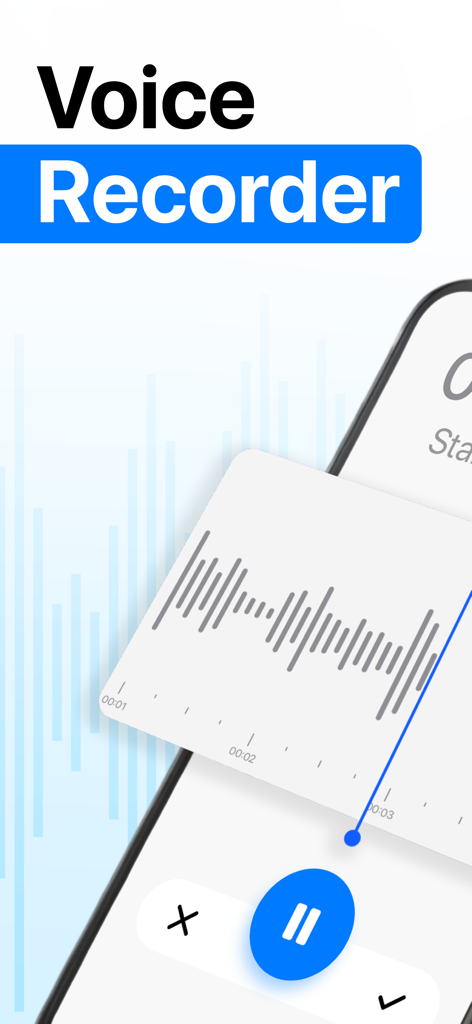
録音波形表示と一時停止ボタンを備えた、音声録音用のモバイルアプリインターフェイス
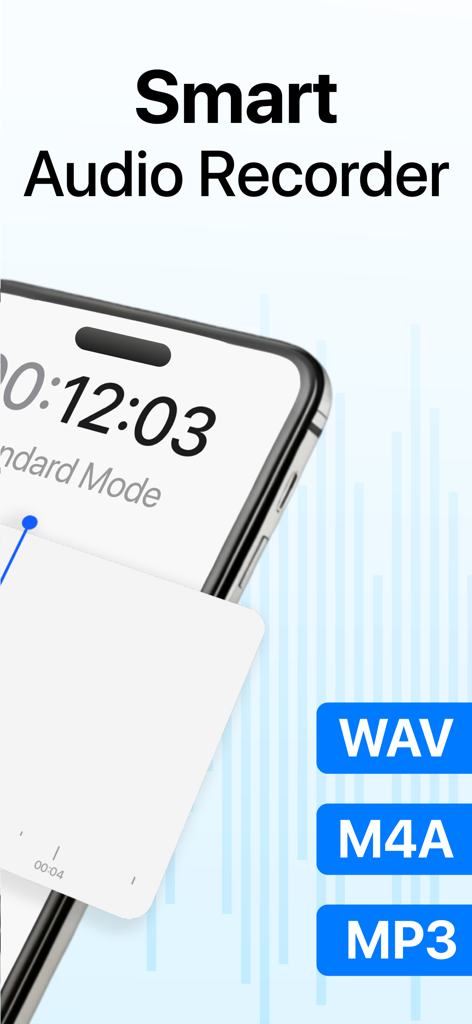
WAV、M4A、MP3オーディオフォーマットのサポートを示すスマートオーディオレコーダーアプリ
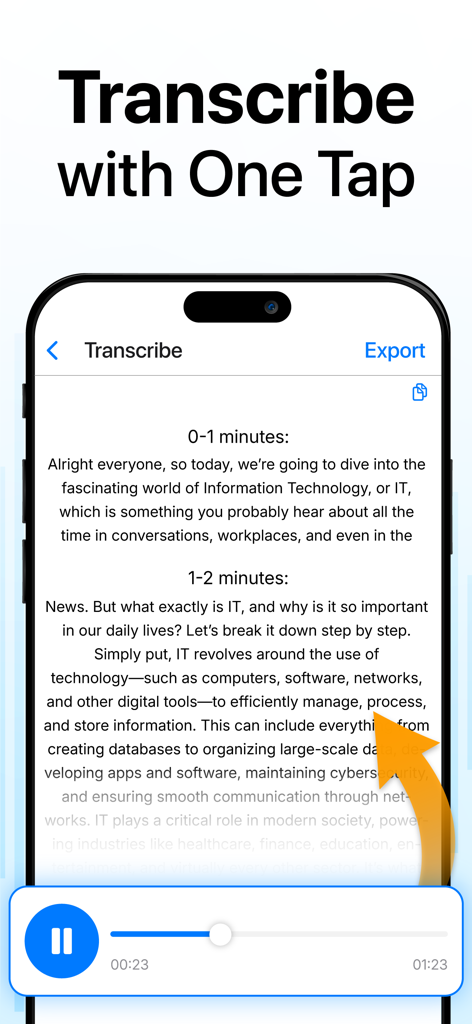
ボイスレコーダーアプリの音声からテキストへの文字起こし機能を示すスマートフォンの画面
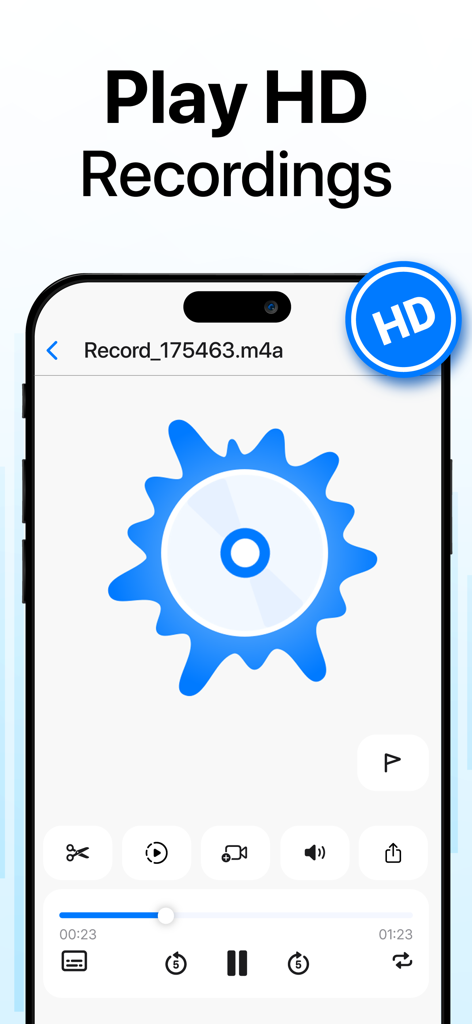
スマートフォン上のHDオーディオコントロールと編集ツールを備えた、ボイスレコーダーアプリの再生画面
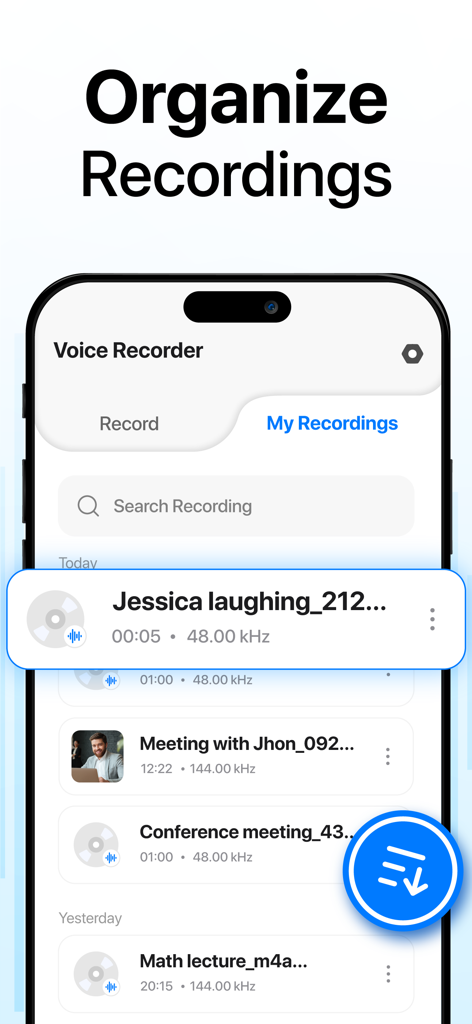
ラベル付きオーディオファイルのリストと検索バーを示す「マイレコーディング」タブを表示するスマートフォンインターフェイス
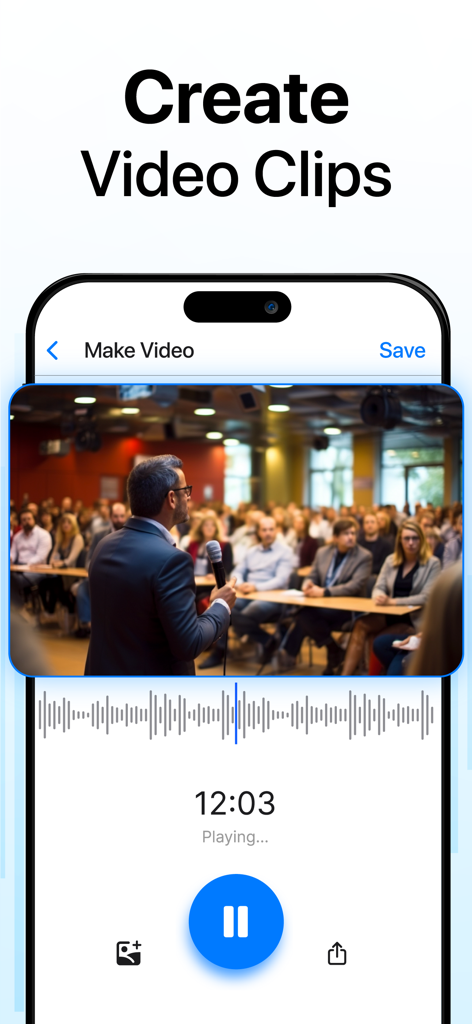
プロのセミナーの写真を追加して、オーディオ録音からビデオクリップを作成する方法を示すボイスレコーダーアプリインターフェイス
説明
Download
類似アプリ
似た機能とユーザー体験を持つアプリ

Plaud: AI Note Taker
PLAUD LLC

Notee: AI Note Taker
GM UniverseApps Limited

클로바노트 - 음성 그 이상의 기록
NAVER Corp.

录音专家-专业录音转文字助手
Chongqing Yeyuegua Technology Co., Ltd

听脑AI - 实时录音转文字总结助手
Shanghai Xiuyu Network Technology Co., Ltd

Granola - AI Meeting Notes
Granola inc

Transkriptor - Speech to Text
Textintel FZE

Minutes: AI Meeting Note Taker
Minutes AI, LLC

Fireflies: AI notetaker
FIREFLIES.AI CORP.
このページはアプリまたはその開発者の公式ページではなく、情報提供および論評を目的として作成された独立した編集出版物です。明示的に別段の記載がない限り、アプリおよびその開発者は、MWM、Apple、Google Play、アプリのパブリッシャー、またはアプリの開発者と提携、承認、後援、認可、またはその他の公式的な関係はなく、このページのいかなる内容も、アプリがMWMのサービスを使用して開発されたことを意味するものではありません。すべての商標、ロゴ、スクリーンショット、その他のコンテンツはそれぞれの所有者の財産です。