Watermark Maker: Add Signature
ダウンロード: App Store

このページはアプリまたはその開発者の公式ページではなく、情報提供および論評を目的として作成された独立した編集出版物です。明示的に別段の記載がない限り、アプリおよびその開発者は、MWM、Apple、Google Play、アプリのパブリッシャー、またはアプリの開発者と提携、承認、後援、認可、またはその他の公式的な関係はなく、このページのいかなる内容も、アプリがMWMのサービスを使用して開発されたことを意味するものではありません。すべての商標、ロゴ、スクリーンショット、その他のコンテンツはそれぞれの所有者の財産です。


ロゴ: Watermark Maker: Add Signature
ダウンロード: App Store

Watermark Maker: Add Signature

クリエイターや起業家のためのオールインワンツール。プロ仕様の透かしデザイン、AIによるオブジェクト除去、デジタル資産の保護を外出先で手軽に行えます。

主要数値

ダウンロード

2M+

ユーザー評価

4.6/5

評価数

83K+

開発元

Ezyabsorb PTE LTD

カテゴリ

Photo & Video

対応言語

12

最新バージョン

3.0.17

サイズ

208.6 MB

リリース日

2016年10月6日
機能

コンテンツを保護し、ブランドを拡大する

クリエイターや起業家が作品を保護し、プロフェッショナルなアイデンティティを維持できるように設計された、オールインワンの透かし追加およびAI編集ツール。

カスタムブランド署名

あらゆるソーシャルプラットフォームでデジタル資産を守るために、プロ仕様のロゴや署名を簡単に作成し、適用できます。

AI搭載の画像クリーンアップ

高度なAI技術を使用して、邪魔な背景のオブジェクトやテキストをワンタップで削除し、ポートフォリオを完璧に仕上げます。

以下のスクリーンショットと説明は、アプリの公式ストアリスティングから直接取得されたものであり、アプリ開発者の所有物です。

アプリストア

スクリーンショット
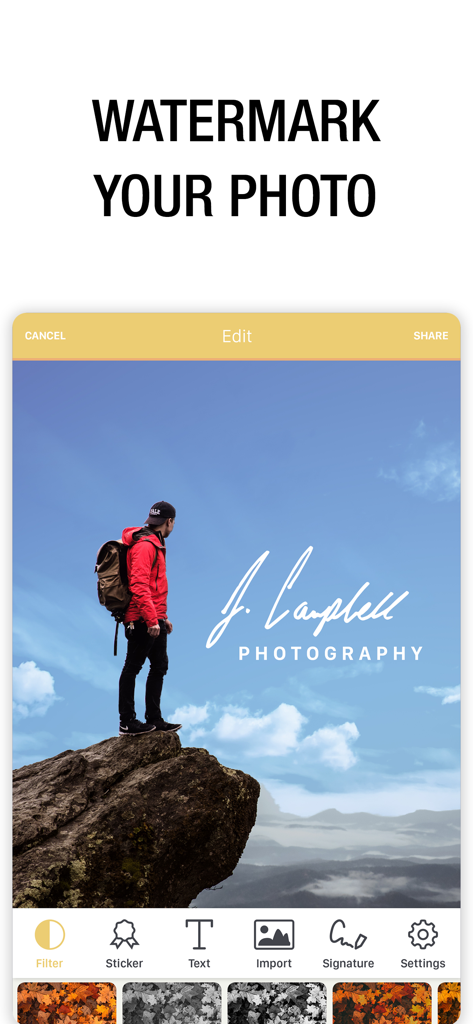
Watermark Maker: Add Signature - 風景写真にプロ仕様の署名透かしが表示されたモバイルアプリのインターフェース
風景写真にプロ仕様の署名透かしが表示されたモバイルアプリのインターフェース

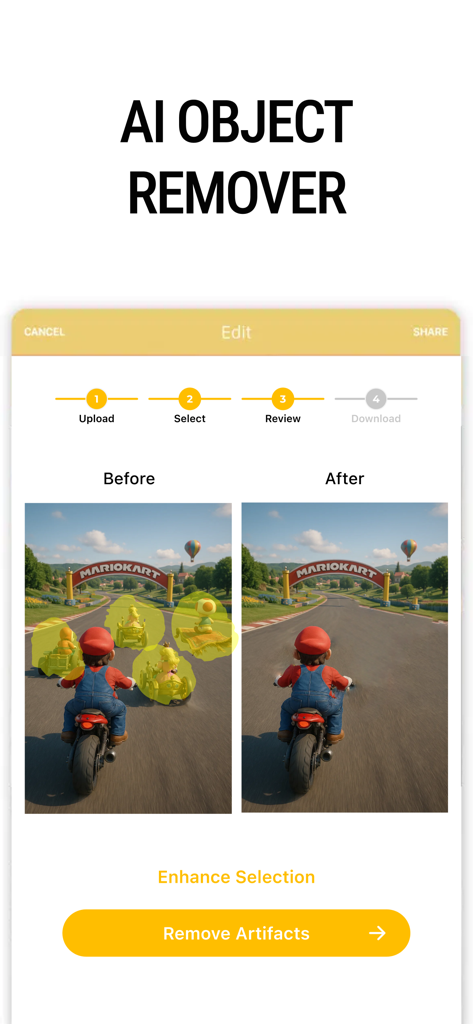
Watermark Maker: Add Signature - モバイルアプリのインターフェースにおけるAIオブジェクト除去ツールの使用前と使用後の比較
モバイルアプリのインターフェースにおけるAIオブジェクト除去ツールの使用前と使用後の比較

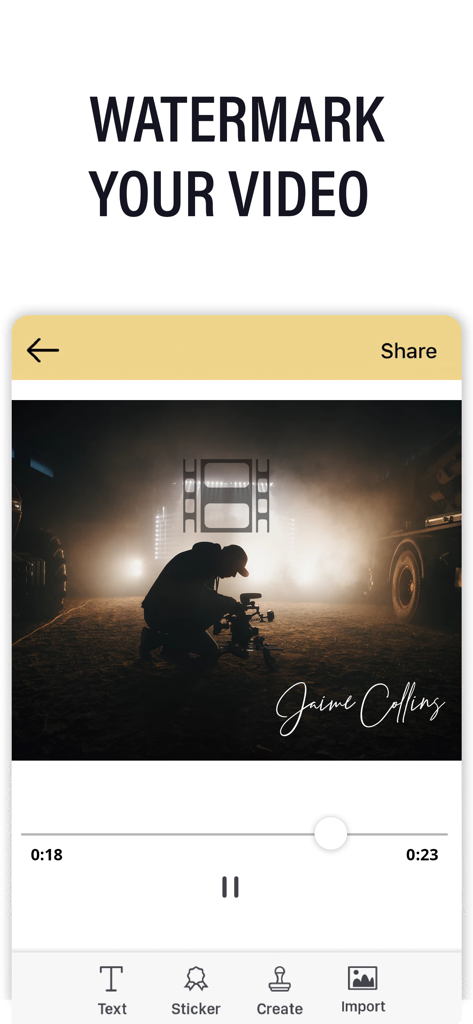
Watermark Maker: Add Signature - プロ仕様のビデオに署名の透かしが追加されたモバイルアプリのインターフェース
プロ仕様のビデオに署名の透かしが追加されたモバイルアプリのインターフェース

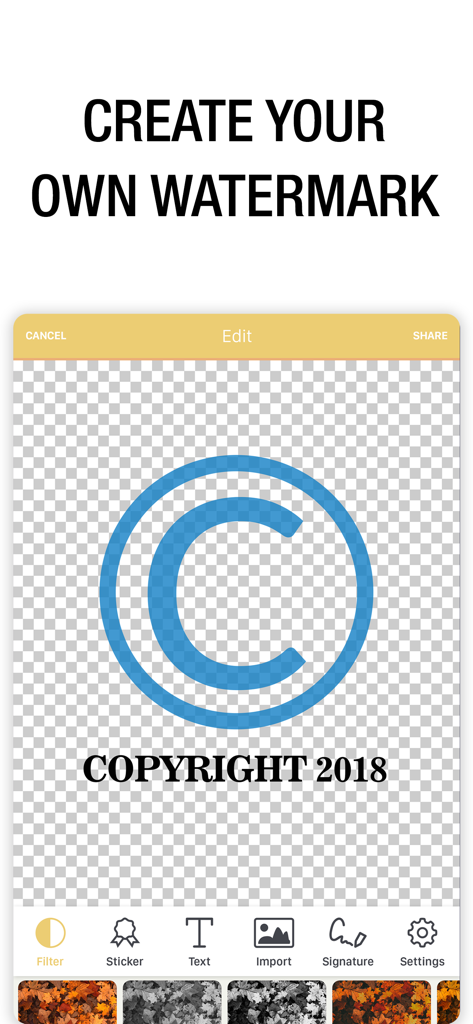
Watermark Maker: Add Signature - 透明な背景にカスタム著作権透かしがデザインされているモバイルアプリのインターフェース
透明な背景にカスタム著作権透かしがデザインされているモバイルアプリのインターフェース

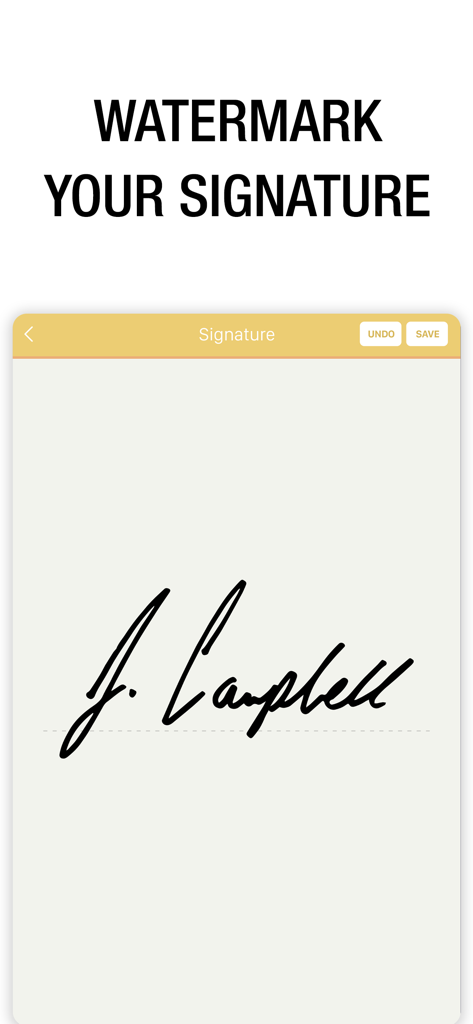
Watermark Maker: Add Signature - アプリのインターフェースでパーソナライズされた署名の透かしを作成している様子
アプリのインターフェースでパーソナライズされた署名の透かしを作成している様子

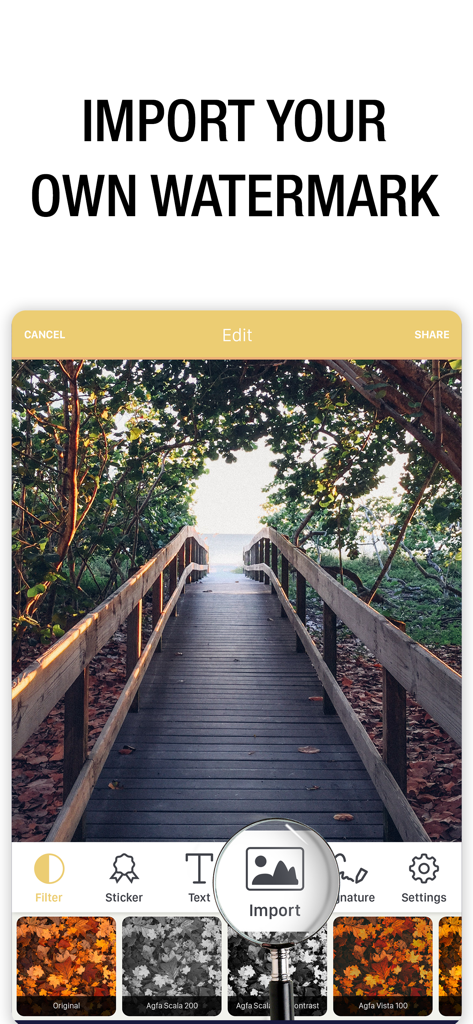
Watermark Maker: Add Signature - カスタム透かしのインポートとフィルター適用のオプションが表示された、木製の遊歩道の写真を表示するモバイルアプリのインターフェース
カスタム透かしのインポートとフィルター適用のオプションが表示された、木製の遊歩道の写真を表示するモバイルアプリのインターフェース

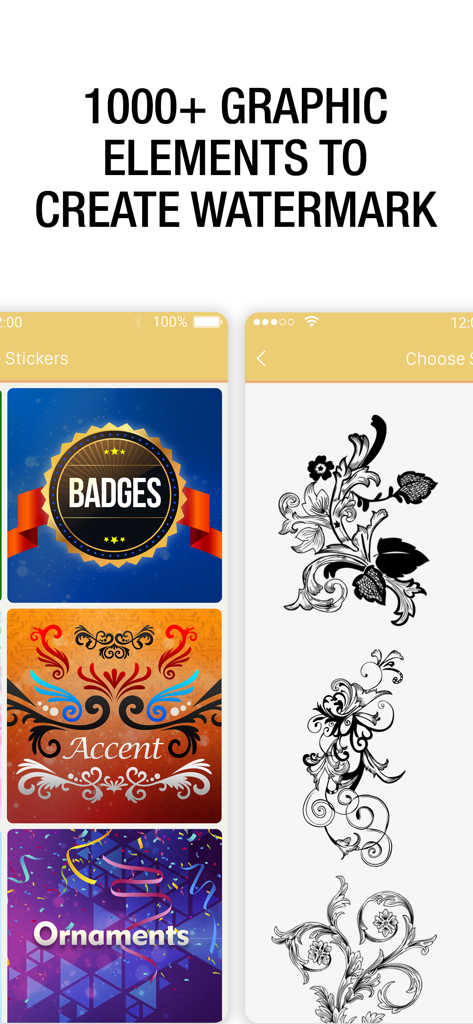
Watermark Maker: Add Signature - カスタム透かしを作成するためのバッジや装飾品を含む1000以上のグラフィック要素のライブラリが表示されたアプリ画面
カスタム透かしを作成するためのバッジや装飾品を含む1000以上のグラフィック要素のライブラリが表示されたアプリ画面

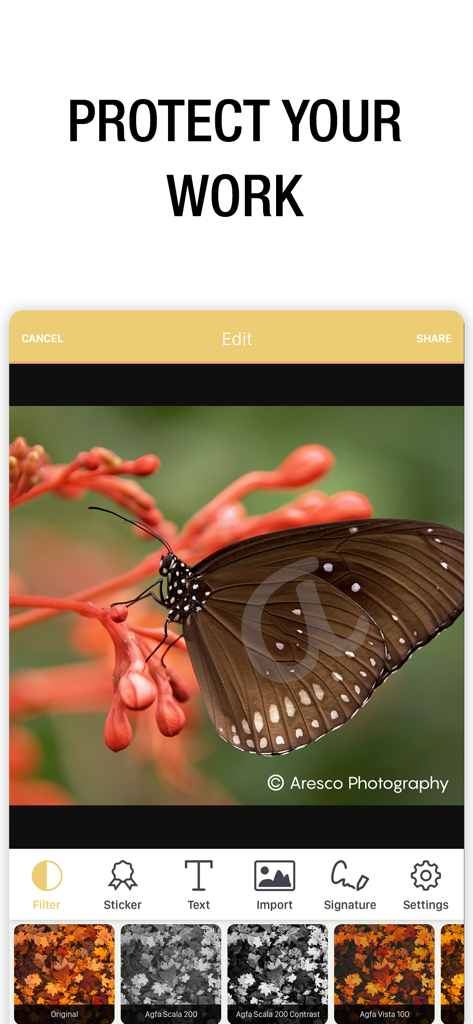
Watermark Maker: Add Signature - プロ仕様の透かしとブランディングオプションが表示された、蝶の写真のアプリインターフェース
プロ仕様の透かしとブランディングオプションが表示された、蝶の写真のアプリインターフェース

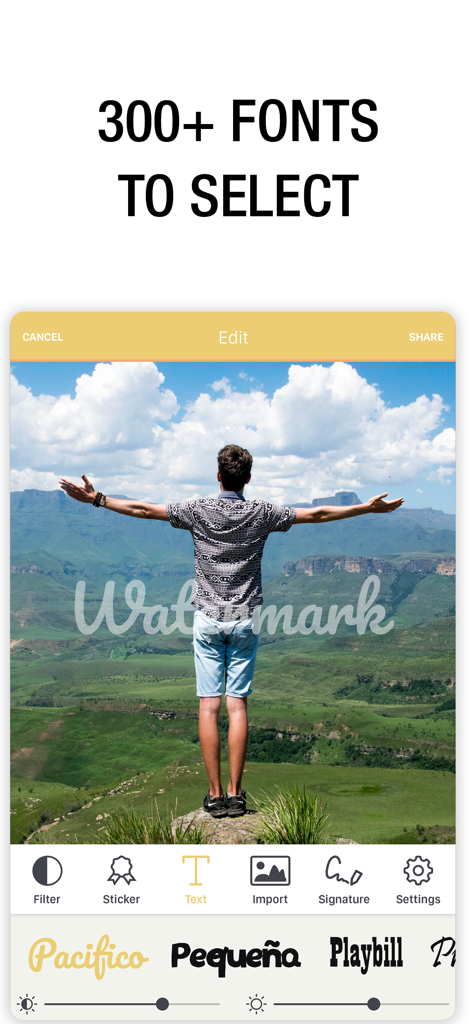
Watermark Maker: Add Signature - 写真に透かしがオーバーレイされ、PacificoやPlaybillなどのさまざまなフォントスタイルオプションが表示されたウォーターマークメーカーのアプリインターフェース

写真に透かしがオーバーレイされ、PacificoやPlaybillなどのさまざまなフォントスタイルオプションが表示されたウォーターマークメーカーのアプリインターフェース

説明

Transform your brand presence with Watermark Photo – the ultimate tool for crafting custom watermarks with ease! Safeguard your brand identity and photos effortlessly, right from your device. • Create Stunning Watermarks: Add logos, copyrights icons, and unique designs to your photos with ease. • Customize with Ease: Choose from a vast library of fonts, clip art, and colors to design your watermark. • Transparent Backgrounds: All watermarks come with transparent backgrounds for seamless integration into any photo or video. • Advanced Text Tools: Create unique typography art for your personal brand effortlessly. • Share with Ease: Export your designs to an album or share them with friends, colleagues, or your team directly from the app. • Includes AI-powered object and text removal for cleaner, more professional results In today's digital age, protecting your brand online is crucial. With Watermark Photo, you can create personalized watermarks in seconds, ensuring your brand remains secure and recognizable across the web. Whether you're a photographer, business owner, or artist, this app is a must-have. No design experience? No problem! Our intuitive interface empowers you to add logos, signatures, and a myriad of design elements to your watermark – no professional skills required. Simply select from our vast library of fonts, clip art, and colors to create a watermark that perfectly reflects your brand identity and creative flair. From safeguarding your copyright to asserting ownership of your images, Watermark Photo provides everything you need to make your mark online. Plus, sharing your designs is a breeze, thanks to our seamless in-app sharing feature. Ready to take control of your brand presence? Customize your watermark today with Watermark Photo – Download now and make your mark! WATERMARK PHOTO SUBSCRIPTION PRICING AND TERMS • Payment will be charged to Apple Account at confirmation of purchase. • Subscription automatically renews unless auto-renew is turned off at least 24-hours before the end of the current period. • Account will be charged for renewal within 24-hours prior to the end of the current period, and identify the cost of the renewal. • Subscriptions may be managed by the user and auto-renewal may be turned off by going to the user's Account Settings after purchase. • Any unused portion of a free trial period, if offered, will be forfeited when the user purchases a subscription to that publication, where applicable. Read our privacy policy at https://www.ezyabsorb.co/watermark-photo/privacy-policy Terms of Service: https://www.ezyabsorb.co/watermark-photo/terms-and-conditions

Download

ダウンロード: App Store

このページはアプリまたはその開発者の公式ページではなく、情報提供および論評を目的として作成された独立した編集出版物です。明示的に別段の記載がない限り、アプリおよびその開発者は、MWM、Apple、Google Play、アプリのパブリッシャー、またはアプリの開発者と提携、承認、後援、認可、またはその他の公式的な関係はなく、このページのいかなる内容も、アプリがMWMのサービスを使用して開発されたことを意味するものではありません。すべての商標、ロゴ、スクリーンショット、その他のコンテンツはそれぞれの所有者の財産です。







