Watermark・Add Text on Photo
ダウンロード: App Store

このページはアプリまたはその開発者の公式ページではなく、情報提供および論評を目的として作成された独立した編集出版物です。明示的に別段の記載がない限り、アプリおよびその開発者は、MWM、Apple、Google Play、アプリのパブリッシャー、またはアプリの開発者と提携、承認、後援、認可、またはその他の公式的な関係はなく、このページのいかなる内容も、アプリがMWMのサービスを使用して開発されたことを意味するものではありません。すべての商標、ロゴ、スクリーンショット、その他のコンテンツはそれぞれの所有者の財産です。


ロゴ: Watermark・Add Text on Photo
ダウンロード: App Store

Watermark・Add Text on Photo

インフルエンサーや個人事業主向けのオールインワン一括処理ツール。カスタムロゴ、プロフェッショナルなタイポグラフィ、QRコードで知的財産を保護します。

主要数値

ダウンロード

55K+

ユーザー評価

4.4/5

評価数

1K+

開発元

RAY INFORMATICS YAZILIM TEKNOLOJI MEDYA DANISMANLIK VE EGITIM TICARET LIMITED SIRKETI

カテゴリ

Graphics & Design

対応言語

15

最新バージョン

1.5.7

サイズ

30.5 MB

リリース日

2017年1月31日
機能

コンテンツを保護し、ブランドを成長させる

ソーシャルプラットフォーム全体で、視覚的な知的財産を保護し、プロフェッショナルなブランドアイデンティティを維持するために必要なすべてが、数秒で実現します。

インスタント一括処理

カスタム透かしを、一度に数十枚の写真や動画に適用します。手動編集の時間を節約し、ビジネスに集中しましょう。

スマートQRブランディング

すべてのシェアをリードに変えます。視聴者をポートフォリオ、ショップ、またはソーシャルメディアプロフィールに直接リンクするQRコードを自動生成します。

以下のスクリーンショットと説明は、アプリの公式ストアリスティングから直接取得されたものであり、アプリ開発者の所有物です。

アプリストア

スクリーンショット

Watermark・Add Text on Photo - 写真にテキストとQRコードの透かしが追加された状態を示すモバイルアプリのインターフェース

写真にテキストとQRコードの透かしが追加された状態を示すモバイルアプリのインターフェース

Watermark・Add Text on Photo - ブランディングとコンテンツ保護の機能に焦点を当てた、オールインワンの写真テキストエディターアプリのインターフェース
ブランディングとコンテンツ保護の機能に焦点を当てた、オールインワンの写真テキストエディターアプリのインターフェース

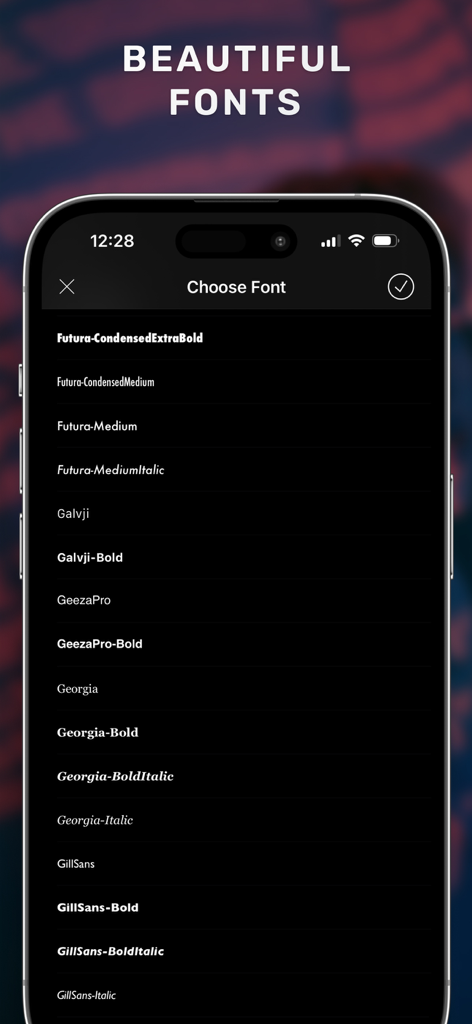
Watermark・Add Text on Photo - Watermarkアプリで写真にテキストを追加するための、さまざまなプロフェッショナルフォントオプションを示すスマートフォンの画面
Watermarkアプリで写真にテキストを追加するための、さまざまなプロフェッショナルフォントオプションを示すスマートフォンの画面

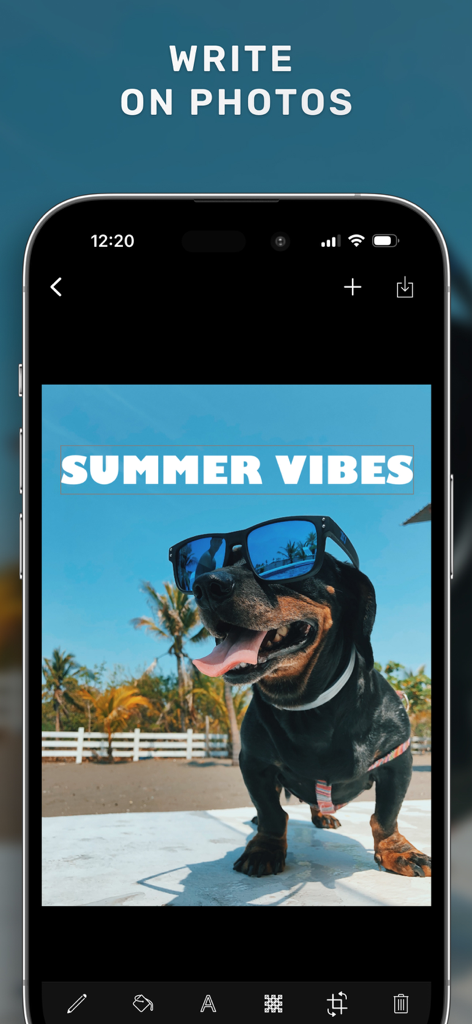
Watermark・Add Text on Photo - サングラスをかけた犬の写真に「Summer Vibes」というテキストが追加されたWatermarkアプリのインターフェースを示すスマートフォン画面
サングラスをかけた犬の写真に「Summer Vibes」というテキストが追加されたWatermarkアプリのインターフェースを示すスマートフォン画面

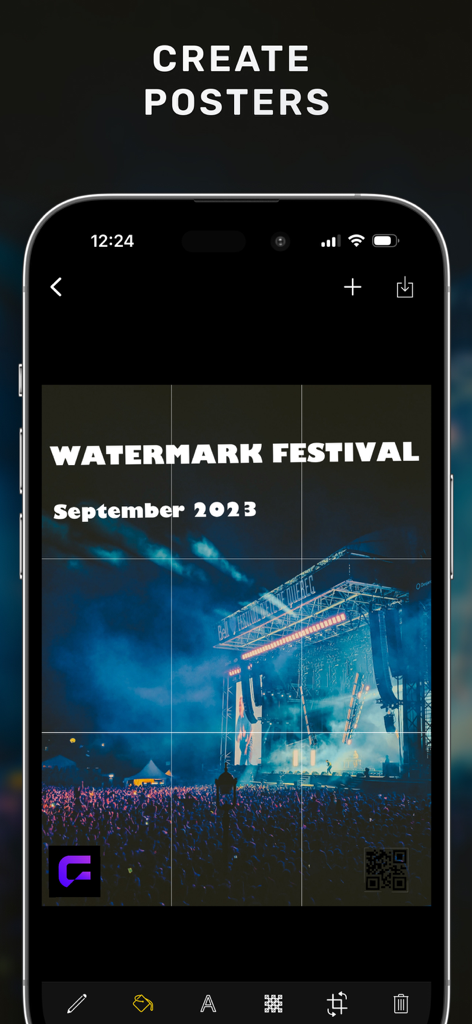
Watermark・Add Text on Photo - カスタムテキストとQRコードの透かしが付いたコンサートポスターを表示するモバイルアプリのインターフェース
カスタムテキストとQRコードの透かしが付いたコンサートポスターを表示するモバイルアプリのインターフェース

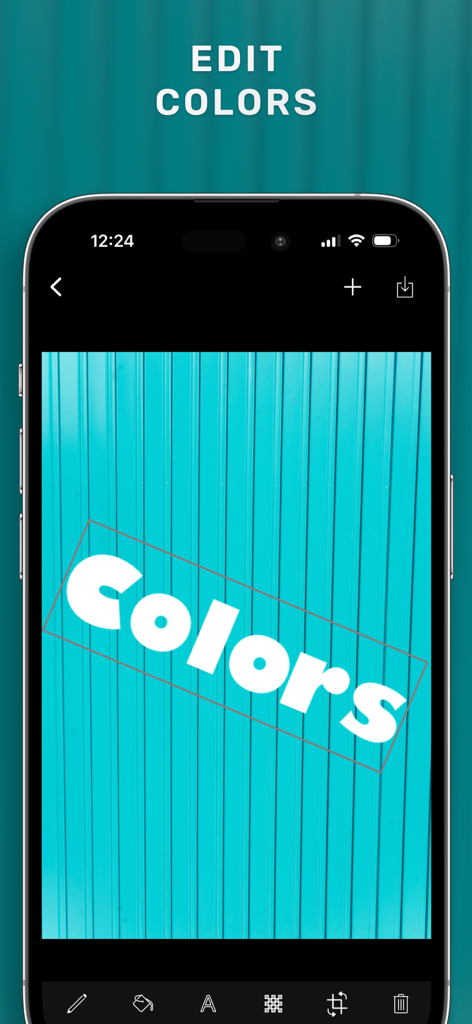
Watermark・Add Text on Photo - 写真にWatermarkアプリのテキストカラー編集機能が表示されているスマートフォンのインターフェース
写真にWatermarkアプリのテキストカラー編集機能が表示されているスマートフォンのインターフェース

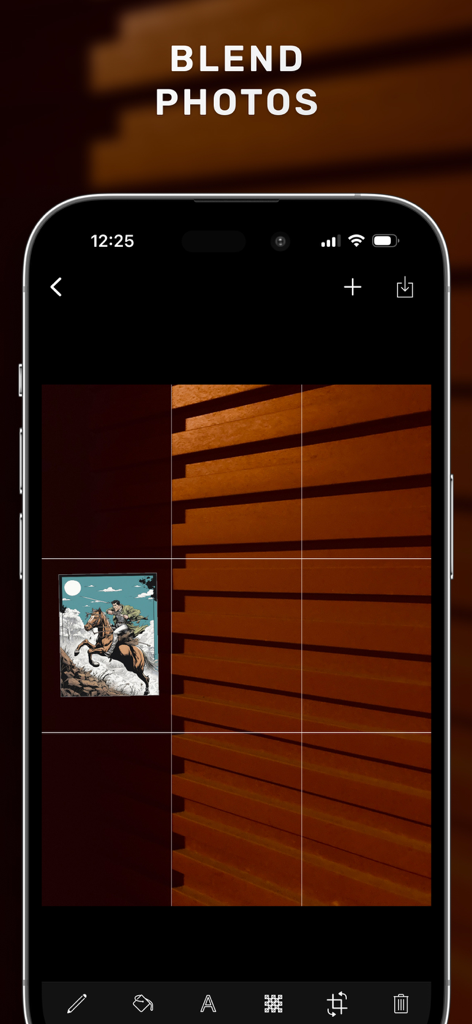
Watermark・Add Text on Photo - iPhone画面にWatermarkアプリのブレンド写真機能が表示されているモバイルインターフェース
iPhone画面にWatermarkアプリのブレンド写真機能が表示されているモバイルインターフェース

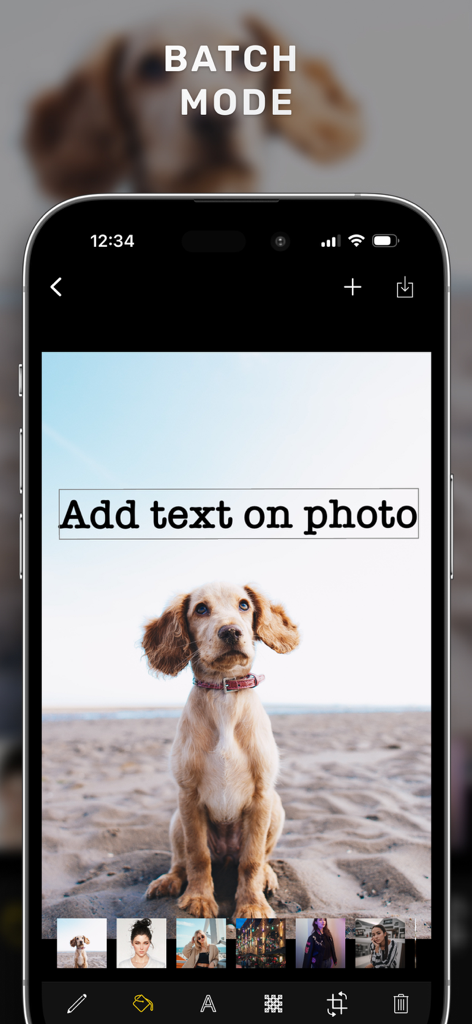
Watermark・Add Text on Photo - 複数の写真にテキストを追加するためのバッチモード機能を示すWatermarkアプリのインターフェース

複数の写真にテキストを追加するためのバッチモード機能を示すWatermarkアプリのインターフェース

説明

Add watermark as text, image, or QR code to your multiple photos or videos easily. A watermark is an essential design feature that protects your brand and photographs online. You can now quickly establish one with just a few taps to protect your brand, photos, media, or any other content. It's ideal for photographers, entrepreneurs, artists, editors, designers and a variety of other purposes. The Add Watermark offers everything you need to create a watermark that is entirely yours, whether you want to protect your copyright or show off ownership of your photographs. It's simple to use, and you can share your ideas directly from the app. Add Watermark app has tons of features specially designed to both protect copyrights and let content creators easily and quickly create beautiful watermarks at once. You can create lots of designs with Add Watermark, you can even create blend overlay photos! TEXT WATERMARK Create text watermarks with opacity, color and font options. Features; - Add Text to Photos & Videos - Text size is changeable. - Text color is changeable. - Text's stroke color is changeable. - Text is rotatable. You can use those features to create logos, brand flyers, posters, banners. QR WATERMARK Unify your works with an automatic QR code creator and watermark with QR Code. IMAGE WATERMARK You can add and blend your brand logos or other content with other formats such as .jpeg, .png, etc. Features - Add Logos to Photos - Logo or image size is changeable. - Multiple logos can be added to the same poster or photo. - Logo or image is rotatable. BEAUTIFUL TEXT COLORS We have chosen simple and mostly used text colors and added them to the user interface. IMAGE, TEXT, QR CODE WATERMARK TRANSPARENCY You can easily adjust the opacity of each watermark on your photos. EASY STAMP ADJUSTMENT Rotate, Scale and Translate with easy hand gestures. Add multiple images, texts or QR code watermarks and adjust each stamp or mark separately. Usage Instructions: - First, choose your photos and videos. - Tap on the watermark to edit and customize. - Tap + to add another watermark - See how your watermarked images look like. - Tap save button to save all images to your library. Watermark Pro Subscription Access all features of Watermark with Watermark Pro. Subscriptions are billed monthly or annually at the rate selected depending on the subscription plan. - Terms of use: https://www.rayinformatics.com/terms - Privacy policy: https://www.rayinformatics.com/privacy CONTACT - Visit rayinformatics.com/contact for support and feedback.

Download

ダウンロード: App Store

このページはアプリまたはその開発者の公式ページではなく、情報提供および論評を目的として作成された独立した編集出版物です。明示的に別段の記載がない限り、アプリおよびその開発者は、MWM、Apple、Google Play、アプリのパブリッシャー、またはアプリの開発者と提携、承認、後援、認可、またはその他の公式的な関係はなく、このページのいかなる内容も、アプリがMWMのサービスを使用して開発されたことを意味するものではありません。すべての商標、ロゴ、スクリーンショット、その他のコンテンツはそれぞれの所有者の財産です。







